ASUS
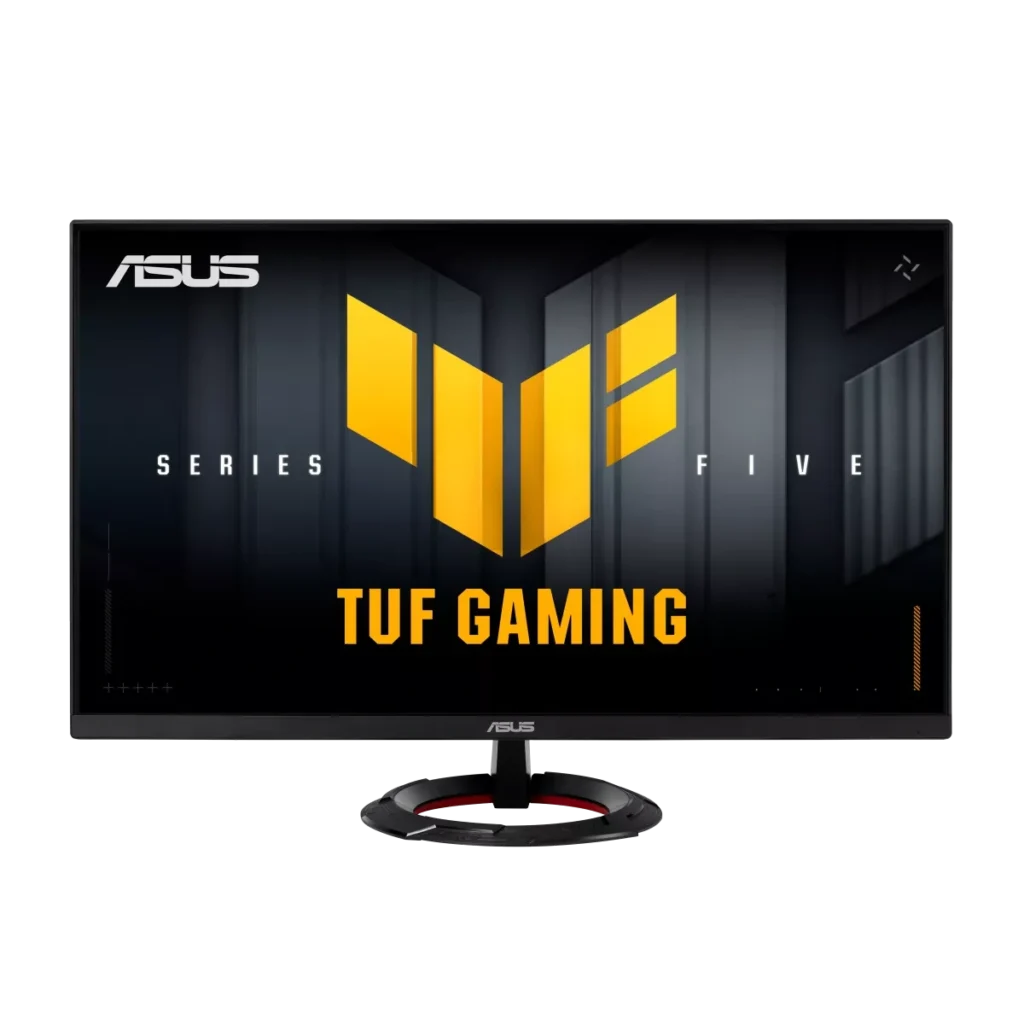
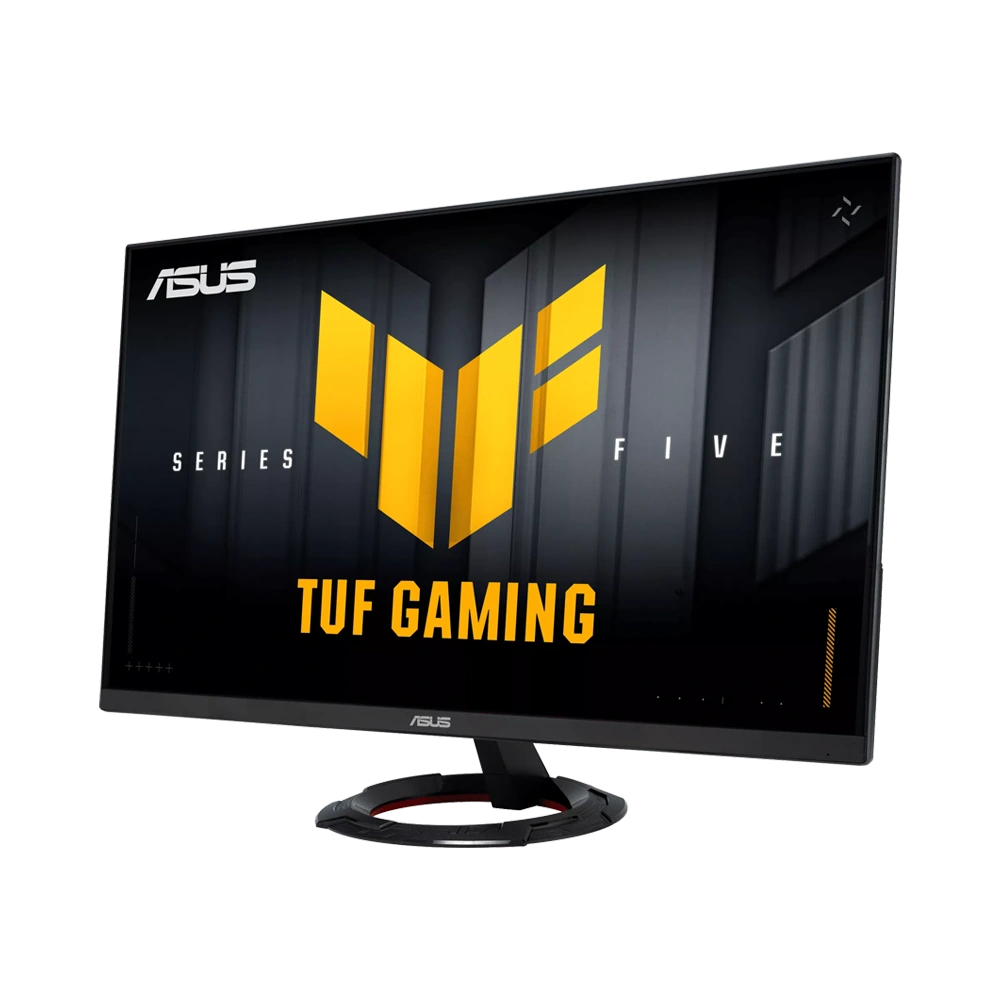
ASUS TUF Gaming VG279Q5R 27" FHD 200Hz Fast IPS Gaming Monitor
See fast games clearly with a 27-inch Fast IPS display built for smooth 200Hz play. FreeSync Premium, ELMB and convenient DisplayWidget Center controls help you tune your view, while HDMI, DisplayPort and stereo speakers make it easy to fit into your setup.
Regular price
58.000 KWD
or 4 payments of 14.500 KWD with
Pay with card & save


55.000 KWD
Save 3.000 KWD
Overview
ASUS TUF GAMING VG279Q5R

A clearer view of fast competitive play
Stay focused on the next move with a spacious 27-inch Full HD display and a Fast IPS panel built for fluid 200Hz gaming. The ASUS TUF Gaming VG279Q5R combines responsive motion, consistent viewing angles and practical desktop controls in a straightforward setup for competitive PC games and everyday use.
27-inch
Full HD display
200Hz
Maximum refresh rate
Fast IPS
Wide-angle gaming panel
0.3ms
Minimum GTG response time
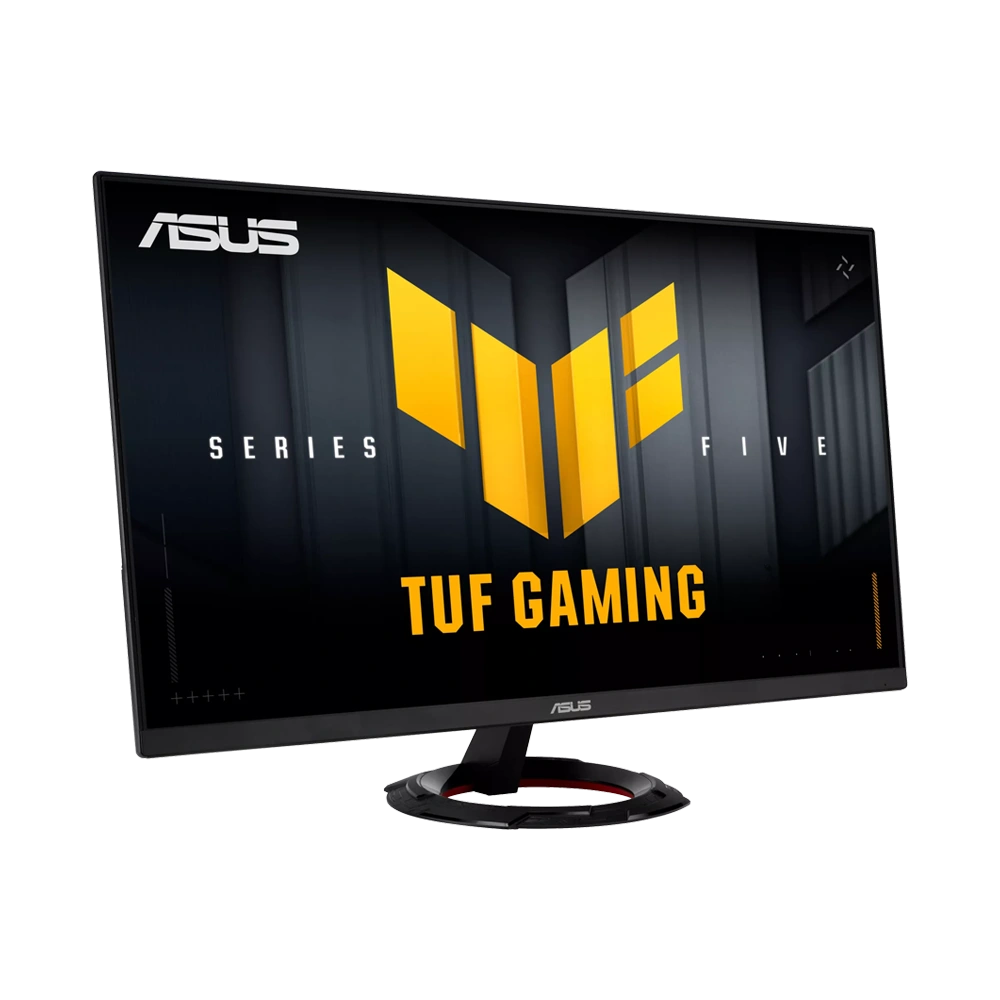
Follow the action at 200Hz
A high refresh rate makes fast camera movements easier to follow when your PC can deliver the frames. Full HD keeps the rendering workload more manageable than higher resolutions, making this a practical choice for players who prioritise frame rate. Select 200Hz in your system display settings with compatible hardware.
Fast IPS colour from a wide viewing angle
The Fast IPS panel combines responsive gaming performance with broad viewing angles and full sRGB coverage. It suits colourful games, browsing and video alongside competitive play, with an anti-glare surface to help manage reflections at your desk.
Tune motion for the game you play
FreeSync Premium helps reduce tearing as compatible frame rates change. ASUS ELMB offers another motion-clarity option, while Trace Free and Variable Overdrive provide settings for fine-tuning response. Choose the combination that looks best in your games rather than assuming the strongest overdrive setting is always the best.
Useful controls without the menu hunt
DisplayWidget Center lets you adjust supported display settings with a mouse. Shadow Boost can reveal detail in darker scenes, while GameVisual presets and GamePlus tools offer convenient ways to tailor the view for different games.
Connect your PC and a second source
DisplayPort and two HDMI inputs make it easy to keep multiple compatible devices connected. Integrated stereo speakers handle everyday sound, and the earphone connection offers an alternative for personal listening. Choose a dedicated gaming headset when you want a microphone and more focused game audio.
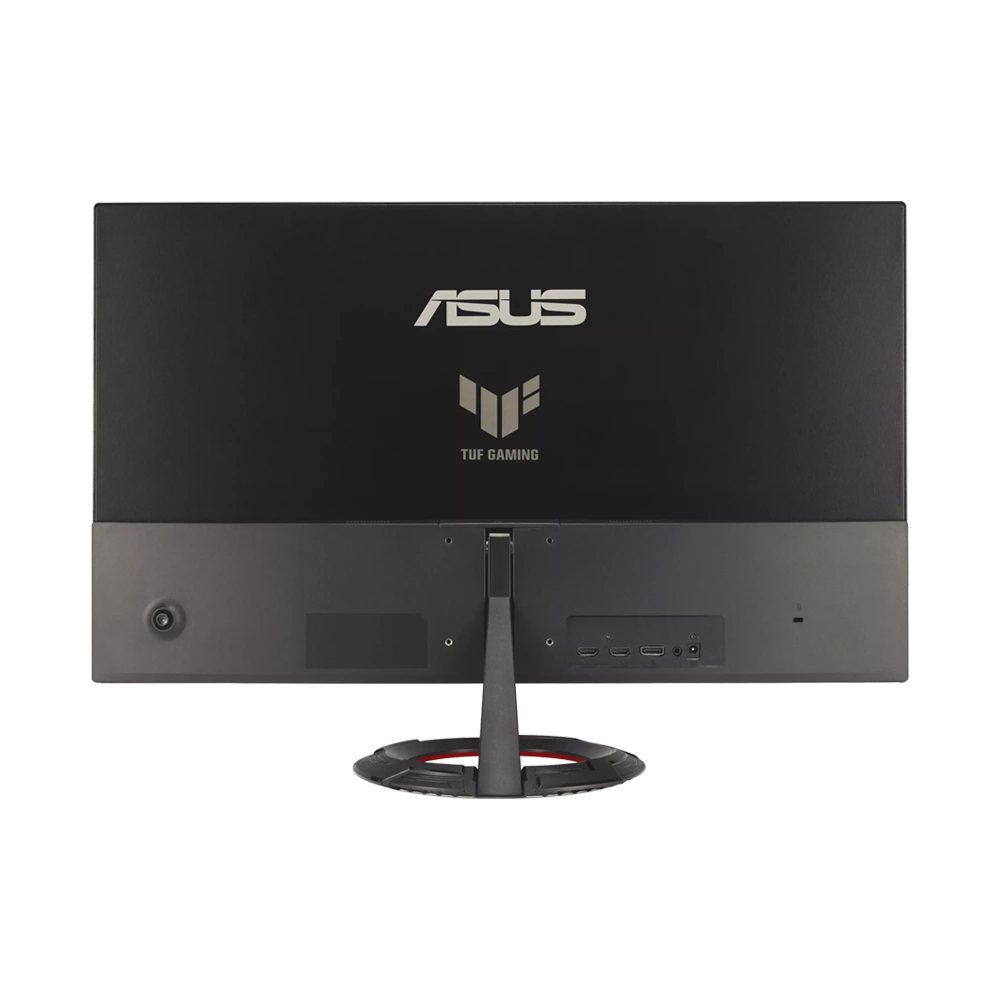
Fit the screen to your desk
Adjust the stand tilt to suit your seating position, or use a compatible VESA mount for a different desk arrangement. Flicker-free technology and a low blue-light option provide additional viewing settings for longer sessions. Check the mounting pattern and monitor weight before choosing an arm.
What's in the Box
- ASUS TUF Gaming VG279Q5R monitor with stand
- Power adapter and power cord
- DisplayPort cable — manufacturer-listed accessories can vary by region
- Quick start guide and warranty documentation
Complete Your Workspace
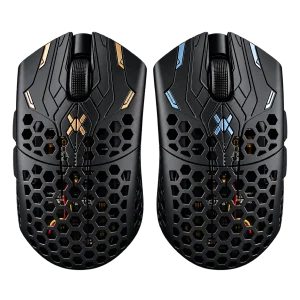
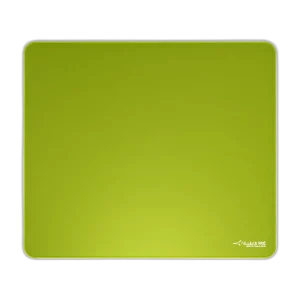
Finish your gaming setup with the Wooting 60HE v2 keyboard, a Finalmouse UltralightX Lion and an ARTISAN TYPE-99 mousepad. For a sharper desktop or a different panel, compare our gaming monitors in Kuwait.
Frequently Asked Questions
What resolution does the VG279Q5R use?
Its native resolution is Full HD, 1920 × 1080, on a 27-inch flat Fast IPS panel. Choose a QHD or 4K model if additional desktop detail is your main priority.
How do I use the 200Hz refresh rate?
Connect a compatible PC using a suitable cable, then select 200Hz in Windows or your graphics driver. The frame rate you achieve in a game also depends on the graphics card, game settings and the game itself.
Is the response time always 0.3ms?
ASUS lists 1ms GTG and a minimum of 0.3ms. The minimum is a panel response specification under particular settings; it does not describe total system input latency.
Does it support FreeSync Premium?
ASUS lists FreeSync Premium and Adaptive-Sync support for smoother motion with compatible hardware. The display also offers ELMB motion-blur reduction; available settings depend on the operating mode.
Can I raise the stand or use a monitor arm?
The supplied stand adjusts by tilt and does not offer height adjustment. The monitor supports a 75 × 75mm VESA mount. Check that your chosen arm supports that pattern and the 3.3kg display weight without its stand.
Does the monitor have speakers and an audio connection?
Yes. It has two built-in 2W speakers and an earphone jack. For gaming voice chat, connect a microphone or gaming headset to your PC or console.
Build Your Setup with AX Store Kuwait
Explore computers, displays and accessories for your workspace at AX Store Kuwait. For help choosing the right model or checking an accessory, contact AX Store.
THE DETAILS
Technical specifications
Display
27 inch
Fast IPS
Flat
1920 × 1080 (Full HD)
16:9
Anti-glare
LED
200Hz
1ms GTG; 0.3ms minimum
300 cd/m²
1000:1
100% sRGB
16.7 million
178° horizontal / 178° vertical
0.311mm
HDR10
Gaming & Display Features
AMD FreeSync Premium; Adaptive-Sync
ASUS Extreme Low Motion Blur (ELMB)
Trace Free; Variable Overdrive
GameVisual; GamePlus; Shadow Boost; GameFast Input
ASUS DisplayWidget Center
AI Visual; ASUS Power Sync
Flicker-free; Low Blue Light
2.3
Connectivity & Audio
1 × DisplayPort 1.4 (HBR2)
2 × HDMI 2.0
Earphone jack
2 × 2W stereo speakers
48–200Hz via DisplayPort and HDMI
Stand, Mounting & Dimensions
Tilt: −5° to +22°; no height adjustment
75 × 75mm
Kensington lock slot
61.5 × 42.8 × 21.3cm
61.5 × 36.4 × 3.8cm
69.2 × 43.5 × 14.4cm
4.3kg
3.3kg
5.4kg
Power & Product Details
Less than 21W
Less than 0.5W
Less than 0.3W
100–240V AC, 50/60Hz
ASUS
TUF Gaming VG279Q5R
90LM0BS0-B01E71
Black
COMPLETE YOUR SETUP
Pairs well with