Logitech
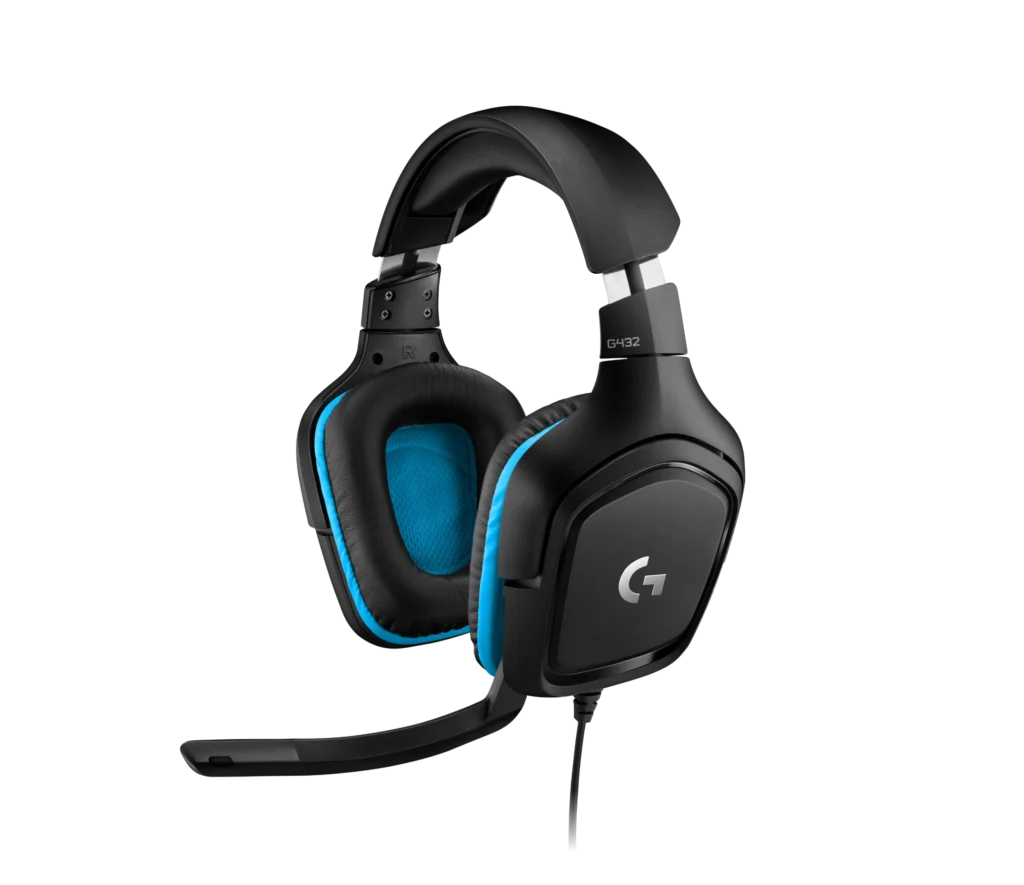
Logitech G432 7.1 Surround Wired Gaming Headset
Bring game audio and team chat into one comfortable wired headset. Large drivers, a flip-to-mute microphone and USB or 3.5 mm connections make it easy to move between compatible platforms.
Regular price
21.000 KWD
or 4 payments of 5.250 KWD with
Pay with card & save


19.900 KWD
Save 1.100 KWD
Overview
LOGITECH G432
Hear the Match. Stay in the Conversation.
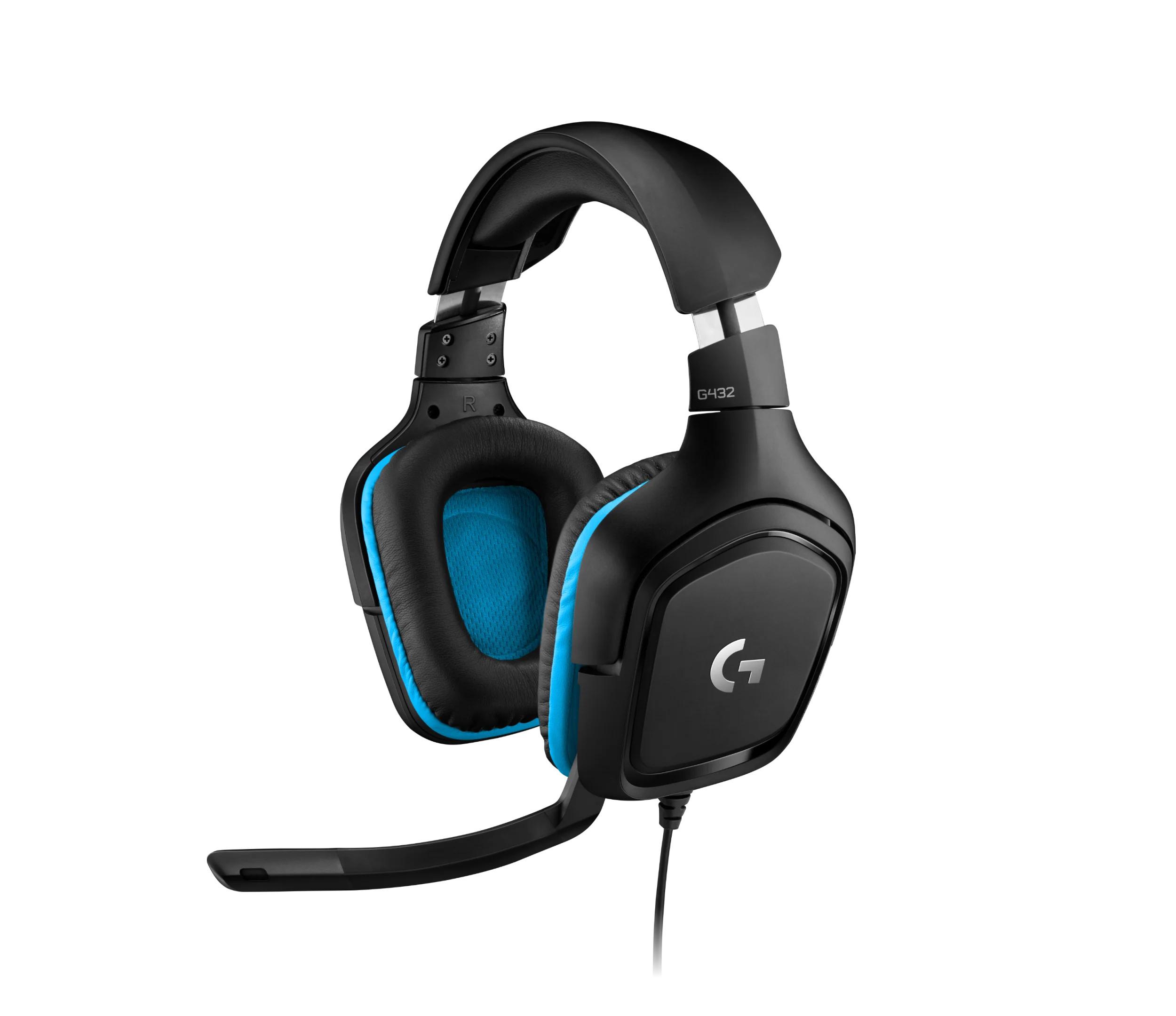
Logitech G432 pairs large audio drivers with a flip-to-mute boom microphone and straightforward wired connectivity. Use the 3.5 mm connection across compatible devices, or the USB audio adapter with supported PC software for DTS Headphone:X 2.0 surround processing.
50 mm
Audio drivers
6 mm
Flip-to-mute boom mic
USB + 3.5 mm
Wired connection options
280 g
Headset weight
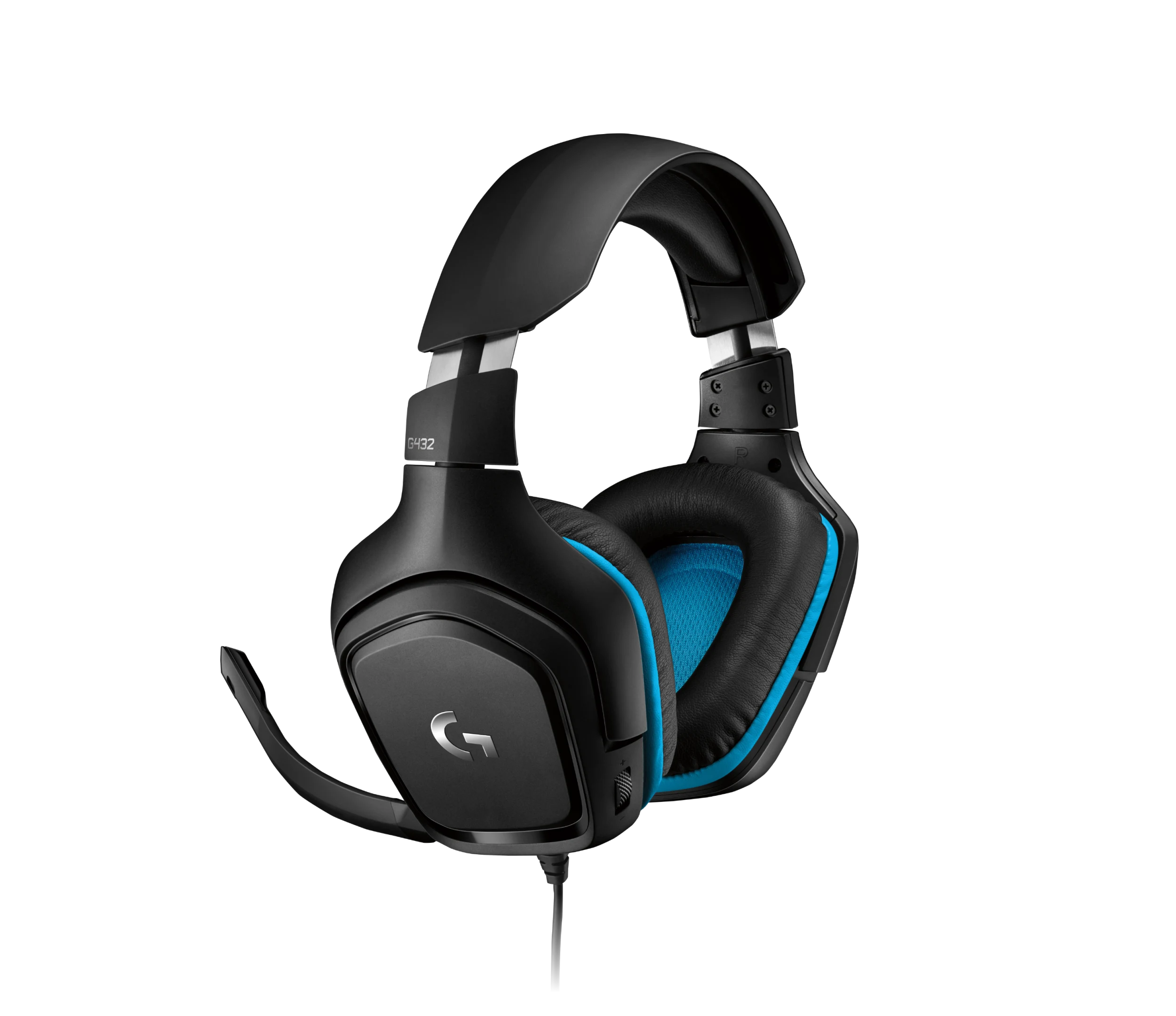
Large drivers for game audio
The driver design gives game effects, dialogue and soundtracks room to come through in a closed over-ear headset.
DTS processing on supported PCs
DTS Headphone:X 2.0 uses virtual surround processing through the USB audio adapter and Logitech software on supported Windows systems.
Flip up for a quick mute
Raise the boom microphone when you want to mute it, then bring it back into position for team chat.
Wired connections across your setup
Use the 3.5 mm plug with compatible controllers and devices. The USB DAC gives supported computers another connection option.
Adjust the fit between matches
Rotating earcups, an adjustable headband and leatherette ear cushions let you settle the headset into a comfortable position.
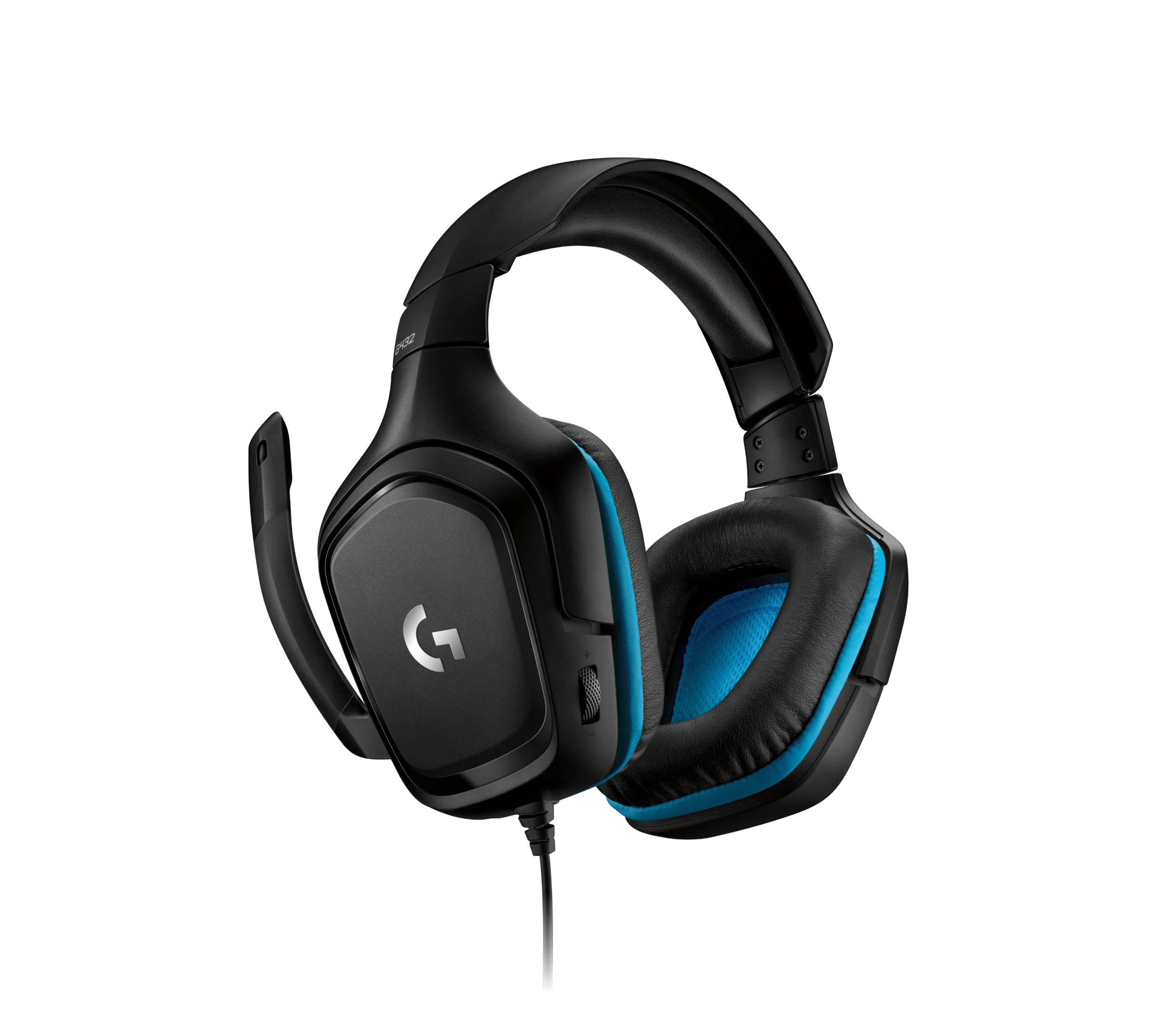
Know what changes by platform
Console and analog connections provide standard headset audio. PC surround processing is a software feature, not a promise of identical effects on every console.
Complete Your Workspace
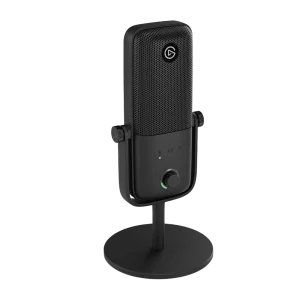
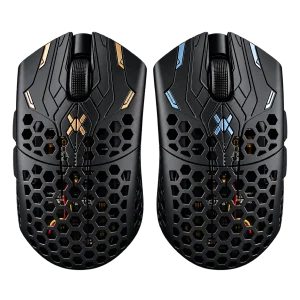
Pair your headset with an ARTISAN NINJA FX ZERO mousepad and a Finalmouse UltralightX. For streaming shortcuts, explore the Elgato Stream Deck MK.2. Browse more gaming headsets to compare connection options.
Frequently Asked Questions
Does G432 require charging?
No. It is a wired gaming headset.
Does DTS surround work on Xbox or PlayStation?
DTS Headphone:X 2.0 on this headset requires the USB connection and supported Logitech PC software. Analog console use is standard headset audio.
Can I use it with Xbox controllers?
Yes, through a compatible controller’s 3.5 mm headset jack.
How do I mute the microphone?
Flip the microphone up to mute it.
Can I connect it to USB-C-only devices directly?
It is supplied with 3.5 mm and a USB audio adapter. An appropriate additional adapter may be needed for a USB-C-only host.
Is it a wireless headset?
No. G432 uses wired USB or 3.5 mm connections.
Build Your Setup with AX Store Kuwait
Explore computers, displays and accessories for your workspace at AX Store Kuwait. For help choosing the right model or checking an accessory, contact AX Store.
THE DETAILS
Technical specifications
Headphone Audio
50 mm
20 Hz–20 kHz
39 ohms passive; 5 kOhms active
107 ±3 dB
DTS Headphone:X 2.0 via supported PC USB/software
Microphone
6 mm flip-to-mute boom
Cardioid / unidirectional
100 Hz–20 kHz
Connection & Physical
3.5 mm analog; USB via audio adapter
2 m
172 × 81.7 × 182 mm
280 g
Product Identification
Logitech G432
981-000770
Black
COMPLETE YOUR SETUP
Pairs well with