ASUS
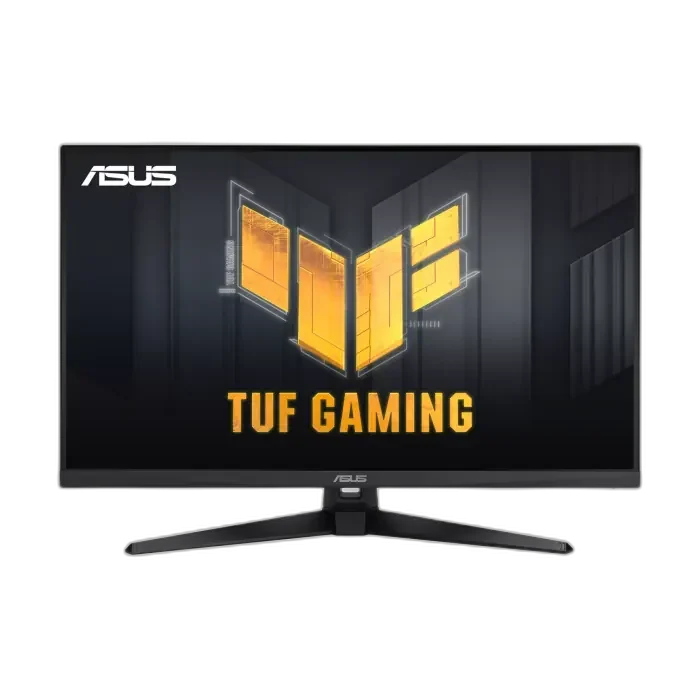
ASUS TUF Gaming VG32AQA1A 32 inch QHD 170Hz Gaming Monitor
The TUF Gaming VG32AQA1A offers a large 31.5-inch QHD VA display for games, entertainment and everyday desktop use.
Regular price
112.000 KWD
or 4 payments of 28.000 KWD with
Overview
ASUS TUF GAMING VG32AQA1A 32 INCH QHD 170HZ GAMING MONITOR
ASUS VG32AQA1A
ASUS VG32AQA1A: The TUF Gaming VG32AQA1A offers a large 31.5-inch QHD VA display for games, entertainment and everyday desktop use. Available from AX Store in Kuwait.
32-inch Class
Display Size
2560 × 1440
Native Resolution
Up to 170Hz (overclocked)
Maximum Supported Refresh
VA
Panel Technology
Smooth motion on a larger canvas
DisplayPort supports up to 170Hz with overclocking; HDMI supports up to 144Hz. ASUS rates motion response at 1ms MPRT. Choose the target resolution and refresh setting on a compatible computer and monitor input before beginning the session.
Build around your desk
The supplied stand has no height adjustment. A 100 × 100mm VESA mount lets you choose a compatible arm for more placement flexibility. Check both the selected video input and the source output when setting up the desired display mode.
Choose the Mode for the Actual Source
DisplayPort reaches up to 170 Hz with overclocking, while HDMI reaches up to 144 Hz. The supplied stand does not provide height adjustment. Use the compatible VESA arrangement if a separate rated arm is needed for a different viewing position.
Connect Each Port for Its Intended Role
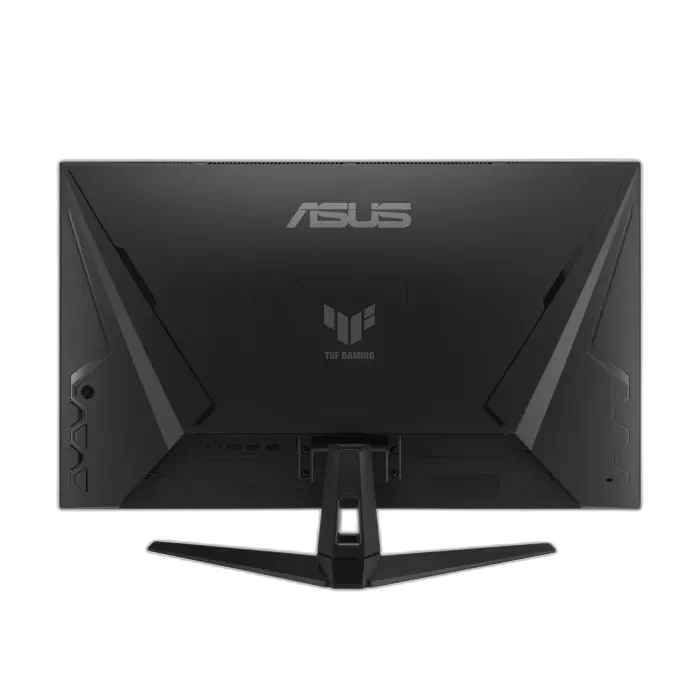
The connection details are DisplayPort 1.2: 1; HDMI(v2.0): 2. Match the video output, cable and selected monitor input before choosing the target resolution and refresh rate. A USB data or charging connection should be used only for its stated role.
Plan the Viewing Position and Mount
Use the supplied stand’s supported adjustments for the desk and seating position. A separate monitor arm must match the actual VESA pattern, screen size and load, with enough room for the screen and its connected cables.
Balance Game Settings with the Display Mode
The monitor’s maximum refresh rate describes a supported display mode, while the computer must produce the game frames. Choose the appropriate resolution, graphics settings and supported adaptive-sync configuration for the source, rather than assuming one maximum applies to every game or console.
Plan the Display and the Rest of Your Desk
Compare resolution, refresh rate, screen size and the input you will actually use. Match the computer or console output to the chosen display mode, and leave room for the monitor stand and mouse movement. Compare related options such as ASUS ProArt PA328QV 31.5 Inch 75Hz WQHD IPS Monitor or ASUS ProArt PA279CV 27 inch 4K UHD IPS Monitor, keeping the exact model and configuration in the decision. For the wider setup, explore ASUS ROG HARPE II ACE Wireless Gaming Mouse, 48g, 42000 DPI and check the connection, size or mounting requirements before pairing accessories. Browse the ASUS range at AX for more choices.
ASUS VG32AQA1A Setup Choices
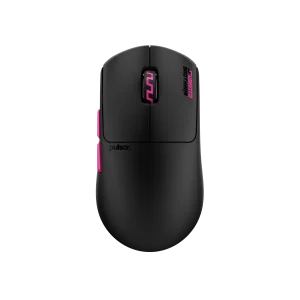
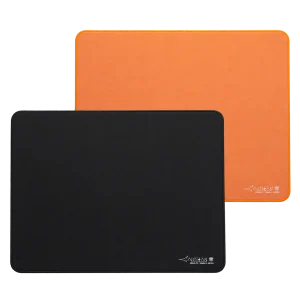
Compare resolution, refresh rate, screen size and the input you will actually use. Match the computer or console output to the chosen display mode, and leave room for the monitor stand and mouse movement. Explore Wooting 60HE v2 60% Gaming Keyboard, Aluminium, Pulsar Pro Series Susanto-X Wireless Gaming Mouse Size 2, 50g, ARTISAN NINJA FX ZERO Gaming Mousepad – SOFT/XSOFT, XL/XXL.
Frequently Asked Questions
What native resolution is specified?
2560 × 1440.
What should I check for the highest refresh rate?
DisplayPort reaches up to 170 Hz with overclocking, while HDMI reaches up to 144 Hz. The supplied stand does not provide height adjustment. Use the compatible VESA arrangement if a separate rated arm is needed for a different viewing position.
Which connection details should I check?
DisplayPort 1.2: 1; HDMI(v2.0): 2.
What mounting pattern should an arm match?
100x100mm. Match the arm’s supported screen size and load to the actual monitor, including the required clearance and any mounting hardware.
Build Your Setup with AX Store
Explore computers, displays and accessories for your workspace at AX Store. For help choosing the right model or checking an accessory, contact AX Store.
THE DETAILS
Technical specifications
Display
31.5 inches
VA
2560 × 1440
16:9
Up to 170Hz (overclocked)
1ms MPRT
Anti-Glare
Connections
1
2
Ergonomics
No
100x100mm
COMPLETE YOUR SETUP
Pairs well with