
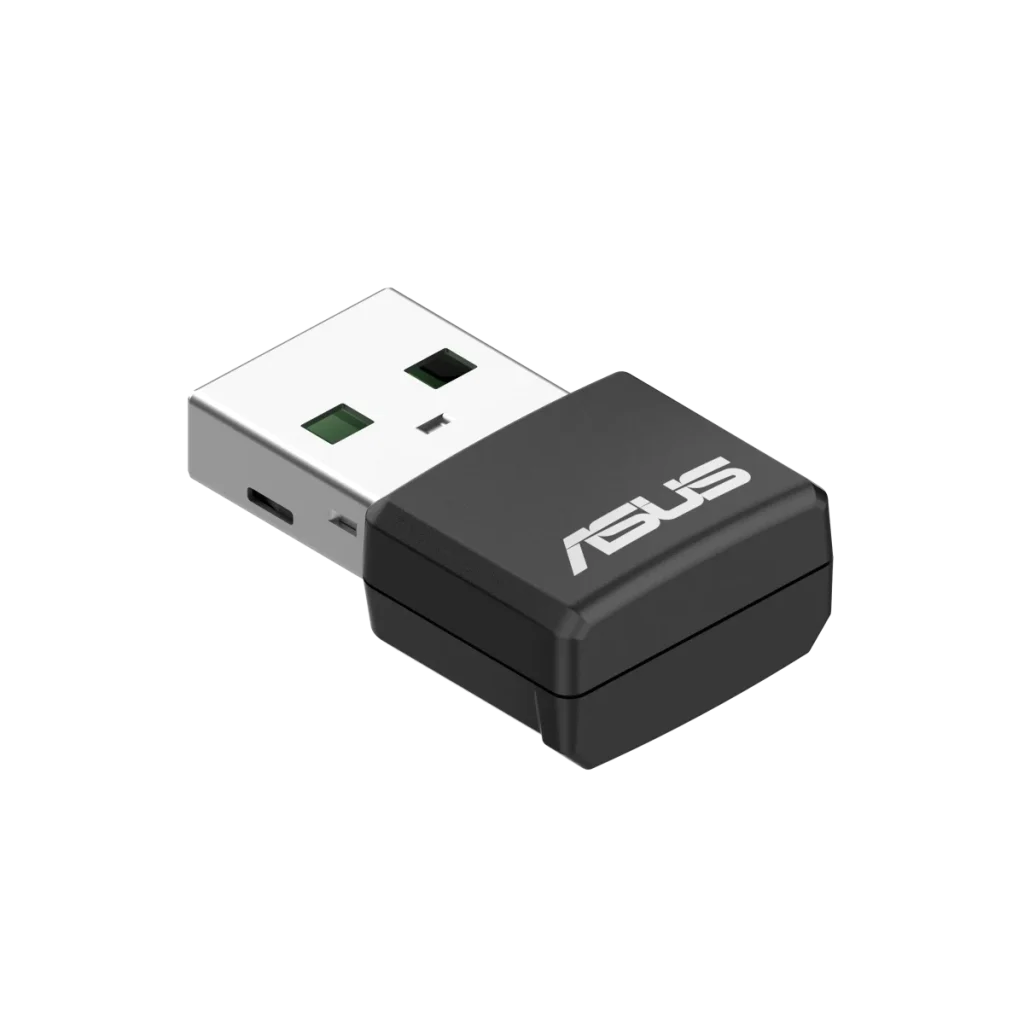
ASUS
ASUS USB-AX55 Nano WiFi 6 USB Adapter
ASUS USB-AX55 Nano adds AX1800 dual-band WiFi 6 to Windows 10 and 11 computers through USB 2.0. It supports WPA3, OFDMA and MU-MIMO, with two internal antennas in a compact 4 g body. Actual throughput depends on the USB interface, router and network conditions.
Overview
ASUS USB-AX55 NANO WIFI 6 USB ADAPTER
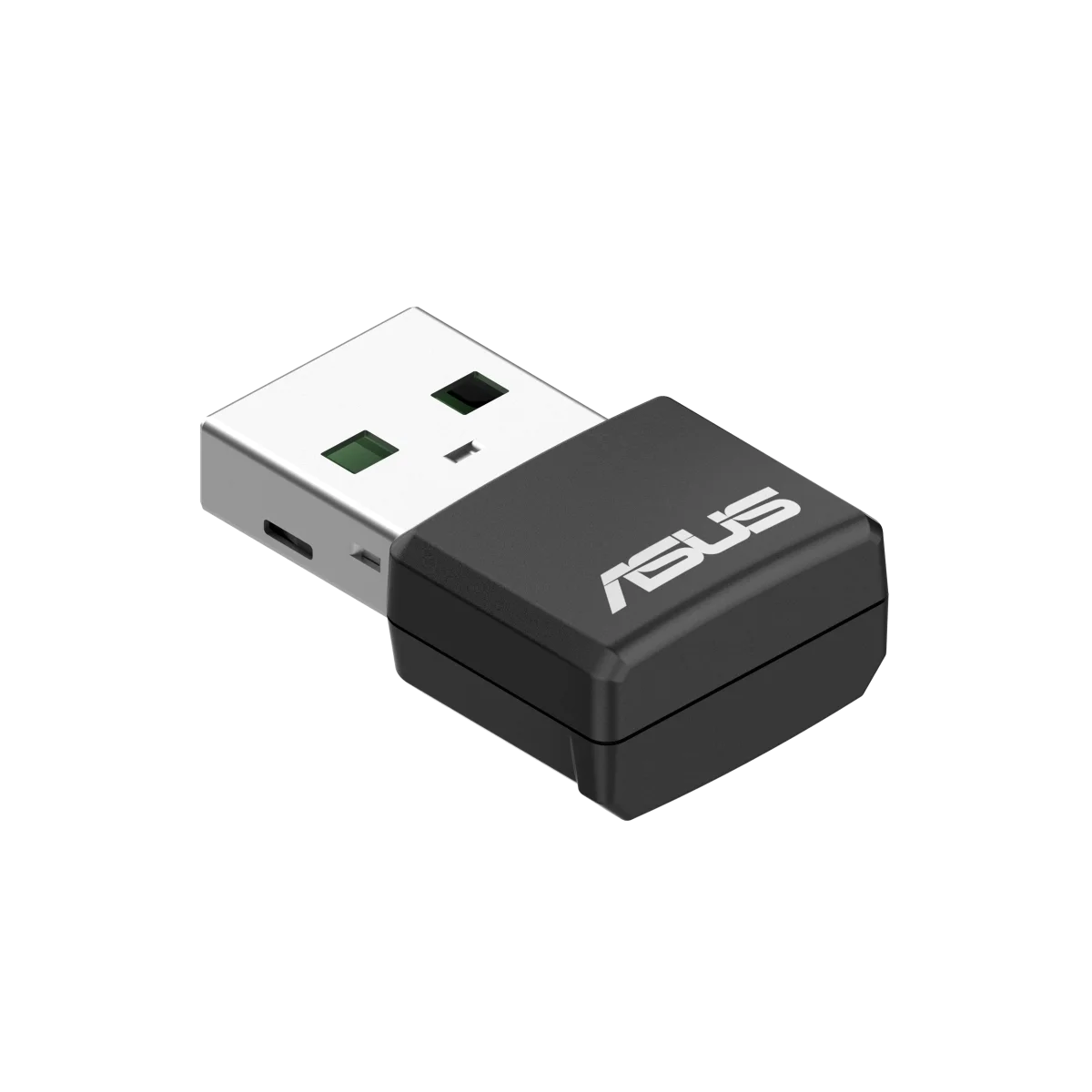
ASUS USB-AX55 Nano
Add WiFi 6 to a compatible Windows computer with the ASUS USB-AX55 Nano. This AX1800 dual-band adapter combines internal antennas, WPA3 support and WiFi 6 networking features in a compact USB 2.0 design. It connects through an external USB port, giving a laptop or desktop a route to wireless networking without fitting an internal card. Available from AX Store in Kuwait.
Wi-Fi 6
AX1800 Dual Band
USB 2.0
Computer Interface
2.4 + 5 GHz
Wireless Bands
Windows 10 / 11
Listed Operating Systems
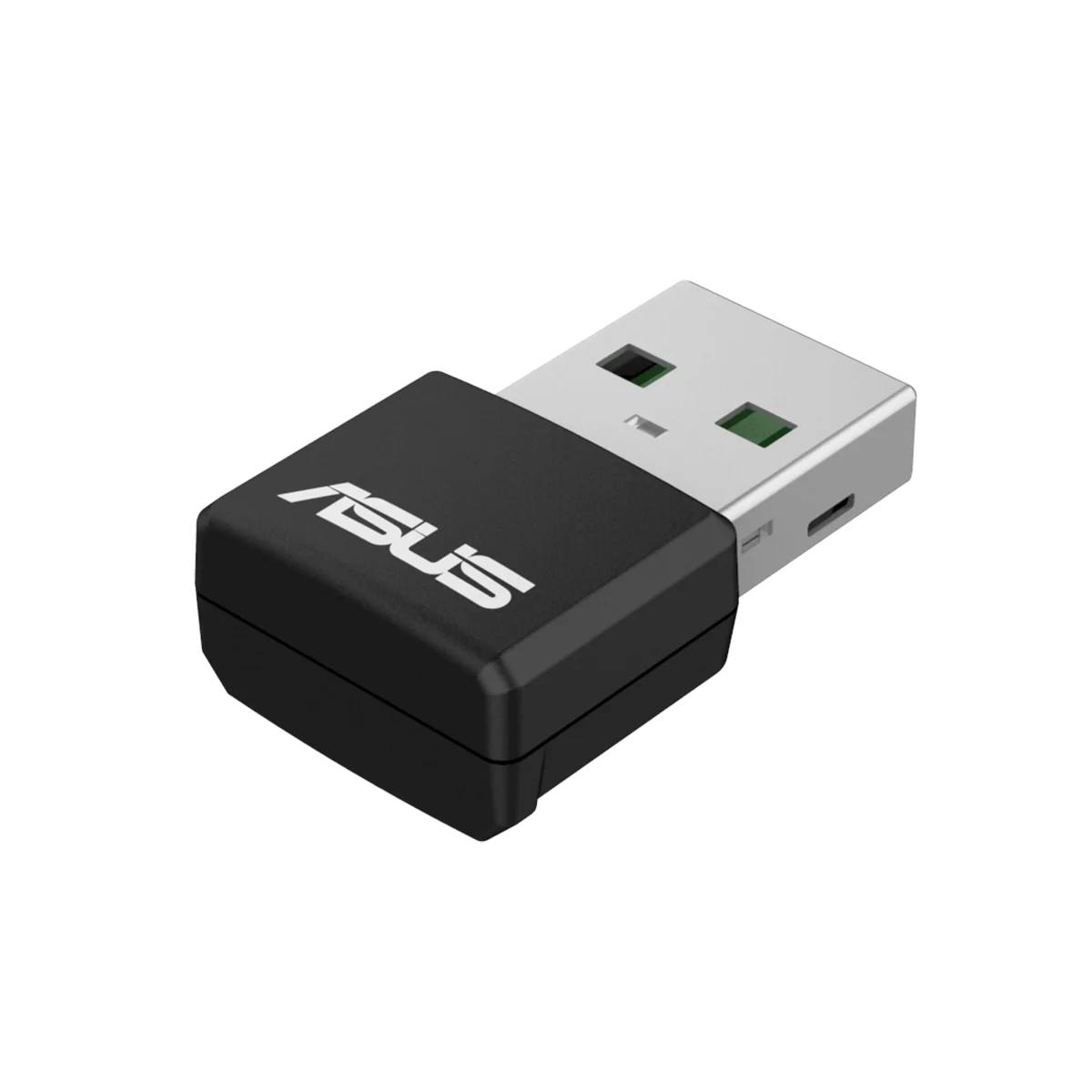
Add wireless networking through USB
The USB-AX55 Nano is a client adapter for connecting a computer to an existing wireless network. Its USB 2.0 interface keeps the physical connection straightforward, while the wireless hardware supports WiFi 6 alongside earlier 802.11a/b/g/n/ac standards. Use the appropriate ASUS driver for your Windows system when setting it up.
Choose between 2.4 GHz and 5 GHz
Dual-band support gives you advertised link rates of up to 574 Mbps on 2.4 GHz and 1201 Mbps on 5 GHz. These describe wireless link rates rather than guaranteed internet download speeds. ASUS notes that the compact design and USB interface can prevent actual throughput from reaching the WiFi 6 standard’s data rates.
WiFi 6 features for a shared network
OFDMA and MU-MIMO help organise communication when multiple devices use a network. BSS Coloring helps distinguish traffic from nearby networks. To use the full WiFi 6 feature set, pair the adapter with a compatible WiFi 6 router. The results depend on your router, signal conditions and the other devices sharing the connection.
WPA3 support in a compact body
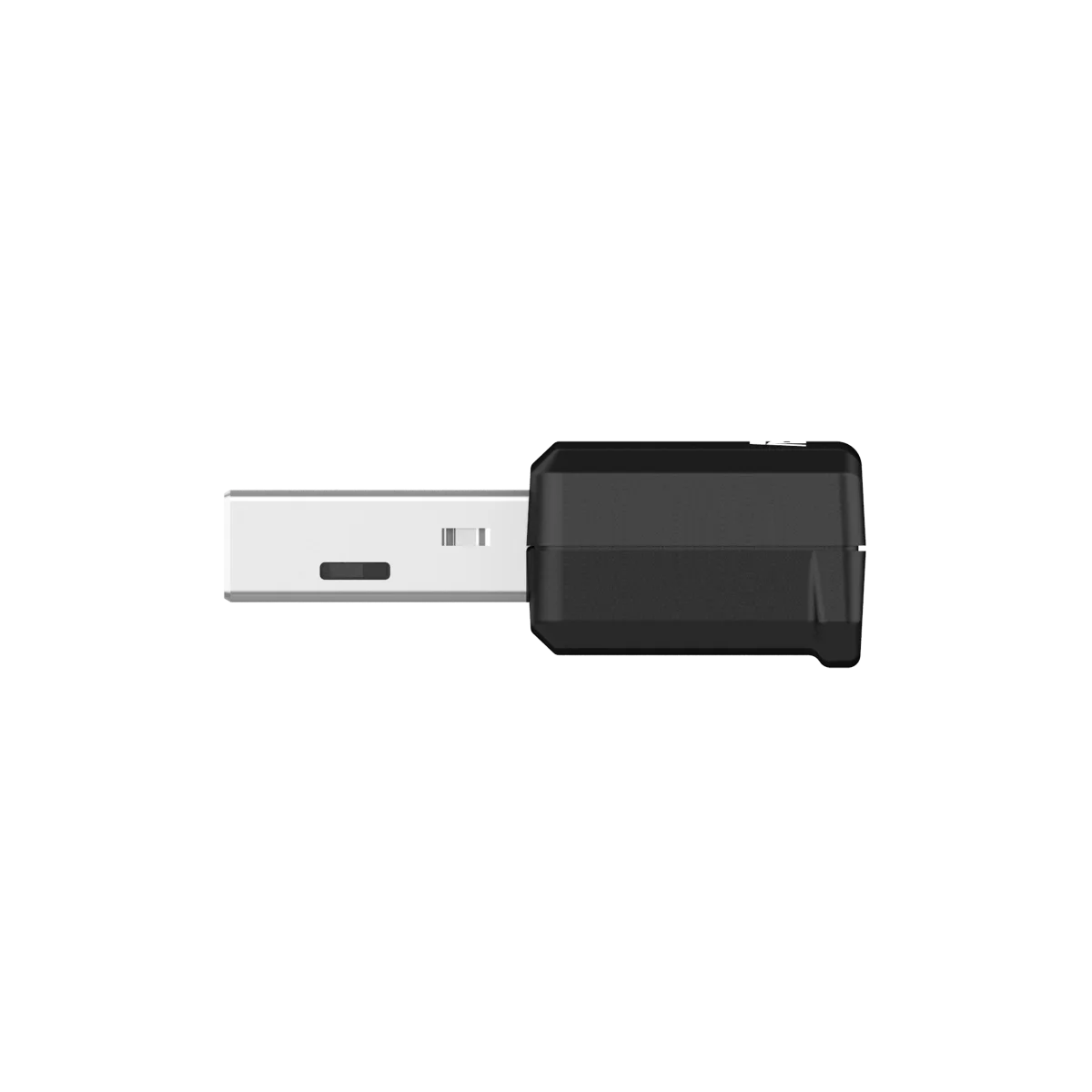
The adapter supports WPA3 security for compatible wireless networks. Two internal dual-band antennas keep the device self-contained, without a separate desktop aerial to position. At 25.5 × 16 × 9 mm and 4 g, the Nano format keeps the wireless accessory unobtrusive beside a laptop or desktop USB port.
Match it to your Windows setup
ASUS lists Windows 10 and Windows 11 support for this model. Check the driver for your system and use a router that supports the wireless features you want. The adapter adds a WiFi connection to your computer; it does not replace the router that provides your network or determine the speed of your internet service.
Check the Router as well as the Adapter
Choose a router or access point with the features needed for the intended connection. The USB device is a computer client adapter, while router capability, host software and actual radio conditions determine which networking features can operate together.
Match the Network Device to Your Connection
Check the required wired or wireless connection, power arrangement and coverage needs. Confirm the intended role and compatibility with the existing network before choosing another device. Compare related options such as UGREEN CAT8 Braided Ethernet Cable or UGREEN Bluetooth 5.3 USB Adapter, Mini Design, keeping the exact model and configuration in the decision. For the wider setup, explore RØDE SC6-L Dual TRRS Input Lightning Mobile Adapter and check the connection, size or mounting requirements before pairing accessories. Browse the ASUS range at AX for more choices.
ASUS USB-AX55 Nano Setup Choices
Check the required wired or wireless connection, power arrangement and coverage needs. Confirm the intended role and compatibility with the existing network before choosing another device. Explore Wooting 60HE v2 60% Gaming Keyboard, Aluminium, Pulsar Pro Series Susanto-X Wireless Gaming Mouse Size 2, 50g, ARTISAN NINJA FX ZERO Gaming Mousepad – SOFT/XSOFT, XL/XXL.
Frequently Asked Questions
Which operating systems are listed?
Windows 10 and Windows 11.
What host interface is required?
USB 2.0.
Does link rate guarantee internet throughput?
Compact design and USB interface may limit actual throughput below WiFi 6 standard data rates.
What is required for full WiFi 6 features?
Compatible WiFi 6 router for the full WiFi 6 feature set.
Build Your Setup with AX Store
Explore computers, displays and accessories for your workspace at AX Store. For help choosing the right model or checking an accessory, contact AX Store.
THE DETAILS
Technical specifications
Wireless and interface
ASUS USB-AX55 Nano
AX1800 dual-band WiFi 6
802.11a/b/g; WiFi 4 (802.11n); WiFi 5 (802.11ac); WiFi 6 (802.11ax)
USB 2.0
Up to 574 Mbps
Up to 1201 Mbps
OFDMA, MU-MIMO and BSS Coloring
WPA3 support
Two internal dual-band antennas; peak gain 2–3 dBi
Computer support and dimensions
Windows 10 and Windows 11
4 g
25.5 × 16 × 9 mm
Compact design and USB interface may limit actual throughput below WiFi 6 standard data rates
Compatible WiFi 6 router for the full WiFi 6 feature set
COMPLETE YOUR SETUP
Pairs well with





