
BenQ
BenQ GW3290QT 31.5 inch 75Hz 2K Eye-Care Monitor
A 31.5-inch QHD IPS monitor with 75 Hz refresh, USB-C 65 W power delivery, DisplayPort daisy chaining, noise-filtering speakers and a noise-cancelling microphone.
Regular price
156.500 KWD
or 4 payments of 39.125 KWD with
Pay with card & save


149.000 KWD
Save 7.500 KWD
Overview
BENQ GW3290QT 31.5 INCH 75HZ 2K EYE-CARE MONITOR
BenQ GW3290QT
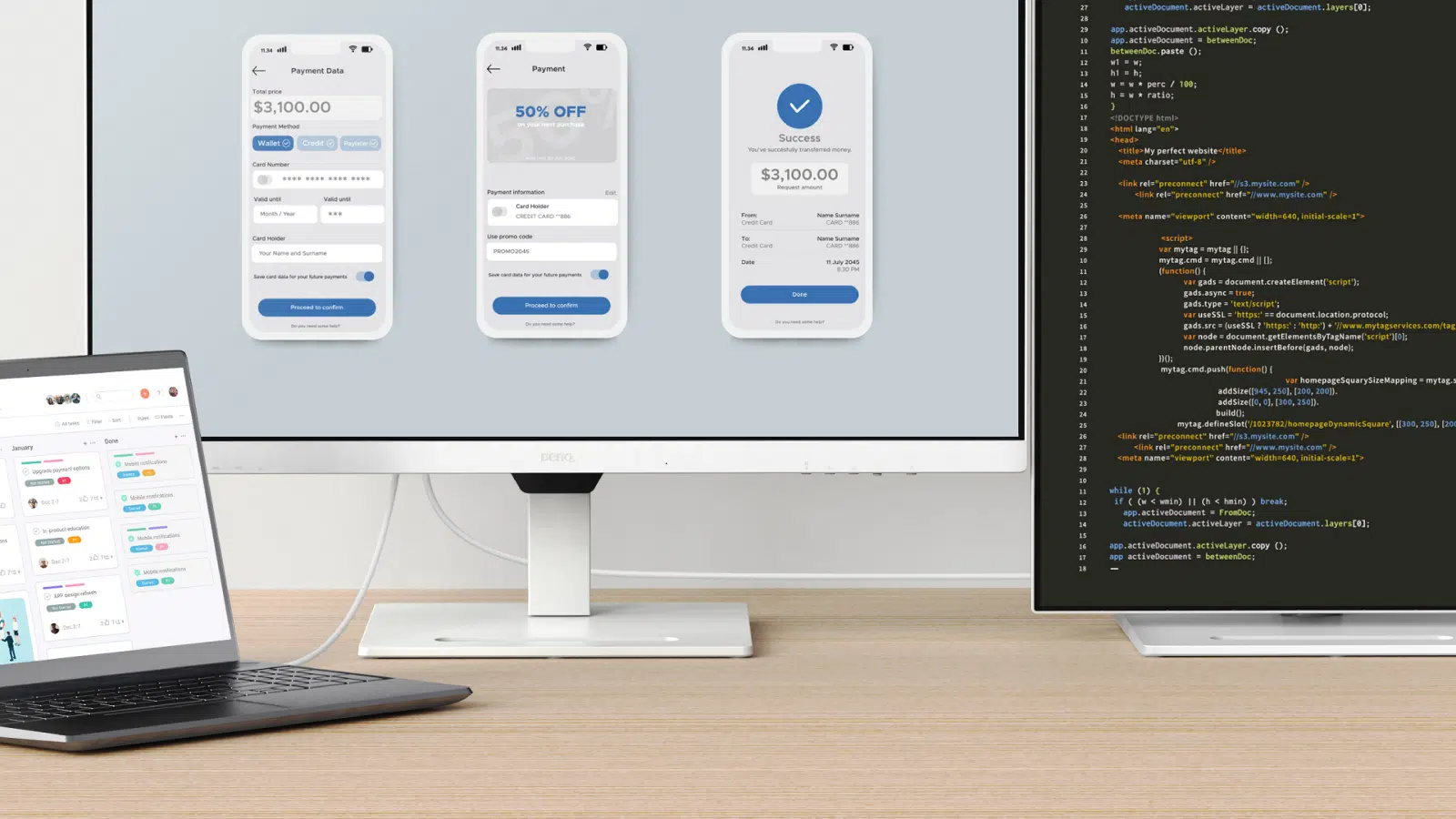
BenQ GW3290QT: Give documents, calls and creative tasks room to breathe. The GW3290QT pairs a large QHD IPS panel with a practical USB-C connection and an adjustable stand for a more organized desktop. Available from AX Store in Kuwait.
31.5 inch
Viewable Display Diagonal
2560 × 1440
Native Resolution
75 Hz
Listed Refresh and Input Conditions
IPS
Panel Technology

Room for the whole task
The 2560 × 1440 panel provides space for multiple windows, while 99% sRGB coverage and wide viewing angles keep everyday content clear. Coding, ePaper and M-book modes offer useful starting points for different tasks.
One connection, fewer cables
USB-C carries video and data while supplying up to 65 W to a compatible laptop. DisplayPort output supports MST daisy chaining, with USB-A and USB-C downstream ports for accessories.
Ready for conversation
Built-in noise-filtering speakers and a noise-cancelling microphone help keep calls focused. Convenient front controls make it easier to manage the monitor without digging through software.
Adjust to your day
Set height, tilt, swivel and portrait orientation around your workspace. Brightness Intelligence Gen2 adapts screen brightness, while Low Blue Light Plus and Flicker-free technology support comfortable viewing.
Plan Your Screen Area
The display specification is 31.5 inches, with 2560 × 1440 (QHD) resolution. Compare the screen area and aspect ratio with your usual games and desktop work, leaving room on the desk for a comfortable viewing position.
Match the Refresh Mode to Your Setup
Refresh rate: 75 Hz. The available refresh mode depends on the resolution, input, source device and supported settings. Check those conditions together before choosing a cable or expecting the highest listed refresh mode from your system.
Plan the Display and the Rest of Your Desk
Compare resolution, refresh rate, screen size and the input you will actually use. Match the computer or console output to the chosen display mode, and leave room for the monitor stand and mouse movement. Compare related options such as Dell Alienware AW2725DF 27 inch QD-OLED QHD 360Hz Monitor or LG 29WQ600-W 29 inch UltraWide IPS 100Hz Monitor, keeping the exact model and configuration in the decision. For the wider setup, explore Razer Viper Ultimate Wireless Gaming Mouse, Lightest and check the connection, size or mounting requirements before pairing accessories. Browse the BenQ range at AX for more choices.
BenQ GW3290QT Setup Choices
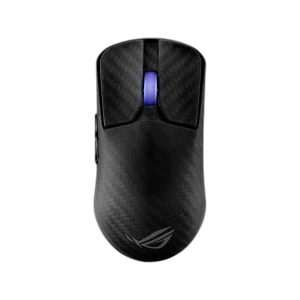
Compare resolution, refresh rate, screen size and the input you will actually use. Match the computer or console output to the chosen display mode, and leave room for the monitor stand and mouse movement. Explore ASUS ROG HARPE ACE EXTREME Wireless Gaming Mouse.
Frequently Asked Questions
What size, panel and resolution does this display use?
31.5 inches. IPS panel technology. Native resolution: 2560 × 1440 (QHD).
What refresh modes and input limits apply?
Refresh rate: 75 Hz. Available modes also depend on your source, input, cable and supported settings.
Which video and USB connections are listed?
HDMI: 1 × HDMI 1.4. DisplayPort input: 1 × DisplayPort 1.2. DisplayPort output: MST daisy-chain output. USB-C upstream: Video (DP Alt Mode), data and up to 65 W power delivery. USB-C downstream: 1 × USB 3.2 Gen 1, 5 Gbps, 7.5 W charging.
What stand adjustment and mounting options are specified?
Height adjustment: 110 mm. Tilt: -5° to +20°. Swivel: 20° left / 20° right. Pivot: 90°. VESA mount: 100 × 100 mm.
How is response time specified?
5 ms GtG.
Build Your Setup with AX Store
Explore computers, displays and accessories for your workspace at AX Store. For help choosing the right model or checking an accessory, contact AX Store.
THE DETAILS
Technical specifications
Display
31.5 inches
IPS; LED backlight
2560 × 1440 (QHD)
16:9
75 Hz
5 ms GtG
350 nits
1000:1
99% sRGB
1.07 billion
178° / 178°
Matte
Connections and audio
1 × HDMI 1.4
1 × DisplayPort 1.2
MST daisy-chain output
Video (DP Alt Mode), data and up to 65 W power delivery
3 × USB 3.2 Gen 1, 5 Gbps, 4.5 W charging
1 × USB 3.2 Gen 1, 5 Gbps, 7.5 W charging
2 × 2 W noise-filtering speakers
Integrated; noise cancellation
Yes
Adjustment and dimensions
110 mm
-5° to +20°
20° left / 20° right
90°
100 × 100 mm
488.1–597.7 × 714.6 × 251.5 mm
10.1 kg
428.7 × 714.6 × 62.6 mm
7.2 kg
Eye care and power
Brightness Intelligence Gen2; Low Blue Light Plus; Flicker-free; ePaper; Color Weakness mode
Internal; 100–240 V
25 W
Less than 0.5 W
COMPLETE YOUR SETUP
Pairs well with