BenQ
BenQ ZOWIE XL2546K 25 inch FHD TN 240Hz Gaming Monitor
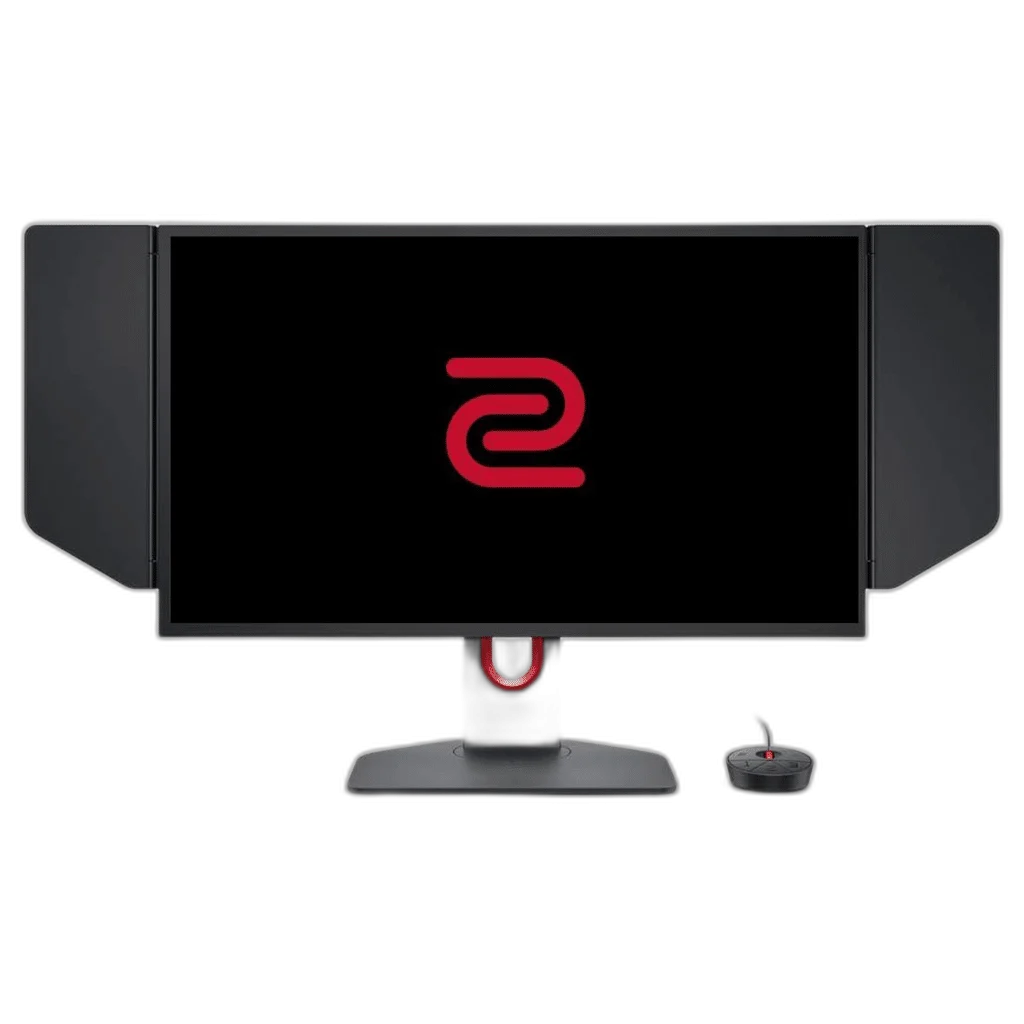
The ZOWIE XL2546K combines a 24.5-inch Full HD TN panel, 240Hz refresh rate and DyAc+ motion-clarity technology. Its compact base, adjustable stand, S Switch and shielding hood let you arrange the monitor around your preferred esports setup.
Regular price
147.000 KWD
or 4 payments of 36.750 KWD with
Pay with card & save


140.000 KWD
Save 7.000 KWD
Overview
BENQ ZOWIE XL2546K 25 INCH FHD TN 240HZ GAMING MONITOR
BenQ ZOWIE XL2546K
BenQ ZOWIE XL2546K: The ZOWIE XL2546K combines a 24.5-inch Full HD TN panel, 240Hz refresh rate and DyAc+ motion-clarity technology. Its compact base, adjustable stand, S Switch and shielding hood let you arrange the monitor around your preferred esports setup. Explore this model at AX Store in Kuwait.
24.5 inch
Viewable Display Diagonal
1920 × 1080
Native Resolution
240Hz
Listed Refresh and Input Conditions
TN
Panel Technology
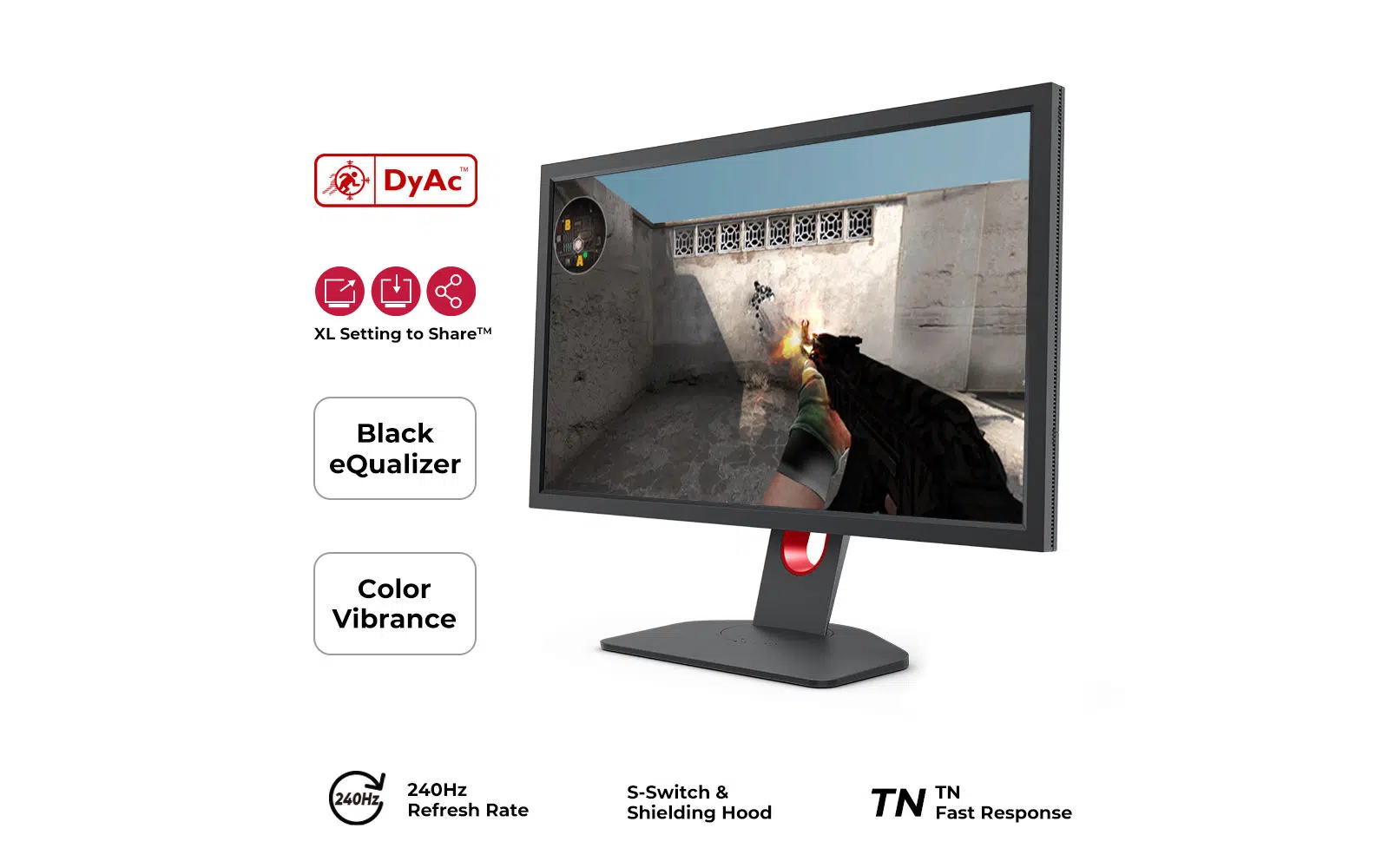
240Hz for fast-moving games
The Full HD panel supports up to 240Hz over HDMI 2.0 or DisplayPort 1.2. A compatible PC and suitable game settings are needed to deliver the frame rates that make use of the display.
Follow movement with DyAc+
DyAc+ reduces the appearance of motion blur during actions such as rapid camera movement and sustained firing. It is the DyAc+ version of this monitor family, rather than the later DyAc 2 system.
Make room for your mouse
The compact base leaves more usable space around the monitor. Height adjustment, tilt and swivel let you position the screen without forcing the keyboard and mouse into a fixed arrangement.
Adapt visibility to the game
Black eQualizer helps adjust darker scenes, while Color Vibrance lets you tune color intensity. XL Setting to Share makes it easier to exchange and apply compatible monitor settings.
Settings close at hand
The included S Switch provides convenient access to controls. Removable side shields help reduce peripheral distractions when you want a more focused playing area. Keep the supported display input and settings with this exact monitor when arranging your normal desktop setup.
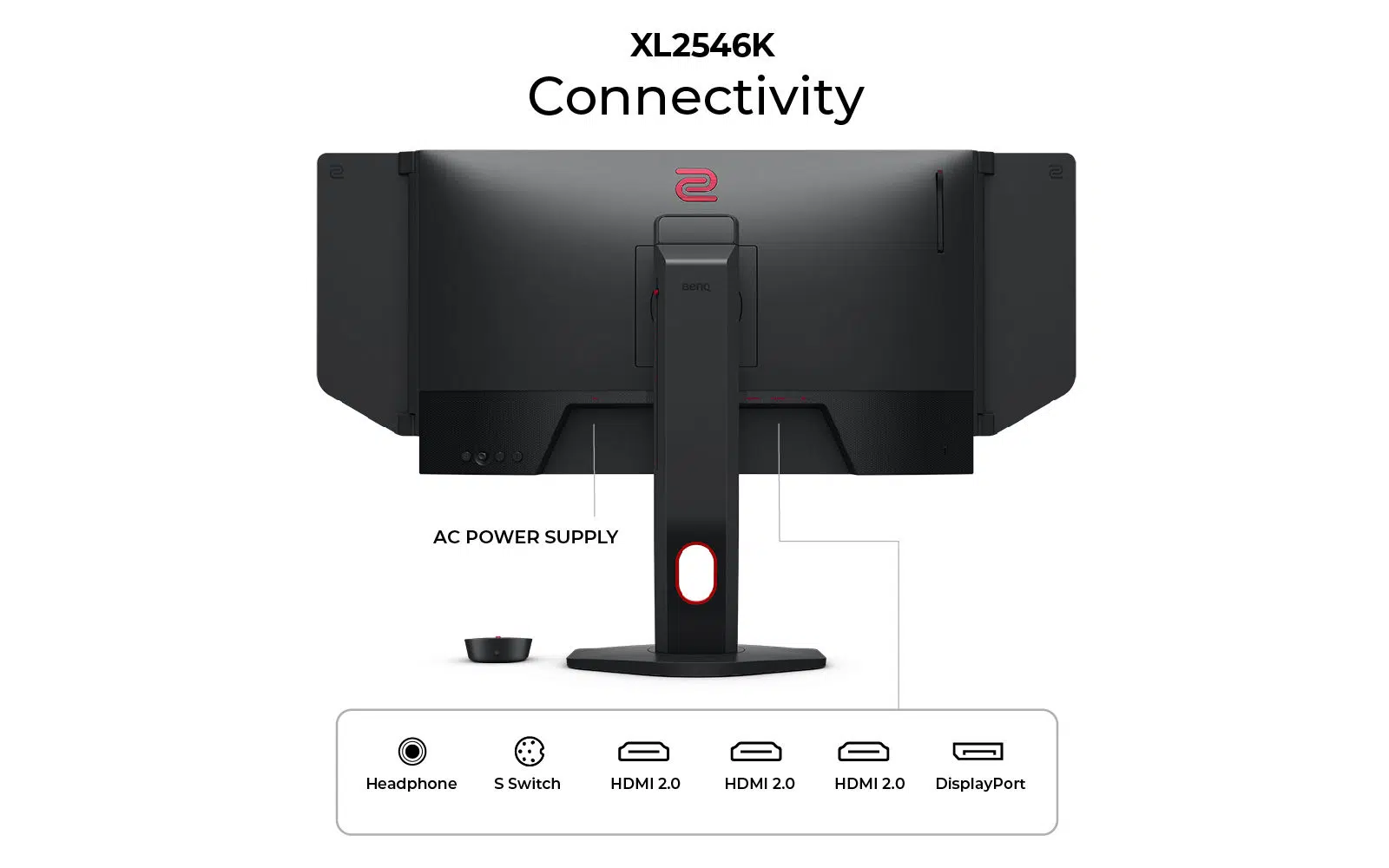
Flexible connections and mounting
Three HDMI 2.0 ports and one DisplayPort 1.2 input connect your devices. The monitor supports Full HD at up to 120Hz with PS5 and Xbox Series X over HDMI 2.0, and includes a 100 × 100mm VESA mounting pattern.
BenQ ZOWIE XL2546K Setup Choices
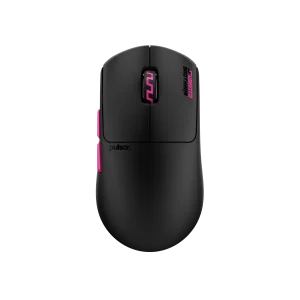
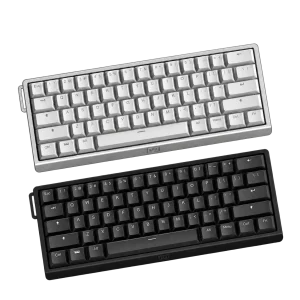
Compare resolution, refresh rate, screen size and the input you will actually use. Match the computer or console output to the chosen display mode, and leave room for the monitor stand and mouse movement. Explore Wooting 60HE v2 60% Gaming Keyboard, Aluminium, Pulsar Pro Series Susanto-X Wireless Gaming Mouse Size 2, 50g, Sennheiser IE 100 PRO Clear Dynamic In-Ear Monitoring Headphones. Browse the BenQ range at AX.
Frequently Asked Questions
What size, panel and resolution does this display use?
24.5 inches. TN panel technology. Native resolution: 1920 × 1080.
What refresh modes and input limits apply?
Maximum refresh rate: 240Hz. Available modes also depend on your source, input, cable and supported settings.
Which video and USB connections are listed?
Video inputs: 3 × HDMI 2.0; 1 × DisplayPort 1.2.
What stand adjustment and mounting options are specified?
Height adjustment: 155mm. Tilt: -5° to +23°. Swivel: 45° left / 45° right. VESA mount: 100 × 100mm.
Build Your Setup with AX Store
Explore computers, displays and accessories for your workspace at AX Store. For help choosing the right model or checking an accessory, contact AX Store.
Compare BenQ ZOWIE XL2586X+ 25 inch FHD 600Hz Gaming Monitor. Match the exact model, connection and configuration to your setup.
THE DETAILS
Technical specifications
BenQ ZOWIE XL2546K
BenQ ZOWIE
XL2546K
24.5 inches
TN
16:9
1920 × 1080
240Hz
1920 × 1080 at 240Hz via HDMI 2.0 / DisplayPort 1.2
1920 × 1080 at 120Hz, PS5 / Xbox Series X via HDMI 2.0
320 nits
1000:1
0.283mm
DyAc+
3 × HDMI 2.0; 1 × DisplayPort 1.2
Headphone jack
155mm
-5° to +23°
45° left / 45° right
100 × 100mm
6.2kg
Built-in; 100–240V
<40W
Black eQualizer; Color Vibrance; Low Blue Light
XL Setting to Share
S Switch, shielding hood, dust cover, 1.8m DisplayPort 1.2 cable, 1.8m power cable
COMPLETE YOUR SETUP
Pairs well with