
Corsair
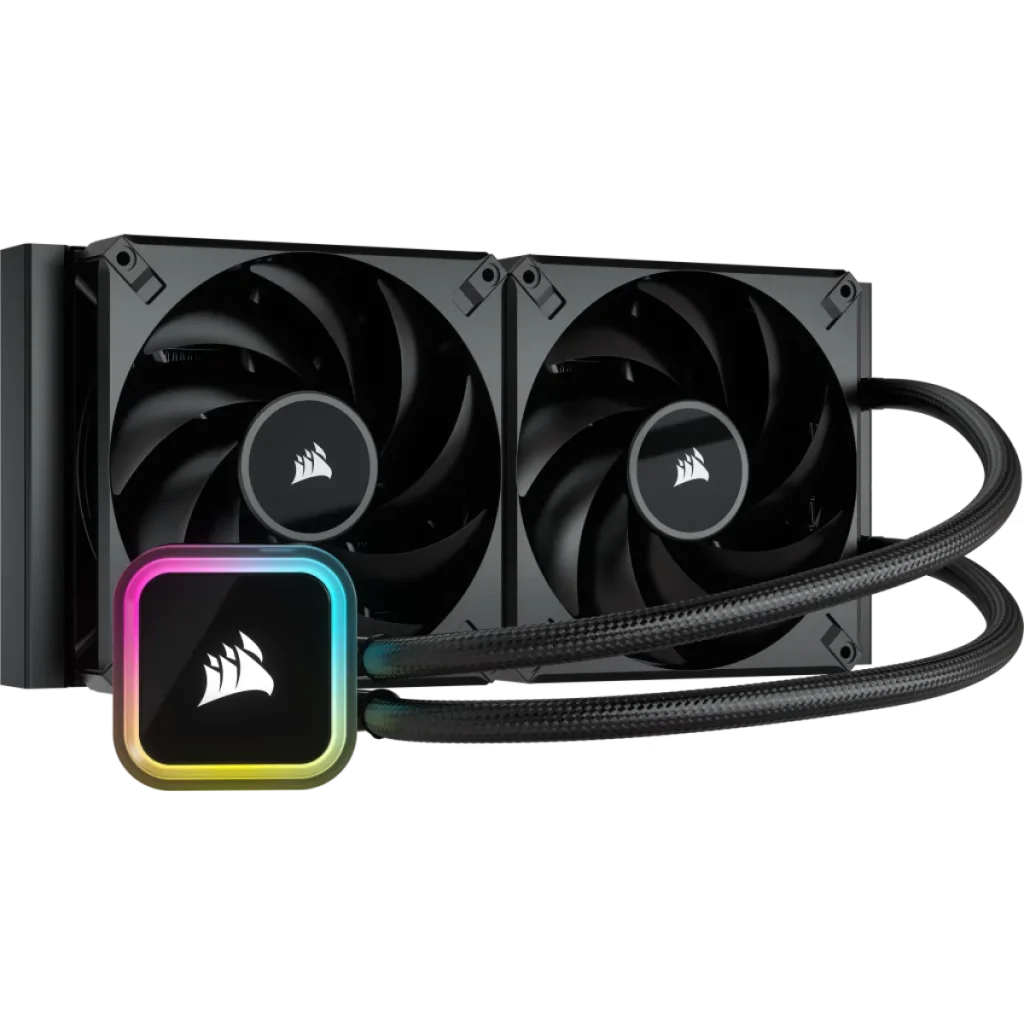
Corsair iCUE H115i RGB ELITE Liquid CPU Cooler - Black
CORSAIR iCUE H115i RGB ELITE features a 280 mm radiator, two AF140 ELITE fans and a pump head with 16 RGB LEDs. Use iCUE for cooling control, lighting and CPU/coolant temperature monitoring. Includes a copper cold plate, pre-applied thermal compound and support for the listed Intel and AMD sockets.
Regular price
62.000 KWD
or 4 payments of 15.500 KWD with
Pay with card & save


59.000 KWD
Save 3.000 KWD
Overview
CORSAIR ICUE H115I RGB ELITE LIQUID CPU COOLER - BLACK
CORSAIR iCUE H115i RGB ELITE
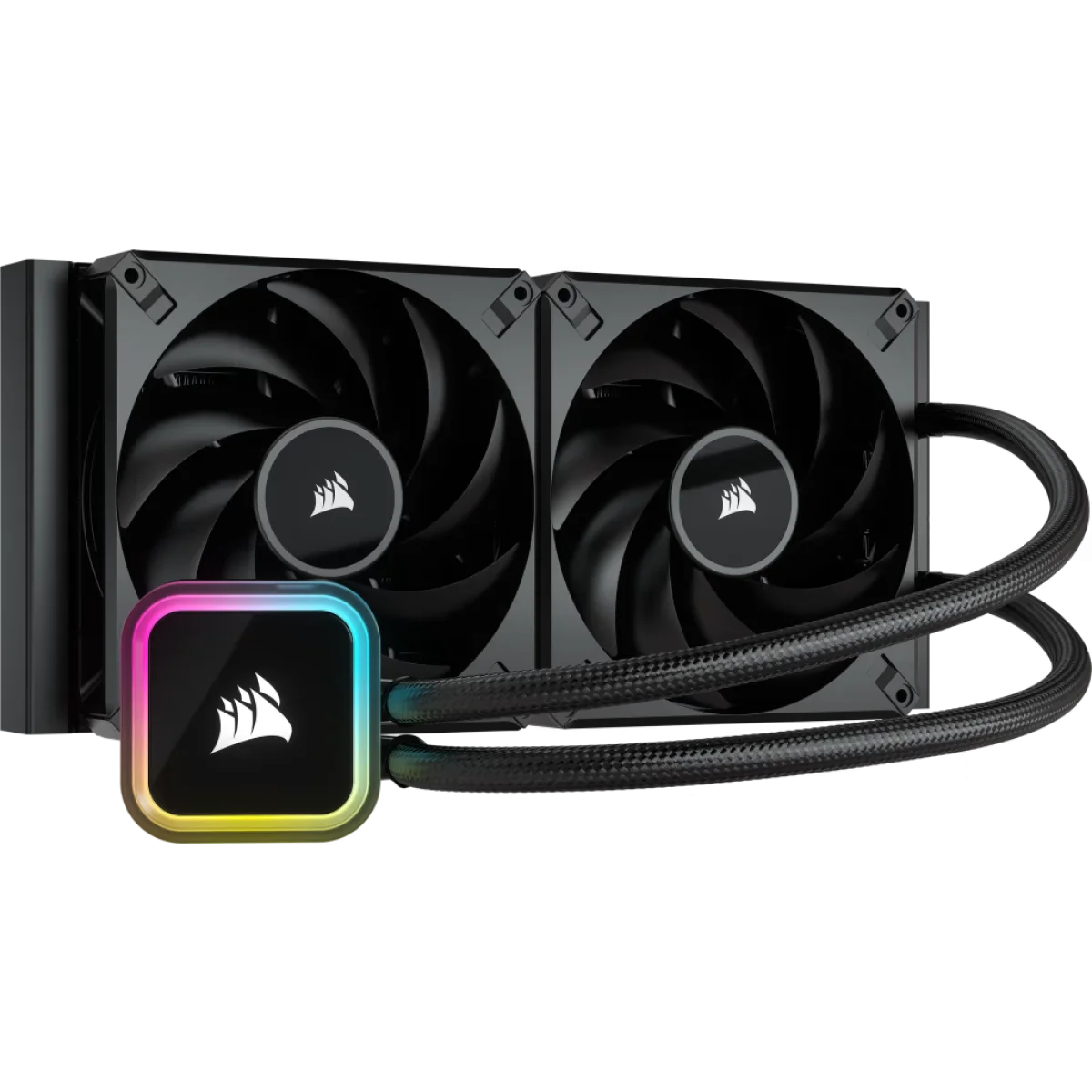
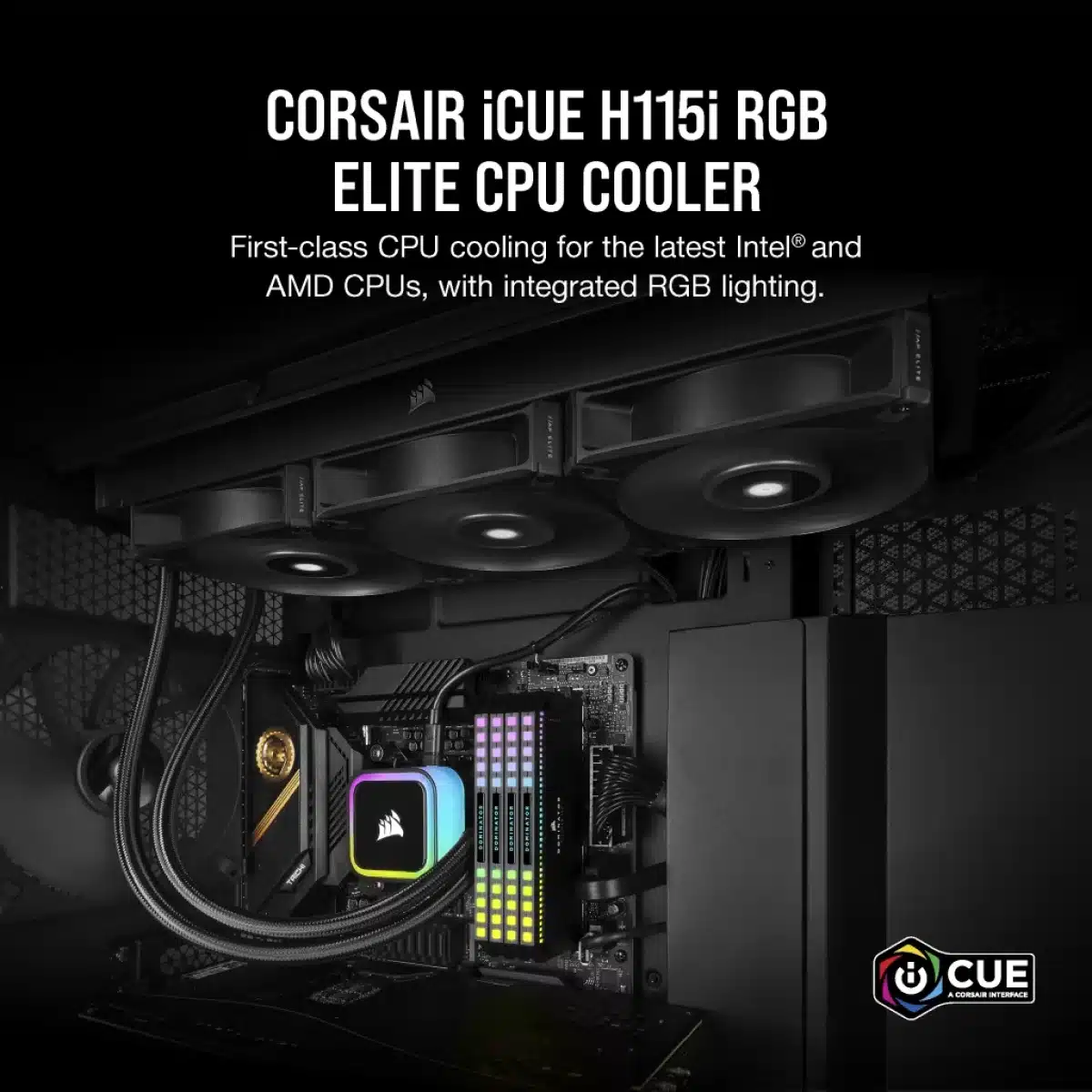
The CORSAIR iCUE H115i RGB ELITE combines a 280 mm radiator with two AF140 ELITE fans and an RGB-lit pump head. iCUE software brings fan speed, pump behaviour, lighting and temperature monitoring into one place. The black cooler includes a copper cold plate with pre-applied thermal compound and mounting support for the listed Intel and AMD platforms. Available from AX Store in Kuwait.
280 mm
Radiator Class
2 × 140 mm
AF140 ELITE Fans
16 RGB LEDs
Pump-Head Lighting
400 mm
Tubing Length
Choose the radiator size around your case
A 280 mm radiator uses two 140 mm fans, giving this cooler a different mounting footprint from a 240 mm or 360 mm model. Check that your case supports a 280 mm radiator in the position you intend to use, with enough clearance around the motherboard and other components. The H115i’s tubing length is 400 mm.
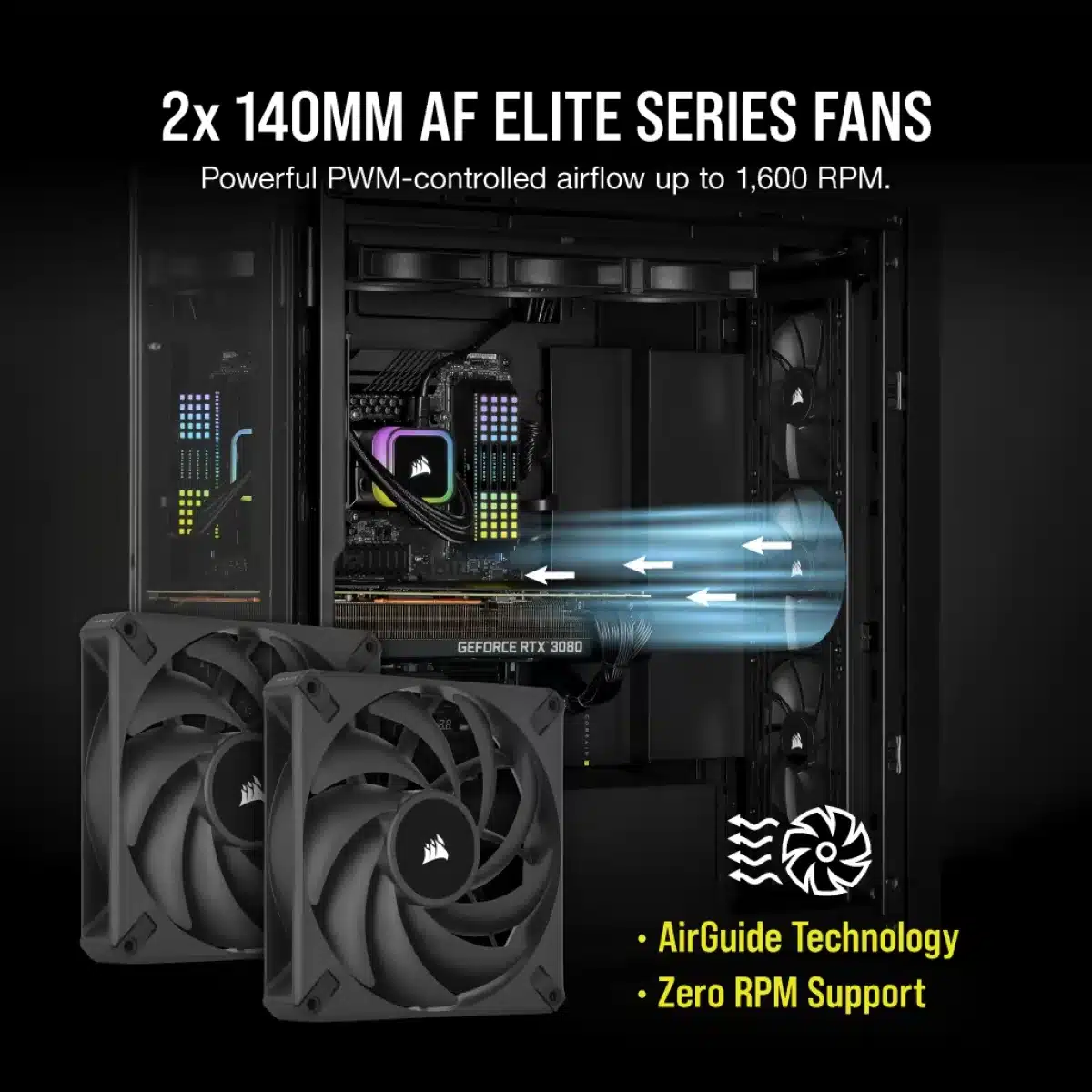
AF ELITE fans with AirGuide airflow
The two AF140 ELITE fans use CORSAIR AirGuide technology to concentrate airflow through the cooling system. Their published operating range is 400–1600 RPM, with PWM support. This gives you room to select a cooling curve for everyday work and increase airflow when the processor workload rises, rather than running at full speed continuously.
RGB on the pump head
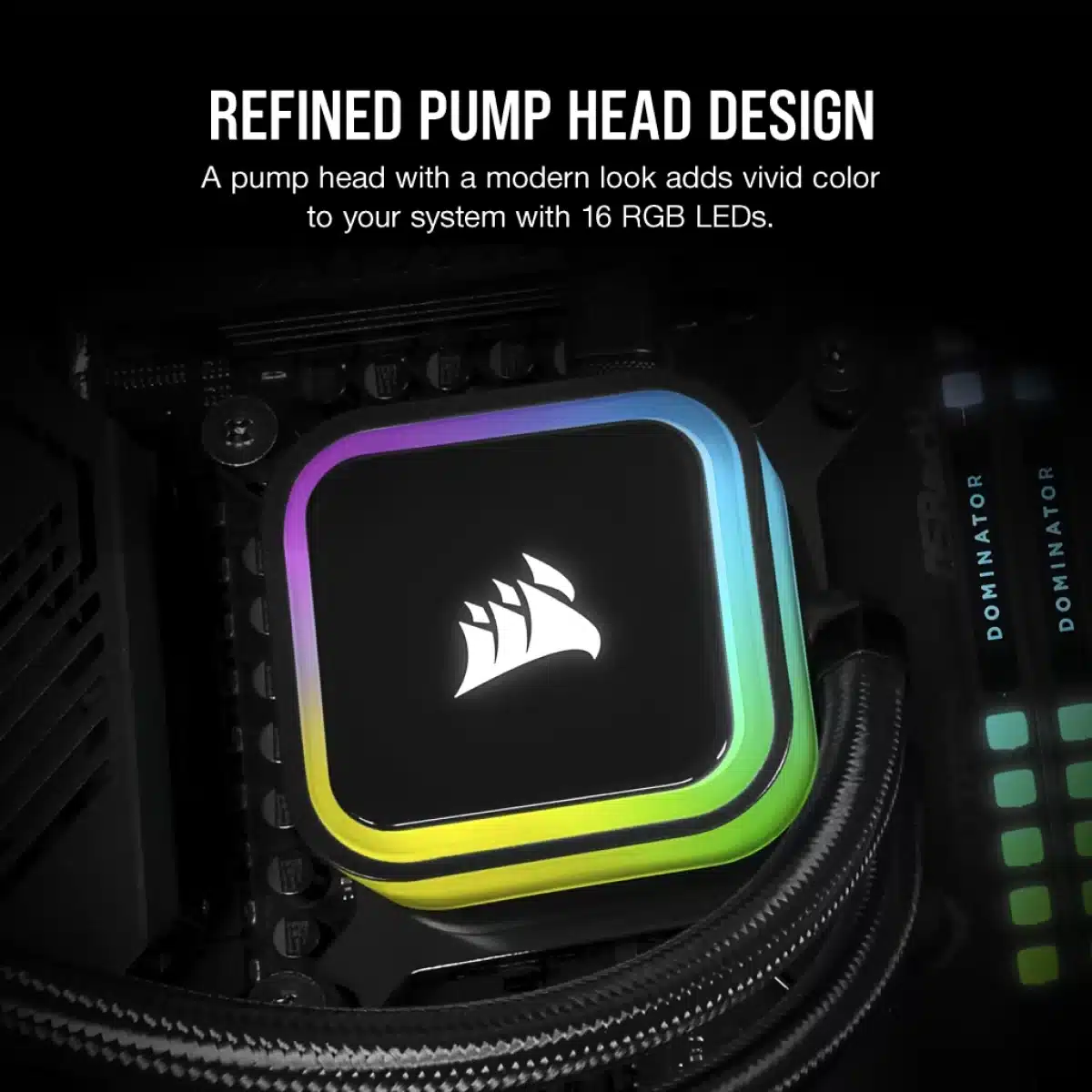
Sixteen RGB LEDs illuminate the pump head, with effects configured through CORSAIR iCUE. Choose a simple colour scheme or coordinate the pump lighting with other compatible iCUE devices. The included AF ELITE fans are the cooling fans supplied with this model; the RGB lighting highlighted here is on the pump head.
Monitor cooling from one interface
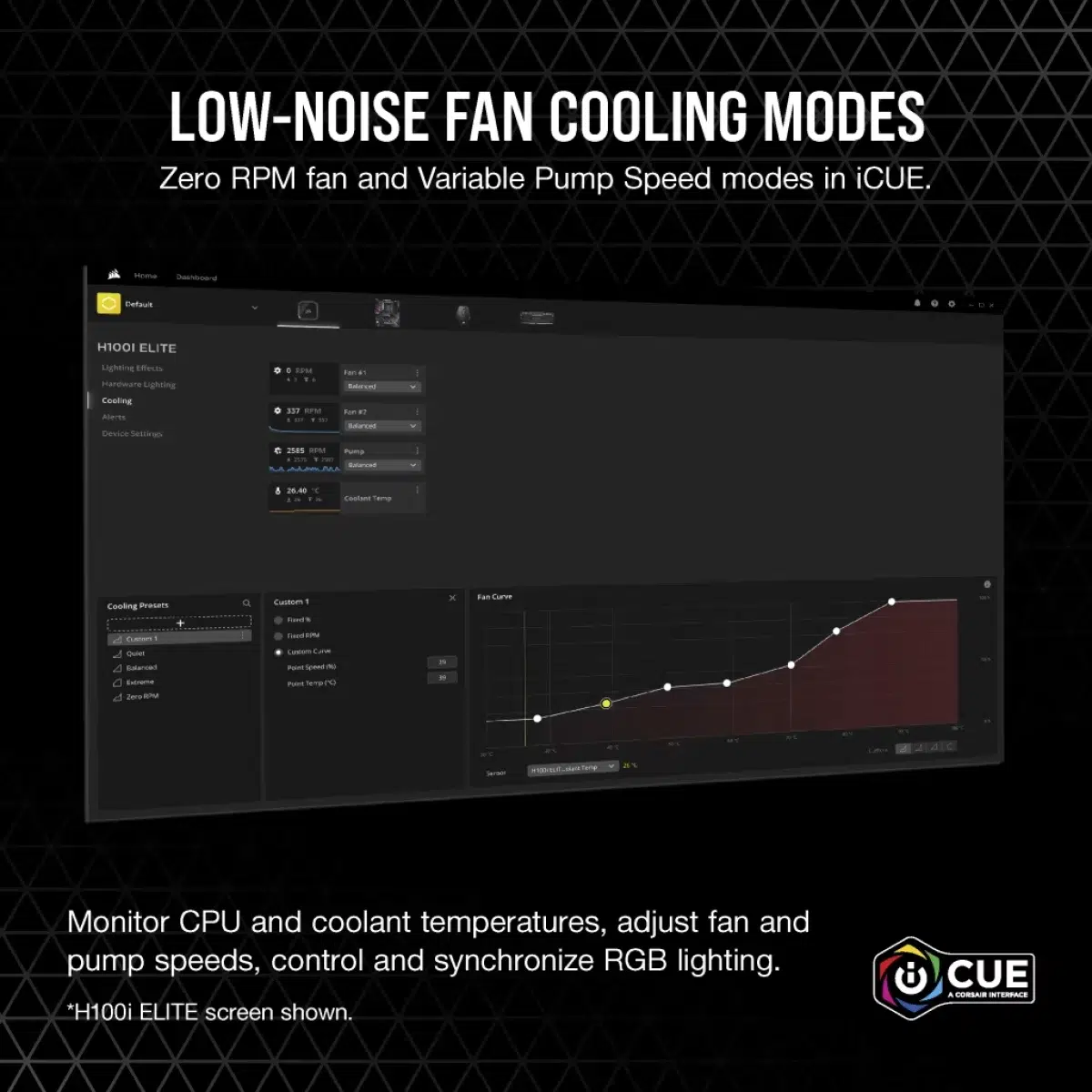
iCUE lets you adjust fan and pump speeds while monitoring CPU and coolant temperatures. Keeping these readings and controls together makes it easier to choose behaviour that suits your workload. Temperature readings are useful for understanding the system under load, while the lighting controls can be set separately around the appearance you prefer.
Reduce noise during lighter use
Zero RPM and variable pump-speed cooling modes are available through iCUE for idle and lighter-load operation. Configure the supported mode around your system’s temperatures rather than expecting the same fan behaviour under every workload. The manufacturer lists a fan noise range of 5–33.9 dBA across its published operating conditions.
A prepared CPU contact surface and supported mounting
The copper cold plate comes with thermal compound already applied. CORSAIR describes a tool-free mounting bracket and a USB Type-C connection on the pump for its wiring arrangement. Match the mounting hardware to your CPU socket and follow the installation guide, particularly when using a platform that needs its specific retention hardware.
Match the Cooler to the Socket and Case
Check the supported processor socket, mounting kit and case clearance. For liquid cooling, compare radiator and fan positions with the case layout and other installed components. Compare related options such as Thermaltake Floe RC Ultra 240 AIO Liquid Cooler - Gray or Gameon Kraken N360 360mm Liquid CPU Cooler, RGB, keeping the exact model and configuration in the decision. For the wider setup, explore LIAN LI O11 Dynamic XL Full Tower Case, USB 3.0 and check the connection, size or mounting requirements before pairing accessories. Browse the Corsair range at AX for more choices.
CORSAIR iCUE H115i RGB ELITE Setup Choices
Check the supported processor socket, mounting kit and case clearance. For liquid cooling, compare radiator and fan positions with the case layout and other installed components. Explore Wooting 60HE v2 60% Gaming Keyboard, Aluminium, Pulsar Pro Series Susanto-X Wireless Gaming Mouse Size 2, 50g, ARTISAN NINJA FX ZERO Gaming Mousepad – SOFT/XSOFT, XL/XXL.
Frequently Asked Questions
Which radiator class is supplied?
280 mm.
Which fans are included?
Two AF140 ELITE 140 mm fans.
Where is the listed RGB lighting?
16 RGB LEDs.
Is thermal compound supplied?
Pre-applied.
Build Your Setup with AX Store
Explore computers, displays and accessories for your workspace at AX Store. For help choosing the right model or checking an accessory, contact AX Store.
THE DETAILS
Technical specifications
Cooling assembly
iCUE H115i RGB ELITE
CW-9060059-WW
All-in-one liquid CPU cooler
280 mm
Aluminium
Copper
Pre-applied
400 mm
Black
Fans and controls
Two AF140 ELITE 140 mm fans
CORSAIR AirGuide
400–1600 RPM ±10%
Yes
15.3–84.5 CFM
0.1–1.73 mm-H2O
5–33.9 dBA
16 RGB LEDs
CORSAIR iCUE
CPU and coolant temperatures
Zero RPM and variable pump speed
Compatibility
LGA 1700, LGA 1200, LGA 1150, LGA 1151, LGA 1156, LGA 2011, LGA 2066 and LGA 1366
AM5, AM4, sTR4 and sTRX4; use the appropriate mounting hardware
USB Type-C port and wiring harness
COMPLETE YOUR SETUP
Pairs well with



