Gator Frameworks
Gator Frameworks 4000 Series Microphone Boom Arm Stand
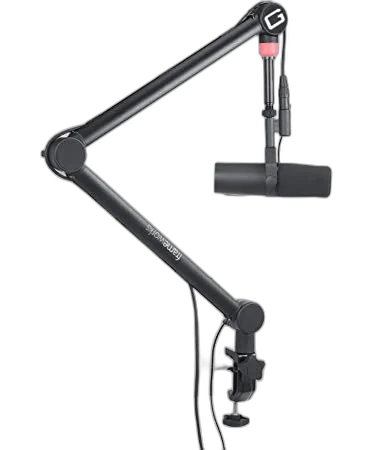
Bring adjustable positioning and a configurable LED ring to your podcast desk. The Gator Frameworks 4000 adds a removable XLR cable and an extension adapter for easier microphone connections.
Regular price
68.500 KWD
or 4 payments of 17.125 KWD with
Pay with card & save


65.000 KWD
Save 3.500 KWD
Overview
GATOR FRAMEWORKS 4000 SERIES MICROPHONE BOOM ARM STAND
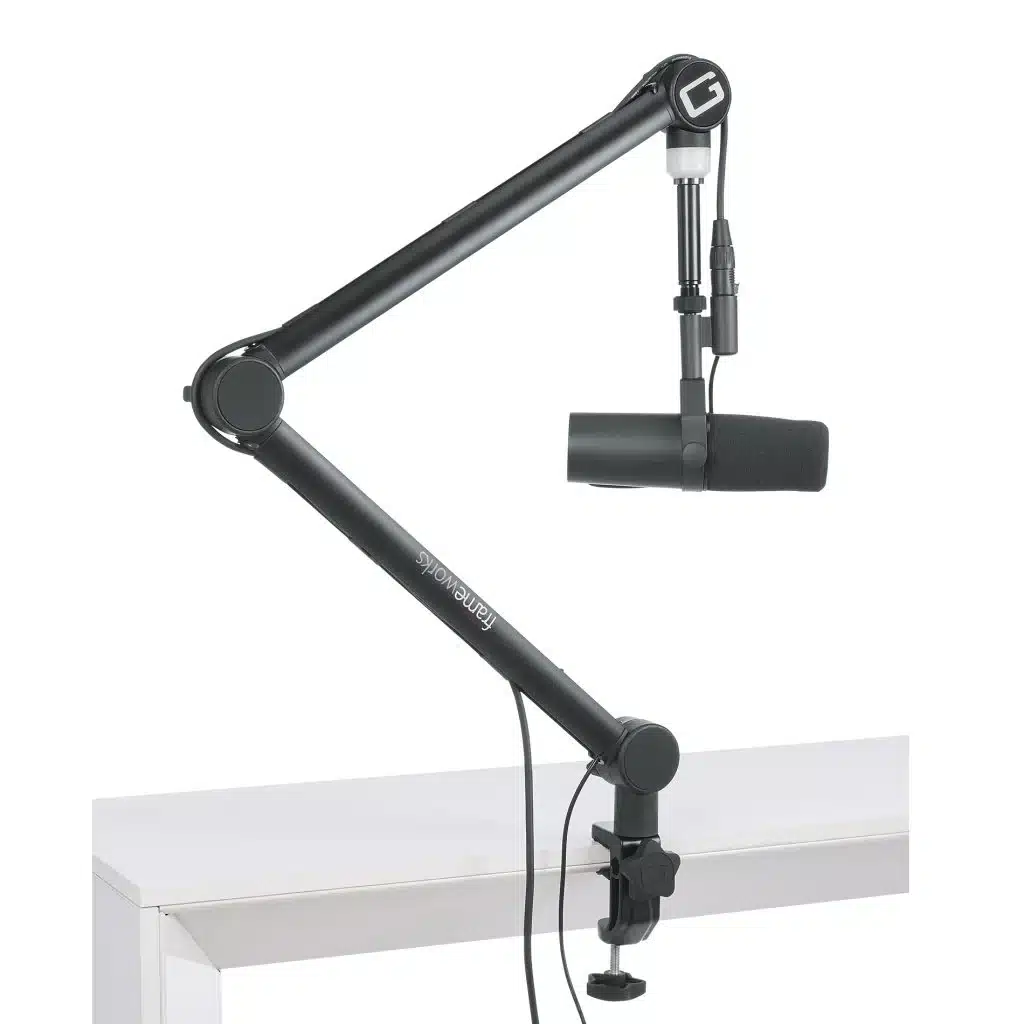
Gator Frameworks 4000
Bring adjustable positioning and a configurable LED ring to your podcast desk. The Gator Frameworks 4000 adds a removable XLR cable and an extension adapter for easier microphone connections. Available from AX Store in Kuwait.
2 kg
Maximum Load
3.048 m XLR
Removable Cable
3 Colours
LED Ring
55 mm
Maximum Desk Thickness
Route the cable through the arm
A removable 3.048 m XLR cable runs through a dedicated channel, keeping the recording area organised. The included 76 mm extension adapter creates room at the microphone connection.
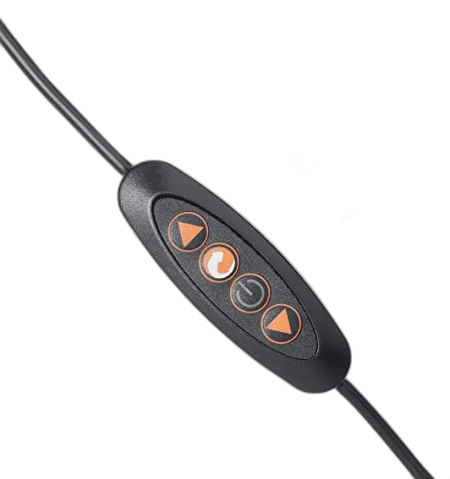
Set an indicator colour for your session
Choose red, blue or violet and adjust brightness with the LED controller. Position the spring-loaded arm using its adjustable joints and 360-degree rotation. Check the exact microphone, mounting arrangement and intended recording position together, leaving the relevant controls and connections accessible throughout the session.
Plan the Exact Arm and Cable Arrangement
The 4000 Series supports up to 2 kg and uses a removable 3.048 m XLR cable. Its LED ring offers red, blue and violet with brightness adjustment; this selectable light is not an automatic recording or mute-status sensor.
Choose the Attachment Around the Desk
Choose the desk clamp or direct surface-mount arrangement for the actual workspace. The stated clamp limit is 55 mm; check edge shape and underside obstructions as well as thickness before tightening the mounting hardware.
Keep Movement Clear of Cable Tension
The removable XLR cable can be routed through the arm while leaving slack at the microphone and interface. The LED controls select colour and brightness independently; they do not detect whether recording software is active.
Set the Microphone at a Practical Angle
The arm’s 360-degree rotation helps move the microphone between a working position and a clear desk area. Secure the microphone fitting, include the shock mount in the load and check the sweep before starting a recording session.
Check the Microphone and Desk Mount
Match the microphone weight and mounting thread to the stand or arm, including any adapter or accessory. Check clamp clearance and reach so the microphone can move into position without pulling its cable. Compare related options such as Elgato Wave Shock Mount for Wave Microphones or Elgato Wave Desk Stand for Microphones - Compact Design, keeping the exact model and configuration in the decision. For the wider setup, explore SHURE MV7X Dynamic Broadcast Microphone (XLR Only) and check the connection, size or mounting requirements before pairing accessories. Browse the Gator Frameworks range at AX for more choices.
Gator Frameworks 4000 Setup Choices
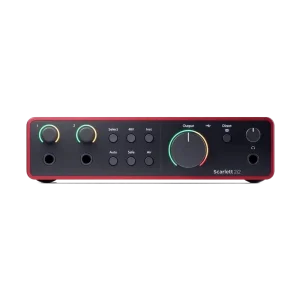
Match the microphone weight and mounting thread to the stand or arm, including any adapter or accessory. Check clamp clearance and reach so the microphone can move into position without pulling its cable. Explore Focusrite Scarlett 2i2 4th Gen USB Audio Interface, 120dB Dynamic Range, Elgato Stream Deck Plus Multi-Touch Controller, Wooting 60HE v2 60% Gaming Keyboard, Aluminium.
Frequently Asked Questions
What should I check for this exact model?
The 4000 Series supports up to 2 kg and uses a removable 3.048 m XLR cable. Its LED ring offers red, blue and violet with brightness adjustment; this selectable light is not an automatic recording or mute-status sensor.
What should be counted in the load?
Count the microphone, suspension mount and any adapters carried at the arm end. An arm’s own shipping or net weight is not a microphone payload rating.
Can I clamp it to any desk?
Check desk thickness, edge shape, underside obstructions and surface strength before fitting the clamp. Keep the full movement path clear of screens and other equipment; use the manufacturer’s mounting instructions.
Does the arm provide a USB audio interface?
No. The arm positions equipment. An included XLR cable, where listed for this exact model, carries analogue audio and does not replace an interface, microphone preamp or microphone power supply.
Build Your Setup with AX Store
Explore computers, displays and accessories for your workspace at AX Store. For help choosing the right model or checking an accessory, contact AX Store.
THE DETAILS
Technical specifications
Design and compatibility
GFWMICBCBM4000
Desk-mounted microphone boom arm with LED ring
2 kg
360 degrees
Removable; 3.048 m
Red, blue and violet
Colour and brightness adjustment
55 mm
76 mm
Desk clamp or direct surface mount
COMPLETE YOUR SETUP
Pairs well with



