
Govee
Govee H6098 Envisual TV Backlight 3S Netflix Edition
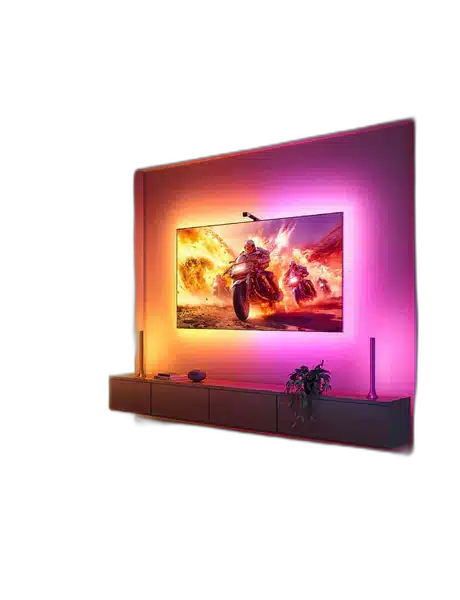
The Govee H6098 Backlight 3S uses a camera mounted above the television to capture screen colours and apply them to the rear lighting. RGBICW lighting, Govee Home calibration and a separate control box create a responsive backdrop for films, games and everyday viewing.
Overview
GOVEE H6098 SMART TV BACKLIGHT 3S — NETFLIX EDITION
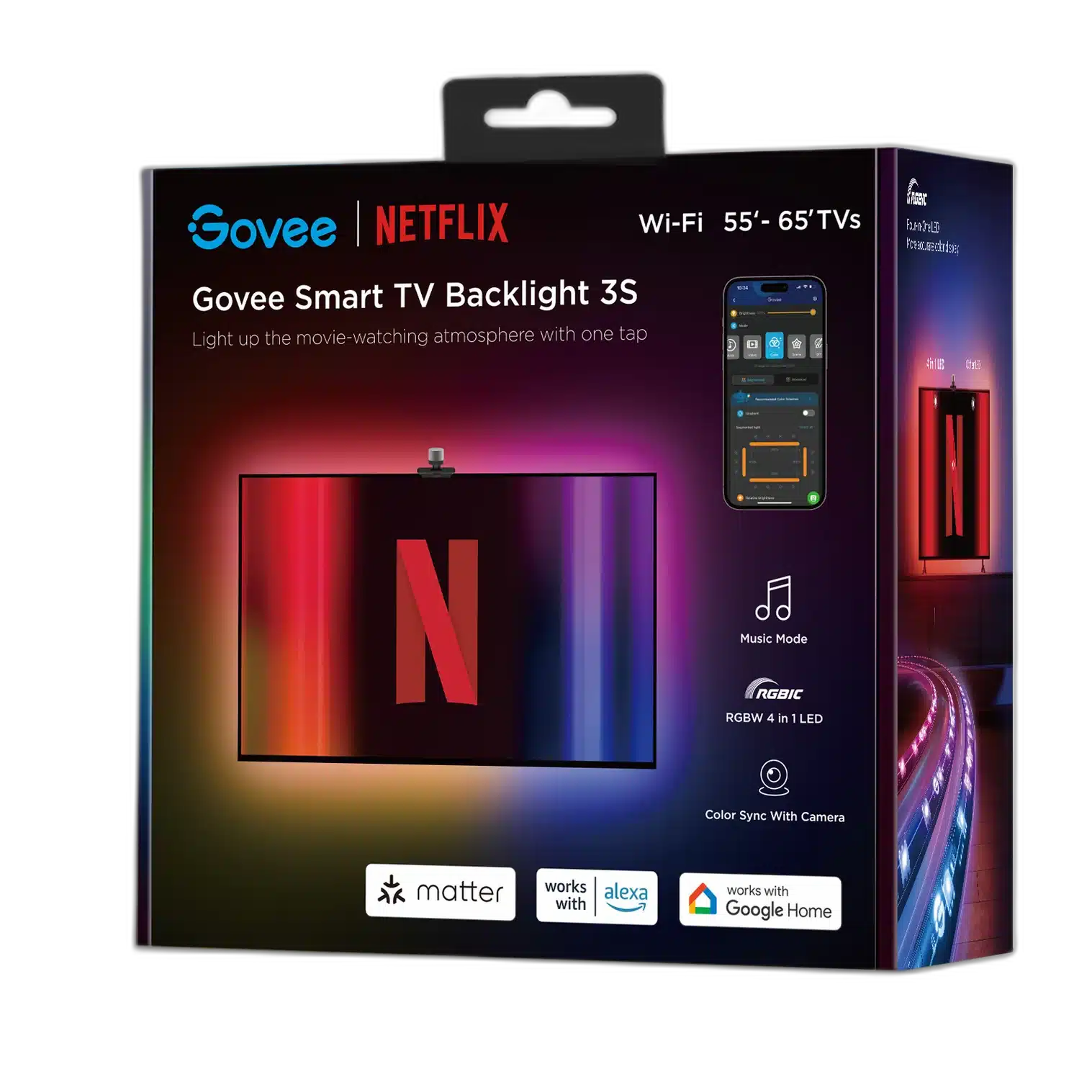
Govee H6098 Smart TV Backlight 3S — Netflix Edition
Govee H6098 Smart TV Backlight 3S — Netflix Edition: The Govee H6098 Backlight 3S uses a camera mounted above the television to capture screen colours and apply them to the rear lighting. RGBICW lighting, Govee Home calibration and a separate control box create a responsive backdrop for films, games and everyday viewing. Available from AX Store in Kuwait.
RGBICW
Lighting technology
Camera Sync
Screen-colour capture
2.4 GHz
Wi-Fi band
Govee Home
Setup and calibration
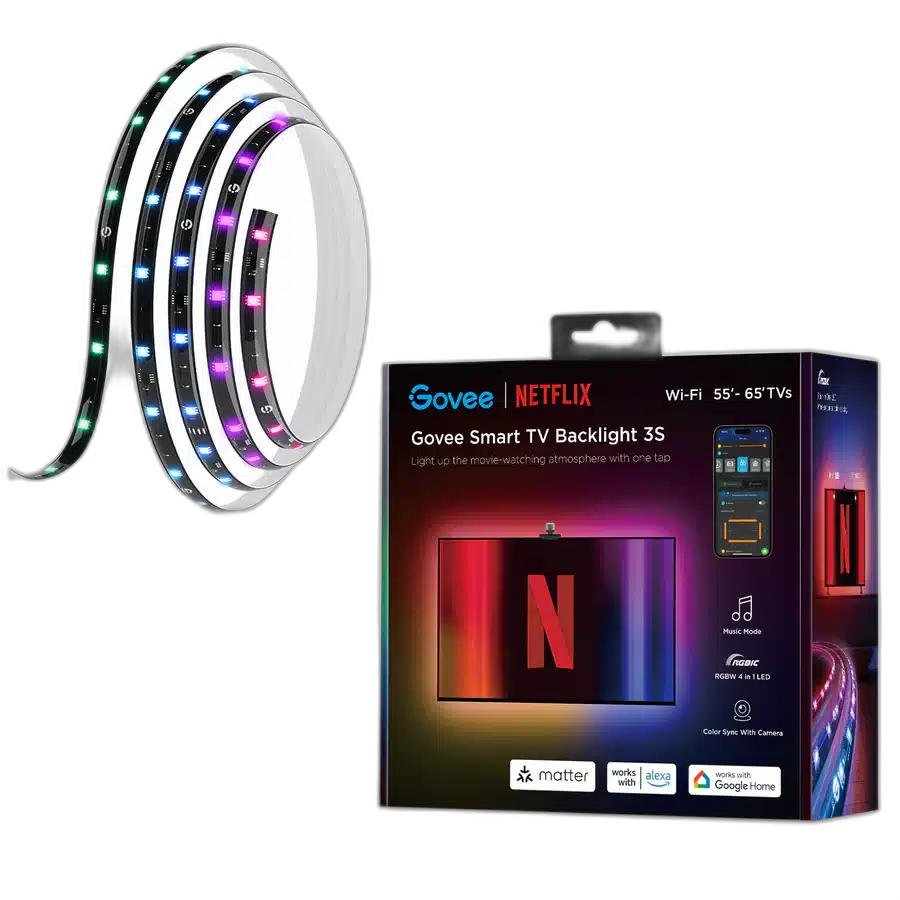
Camera-Based Colour Capture
A camera at the top centre of the television observes the displayed colours and sends the result to the lighting system. The strip responds behind the screen, bringing the picture’s colour treatment into the room. Position the camera as directed so the whole display can be included during calibration.
RGBICW Rear Lighting
The H6098 strip uses RGBICW technology, combining multi-colour lighting with white-light capability. Its rear position turns the wall into part of the visual arrangement. Install the strip along the supplied route, pressing it firmly in place and using the provided clips to reinforce the mounting.
Calibrate in Govee Home
Complete camera calibration through Govee Home after the physical installation. The supplied foam calibration points help define the television’s displayed area. Follow the app’s guide when choosing the points and keep the calibration lines correctly arranged, so the system knows which part of the camera image corresponds to the screen.
Wi-Fi and Phone Setup
Enable phone Bluetooth when adding H6098 in Govee Home and connect the system to a 2.4 GHz Wi-Fi network. Calibration requires the network connection. Keep the phone close during initial pairing, then complete the device guide before choosing the screen-responsive lighting settings for the television.
Direct Colour, Music and Brightness Controls
The control box provides power, colour and music/dimmer buttons. Press the music button to select music mode, or hold it to adjust brightness as directed in the guide. Place the box within reach so these controls remain useful after the television and lighting have been returned to their final positions.
Model
H6098 Smart TV Backlight 3S
Edition
Netflix Edition
Lighting technology
RGBICW
Connect and Test the Complete System
The package includes a strip, adapter, control box and camera. Connect the strip and camera to the corresponding control-box connections, then test the system before completing the mounting. Keep the camera centred and the cable route clear, leaving access to the television’s ports and the backlight’s power connection.
Choose the Lighting System and Expansion Route
Check whether the exact item is a complete starter kit or an expansion. Match its power supply, controller and supported ecosystem before adding panels, strips or other accessories. Compare related options such as Govee B600D3C1 RGBWW LED Bulb 2-Pack GU10 or Govee B600CCC1 RGBWW Smart LED Bulbs 2-Pack, keeping the exact model and configuration in the decision. For the wider setup, explore Govee H10D2 Neon Rope Light 2 Clips 5-Pack and check the connection, size or mounting requirements before pairing accessories. Browse the Govee range at AX for more choices.
Govee H6098 Smart TV Backlight 3S — Netflix Edition Setup Choices
Check whether the exact item is a complete starter kit or an expansion. Match its power supply, controller and supported ecosystem before adding panels, strips or other accessories.
Frequently Asked Questions
How does it follow screen colours?
A camera mounted at the top centre observes the screen and the system applies captured colours to the lighting.
Does the camera need calibration?
Yes, complete the Govee Home calibration after installation.
What does the control box do?
It connects the lighting system and provides power, colour and music/brightness controls.
Does Netflix Edition include a Netflix subscription?
The edition name identifies this lighting product; a Netflix subscription is not included.
Build Your Setup with AX Store
Explore computers, displays and accessories for your workspace at AX Store. For help choosing the right model or checking an accessory, contact AX Store.
THE DETAILS
Technical specifications
TV Colour-Capture System
H6098 Smart TV Backlight 3S
Netflix Edition
RGBICW
Top-centre-mounted camera
Govee Home app; foam calibration points
Wi-Fi 2.4 GHz; Bluetooth for pairing
Power; colour; music/dimmer
Strip; camera; control box; power adapter
AC 100–240 V, 50/60 Hz
COMPLETE YOUR SETUP
Pairs well with