Govee
Govee H60C1 RGBICWW Pendant Light - Smart Hanging Ceiling Light
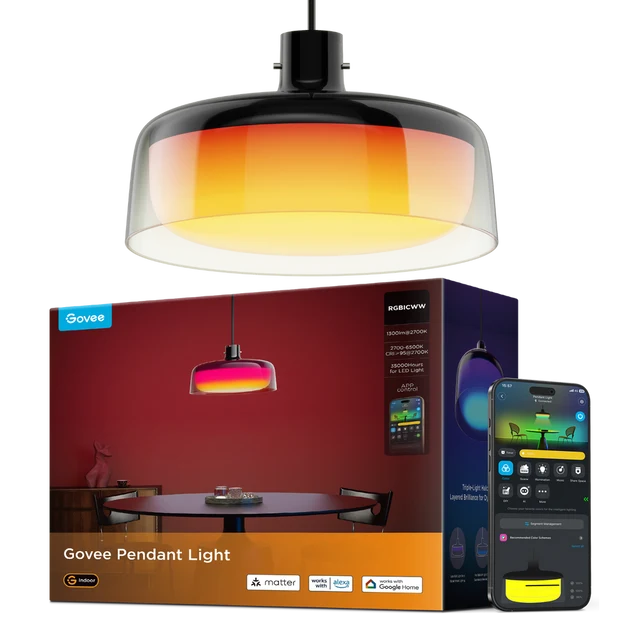
Bring adjustable white light and multicolour ambience to your dining space with the Govee H60C1 Pendant Light. Three independently controlled sections create a layered lighting effect.
Overview
GOVEE H60C1 RGBICWW PENDANT LIGHT - SMART HANGING CEILING LIGHT

Govee H60C1 Pendant Light
Bring adjustable white light and multicolour ambience to your dining space with the Govee H60C1 Pendant Light. Three independently controlled sections create a layered lighting effect. Available from AX Store in Kuwait.
3
Independent Lighting Sections
1300 lm
Listed Brightness
2700–6500 K
White-Light Range
CRI ≥95
Colour Rendering
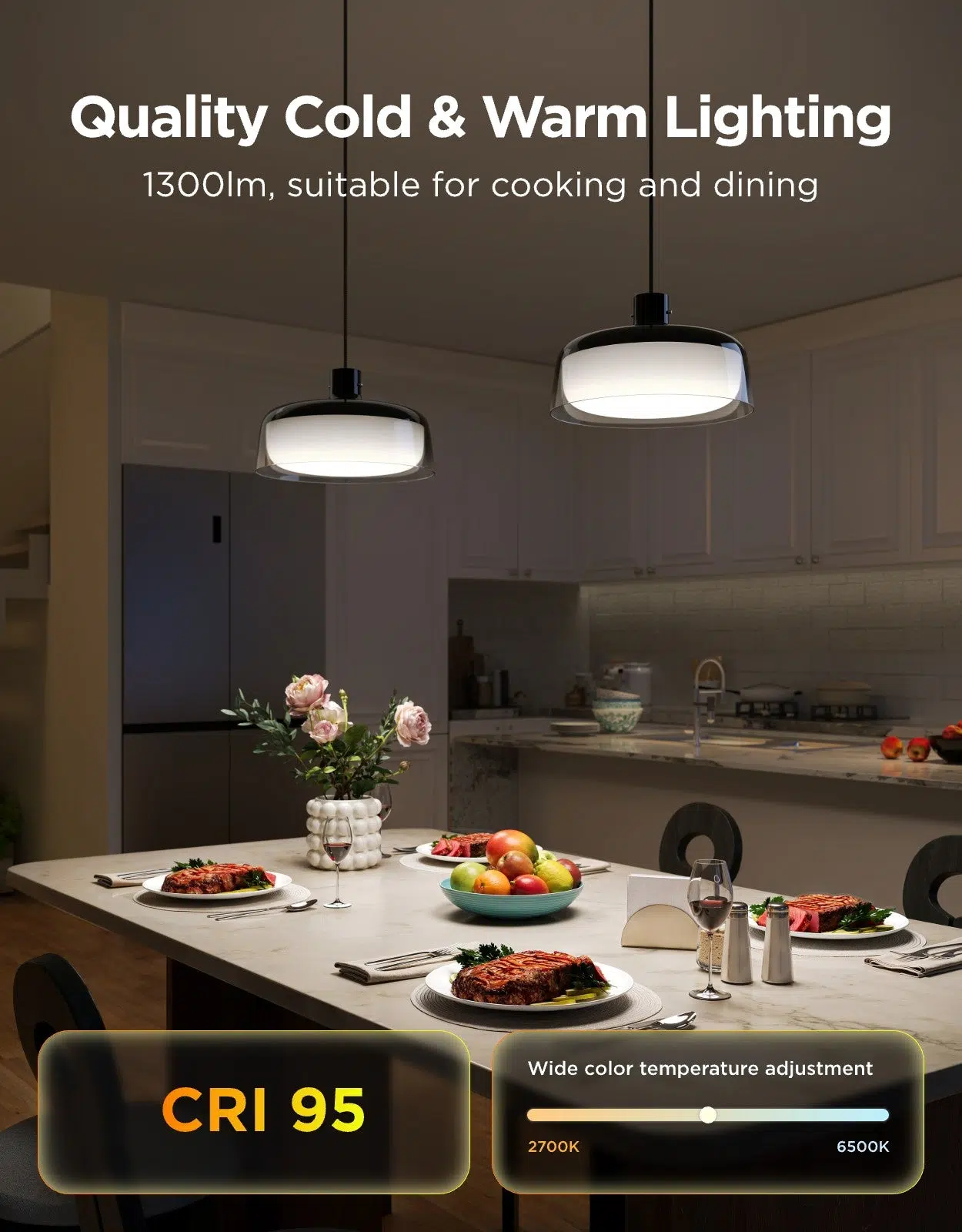
Three sections, flexible combinations
Control the side, curved and bottom sections separately or together. Switch from colourful ambience to focused white light for meals and everyday tasks. Plan the placement around the space available and adjust the finished lighting arrangement for your room.
Smart control for the whole room
Use Govee Home, Alexa, Google Assistant or Matter. DreamView can synchronise with up to seven additional compatible Govee lights. Photos showing multiple pendants require separate units.
Different Effects above the Table
Three independent lighting sections give the pendant separate areas to adjust. Select a combination that suits the table, the surrounding room and the amount of decorative colour you want.
A Suspended Fixture with a Defined Fit
The pendant measures 300 × 300 × 171 mm. Check the planned ceiling position and table arrangement, then follow the installation requirements for the fixture and its electrical connections.
Control for the Way You Use the Space
The listed control options are Govee Home; Alexa; Google Assistant; Matter. Choose the supported method for everyday adjustments and check the requirements of any additional compatible smart-home equipment you plan to use.
Plan the Complete Installation
Measure the intended ceiling location and consider the furniture beneath the fixture. Follow the installation instructions for mounting and electrical connections, then adjust the lighting to suit the finished room.
Choose the Lighting System and Expansion Route
Check whether the exact item is a complete starter kit or an expansion. Match its power supply, controller and supported ecosystem before adding panels, strips or other accessories. Compare related options such as Govee B600D3C1 RGBWW LED Bulb 2-Pack GU10 or Govee B600CCC1 RGBWW Smart LED Bulbs 2-Pack, keeping the exact model and configuration in the decision. For the wider setup, explore Govee H10D2 Neon Rope Light 2 Clips 5-Pack and check the connection, size or mounting requirements before pairing accessories. Browse the Govee range at AX for more choices.
Govee H60C1 Pendant Light Setup Choices
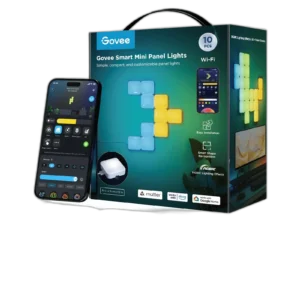
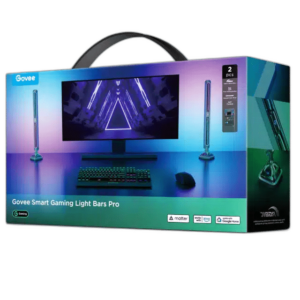
Check whether the exact item is a complete starter kit or an expansion. Match its power supply, controller and supported ecosystem before adding panels, strips or other accessories. Explore Elgato Light Strip RGBWW LEDs, 2000 Lumens, Govee Smart Mini Panel Lights H8069, 10 Pack RGB Panels, Govee Smart Gaming Light Bars Pro H8048 RGBIC Lighting.
Frequently Asked Questions
Which sections can be controlled?
3 independently controlled.
What white-light range is listed?
2700–6500 K.
What are the fixture dimensions?
300 × 300 × 171 mm.
How many additional DreamView devices are supported?
Up to 7 additional devices.
Build Your Setup with AX Store
Explore computers, displays and accessories for your workspace at AX Store. For help choosing the right model or checking an accessory, contact AX Store.
THE DETAILS
Technical specifications
Product specifications
Govee
H60C1
300 × 300 × 171 mm
3 independently controlled
RGB + RGBWW
1300 lumens
2700–6500 K
≥95
2.4 kg
Govee Home; Alexa; Google Assistant; Matter
Up to 7 additional devices
COMPLETE YOUR SETUP
Pairs well with