Govee
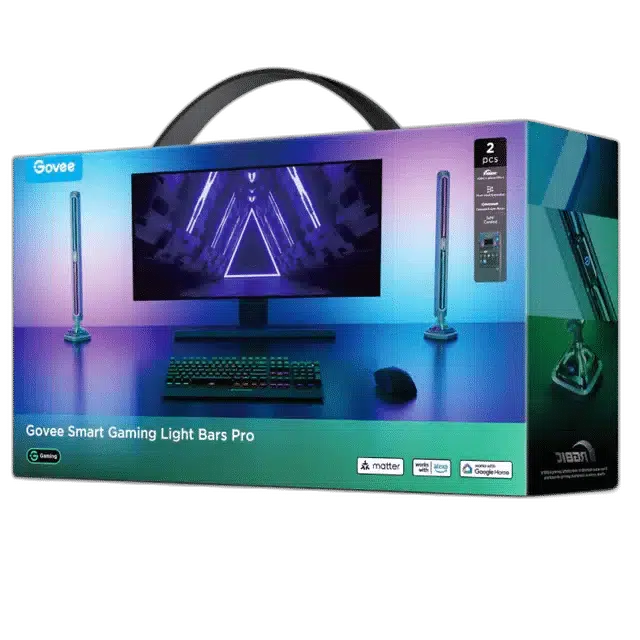
Govee Smart Gaming Light Bars Pro H8048 RGBIC Lighting
Add responsive RGBIC lighting around your gaming setup with Govee Gaming Light Bars Pro. Three-sided illumination creates colourful wall-washing effects, with screen sync through Govee Desktop on Windows.
Overview
GOVEE SMART GAMING LIGHT BARS PRO H8048 RGBIC LIGHTING
Govee Gaming Light Bars Pro H8048
Govee Gaming Light Bars Pro H8048: Add responsive RGBIC lighting around your gaming setup with Govee Gaming Light Bars Pro. Three-sided illumination creates colourful wall-washing effects, with screen sync through Govee Desktop on Windows. Available from AX Store in Kuwait.
2
Light Bars Included
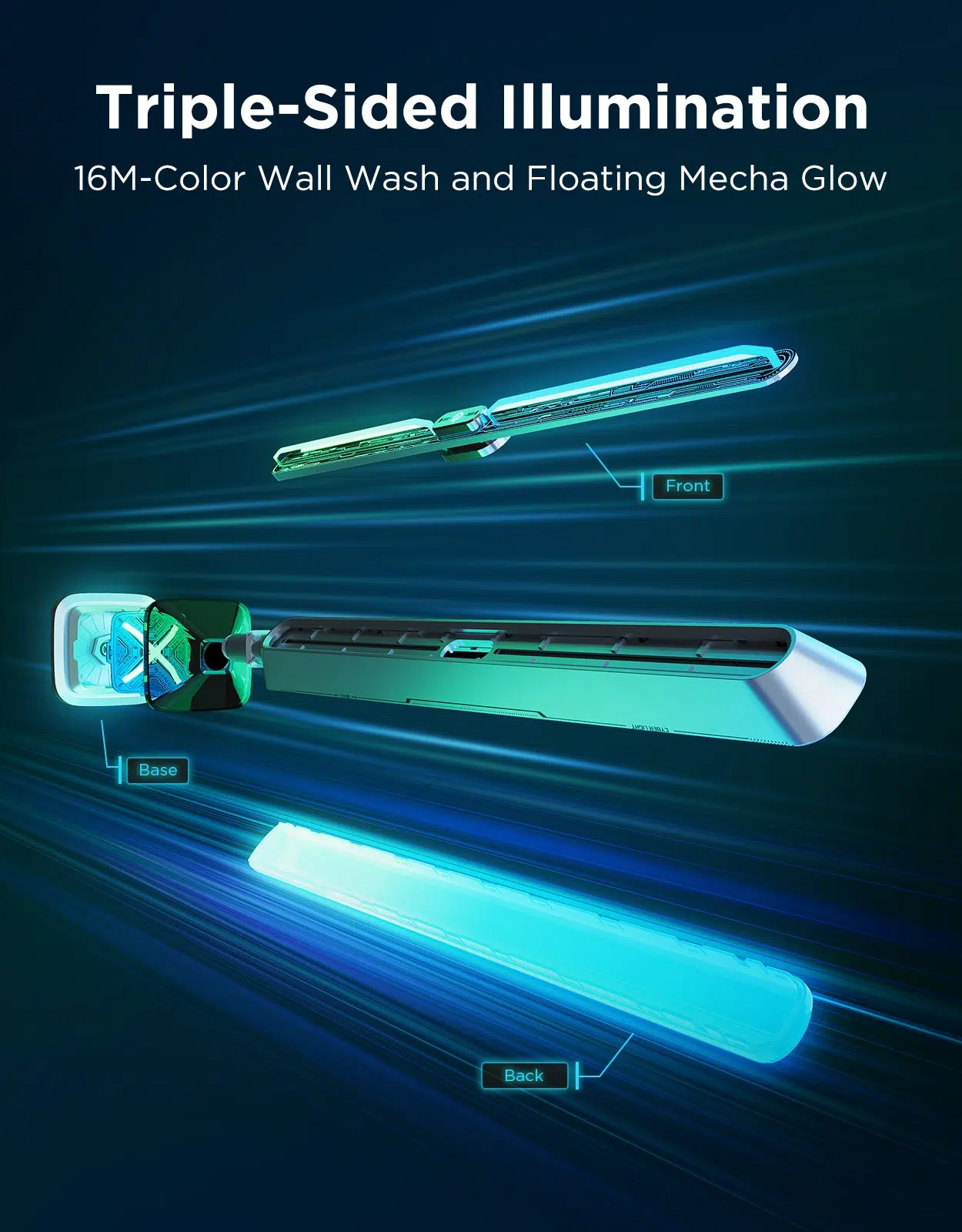
Three Sides
Front, Back and Bottom
60+
Preset Scenes
8
Music Modes
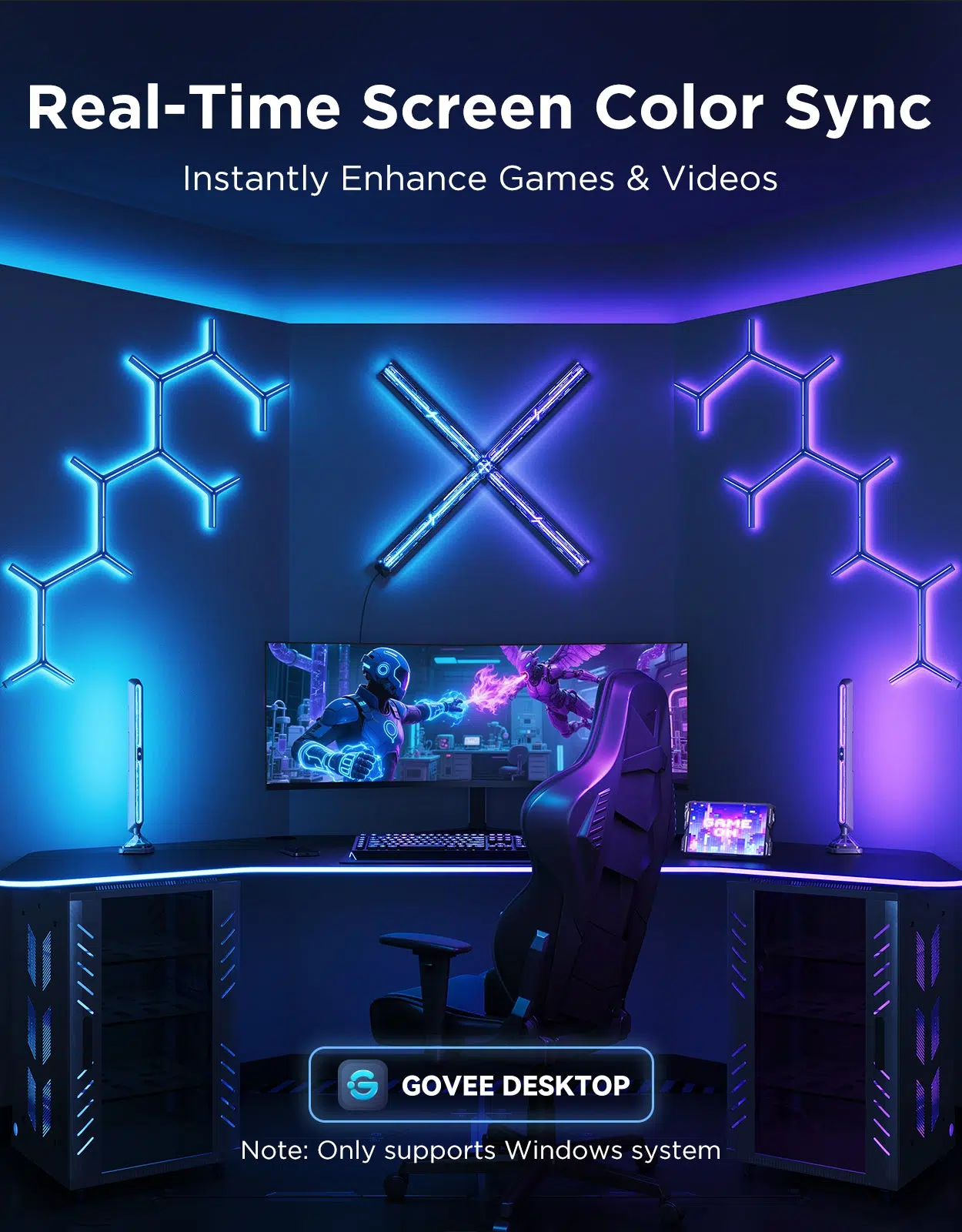
Lighting that follows the screen
Govee Desktop synchronises ambient colours with games and video on a Windows PC. Independently controlled lighting on the front, back and bottom adds depth around your desk.
Switch between gaming and everyday ambience
Choose preset scenes, music-reactive effects or custom colours in Govee Home. The cyberpunk-inspired design combines a metallic-look finish with flexible lighting control. Plan the placement around the space available and adjust the finished lighting arrangement for your room.
Light around More than One Surface
Front, back and bottom lighting gives the pair several illuminated areas around a desk. Arrange the bars so their output works with your monitor position and the nearby wall or tabletop.
Screen Sync through the Windows App
The listed screen-colour synchronisation uses Govee Desktop for Windows. Use the supported software setup for gaming or video, and choose ordinary scenes when you want a separate ambient-light effect.
Control for the Way You Use the Space
The listed control options are Govee Home app. Choose the supported method for everyday adjustments and check the requirements of any additional compatible smart-home equipment you plan to use.
Plan the Complete Installation
Plan the lighting position around your furniture, display or wall design before installation. Allow access to the required power connections and follow the model-specific mounting instructions when completing your arrangement.
Choose the Lighting System and Expansion Route
Check whether the exact item is a complete starter kit or an expansion. Match its power supply, controller and supported ecosystem before adding panels, strips or other accessories. Compare related options such as Govee H615A2A3 RGB LED Strip Lights 5M or Govee H6098 Envisual TV Backlight 3S Netflix Edition, keeping the exact model and configuration in the decision. For the wider setup, explore Govee H10D2 Neon Rope Light 2 Clips 5-Pack and check the connection, size or mounting requirements before pairing accessories. Browse the Govee range at AX for more choices.
Govee Gaming Light Bars Pro H8048 Setup Choices
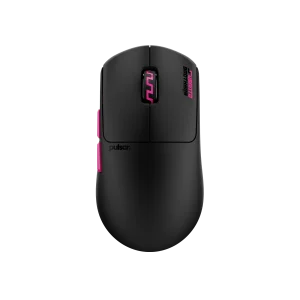
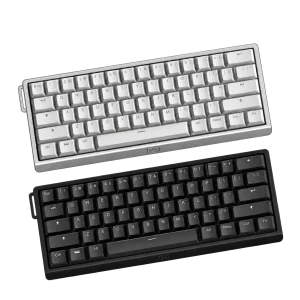
Check whether the exact item is a complete starter kit or an expansion. Match its power supply, controller and supported ecosystem before adding panels, strips or other accessories. Explore Wooting 60HE v2 60% Gaming Keyboard, Aluminium, Pulsar Pro Series Susanto-X Wireless Gaming Mouse Size 2, 50g, ARTISAN NINJA FX ZERO Gaming Mousepad – SOFT/XSOFT, XL/XXL.
Frequently Asked Questions
How many light bars are included?
2.
What is required for screen sync?
Govee Desktop for Windows.
Which areas illuminate?
Front, back and bottom.
Which smart-home systems are listed?
Matter; Alexa; Google Assistant; Razer Chroma.
Build Your Setup with AX Store
Explore computers, displays and accessories for your workspace at AX Store. For help choosing the right model or checking an accessory, contact AX Store.
THE DETAILS
Technical specifications
Product specifications
Govee
H8048
Gaming Light Bars Pro
RGBIC
16 million
Front, back and bottom
Govee Desktop for Windows
60+
8
Built-in
Govee Home app
2
Matter; Alexa; Google Assistant; Razer Chroma
COMPLETE YOUR SETUP
Pairs well with