HyperX
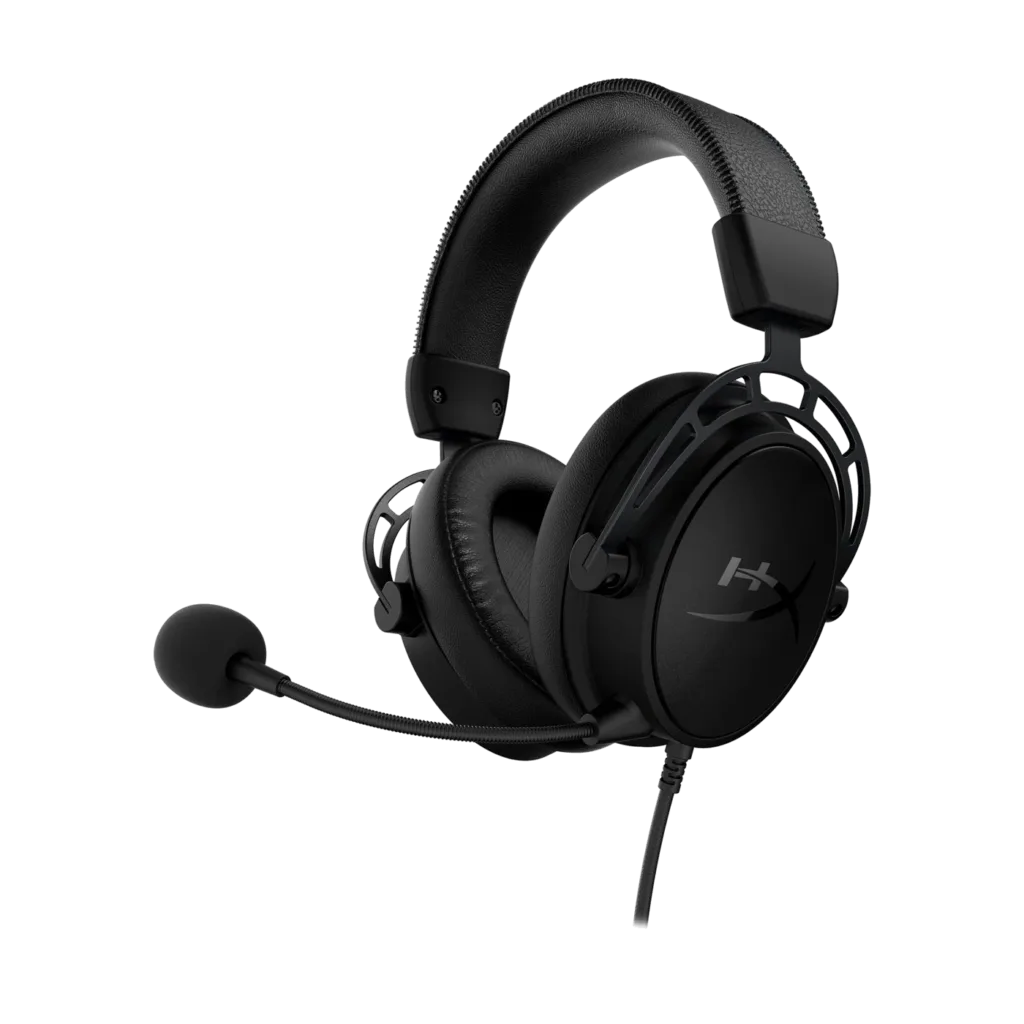
HyperX Cloud Alpha S Gaming Headset, 7.1 Surround Sound
Fine-tune game audio with the black Cloud Alpha S. Dual-chamber 50 mm drivers, adjustable bass sliders and a USB control mixer combine with memory foam cushions.
Regular price
37.000 KWD
or 4 payments of 9.250 KWD with
Pay with card & save


35.000 KWD
Save 2.000 KWD
Overview
HYPERX CLOUD ALPHA S GAMING HEADSET, 7.1 SURROUND SOUND
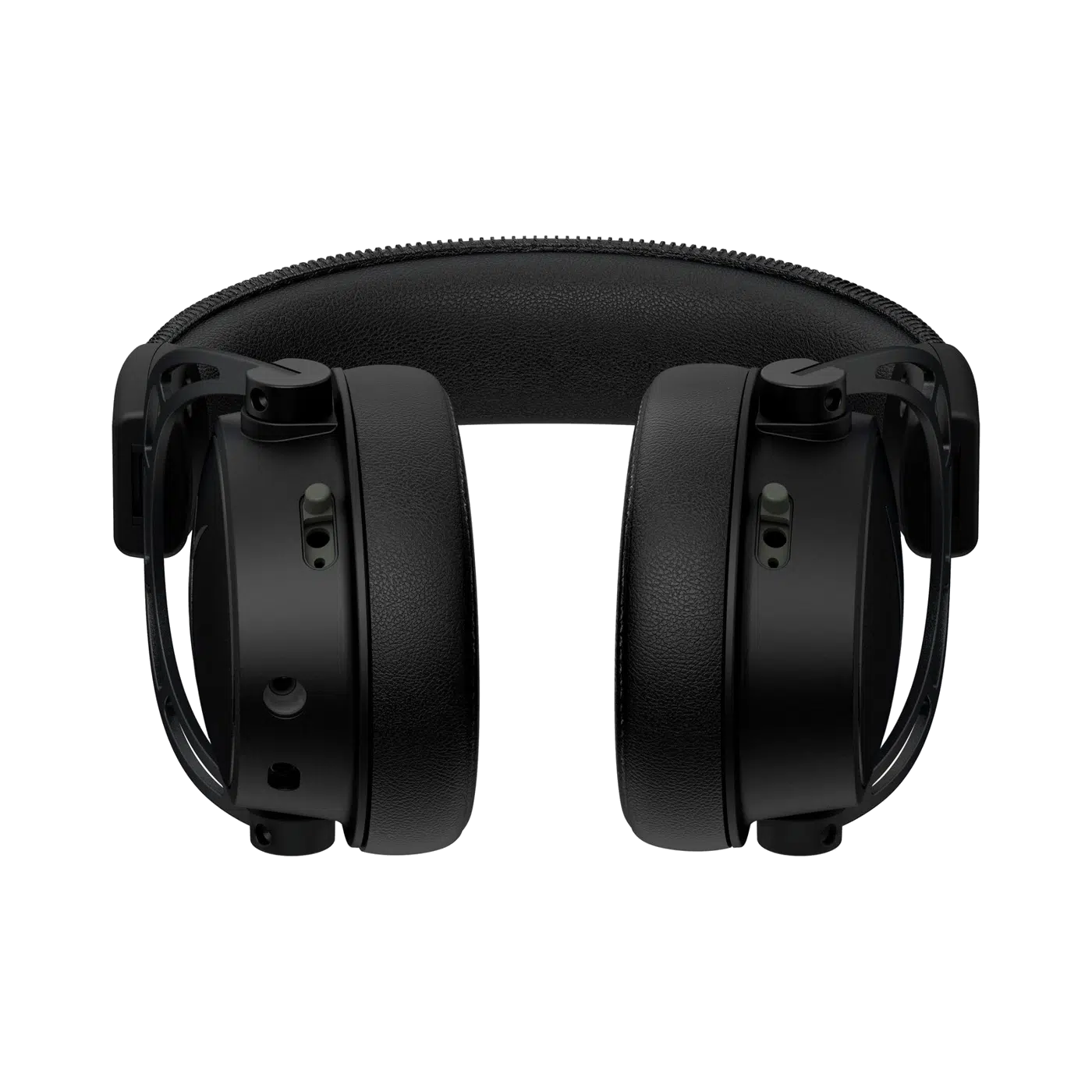
HyperX Cloud Alpha S — Black
Fine-tune game audio with the black Cloud Alpha S. Dual-chamber 50 mm drivers, adjustable bass sliders and a USB control mixer combine with memory foam cushions.
50 mm
Dynamic Drivers
Bass Sliders
Physical Earcup Adjustment
USB Mixer
Audio and Chat Controls
3.5 mm
Headset Cable
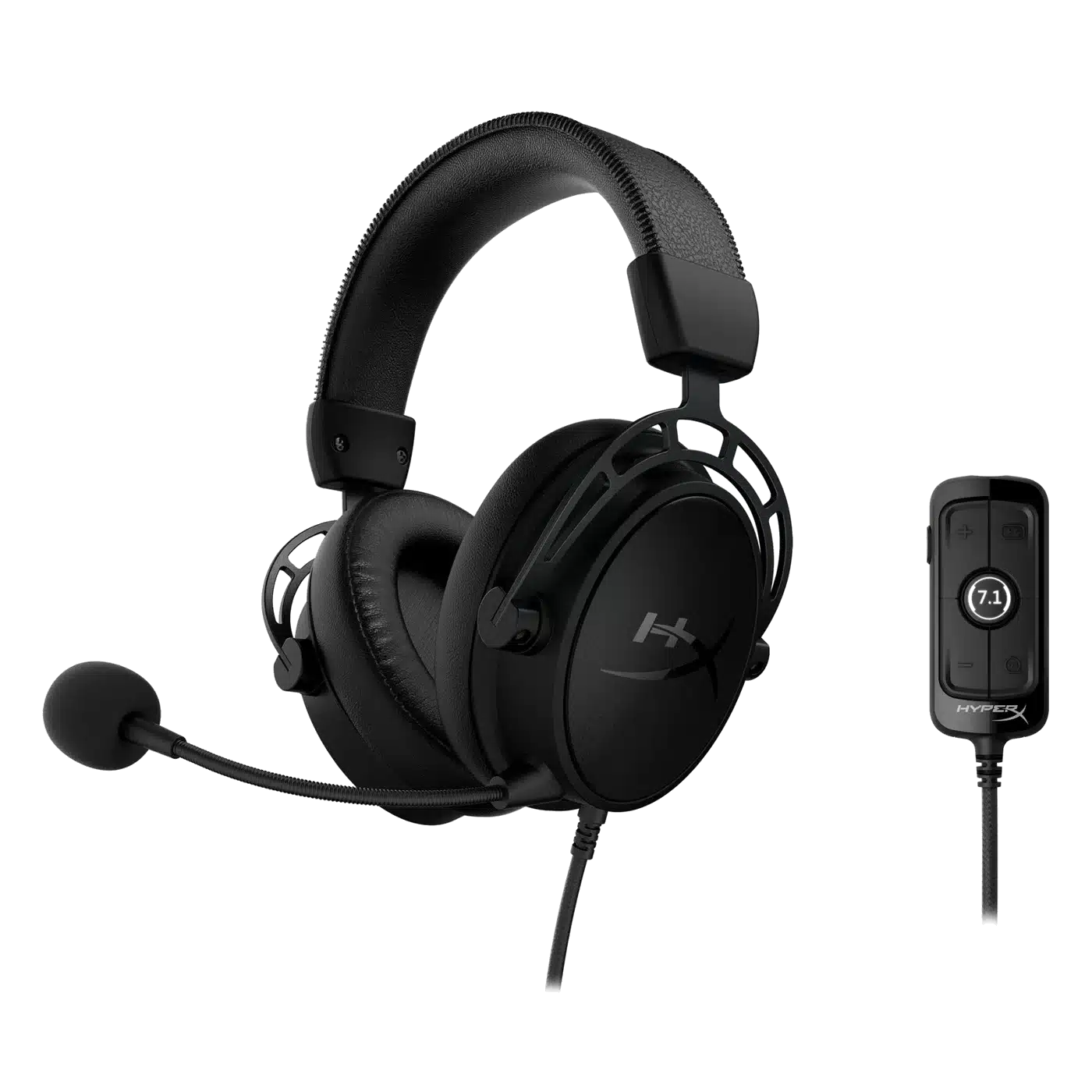
Choose your bass level
Ear-cup sliders let you adjust bass without opening software. Adjust the fit and listening level before starting a longer session. Keep the relevant headset controls within reach while listening.
Balance game and chat
The USB mixer brings volume, game/chat balance and virtual 7.1 controls within reach. Check the appropriate cable or receiver and selected audio device before starting the session.
Use the Headset Cable and Mixer Appropriately
The headset connects through its 3.5 mm cable, while the USB audio control mixer supplies the digital control route. Select the intended host and check the available functions before using game/chat balance or virtual surround.
Check PlayStation Support and Firmware
The listed hosts are PC, PlayStation 5 and PlayStation 4, with a firmware update potentially required for PS4. Configure the intended console and mixer connection before expecting the same controls available on the computer.
Choose the Cushion Set for the Session
Leatherette and additional cloth cushions are supplied with this Cloud Alpha S version. Fit the preferred pair securely before listening and adjust the headset so the earcup bass sliders remain easy to reach during use.
Keep Voice Controls within Reach
The USB mixer provides microphone mute and monitoring alongside the listening controls. Choose the correct microphone input on the host and check the mute state before starting a call, then adjust the listening balance as needed.
Complete Your Workspace
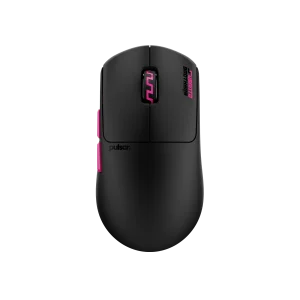
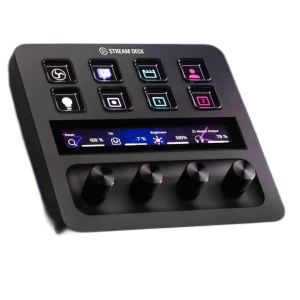
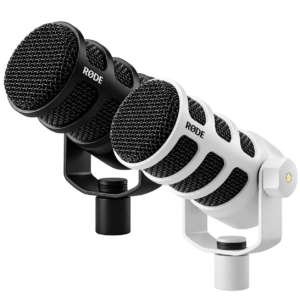
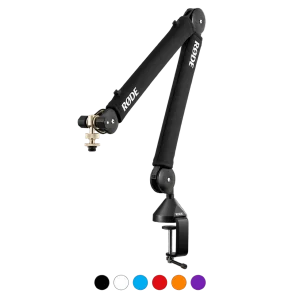
Explore gaming headsets, microphones for your setup. Suggested products are sold separately. Wooting keyboards, Pulsar mice, ARTISAN pads and Elgato controls complete a compatible gaming or creative desk. The separate RØDE USB microphone and PSA1+ arm provide an optional computer voice setup, using the microphone’s appropriate supplied mounting arrangement. These desk products do not add Xbox support to a non-Xbox wireless receiver, supply a headset base station, or turn a charging-only port into an audio input. Compare each headset alternative’s host routes, microphone support, battery mode, supplied base, controls and colour before choosing.
Frequently Asked Questions
How does it connect?
3.5 mm headset cable; USB audio control mixer.
Which hosts are listed?
PC, PS5, PS4; PS4 may require firmware update.
What does the control mixer adjust?
Headset volume, game/chat balance, virtual 7.1, mic mute / monitoring.
Are alternative cushions supplied?
Leatherette and additional cloth cushions.
Build Your Setup with AX Store Kuwait
Explore computers, displays and accessories for your workspace at AX Store Kuwait. For help choosing the right model or checking an accessory, contact AX Store.
THE DETAILS
Technical specifications
Technical details
Custom dynamic 50 mm, neodymium magnets
Over-ear, closed back
65 Ω
99 dB SPL/mW at 1 kHz
Electret condenser; bidirectional, noise-cancelling
−38 dBV (0 dB = 1 V/Pa at 1 kHz)
3.5 mm headset cable; USB audio control mixer
USB 2.0; 16-bit
Game: 48 kHz; Chat: 16 kHz
Headset volume, game/chat balance, virtual 7.1, mic mute / monitoring
310 g; 321 g with microphone
Detachable, 1 m
2 m
57 g
Leatherette and additional cloth cushions
PC, PS5, PS4; PS4 may require firmware update
COMPLETE YOUR SETUP
Pairs well with