InnoGear
InnoGear Adjustable Microphone Arm Stand, Heavy Duty
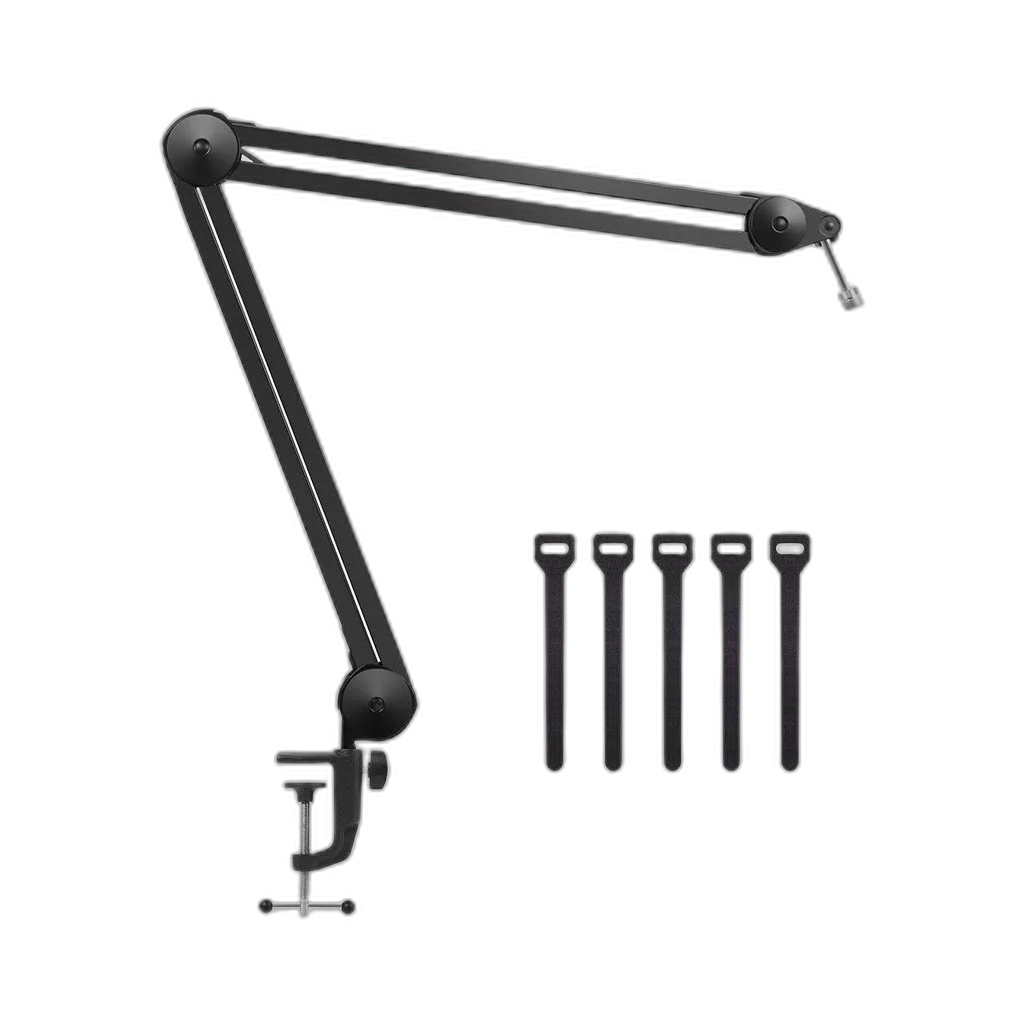
Position your microphone with the InnoGear MU038, a steel boom arm with enclosed springs and an adjustable desk clamp. It keeps the microphone off the work surface while letting you set a comfortable angle for podcasts, streams and recording.
Regular price
31.500 KWD
or 4 payments of 7.875 KWD with
Pay with card & save


29.900 KWD
Save 1.600 KWD
Overview
INNOGEAR ADJUSTABLE MICROPHONE ARM STAND, HEAVY DUTY
InnoGear MU038 Microphone Boom Arm
Position your microphone with the InnoGear MU038, a steel boom arm with enclosed springs and an adjustable desk clamp. It keeps the microphone off the work surface while letting you set a comfortable angle for podcasts, streams and recording.
4.4 lb
Maximum Load
360°
Base Rotation
5/8 inch
Microphone Connector
Internal Springs
Steel Arm Construction
Internal spring support
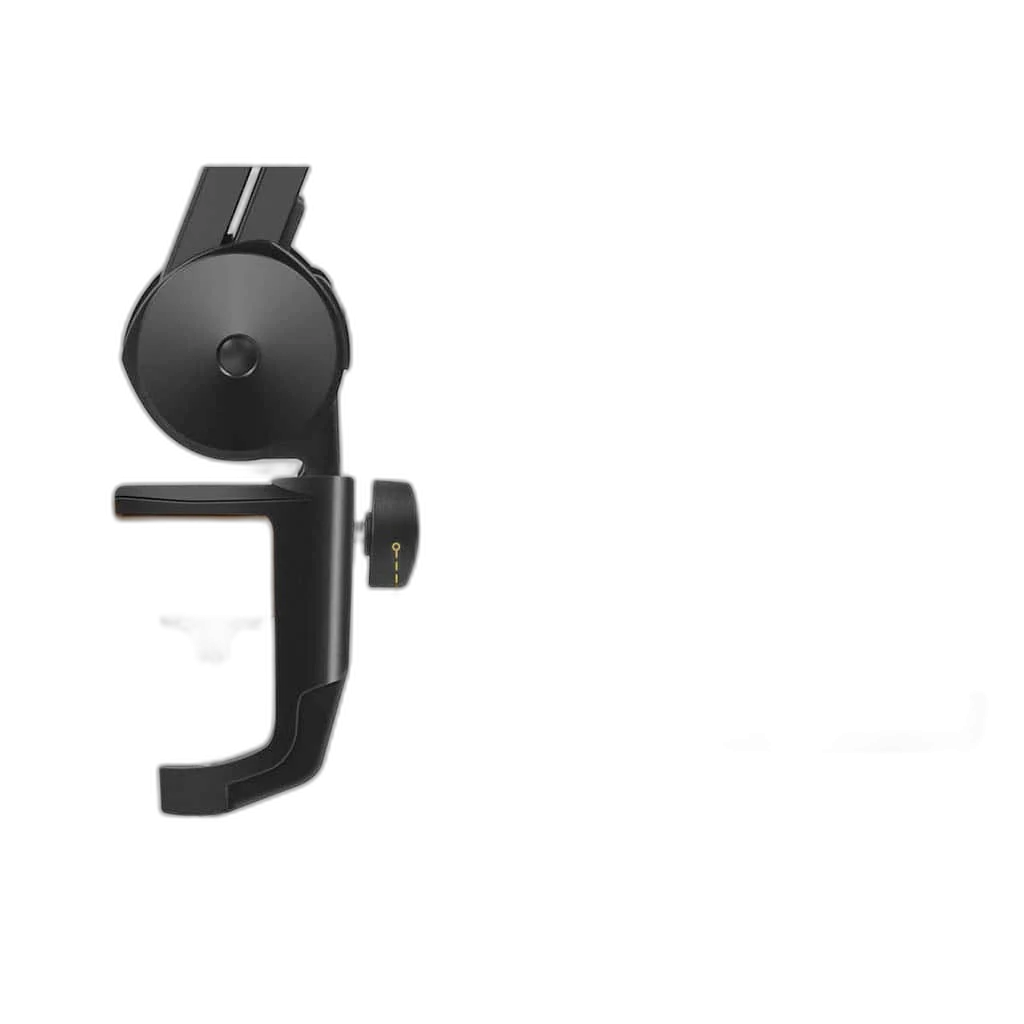
Enclosed springs keep the arm’s appearance clean and support microphones up to 4.4 lb. Include the microphone mount and any accessories when checking the load.
Set your recording angle
The arm rotates at its base, moves vertically and uses a swivelling microphone connector to help bring the capsule into position. Check the exact microphone, mounting arrangement and intended recording position together, leaving the relevant controls and connections accessible throughout the session.
Mount and organise
A padded table clamp secures the arm to a suitable desk edge. Use the cable ties to keep wiring close to the arm. Microphones shown are sold separately.
Plan the Exact Arm and Cable Arrangement
MU038 has a stated maximum load of 4.4 lb, an internal-spring steel arm and a 5/8-inch microphone connector. Count the microphone, shock mount and adapters together, then secure its padded clamp on a desk edge suitable for the complete moving assembly.
Choose the Attachment Around the Desk
The padded clamp fixes MU038 at the desk edge. Check the available clamping area and underside clearance, keeping the arm’s rotating base and movement path away from screens and cables before loading the microphone.
Keep Movement Clear of Cable Tension
The arm positions the microphone while the audio connection remains a separate route. Leave a relaxed cable loop near moving joints and the microphone connector so changing the recording position does not load the plugs.
Complete Your Workspace
Explore microphone accessories, microphones for your setup. Suggested products are sold separately. Match microphone body or model, mounting thread and the combined weight of microphone, mount and adapters. Desk and listening accessories are separate recording-workspace choices.
Frequently Asked Questions
What should I check for this exact model?
MU038 has a stated maximum load of 4.4 lb, an internal-spring steel arm and a 5/8-inch microphone connector. Count the microphone, shock mount and adapters together, then secure its padded clamp on a desk edge suitable for the complete moving assembly.
What should be counted in the load?
Count the microphone, suspension mount and any adapters carried at the arm end. An arm’s own shipping or net weight is not a microphone payload rating.
Can I clamp it to any desk?
Check desk thickness, edge shape, underside obstructions and surface strength before fitting the clamp. Keep the full movement path clear of screens and other equipment; use the manufacturer’s mounting instructions.
Does the arm provide a USB audio interface?
No. The arm positions equipment. An included XLR cable, where listed for this exact model, carries analogue audio and does not replace an interface, microphone preamp or microphone power supply.
Build Your Setup with AX Store Kuwait
Explore computers, displays and accessories for your workspace at AX Store Kuwait. For help choosing the right model or checking an accessory, contact AX Store.
THE DETAILS
Technical specifications
Design and compatibility
MU038
Steel with internal springs
4.4 lb
360°
180°
270°
5/8 inch
Padded desk clamp
Cable ties
COMPLETE YOUR SETUP
Pairs well with