InnoGear
InnoGear Microphone Stand Mic Arm Small Adjustable Boom Arm
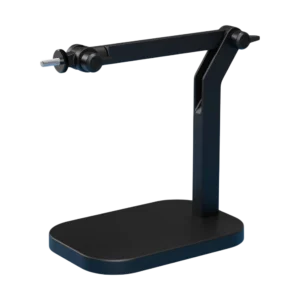
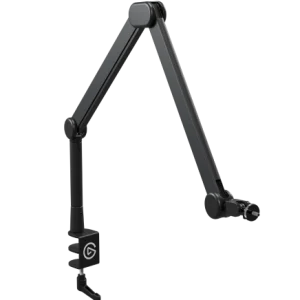
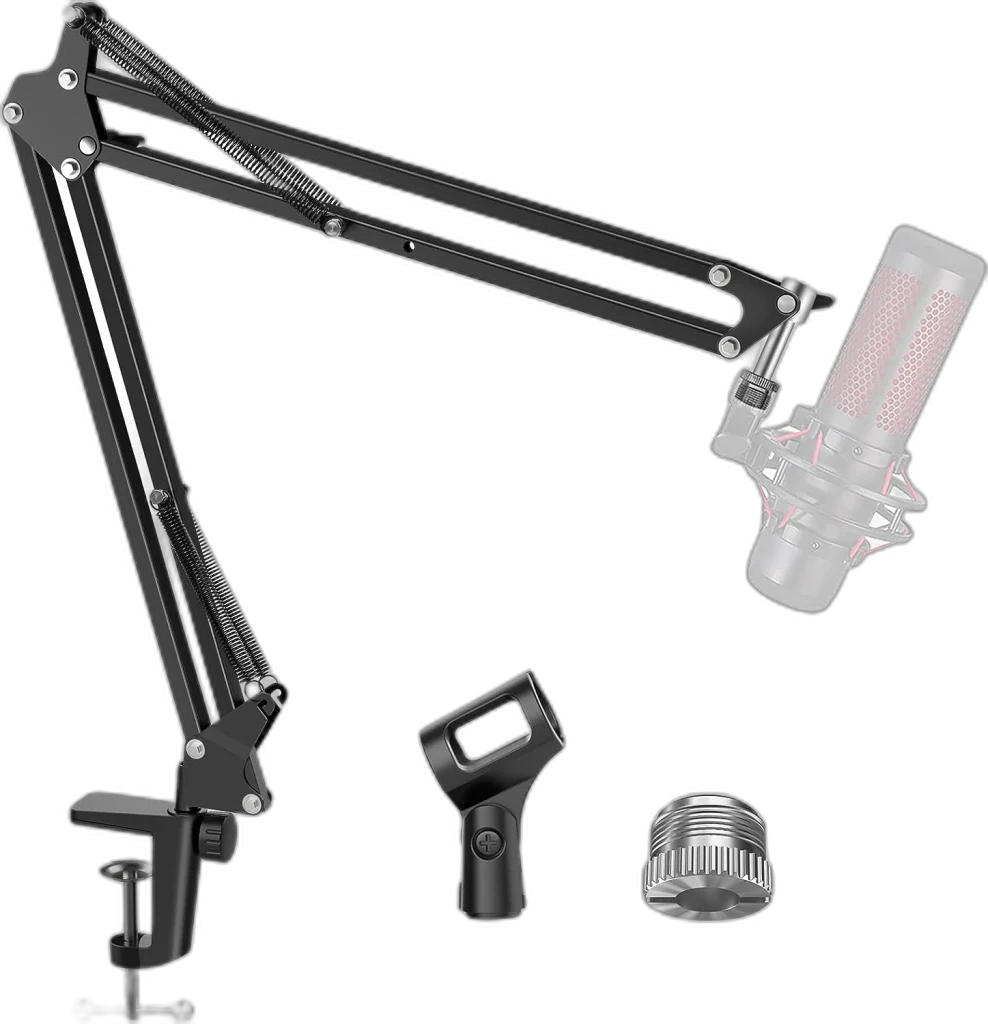
InnoGear Small Adjustable Microphone Boom Arm provides an adjustable arm for positioning a compatible microphone beside a desk setup. Its articulated design makes it easier to bring the microphone closer for a recording or call, then move it clear when the work surface is needed.
Regular price
12.500 KWD
or 4 payments of 3.125 KWD with
Pay with card & save


12.000 KWD
Save 0.500 KWD
Overview
INNOGEAR SMALL ADJUSTABLE MICROPHONE BOOM ARM
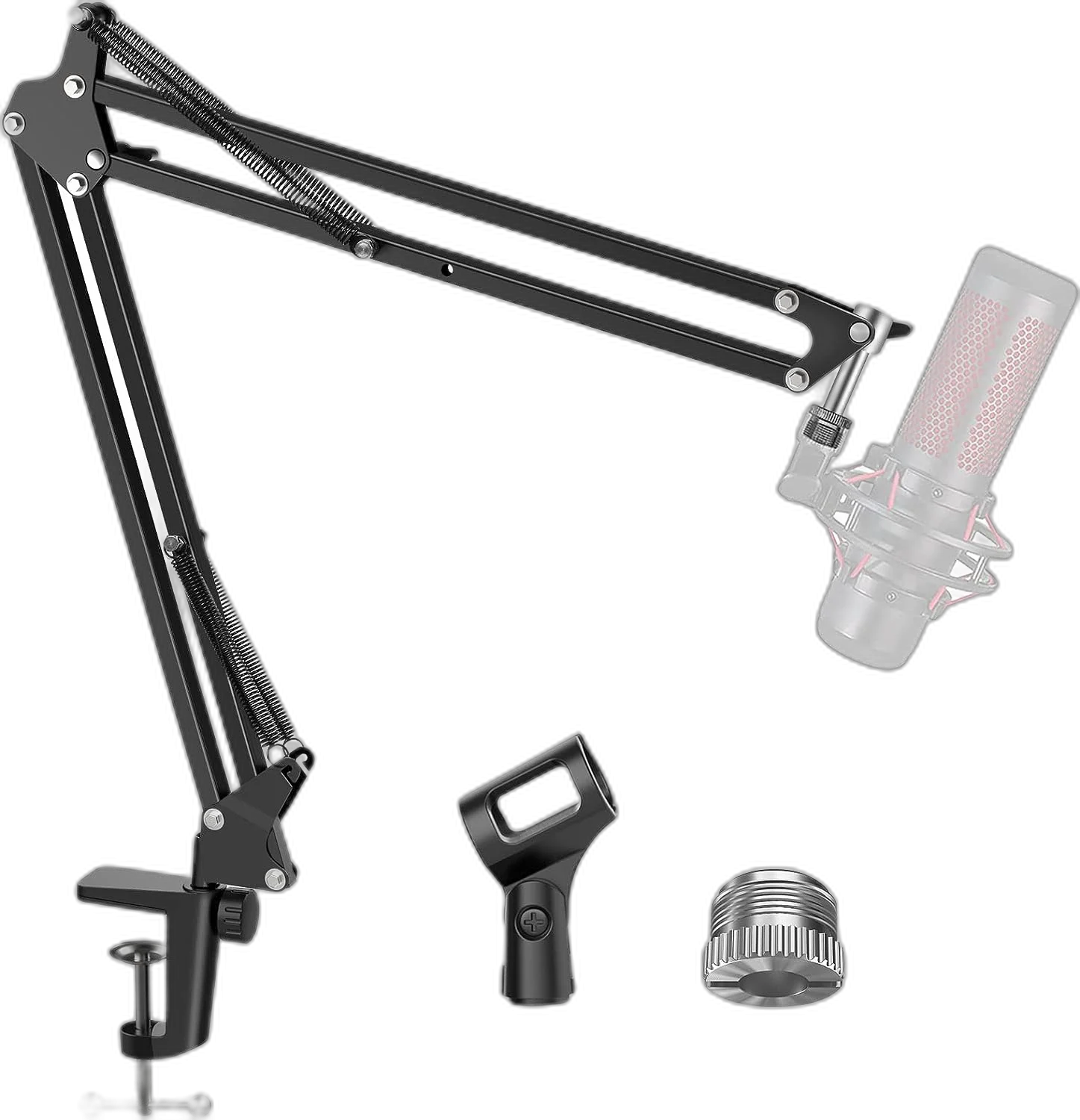
InnoGear Small Adjustable Microphone Boom Arm
InnoGear Small Adjustable Microphone Boom Arm provides an adjustable arm for positioning a compatible microphone beside a desk setup. Its articulated design makes it easier to bring the microphone closer for a recording or call, then move it clear when the work surface is needed. Explore this model at AX Store in Kuwait.
Boom arm
Stand format
Adjustable
Microphone position
Desk setup
Working role
Small
Arm format
Position the Microphone Around Your Work
Use the arm to place a compatible microphone near the speaking position while keeping the keyboard and main working area accessible. The articulated layout provides a practical way to adjust the microphone’s location as the desk arrangement changes between calls, recording and other everyday work.
Adjust the Arm and Microphone Angle
The arm and microphone attachment work together to set the position and angle of the microphone. Follow the stand’s own adjustment instructions and support the microphone while changing the arrangement. Once positioned, check that the mount remains secure and the microphone sits where it is needed.
A Desk-Mounted Microphone Setup
Match the stand’s mounting arrangement to the actual desk edge or other permitted mounting surface. A stable mounting point is part of the microphone setup, so check clearance around the computer, screen and cables before fitting the arm. Keep the supporting surface within the stand’s installation guidance.
Match the Complete Mounted Load
The microphone, holder, shock mount and any other attached equipment all contribute to the load on the arm. Check the actual arm’s rated capacity and attachment instructions before choosing that combination. A microphone brand name alone does not establish that every model and mounting accessory will fit.
Route the Audio Cable with the Arm
Allow the microphone cable enough slack for the arm’s normal movement, keeping it away from joints and tension points. A tidy cable route helps prevent the lead from pulling on the microphone’s connector as the position changes. Use the supplied cable-management method where applicable to the actual package.
Brand
InnoGear
Stand type
Adjustable microphone boom arm
Format
Small arm
Keep the Recording Area Flexible
An adjustable boom arm can bring the microphone into use without occupying the same desk space as a broad desktop base. After a session, reposition it within its supported range to clear the work area. Check the attachments periodically and follow the stand’s guidance when changing microphones or holders.
Check the Microphone and Desk Mount
Match the microphone weight and mounting thread to the stand or arm, including any adapter or accessory. Check clamp clearance and reach so the microphone can move into position without pulling its cable. Compare related options such as Elgato Wave Extension Rod for Wave Mic Stand or RØDE DS2 Desktop Studio Arm for Broadcast Microphones, Adjustable Design, keeping the exact model and configuration in the decision. For the wider setup, explore RØDE PodMic USB Dynamic Microphone – USB-C & XLR – Black / White and check the connection, size or mounting requirements before pairing accessories. Browse the InnoGear range at AX for more choices.
InnoGear Small Adjustable Microphone Boom Arm Setup Choices
Match the microphone weight and mounting thread to the stand or arm, including any adapter or accessory. Check clamp clearance and reach so the microphone can move into position without pulling its cable.
Frequently Asked Questions
Does every microphone fit automatically?
No. Check the complete load and mounting interface.
Is a microphone included in this stand listing?
This listing is for the arm stand; select the microphone separately.
Do accessories contribute to the mounted load?
Yes. Include holders, shock mounts and other attached items.
How should the cable be arranged?
Leave suitable movement slack and keep it clear of joints.
Can a load limit from a different InnoGear arm be used?
No. Follow the actual arm model’s rating and installation instructions.
Build Your Setup with AX Store
Explore computers, displays and accessories for your workspace at AX Store. For help choosing the right model or checking an accessory, contact AX Store.
Compare InnoGear Microphone Arm Stand, Adjustable Clip. Match the exact model, connection and configuration to your setup.
THE DETAILS
Technical specifications
Specifications
InnoGear
Adjustable microphone boom arm
Small arm
Position a compatible microphone at a desk setup
Use the actual stand’s permitted desk-mount arrangement
Match the complete microphone and accessory load to the actual arm rating
Match microphone holder, thread and any required adapter
Allow movement without pulling on the microphone connector
COMPLETE YOUR SETUP
Pairs well with