LG
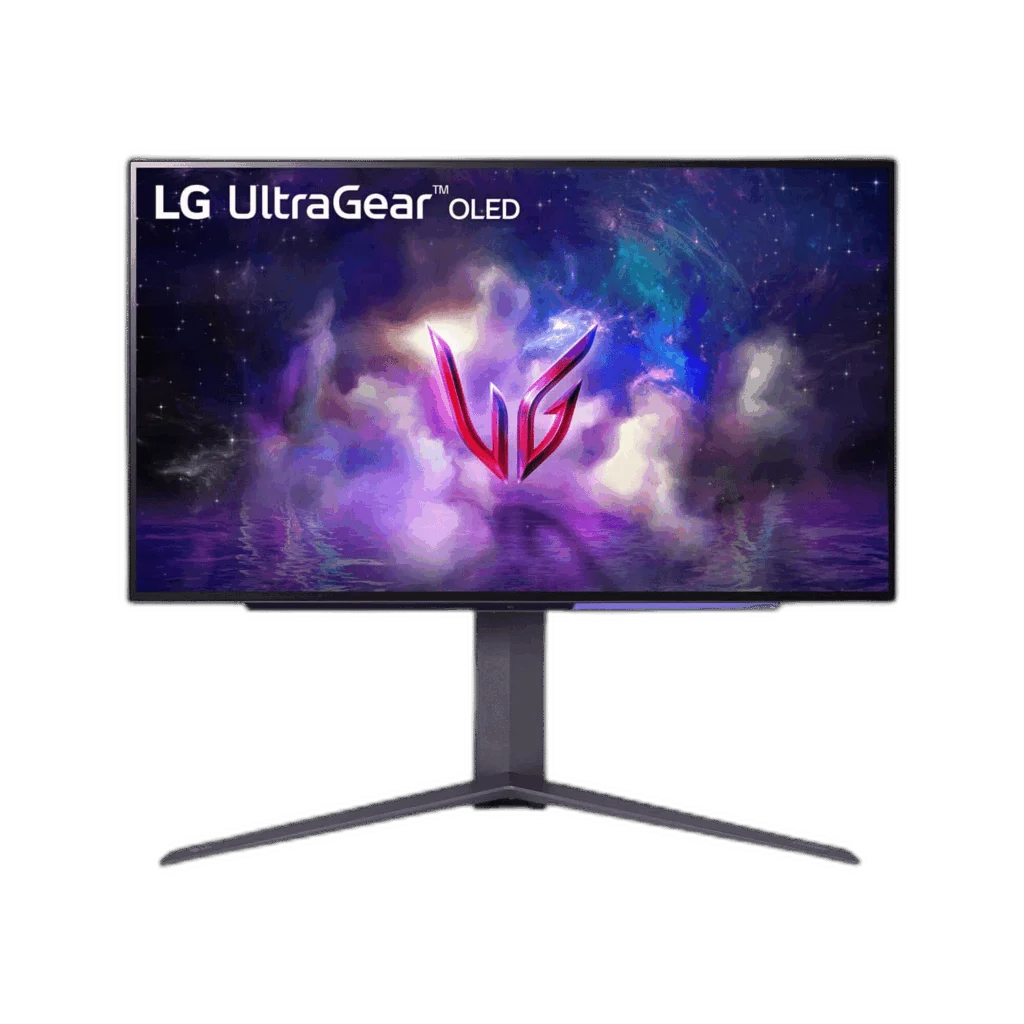
LG UltraGear 27GS95QE 27 inch OLED 240Hz Gaming Monitor
LG UltraGear 27GS95QE-B combines a 27-inch-class QHD OLED panel with 240Hz refresh and a 0.03ms GtG response. DisplayHDR True Black 400, G-SYNC compatibility and FreeSync Premium Pro support a vivid, responsive gaming setup.
Regular price
260.500 KWD
or 4 payments of 65.125 KWD with
Pay with card & save


248.000 KWD
Save 12.500 KWD
Overview
LG ULTRAGEAR 27GS95QE 27 INCH OLED 240HZ GAMING MONITOR
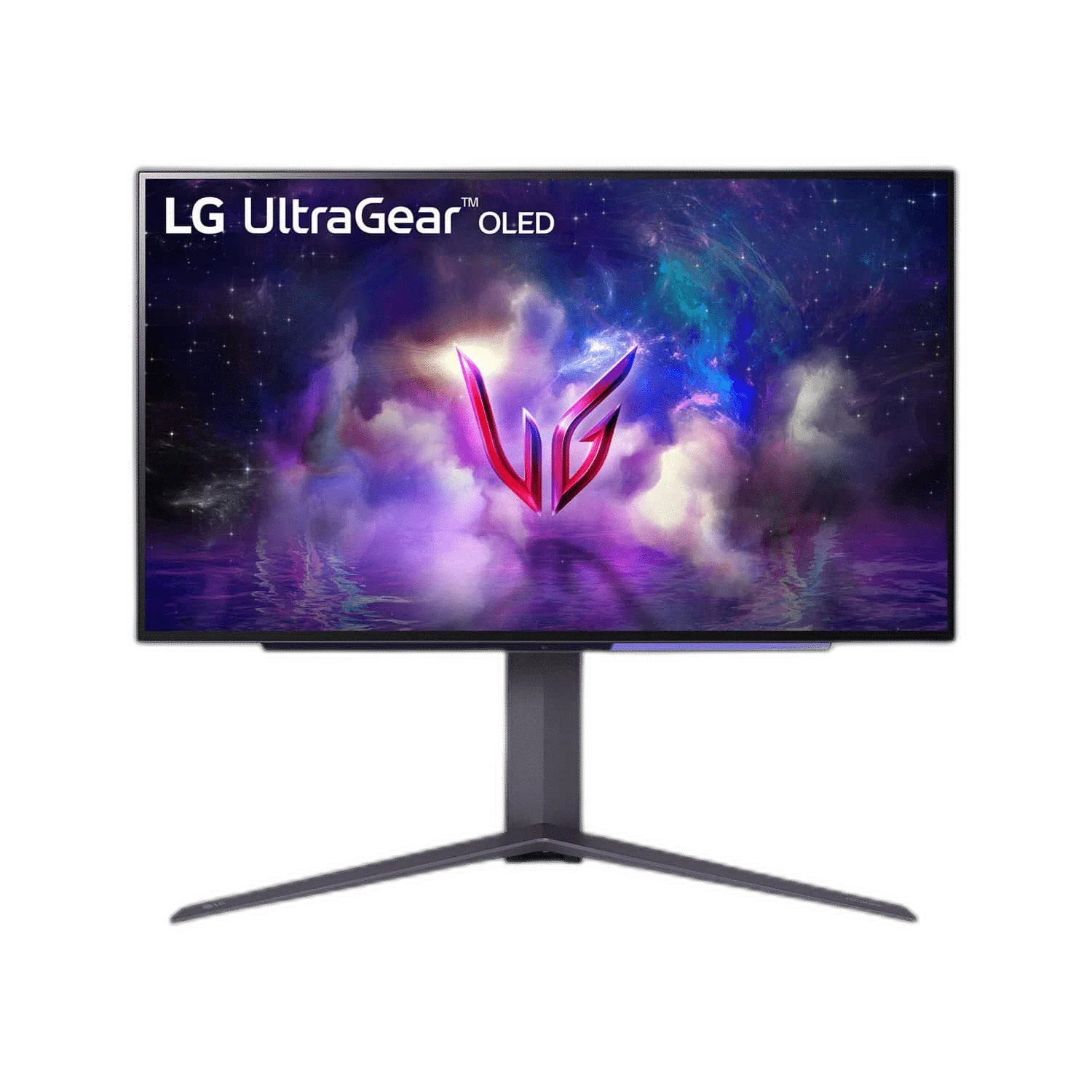
lg ultragear 27gs95qe-b
LG UltraGear 27GS95QE-B combines a 27-inch-class QHD OLED panel with 240Hz refresh and a 0.03ms GtG response. DisplayHDR True Black 400, G-SYNC compatibility and FreeSync Premium Pro support a vivid, responsive gaming setup. Available from AX Store in Kuwait.
27-inch Class
Display Size
2560 × 1440
Native Resolution
240 Hz
Supported Refresh Mode
OLED
Panel Technology
Fast OLED response
240Hz refresh and a rated 0.03ms GtG response support rapid motion. G-SYNC compatibility and FreeSync Premium Pro help reduce tearing with compatible hardware. Check the available space and choose the viewing or storage position that suits the actual desk.
Detail in dark scenes
The 2560 × 1440 OLED panel delivers self-emitting contrast and 98.5% typical DCI-P3 coverage. DisplayHDR True Black 400 supports HDR content. Match the actual device connections and the supported setup before using the product in the workspace.
Connect and adjust
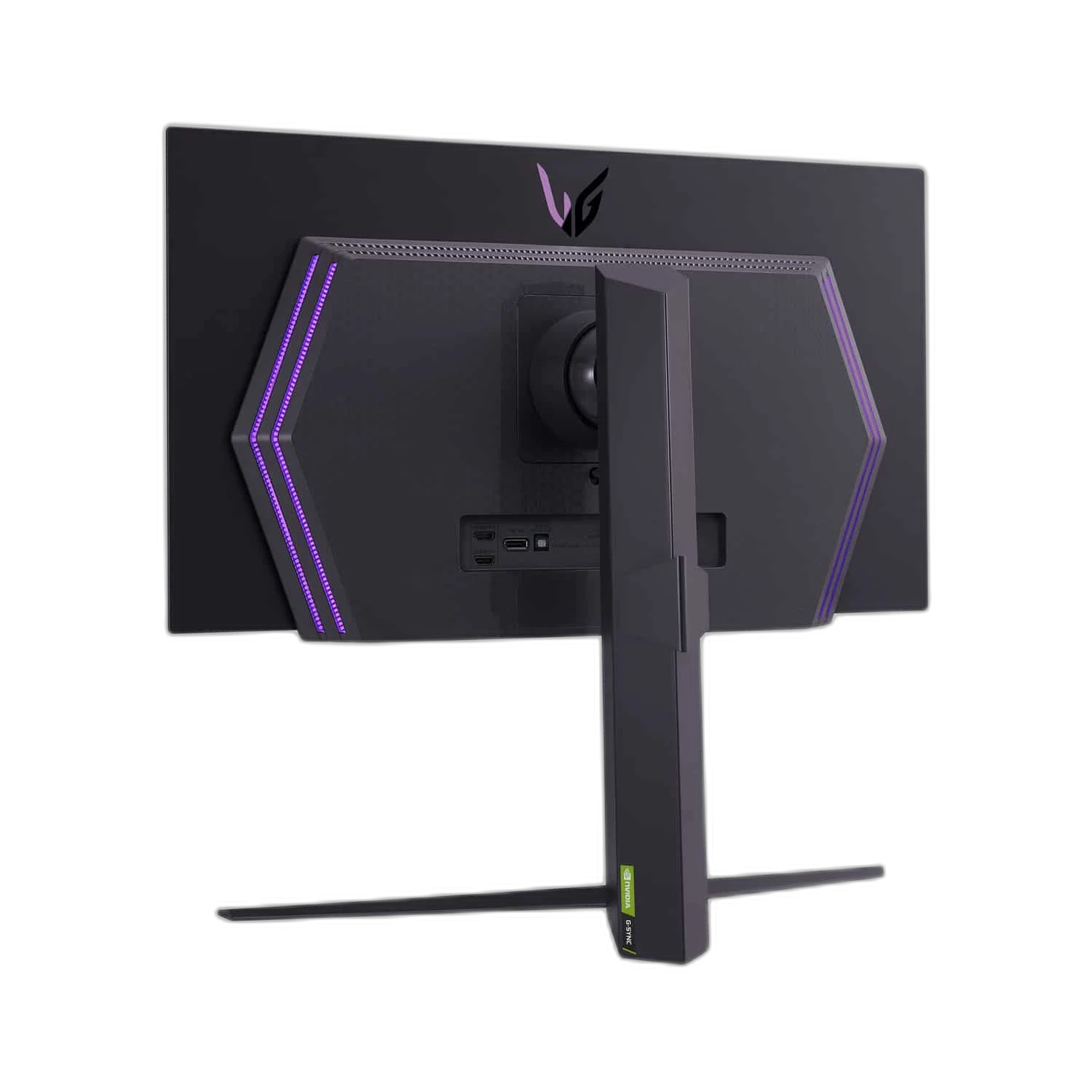
Use HDMI 2.1 or DisplayPort 1.4 with DSC. The USB hub, optical audio output and four-pole headphone connection extend connectivity, while the stand adjusts to your viewing position.
Choose the Mode for the Actual Setup
The OLED panel supports native QHD at up to 240 Hz with a compatible source and display configuration. The 0.03 ms grey-to-grey figure describes rated pixel response rather than promising the same latency for the computer, controller or whole gaming system.
Connect the Ports for Their Stated Roles
The connection arrangement includes HDMI: HDMI 2.1; DisplayPort: 1 × DisplayPort 1.4 with DSC. Select the correct video input and source output for the intended mode, keeping USB data, charging and display functions tied to the actual port specification.
Set the Viewing Position for the Desk
Use the supplied stand’s supported adjustments for the desk and seating position. If choosing another support, match the actual monitor size, load and mounting arrangement, leaving enough space for the display and its connected cables.
Plan the Display and the Rest of Your Desk
Compare resolution, refresh rate, screen size and the input you will actually use. Match the computer or console output to the chosen display mode, and leave room for the monitor stand and mouse movement. Compare related options such as ASUS ROG Swift OLED PG27AQWP-W 27 inch 540Hz Gaming Monitor or AOC CQ27G3Z 27 Inch 240Hz QHD Curved Gaming Monitor, keeping the exact model and configuration in the decision. For the wider setup, explore Logitech G PRO X SUPERLIGHT 2 LIGHTSPEED Wireless Gaming Mouse - Black and check the connection, size or mounting requirements before pairing accessories. Browse the LG range at AX for more choices.
lg ultragear 27gs95qe-b Setup Choices
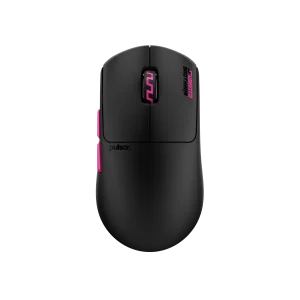
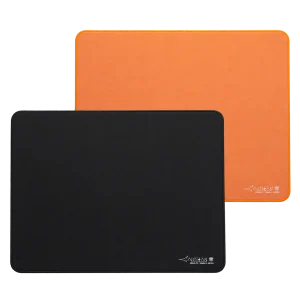
Compare resolution, refresh rate, screen size and the input you will actually use. Match the computer or console output to the chosen display mode, and leave room for the monitor stand and mouse movement. Explore Wooting 60HE v2 60% Gaming Keyboard, Aluminium, Pulsar Pro Series Susanto-X Wireless Gaming Mouse Size 2, 50g, ARTISAN NINJA FX ZERO Gaming Mousepad – SOFT/XSOFT, XL/XXL.
Frequently Asked Questions
What native resolution is specified?
2560 × 1440.
What should I check for the refresh mode and connection?
The OLED panel supports native QHD at up to 240 Hz with a compatible source and display configuration. The 0.03 ms grey-to-grey figure describes rated pixel response rather than promising the same latency for the computer, controller or whole gaming system.
Which video and port details are listed?
HDMI: HDMI 2.1; DisplayPort: 1 × DisplayPort 1.4 with DSC.
What mounting pattern should an arm match?
100 × 100 mm. Match the actual screen size, weight and clearance as well as the hole pattern.
Build Your Setup with AX Store
Explore computers, displays and accessories for your workspace at AX Store. For help choosing the right model or checking an accessory, contact AX Store.
THE DETAILS
Technical specifications
Display
27GS95QE-B
26.5 inches (27-inch class)
OLED
2560 × 1440
240 Hz
16:9
0.03 ms (GtG)
178° horizontal / 178° vertical
VESA DisplayHDR True Black 400
FreeSync Premium Pro
1,500,000:1
98.5% DCI-P3 (CIE1976)
1.07 billion colours
G-SYNC Compatible
Connectivity
HDMI 2.1
1 × DisplayPort 1.4 with DSC
1 × USB 3.0
2 × USB 3.0
Yes
4-pole headphone/microphone
Stand and dimensions
Height, tilt, swivel, pivot
100 × 100 mm
604.4 × 464.4–574.4 × 258 mm
604.4 × 350.6 × 45.3 mm
7.35 kg
5.05 kg
External adapter; AC 100–240 V, 50/60 Hz
COMPLETE YOUR SETUP
Pairs well with