
LG
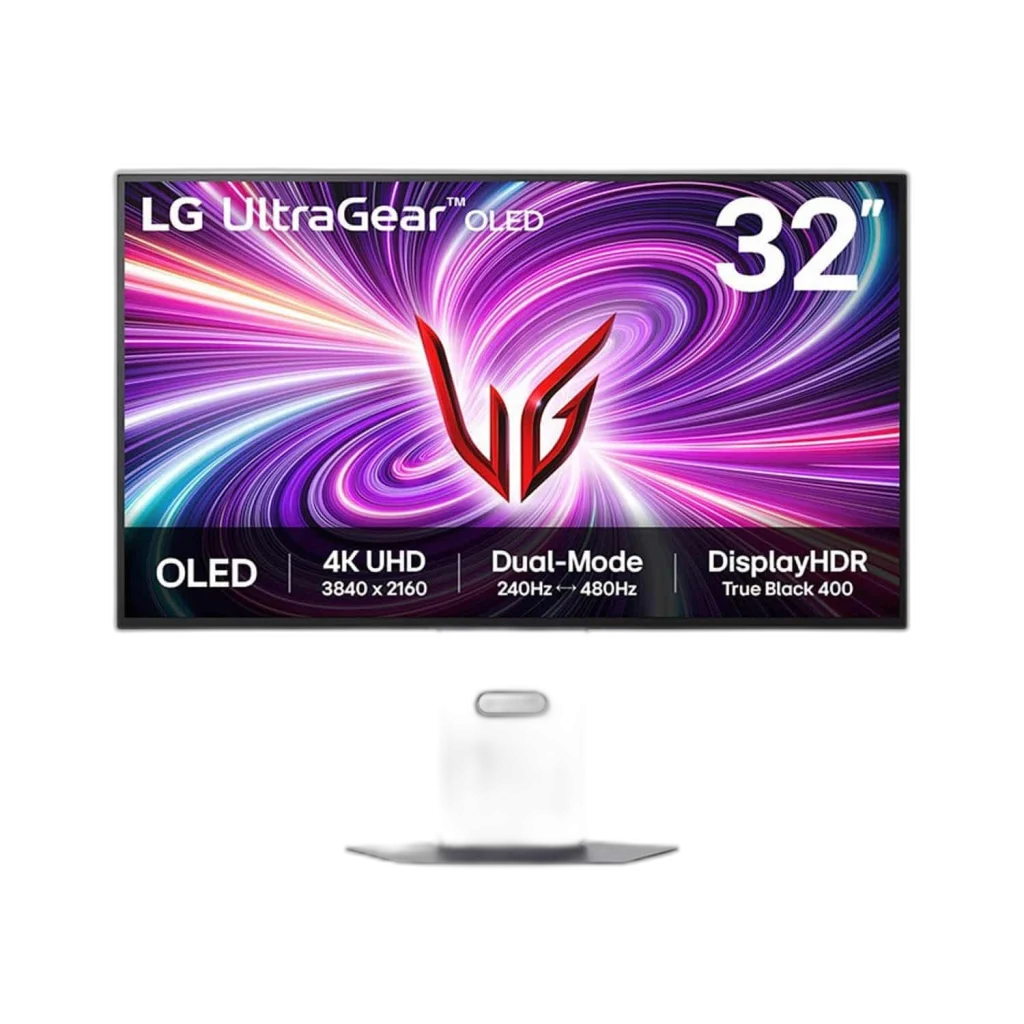
LG UltraGear 32GS95UV-B 32 inch 4K OLED Dual-Mode Monitor
LG UltraGear 32GS95UV-B is a 32-inch-class OLED gaming monitor with Dual Mode: 3840 × 2160 at 240Hz or 1920 × 1080 at 480Hz. A 0.03ms GtG response, DisplayHDR True Black 400 and adaptive sync support detailed and fast-paced play.
Regular price
383.500 KWD
or 4 payments of 95.875 KWD with
Pay with card & save


365.000 KWD
Save 18.500 KWD
Overview
LG ULTRAGEAR 32GS95UV-B 32 INCH 4K OLED DUAL-MODE MONITOR
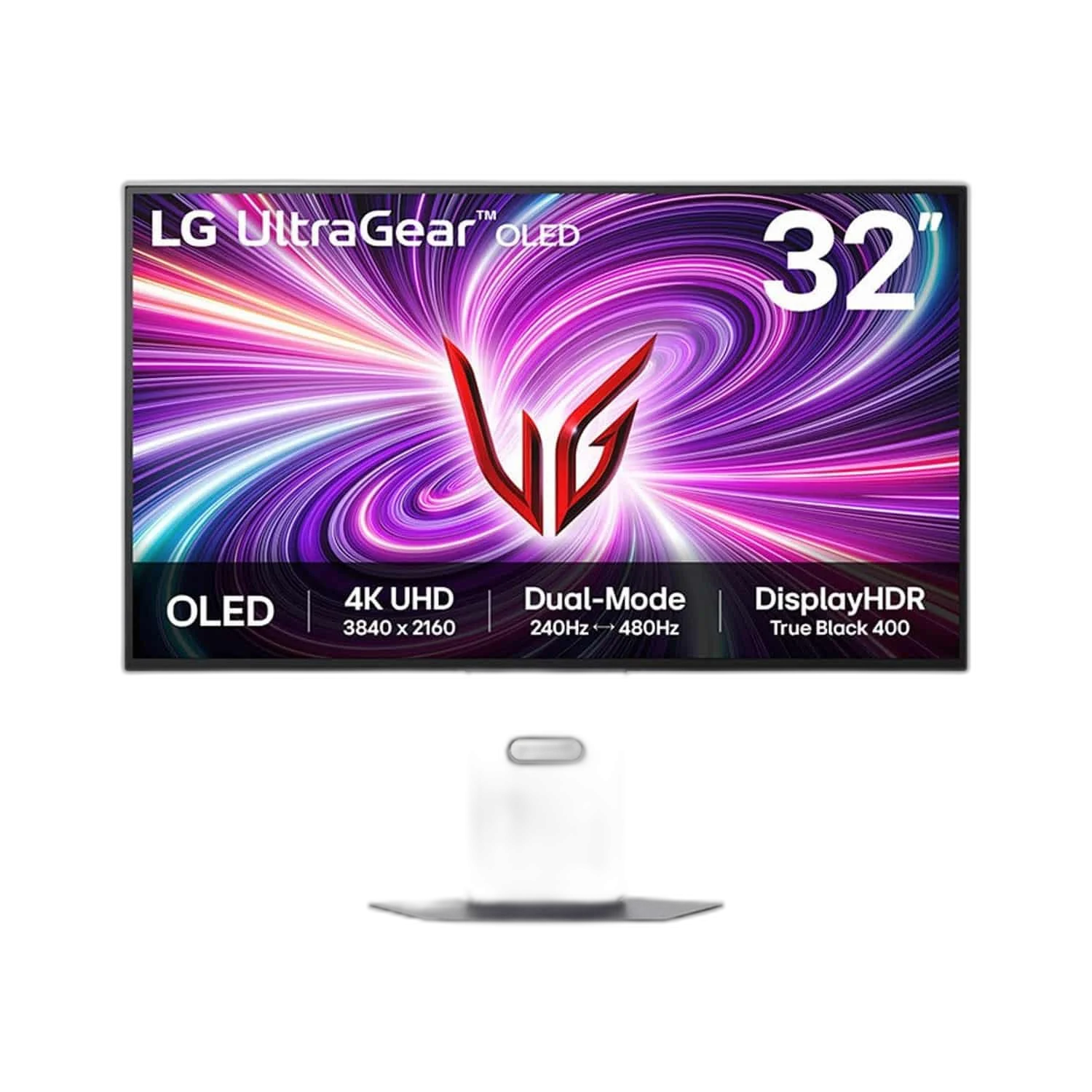
Switch between 4K detail and 480Hz speed
LG UltraGear 32GS95UV-B is a 32-inch-class OLED gaming monitor with Dual Mode: 3840 × 2160 at 240Hz or 1920 × 1080 at 480Hz. A 0.03ms GtG response, DisplayHDR True Black 400 and adaptive sync support detailed and fast-paced play.
4K / 240 Hz
Native-Resolution Mode
FHD / 480 Hz
Separate High-Refresh Mode
OLED
Panel Technology
32-inch Class
31.5-inch Viewable Panel
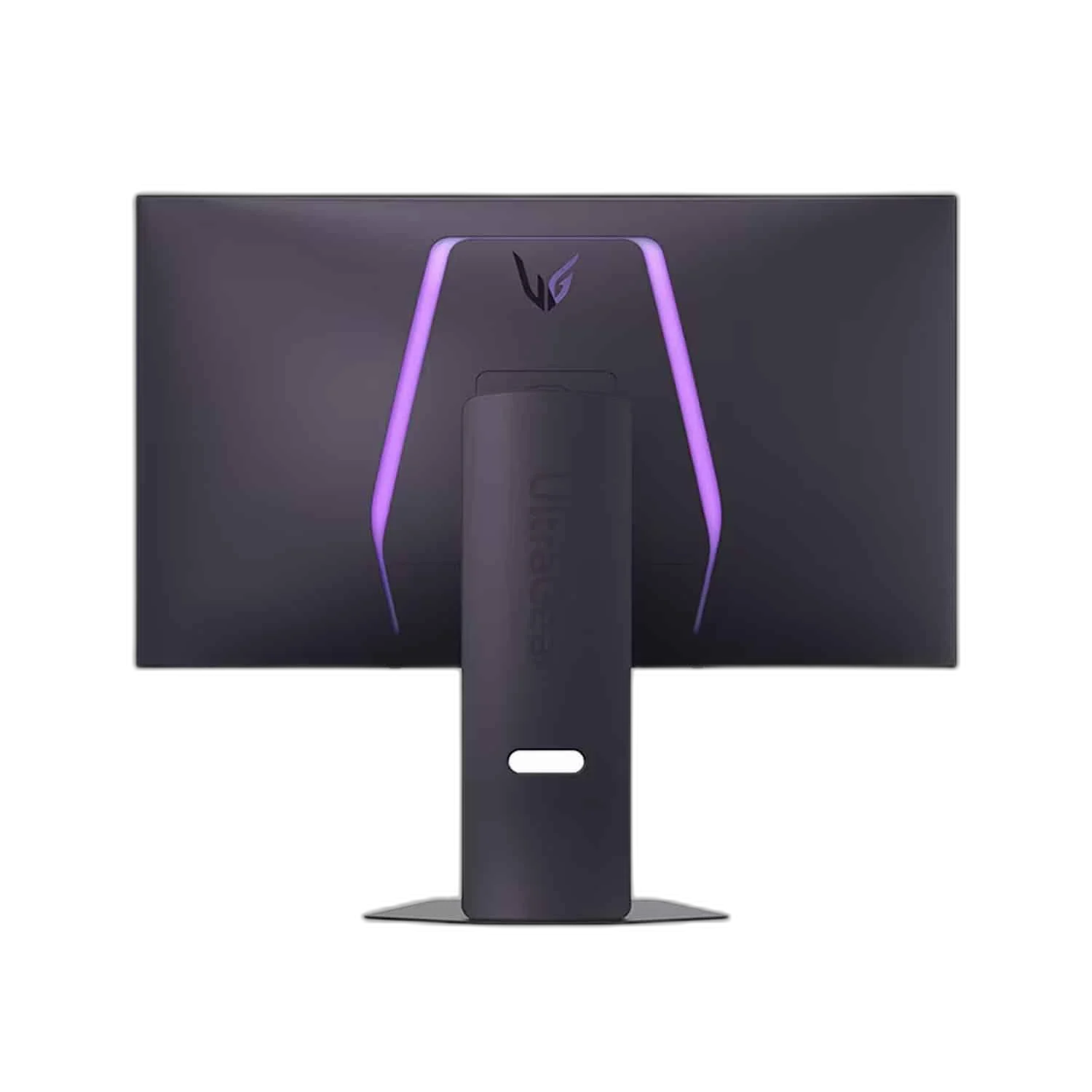
Two modes, one display
Use 4K at 240Hz for detailed worlds, or switch to Full HD at 480Hz for games where frame rate takes priority. The 480Hz mode operates at Full HD, not 4K.
OLED colour and contrast
Self-emitting pixels, 98.5% DCI-P3 coverage and DisplayHDR True Black 400 support rich colour and dark scenes. The anti-glare, low-reflection surface helps manage room reflections.
Built around your desk
DisplayPort 1.4 with DSC, two HDMI inputs and a USB hub connect your devices. Height, tilt, swivel and pivot adjustments help position the screen.
Choose the Mode for the Actual Setup
Choose native 3840 × 2160 at 240 Hz or Full HD at 480 Hz. These are separate Dual Mode settings, so the maximum 480 Hz figure does not describe 4K playback. Match the video source, cable and graphics settings to the intended mode.
Connect the Ports for Their Stated Roles
The connection arrangement includes DisplayPort: 1 × DisplayPort 1.4 with DSC; HDMI: 2. Select the correct video input and source output for the intended mode, keeping USB data, charging and display functions tied to the actual port specification.
Set the Viewing Position for the Desk
Use the supplied stand’s supported adjustments for the desk and seating position. If choosing another support, match the actual monitor size, load and mounting arrangement, leaving enough space for the display and its connected cables.
Complete Your Workspace
Explore Compare gaming monitors, Explore graphics cards, Browse gaming keyboards for your setup. Suggested products are sold separately. Wooting keyboards, Pulsar mice, ARTISAN pads and Elgato controls complement a compatible computer desk. The RØDE microphone and PSA1+ arm are an optional computer voice setup; connect them to the supported host and use the appropriate microphone mount. Select any monitor arm separately for the actual screen size, VESA pattern and load. Compare each display alternative’s native resolution, refresh mode, video inputs, physical size and USB-C charging power. Smart services and touch functions depend on the exact model and supported host.
Frequently Asked Questions
What native resolution is specified?
3840 × 2160.
What should I check for the refresh mode and connection?
Choose native 3840 × 2160 at 240 Hz or Full HD at 480 Hz. These are separate Dual Mode settings, so the maximum 480 Hz figure does not describe 4K playback. Match the video source, cable and graphics settings to the intended mode.
Which video and port details are listed?
DisplayPort: 1 × DisplayPort 1.4 with DSC; HDMI: 2.
What mounting pattern should an arm match?
100 × 100 mm. Match the actual screen size, weight and clearance as well as the hole pattern.
Build Your Setup with AX Store Kuwait
Explore computers, displays and accessories for your workspace at AX Store Kuwait. For help choosing the right model or checking an accessory, contact AX Store.
Compare LG UltraGear 45GS95QE-B 45 inch UWQHD OLED 240Hz Monitor. Match the exact model, connection and configuration to your setup.
THE DETAILS
Technical specifications
Display
32GS95UV-B
31.5 inches (32-inch class)
OLED
3840 × 2160
4K at 240 Hz / Full HD 1920 × 1080 at 480 Hz
16:9
0.03 ms (GtG)
178° horizontal / 178° vertical
VESA DisplayHDR True Black 400
FreeSync Premium Pro
275 cd/m²
1,500,000:1
98.5% DCI-P3 (CIE1976)
G-SYNC Compatible
Anti-glare / low reflection
Connectivity
1 × DisplayPort 1.4 with DSC
2
1 × USB 3.0
2 × USB 3.0
4-pole headphone/microphone
2 × 7 W
Stand and dimensions
Height, tilt, swivel, pivot
100 × 100 mm
714.1 × 510.9–620.9 × 249.8 mm
714.1 × 411.8 × 65 mm
9.8 kg
5.6 kg
External adapter; AC 100–240 V, 50/60 Hz
COMPLETE YOUR SETUP
Pairs well with




