Logitech
Logitech G403 HERO Wired Gaming Mouse
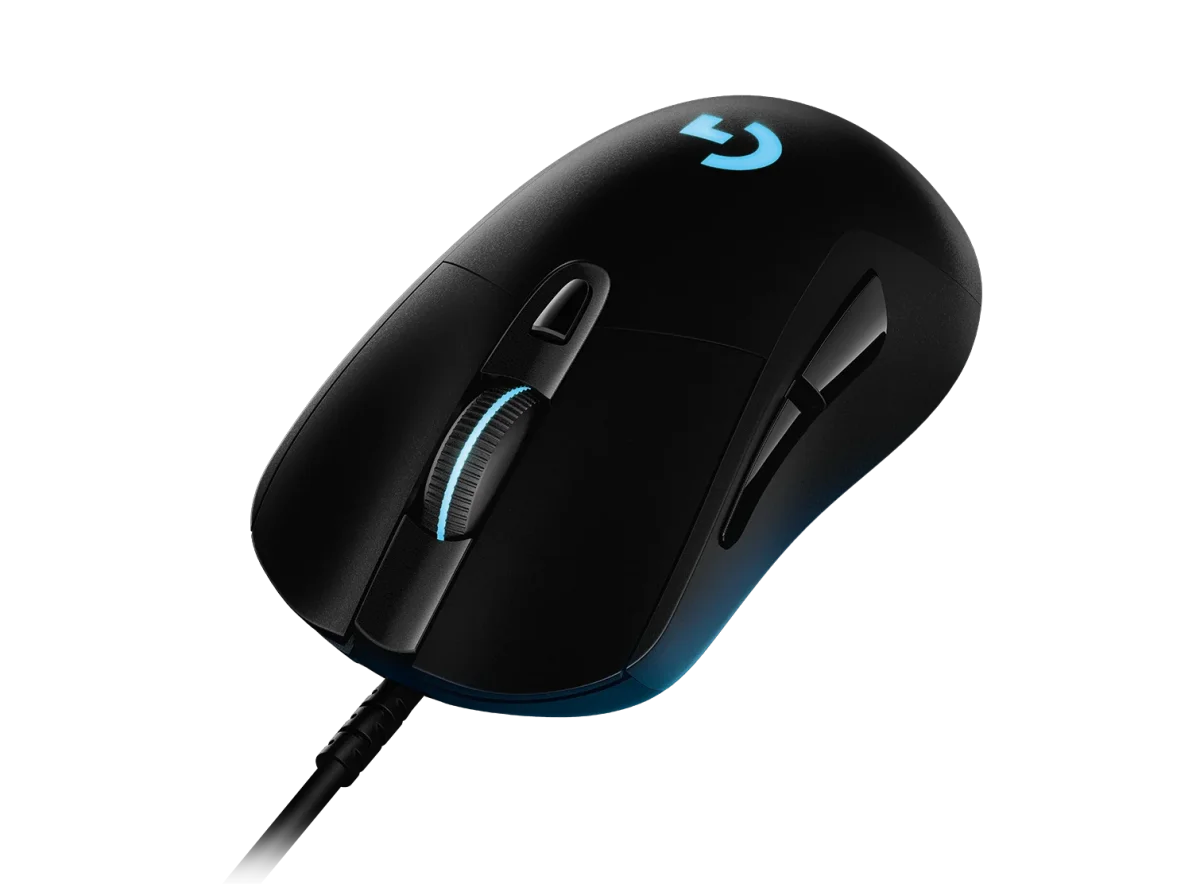
Logitech G403 HERO combines HERO 25K tracking, six programmable buttons and LIGHTSYNC RGB in a contoured wired mouse with rubber side grips. Its 87.3 g body supports an optional removable 10 g weight. Includes a 2.1 m cable and a 1000 Hz report rate, with customisation through Logitech G HUB.
Regular price
20.000 KWD
or 4 payments of 5.000 KWD with
Pay with card & save


19.000 KWD
Save 1.000 KWD
Overview
LOGITECH G403 HERO
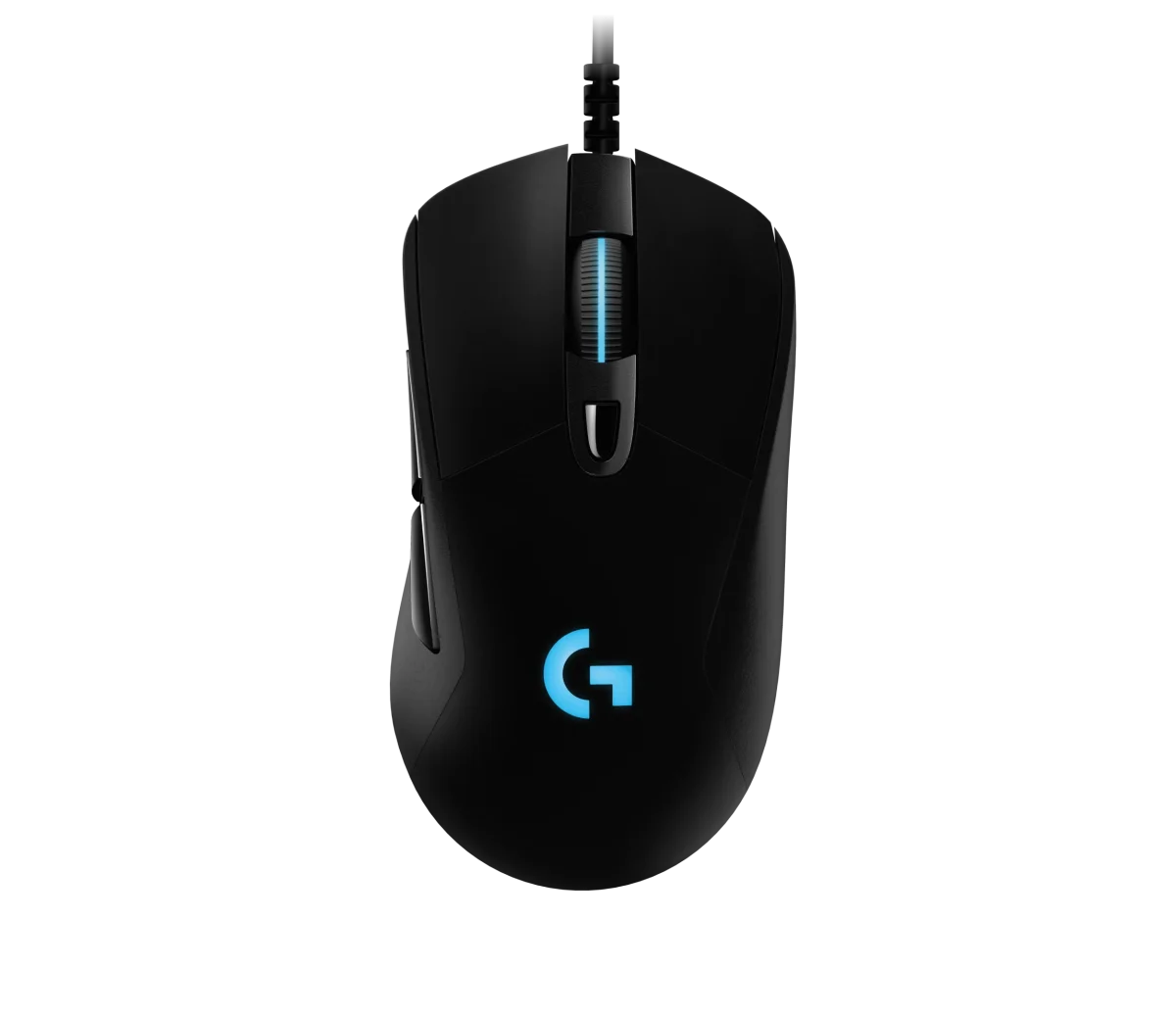
Logitech G403 HERO gaming mouse
Logitech G403 HERO gaming mouse: Logitech G403 HERO brings HERO 25K tracking to a wired gaming mouse with rubber side grips and a contoured shape. Six programmable buttons, LIGHTSYNC RGB and an optional 10 g weight give you several ways to configure the mouse around your game and preferred feel. Its USB connection reports at 1000 Hz, keeping the setup focused on a direct wired link. Explore this model at AX Store in Kuwait.
25,600 DPI
HERO Sensor Maximum
87.3 g
Mouse Weight
1000 Hz
USB Report Rate
6
Programmable Buttons
HERO 25K tracking for your preferred sensitivity
The HERO 25K sensor supports settings from 100 to 25,600 DPI, with zero smoothing, filtering or acceleration. Logitech lists tracking above 400 IPS and acceleration above 40 G, tested on the G240 mouse pad. Set your preferred sensitivity in G HUB to match your aiming style and games.
A contoured shape with rubber side grips
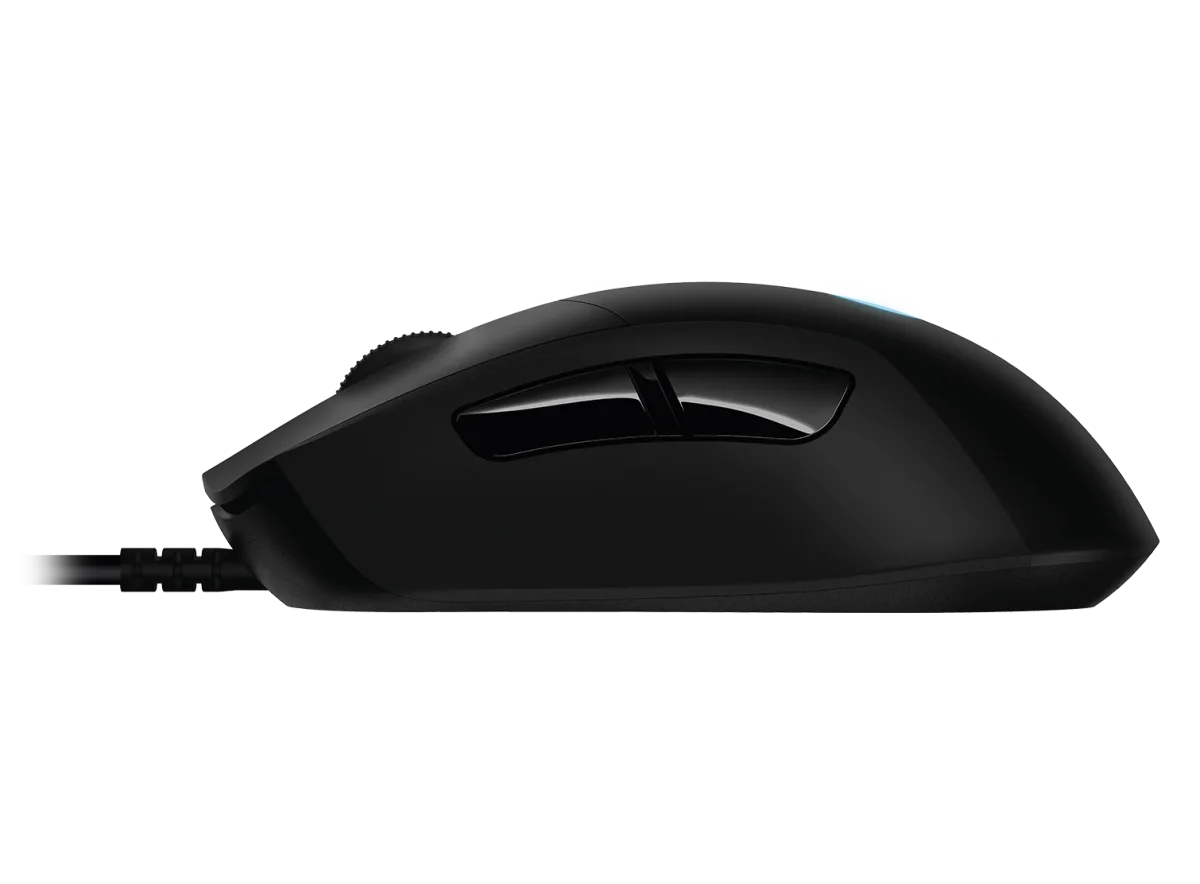
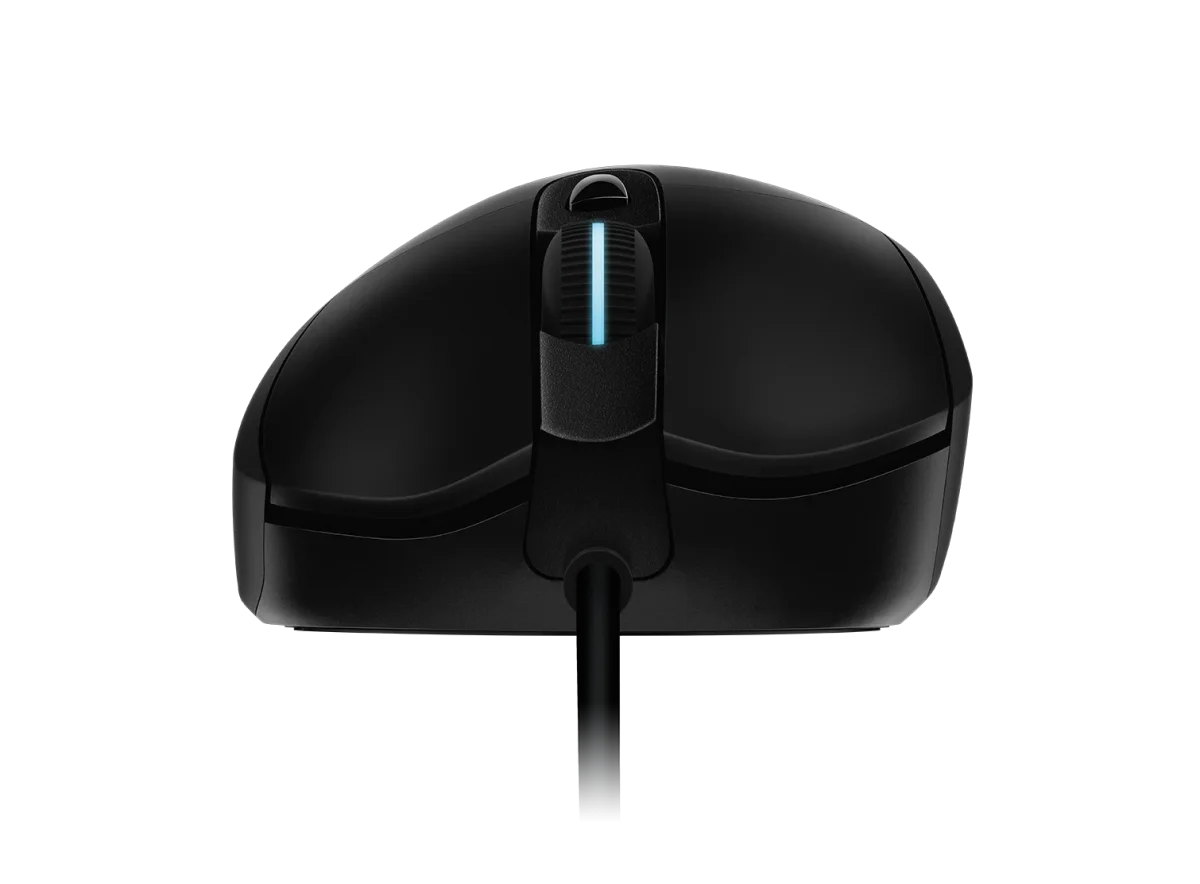
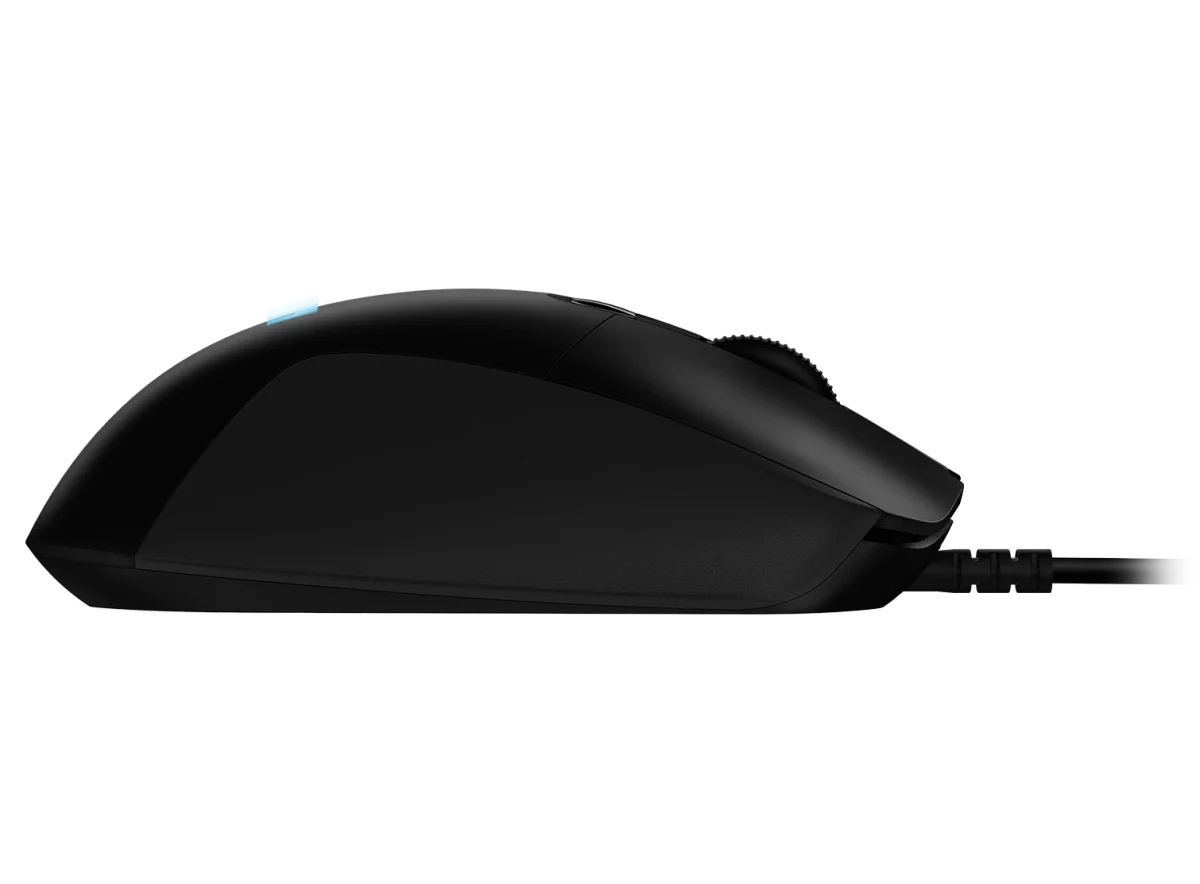
G403 is shaped for comfortable hand contact, with dual-injected rubber grips along the sides. The body measures 124 × 68 × 43 mm and has a published weight of 87.3 g. These specifications help you compare it with the size and weight of a mouse you already use when choosing your next gaming setup.
Tune the weight with the supplied option
An optional removable 10 g weight lets you add mass if you prefer a heavier feel. Leave it out for the mouse’s base configuration or fit it when you want more weight behind the movement. It is a simple physical adjustment alongside the sensor and button settings available in software.
Put useful commands on six programmable buttons
Use Logitech G HUB to configure the six programmable buttons around the controls you want near your hand. The mouse also uses mechanical button tensioning for its primary controls. Set up the actions you use often in your game or application, keeping the assignments consistent with the way you normally move and grip the mouse.
LIGHTSYNC RGB that coordinates with your desk
LIGHTSYNC RGB supports lighting customisation through G HUB, including effects that can respond to supported game activity, audio and screen colour. Choose a colour or animation that matches other compatible Logitech G gear, or keep the lighting simple when you prefer a quieter appearance on the desk.
A direct USB connection with a 2.1 m cable
The wired connection provides a 1000 Hz report rate, corresponding to a 1 ms report interval. A 2.1 m cable gives you length to route the mouse connection to the computer. Arrange the cable path so it suits your normal movement area, then pair the mouse with a surface that gives you the glide and stopping feel you prefer.
Match the Mouse to Your Grip and Desk
Compare shell size, grip and connection before choosing a mouse. Check the receiver or cable arrangement for the exact model and leave enough mousepad area for your normal movement. Compare related options such as Logitech G PRO Wireless LIGHTSPEED Gaming Mouse - Black or Logitech G PRO X3 SUPERSTRIKE Wireless Mouse, keeping the exact model and configuration in the decision. For the wider setup, explore Logitech Desk Mat Studio Series XL - Dark Rose and check the connection, size or mounting requirements before pairing accessories. Browse the Logitech range at AX for more choices.
Logitech G403 HERO gaming mouse Setup Choices
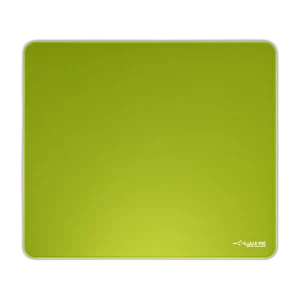
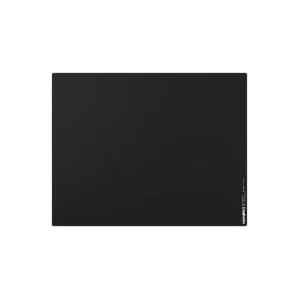
Compare shell size, grip and connection before choosing a mouse. Check the receiver or cable arrangement for the exact model and leave enough mousepad area for your normal movement. Explore ARTISAN NINJA FX ZERO Gaming Mousepad – SOFT/XSOFT, XL/XXL, ARTISAN NINJA FX TYPE-99 SOFT XL Mousepad – Matcha, Pulsar Superglide V3 Glass Mousepad - Type S.
Frequently Asked Questions
How does this mouse connect?
Wired USB.
Which software controls the buttons and lighting?
Logitech G HUB is used to customise the programmable buttons and LIGHTSYNC RGB.
Can I adjust the mouse weight?
10 g (0.35 oz) optional extra weight is specified for this model.
What sensor range does it support?
HERO 25K. Tracking resolution: 100 – 25,600 DPI.
Build Your Setup with AX Store
Explore computers, displays and accessories for your workspace at AX Store. For help choosing the right model or checking an accessory, contact AX Store.
THE DETAILS
Technical specifications
Product and dimensions
LOGITECH G403 HERO
910-005633
Wired USB
1.69 in (43 mm)
2.68 in (68 mm)
4.88 in (124 mm)
3.08 oz (87.3 g)
Sensor, controls and response
6 programmable buttons
Mechanical Button Tensioning System
Yes; customisation through Logitech G HUB
10 g (0.35 oz)
2.1 m (6.89 ft)
Yes
HERO 25K
100 – 25,600 DPI
Tested at over 40 G — Tested on Logitech G240 Gaming Mouse Pad
Tested at over 400 IPS — Tested on Logitech G240 Gaming Mouse Pad
16 bits/axis
1000Hz (1ms)
32-bit ARM
COMPLETE YOUR SETUP
Pairs well with