Logitech
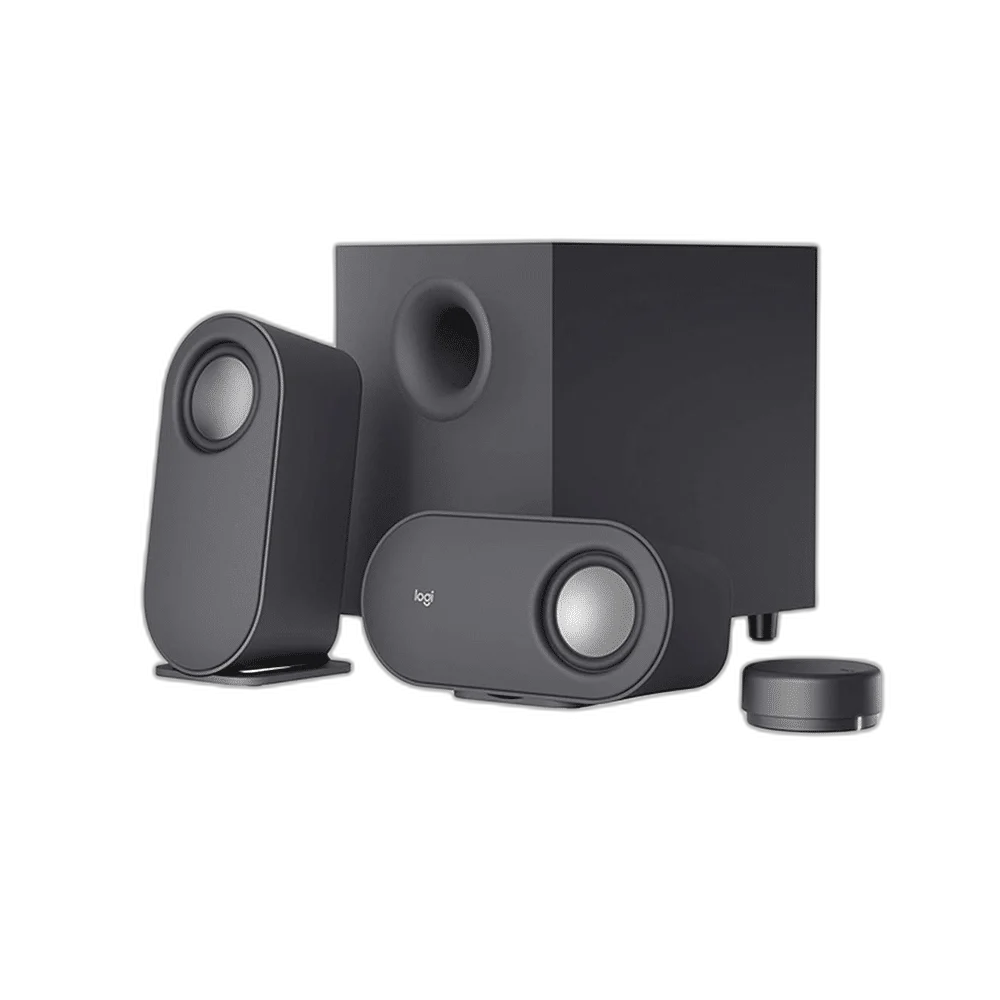
Logitech Z407 Bluetooth Speakers with Subwoofer
A 2.1 speaker system with 40W RMS power, Bluetooth 5.0, 3.5 mm and micro-USB audio inputs, plus a wireless control dial and flexible satellite placement.
Regular price
28.500 KWD
or 4 payments of 7.125 KWD with
Pay with card & save


27.000 KWD
Save 1.500 KWD
Overview
LOGITECH Z407 BLUETOOTH SPEAKERS WITH SUBWOOFER
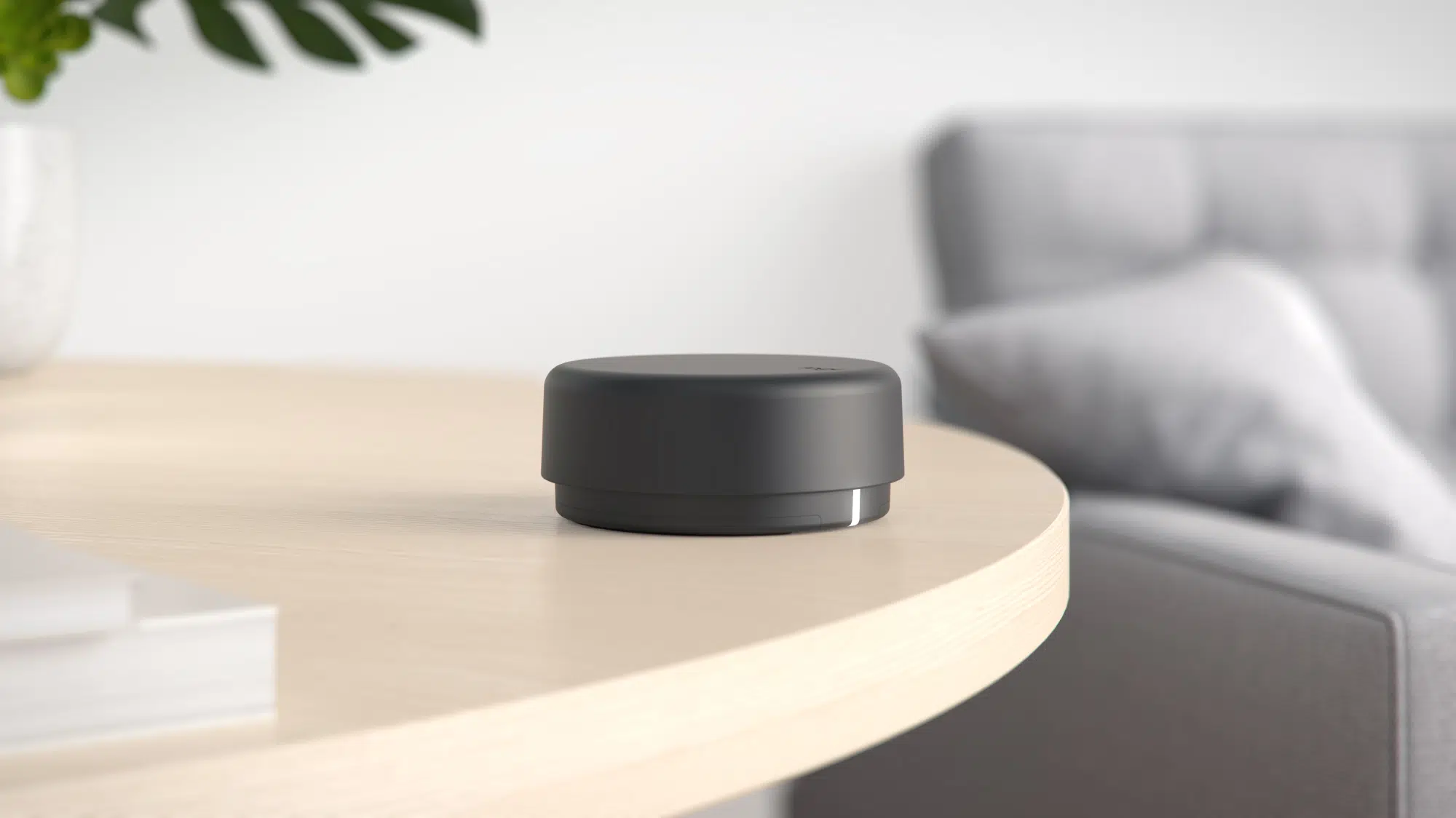
Flexible sound with a wireless control dial
The Logitech Z407 combines two adaptable satellite speakers with a dedicated subwoofer. Connect wirelessly over Bluetooth or use a wired audio input, then keep everyday controls close with the wireless dial.
2.1: two satellites and subwoofer
Speaker Configuration
40 W
Power Rating as Specified
Bluetooth 5.0, 3.5 mm analogue or micro-USB audio; USB data cable is not included
Audio Connection
Wireless control dial
Daily Control Arrangement
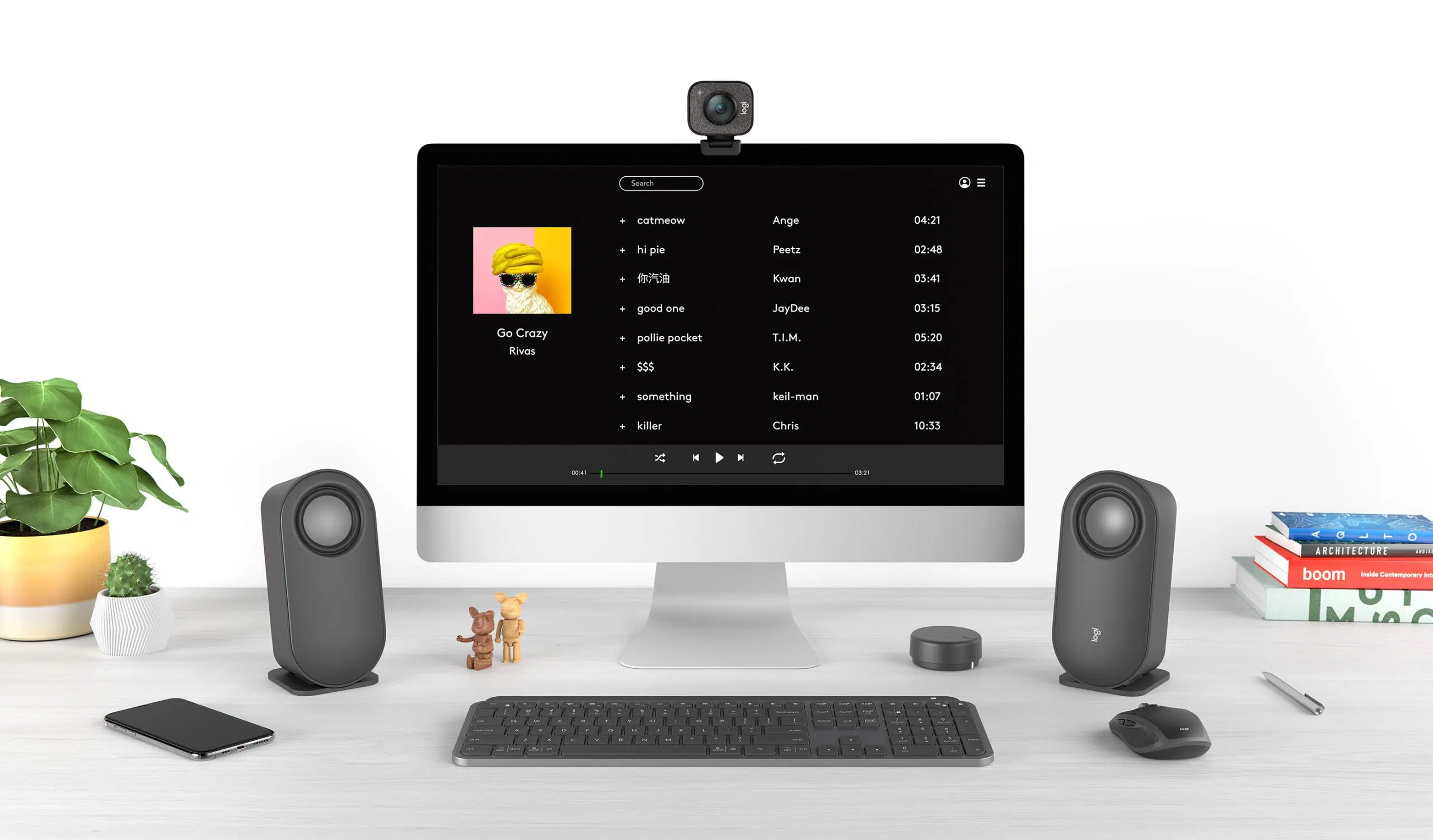
40W RMS with a dedicated subwoofer
The 2.1 system delivers 40W RMS total power, split between a 20W subwoofer and two 10W satellites. The satellites can stand upright or sit horizontally to fit around your monitor.
Move the controls where you need them
The wireless dial adjusts volume and bass, selects sources and handles supported playback controls. Logitech specifies a range up to 20 metres, depending on the environment; two AAA batteries are included.
Bluetooth, analog or USB audio
Choose Bluetooth 5.0, the 3.5 mm input or micro-USB audio. A USB data cable is required for USB playback and is sold separately. The speakers and subwoofer still use their physical connecting cables.
Choose the Signal Route for the Source
The stated audio routes are Bluetooth 5.0, 3.5 mm analogue or micro-USB audio; USB data cable is not included. Match the speaker input to the actual output on the source device, selecting the required mode and appropriate cable rather than treating every USB socket as an audio input.
Leave Space for the Complete Speaker System
Position the left and right speakers around the listening point, allowing room for the controls and connected cables. Where a separate subwoofer is included, plan its floor space and wiring as part of the same system rather than measuring only the satellites.
Set Listening Levels for the Actual Workspace
Choose the normal volume and any available bass or EQ adjustment for the room and source. Use the model’s stated controls or supported software, comparing RMS and peak figures separately where both power ratings are supplied.
Complete Your Workspace
Explore desktop speakers, gaming mice, keyboards for your setup. Suggested products are sold separately. Compare the actual audio inputs, power arrangement, physical size and control method when choosing a speaker alternative. USB audio, USB power and USB charging have different roles; Bluetooth input does not remove the wiring within a desktop speaker system. Wooting keyboards, Pulsar mice, ARTISAN pads and Elgato controls complement a supported computer desk. The RØDE PodMic USB and PSA1+ arm are a separate voice setup using the correct microphone mount, not speaker audio inputs or speaker stands. For microphone recording, choose the appropriate monitoring and playback arrangement for the host.
Frequently Asked Questions
How does this model receive audio?
Bluetooth 5.0, 3.5 mm analogue or micro-USB audio; USB data cable is not included. Match the speaker input to an actual audio output on the source.
What does the power figure describe?
40 W. The separate peak rating is 80 W. RMS and peak ratings describe different conditions; compare the same rating type between models.
Which controls are available?
Power, volume, bass, mute, supported playback controls, pairing and source selection. Keep the relevant control or satellite within reach while positioning the system.
What should I check for placement?
Allow space for both satellites and the subwoofer, with the connecting cables routed clear of the desk and floor.
Is the micro-USB audio cable included?
A USB data cable is required for the micro-USB audio input and is not included. The wireless control dial does not remove the speaker and subwoofer wiring.
Build Your Setup with AX Store Kuwait
Explore computers, displays and accessories for your workspace at AX Store Kuwait. For help choosing the right model or checking an accessory, contact AX Store.
THE DETAILS
Technical specifications
Audio and connections
2.1: two satellites and subwoofer
40 W
80 W
20 W
2 x 10 W
Version 5.0
One 3.5 mm input
One micro-USB input
USB data cable required; not included
Controls and placement
Wireless control dial
Power, volume, bass, mute, supported playback controls, pairing and source selection
Up to 20 m; varies with environment
Two AAA batteries, included
Up to 12 months; depends on use and environment
Vertical or horizontal
Dimensions and weight
199.9 x 93.9 x 85.2 mm
389.6 g
240 x 234 x 180 mm
2450.6 g
69.9 x 29.4 mm
51.8 g
COMPLETE YOUR SETUP
Pairs well with