Logitech
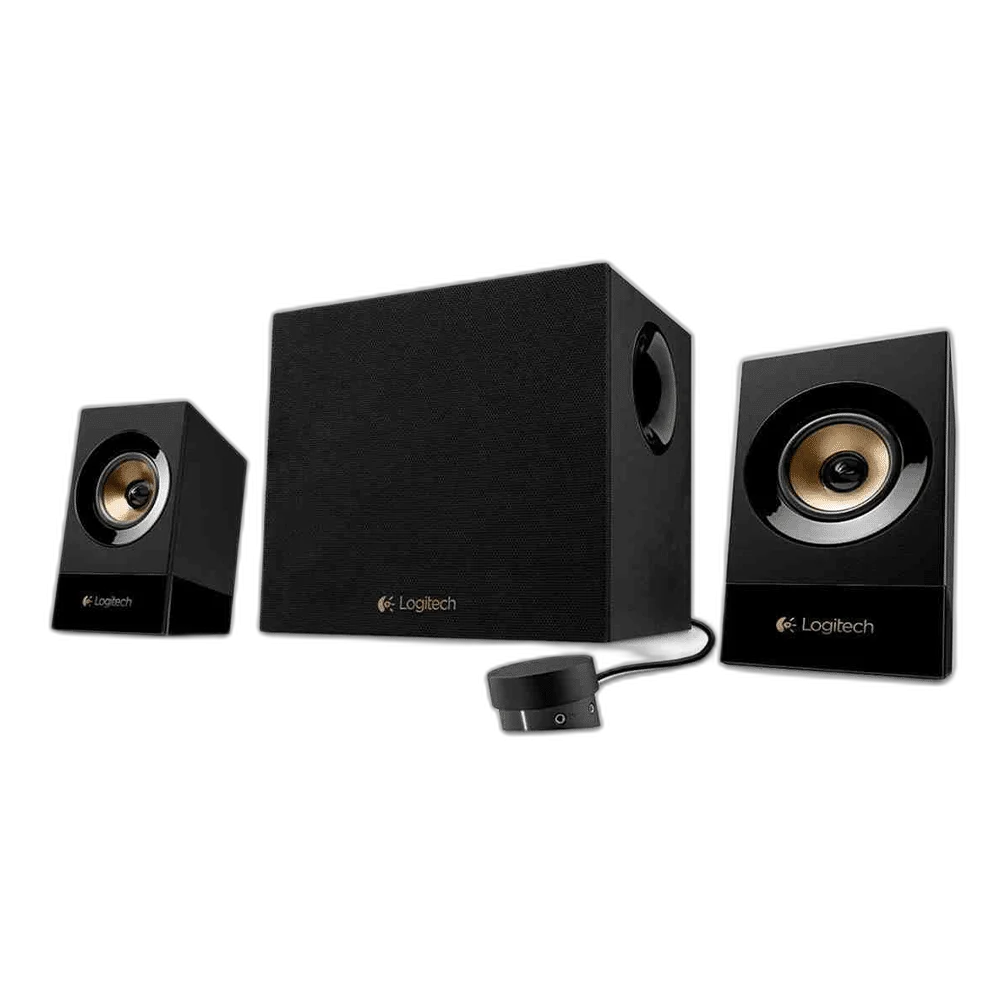
Logitech Z533 Multimedia Speaker System with Subwoofer
A 60W RMS 2.1 speaker system with a front-facing subwoofer, two satellites, a wired volume/bass control pod, headphone jack and RCA/3.5 mm inputs.
Regular price
42.000 KWD
or 4 payments of 10.500 KWD with
Pay with card & save


39.900 KWD
Save 2.100 KWD
Overview
LOGITECH Z533 MULTIMEDIA SPEAKER SYSTEM WITH SUBWOOFER
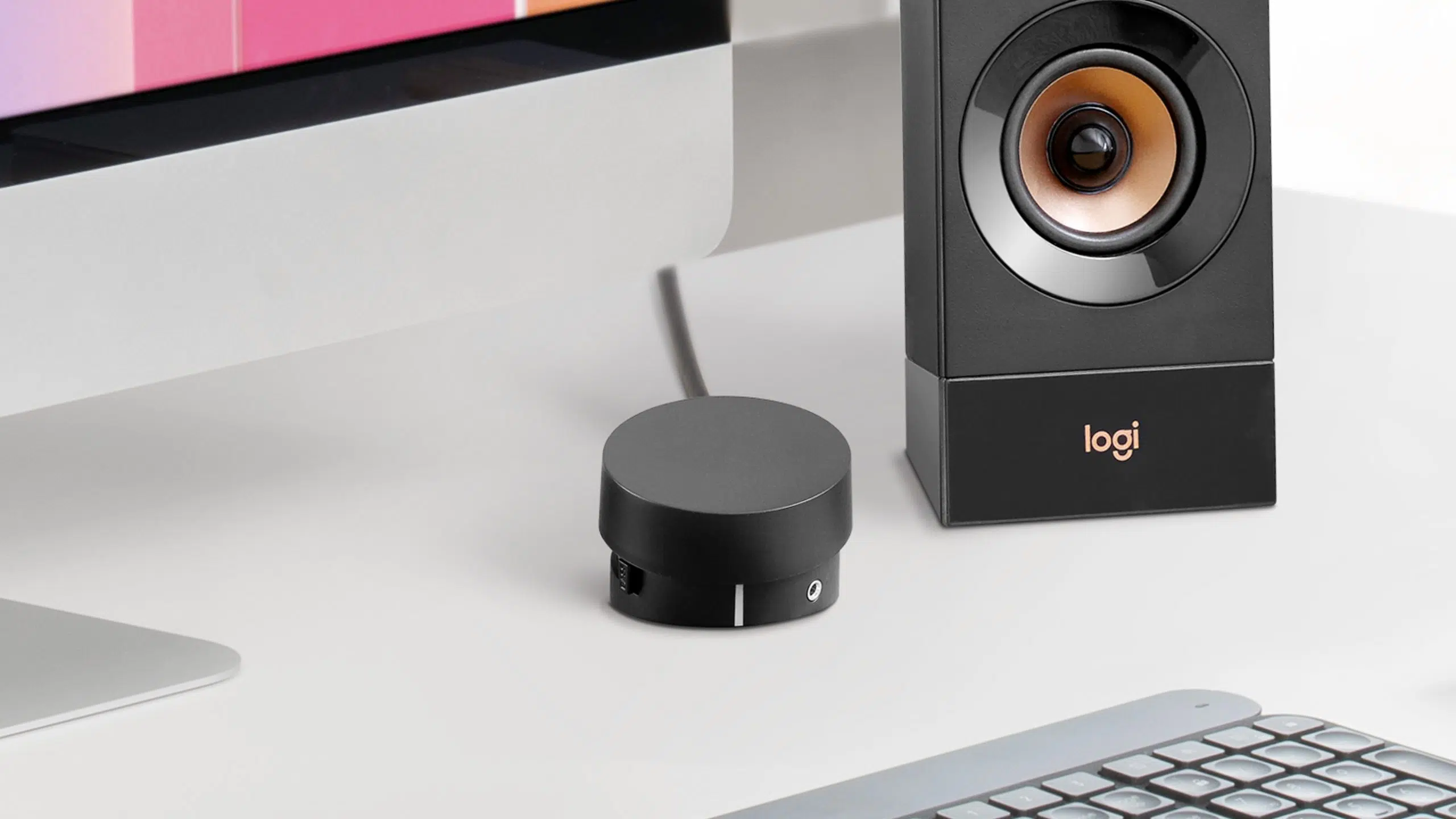
Logitech Z533
The Logitech Z533 adds a dedicated subwoofer and two satellite speakers to your desk. Its wired control pod brings volume, bass and headphone access within reach without moving the speakers. Explore this model at AX Store in Kuwait.
2.1: two satellites and subwoofer
Speaker Configuration
60 W
Power Rating as Specified
3.5 mm or RCA analogue audio
Audio Connection
Wired control pod
Daily Control Arrangement
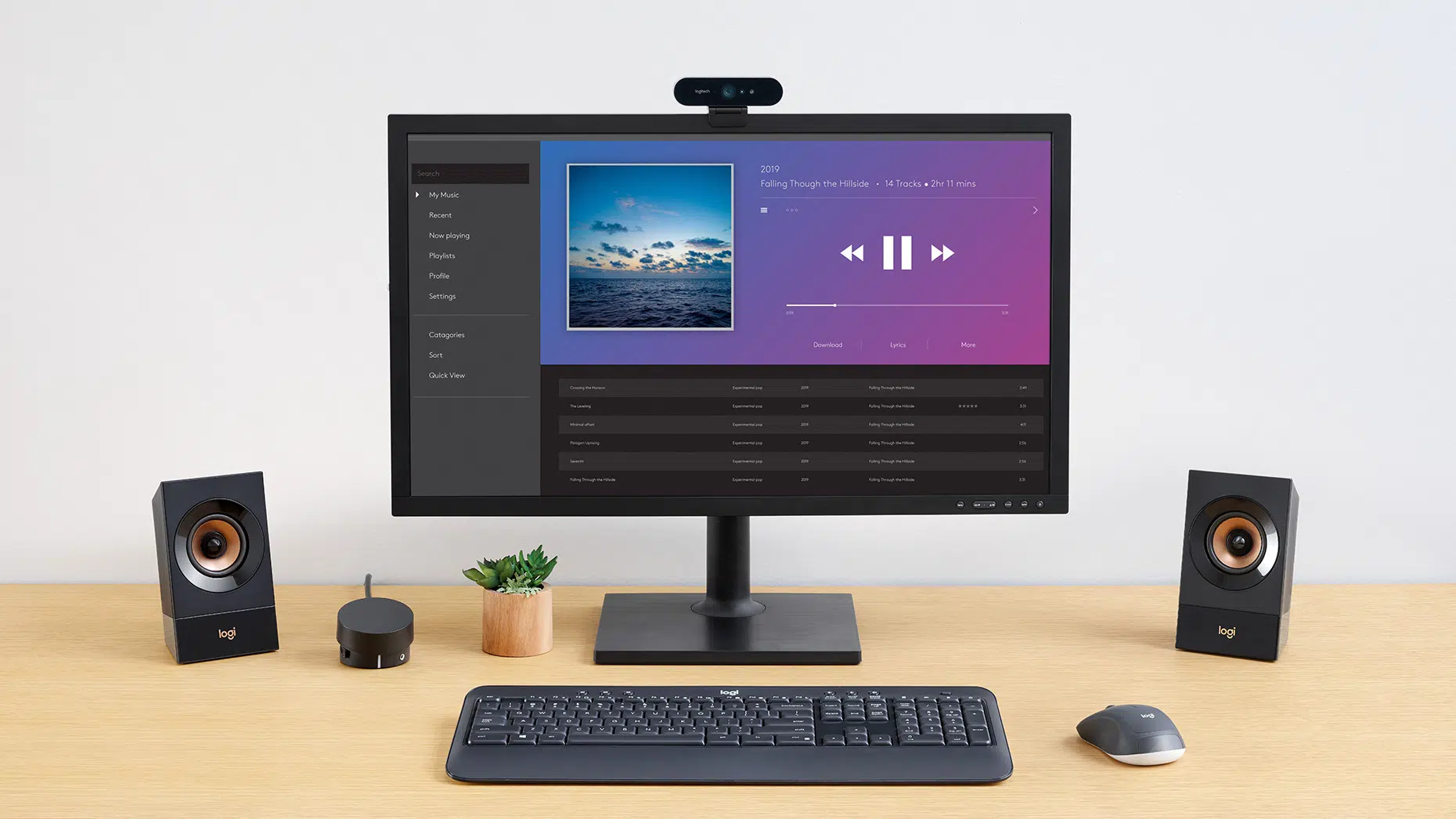
60W RMS across a 2.1 system
A 30W RMS subwoofer supports two 15W RMS satellites, for 60W RMS total power. The front-facing subwoofer adds low-frequency weight to music, games and films.
Keep the useful controls close
The integrated control pod handles power, volume and bass adjustment. Its headphone connection and auxiliary input simplify switching between everyday listening needs. Choose the appropriate listening position and input mode for the source, leaving access to the normal playback and volume controls.
Connect multiple analog sources
The system has two 3.5 mm inputs and one stereo RCA input, allowing up to three compatible devices to remain connected. Use an analog output from your computer, TV or other source.
Choose the Signal Route for the Source
The stated audio routes are 3.5 mm or RCA analogue audio. Match the speaker input to the actual output on the source device, selecting the required mode and appropriate cable rather than treating every USB socket as an audio input.
Leave Space for the Complete Speaker System
Position the left and right speakers around the listening point, allowing room for the controls and connected cables. Where a separate subwoofer is included, plan its floor space and wiring as part of the same system rather than measuring only the satellites.
Set Listening Levels for the Actual Workspace
Choose the normal volume and any available bass or EQ adjustment for the room and source. Use the model’s stated controls or supported software, comparing RMS and peak figures separately where both power ratings are supplied.
Plan the Speaker Source and Power
Check whether the speaker arrangement is active or passive and match the actual input, power and placement requirements. Keep speaker amplification separate from headphone-amplifier assumptions. Compare related options such as Divoom Timebox Evo Pixel Art Bluetooth Speaker, Alarm Clock or Logitech G560 LIGHTSYNC PC Gaming Speakers - Black, keeping the exact model and configuration in the decision. For the wider setup, explore Klotz GRG1FP03.0 Microphone Cable, XLR to Jack, 3M and check the connection, size or mounting requirements before pairing accessories. Browse the Logitech range at AX for more choices.
Logitech Z533 Setup Choices
Check whether the speaker arrangement is active or passive and match the actual input, power and placement requirements. Keep speaker amplification separate from headphone-amplifier assumptions. Explore Wooting 60HE v2 60% Gaming Keyboard, Aluminium, Pulsar Pro Series Susanto-X Wireless Gaming Mouse Size 2, 50g, ARTISAN NINJA FX ZERO Gaming Mousepad – SOFT/XSOFT, XL/XXL.
Frequently Asked Questions
How does this model receive audio?
3.5 mm or RCA analogue audio. Match the speaker input to an actual audio output on the source.
What does the power figure describe?
60 W. The separate peak rating is 120 W. RMS and peak ratings describe different conditions; compare the same rating type between models.
Which controls are available?
Power, volume and bass. Keep the relevant control or satellite within reach while positioning the system.
What should I check for placement?
Allow space for both satellites and the subwoofer, with the connecting cables routed clear of the desk and floor.
Build Your Setup with AX Store
Explore computers, displays and accessories for your workspace at AX Store. For help choosing the right model or checking an accessory, contact AX Store.
THE DETAILS
Technical specifications
Audio and connections
2.1: two satellites and subwoofer
60 W
120 W
30 W
2 x 15 W
Two 3.5 mm inputs; one stereo RCA input
One headphone jack
Up to three analog devices
Controls
Wired control pod
Power, volume and bass
Devices with 3.5 mm or RCA analog audio outputs
Dimensions and weight
170 x 100 x 85 mm
525 g
265 x 255 x 195 mm
4 kg
55 x 72 x 72 mm
200 g
COMPLETE YOUR SETUP
Pairs well with