BEACN
BEACN Mix Create USB-C Audio Mixer Light
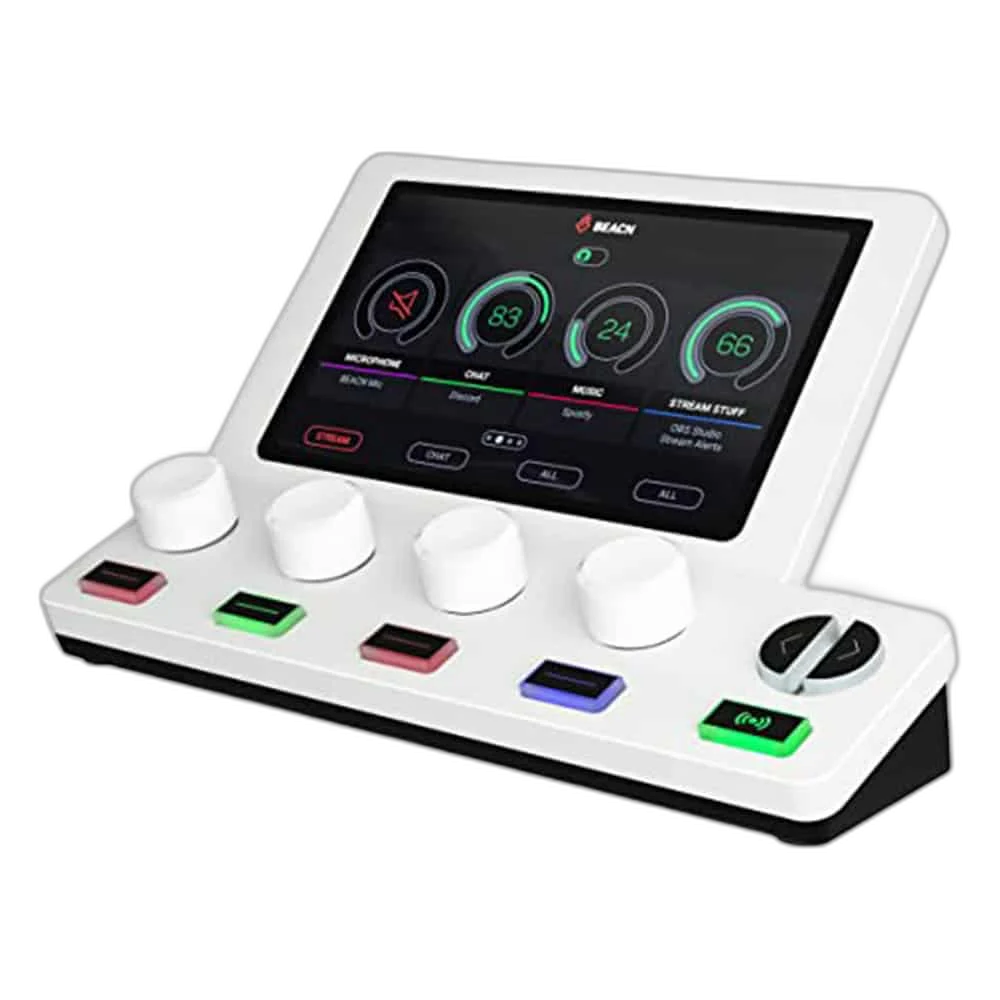
Bring hands-on audio control to a light-coloured streaming setup. BEACN Mix Create Light combines four push-button encoders and a 5-inch screen with flexible routing in the BEACN App.
Regular price
82.000 KWD
or 4 payments of 20.500 KWD with
Pay with card & save


78.000 KWD
Save 4.000 KWD
Overview
BEACN MIX CREATE USB-C AUDIO MIXER LIGHT
BEACN Mix Create Light
Bring hands-on audio control to a light-coloured streaming setup. BEACN Mix Create Light combines four push-button encoders and a 5-inch screen with flexible routing in the BEACN App.
4 Encoders
Physical Rotary Controls
5-inch LCD
Colour Display
2 Mixes
Personal and Audience
USB-C
Computer Control Connection
Keep your attention on the session
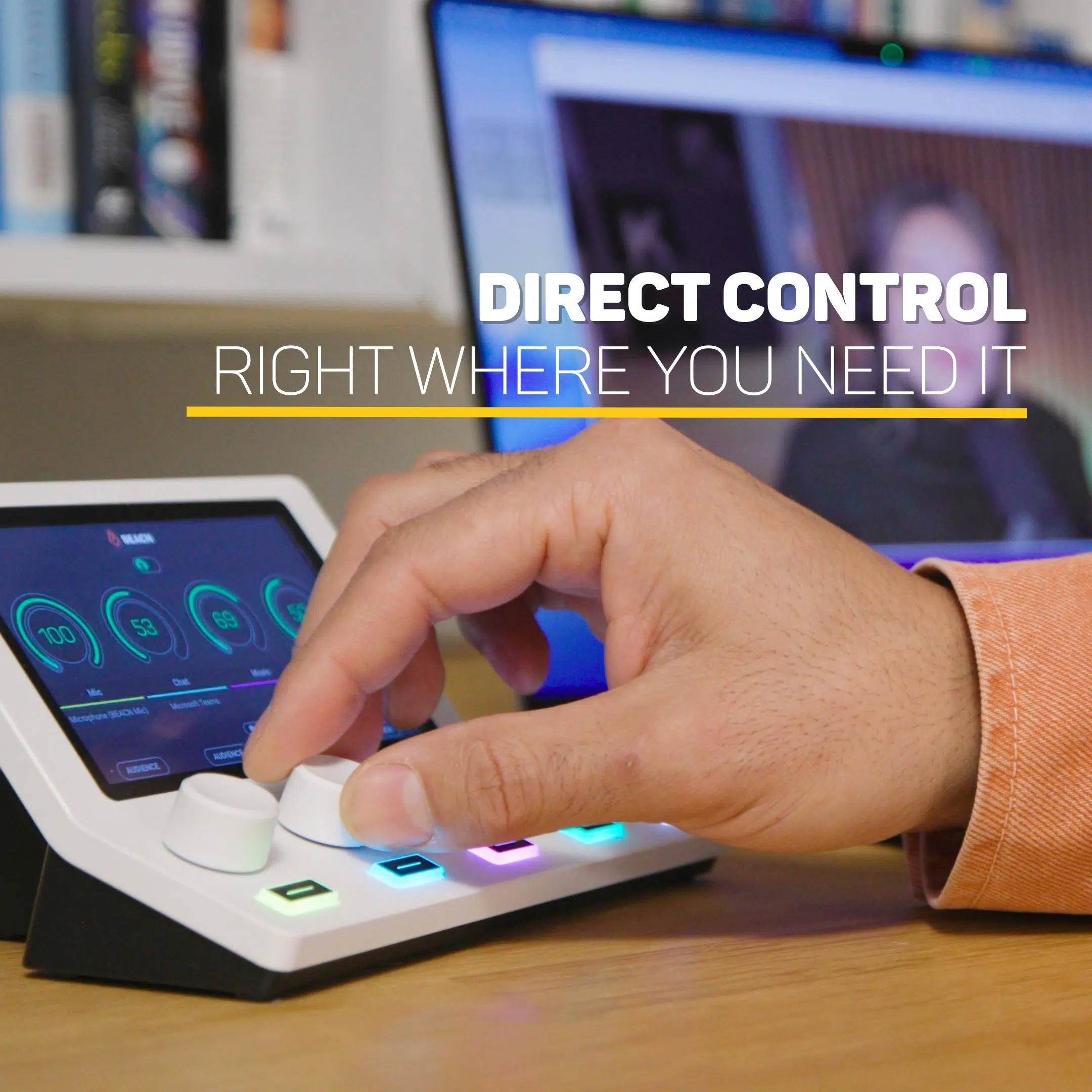
Adjust assigned audio sources using the physical knobs. Paging gives access to additional channels, and saved profiles help you move between streaming, calls and recording without rebuilding your routing.
Hear what you need; send the mix you choose
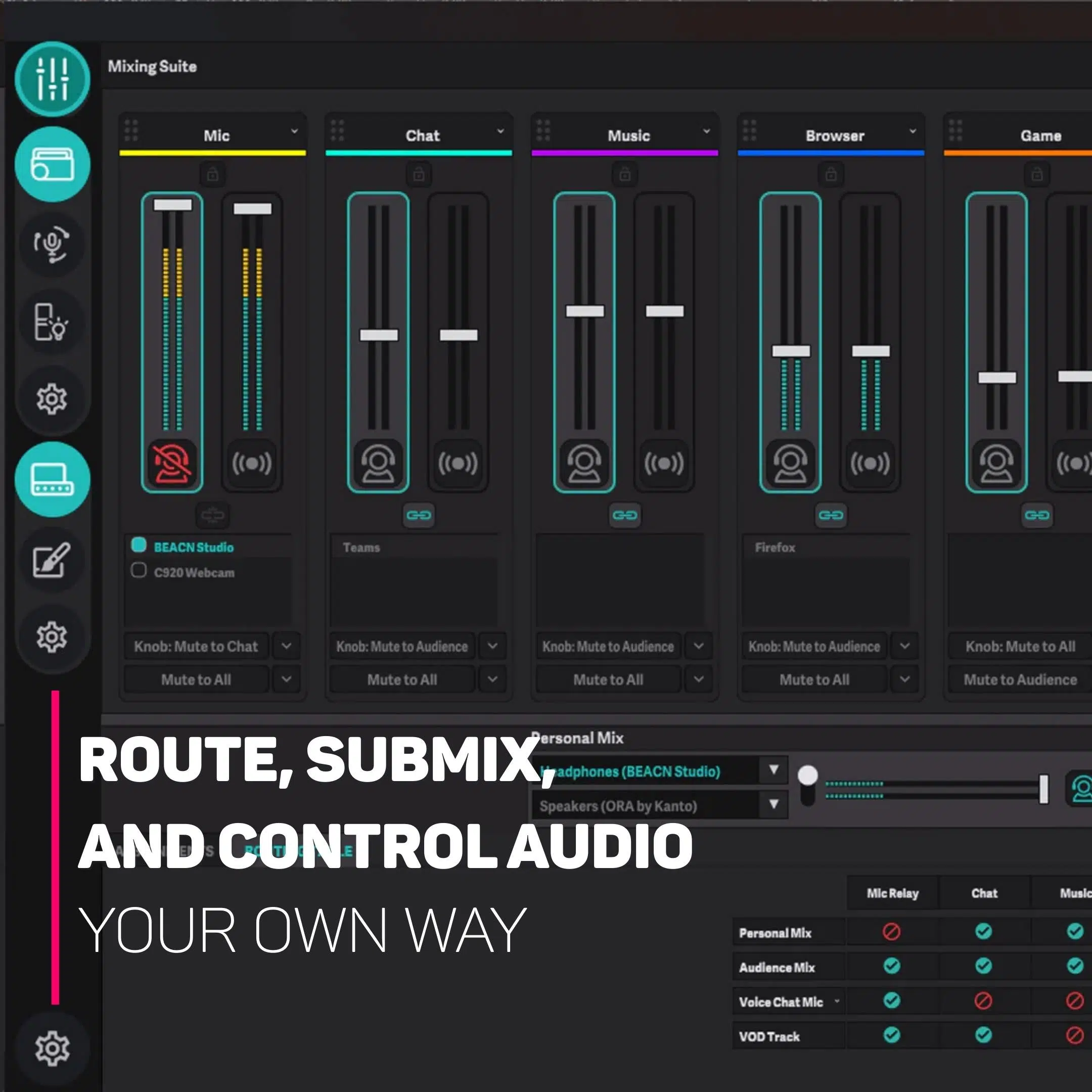
Balance your personal listening mix independently of the audience mix. Configure mute behaviour for chat, yourself or your stream, and switch between two assigned listening devices through the app or hardware.
Keep the Audio Devices Connected to the Computer
There are no physical audio inputs or outputs on Mix Create. It controls audio devices and application routing on the connected computer through the required BEACN App. Connect the actual microphone, interface, speakers or headphones to their supported computer routes, then assign those devices in the software rather than looking for analogue sockets on the controller.
Separate the Audience from Your Listening Mix
Independent Personal Mix and Audience Mix let you configure different listening and stream balances. Use the supported mute modes deliberately, checking the audience route and your own listening route before beginning a live session.
Use Paging for the Channels You Need
Four endless rotary encoders provide the physical controls, while knob paging accesses additional software channels. Arrange the required sources and profiles in BEACN App so the selected page matches the devices and applications you want to adjust.
Match the Software to the Connected System
BEACN App is required for Mix Create operation. The listed platforms are Windows 10 64-bit or later and macOS 12 or later, with the stated computer requirements. Check software availability for the exact host before arranging the audio routing.
Complete Your Workspace
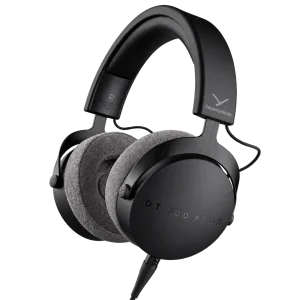
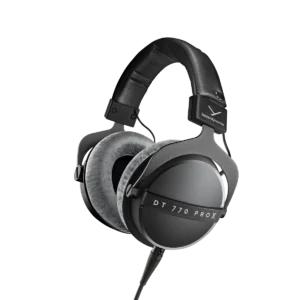
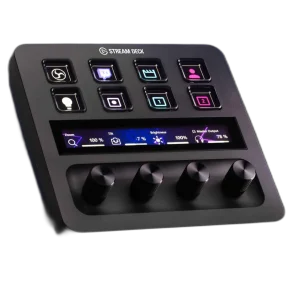
Explore audio interfaces and mixers, headphones for your setup. Suggested products are sold separately. Check the number of analogue recording channels, microphone preamps, digital expansion, MIDI, mobile support and supplied accessories when comparing interfaces. Mix Create controls the computer’s audio software and has no physical audio input or headphone output. The suggested USB microphone and headphones need their own supported computer or listening connection. Beyerdynamic and Audio-Technica headphones provide listening alternatives, and Elgato controls complement a supported computer workflow. iD14 MKII desktop and ADAT functions do not include iD4 MKII’s supported iOS use. Mobile setups may require an adapter and external power. Choose the actual cables and recording software for the selected host.
Frequently Asked Questions
Does audio plug directly into Mix Create?
There are no physical audio inputs or outputs on Mix Create. It controls audio devices and application routing on the connected computer through the required BEACN App.
Which software does it require?
BEACN App required. Audio routing relies on the supported connected computer.
Which systems are listed?
Windows 10 64-bit or later; 4 GB RAM; USB 2.0 port; macOS 12 or later; Intel and Apple silicon support. Check current software requirements before setup.
How do the two mixes work?
Independent Personal Mix and Audience Mix. Use the stated mute and listening-device controls to configure who hears each source.
Build Your Setup with AX Store Kuwait
Explore computers, displays and accessories for your workspace at AX Store Kuwait. For help choosing the right model or checking an accessory, contact AX Store.
THE DETAILS
Technical specifications
Hardware
BEACN Mix Create
USB 2.0 via USB-C
5-inch colour LCD; 800 × 480
4 endless rotary encoders with push-button control
Knob paging for additional channels
174 × 90 × 100 mm
None; controls audio devices connected to the computer
2 m USB-C to USB-A
Mixing and software
BEACN App required
Independent Personal Mix and Audience Mix
Mute to Audience, Mute to Self, Mute to Chat and Mute All
Switch between two assigned Personal Listening Devices
Save and recall complete profiles
Windows 10 64-bit or later; 4 GB RAM; USB 2.0 port
macOS 12 or later; Intel and Apple silicon support
Finish
Light
COMPLETE YOUR SETUP