
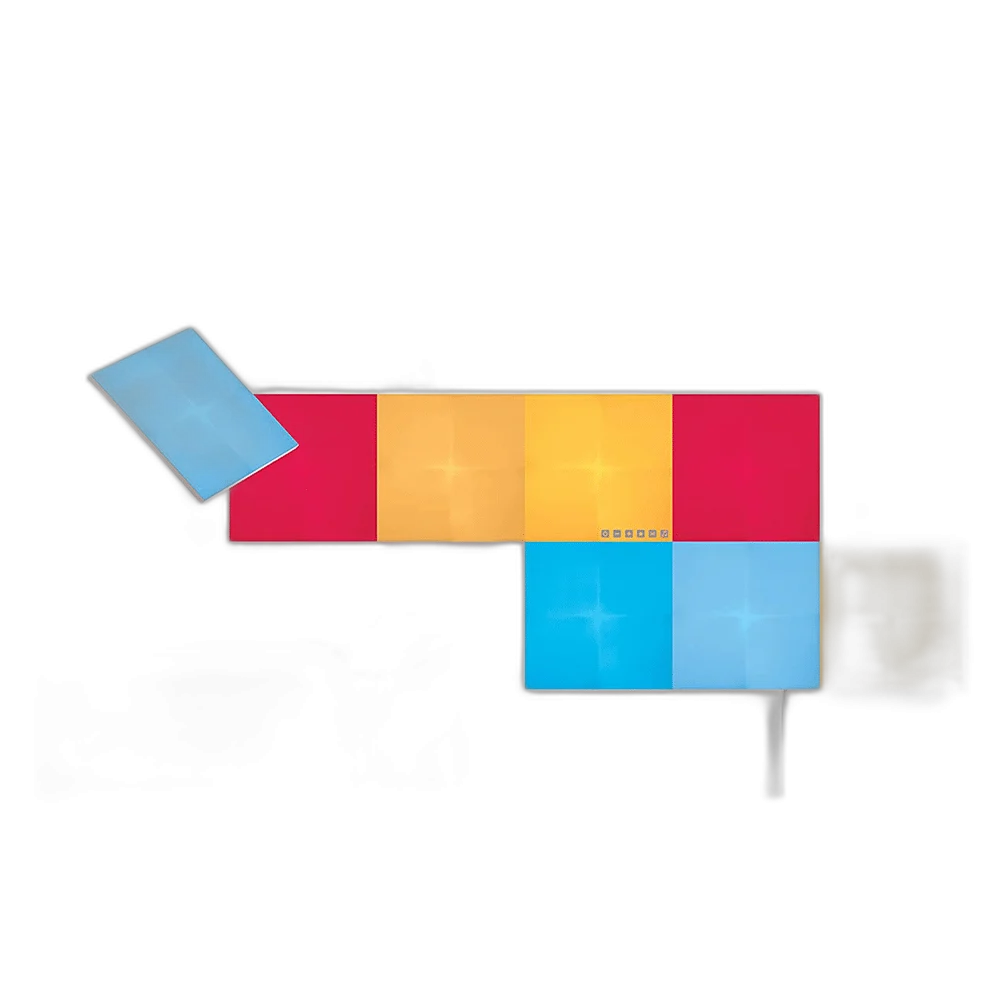
Nanoleaf
Nanoleaf Canvas 9 Light Squares Starter Kit
The Nanoleaf Canvas Starter Kit uses nine modular light squares to create a personalised wall display. Arrange the squares in aligned or staggered patterns, then control colours and scenes through the Nanoleaf app.
Regular price
86.000 KWD
or 4 payments of 21.500 KWD with
Pay with card & save


82.000 KWD
Save 4.000 KWD
Overview
NANOLEAF CANVAS 9 LIGHT SQUARES STARTER KIT
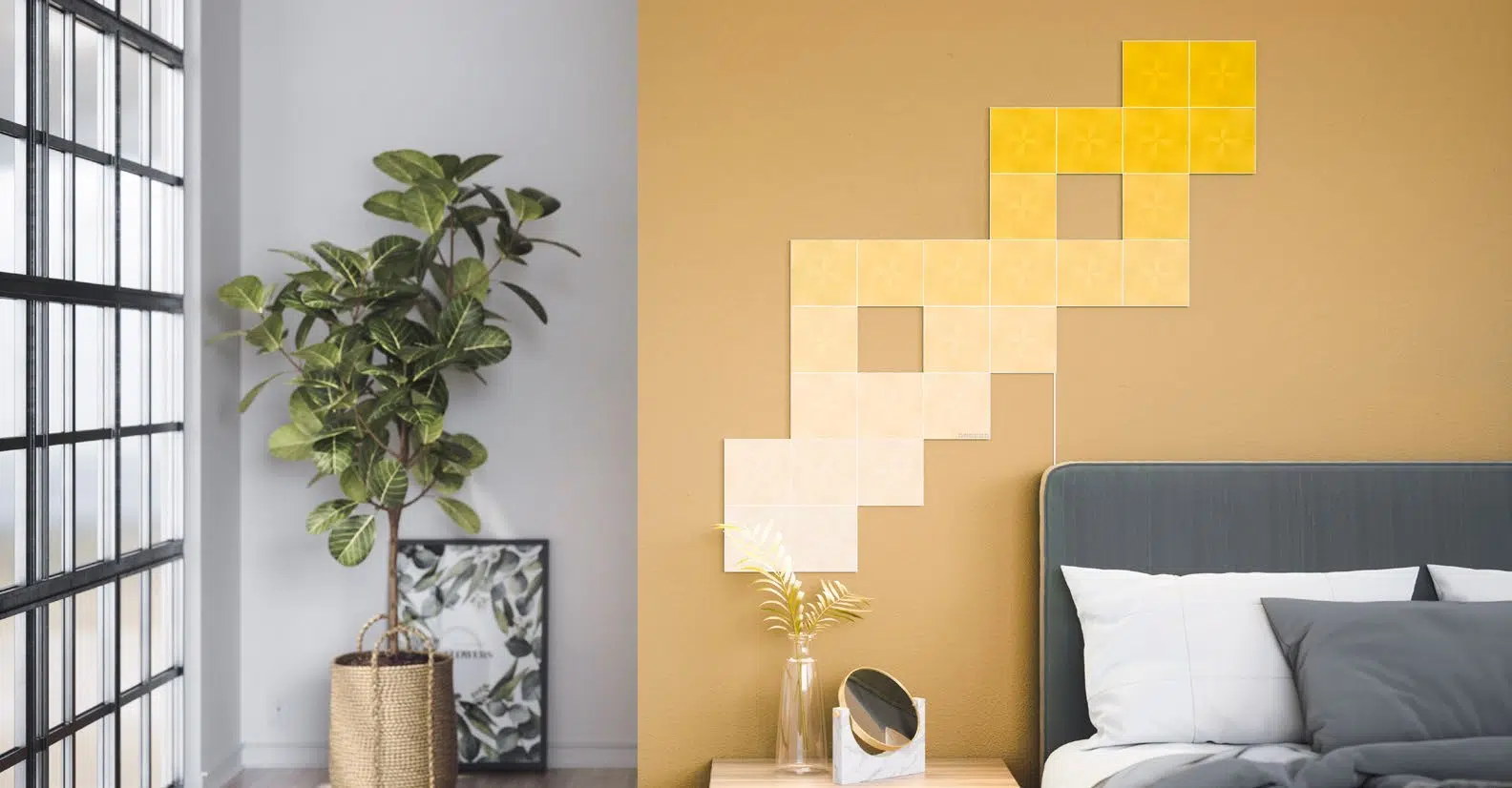
Turn a blank wall into interactive light.
The Nanoleaf Canvas Starter Kit uses nine modular light squares to create a personalised wall display. Arrange the squares in aligned or staggered patterns, then control colours and scenes through the Nanoleaf app.
9
Squares Including Control Square
Touch
Interactive Control
2.4 GHz
Wi-Fi Network
Canvas
Matching Expansion System
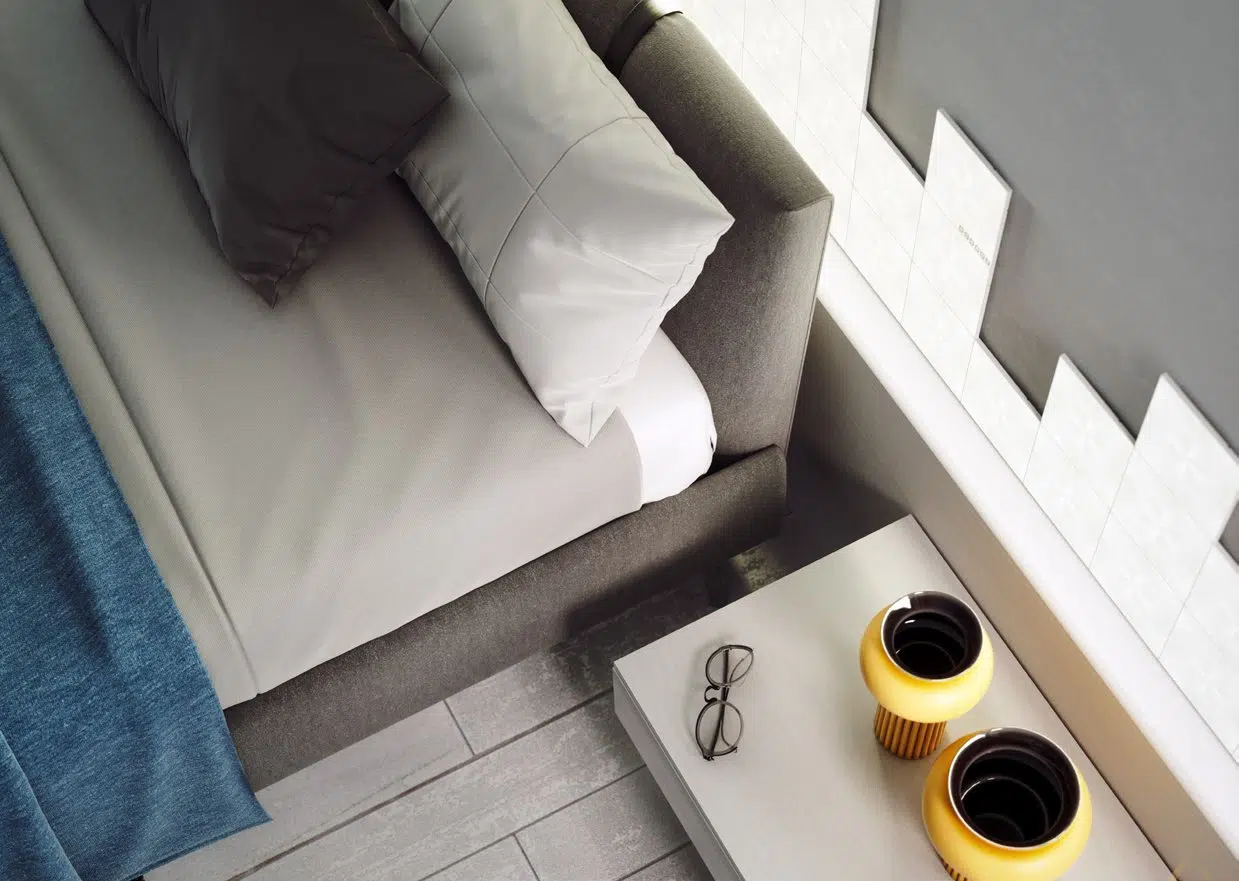
Build your own layout
Offset linker positions give you flexibility when arranging the squares. Start with the included control square and grow your design using compatible Canvas expansion packs.
Control by touch, app or voice
Use the control square, touch gestures or compatible voice assistants to change the lighting. Music-reactive scenes and Screen Mirror add atmosphere. Expanded lifestyle layouts require additional squares.
Nine Squares Include the Control Square
The supplied count is nine light squares including the control square. Use that total when sketching a wall pattern, and choose compatible Canvas expansions when the intended design needs more illuminated squares.
A Large Layout Needs a Power Plan
The published layout limit concerns the control square and does not mean one power supply can power every possible square. Follow the Canvas power guidance when expanding, keeping the controller and additional supplies accessible.
Choose the Control Method for Your Setup
The listed control route is Control square, touch gestures, app and compatible voice assistants. Check current app, firmware and smart-home requirements for this exact system, then configure the scenes you want to reach during normal room use.
Plan Mounting and Power before Installation
Sketch the lighting route and confirm the supplied kit contents before mounting. Keep required power connections accessible, follow the installation guide for the intended surface, and count any additional parts separately when a design extends beyond this box.
Complete Your Workspace
Explore smart lighting, smart home collection for your setup. Optional keyboards, mice, mousepads, listening equipment and streaming controls are separate additions to a gaming or creative desk. They do not supply lighting power, panel connectors or universal lighting synchronisation. Check audio connections and microphone mounting separately.
Frequently Asked Questions
Does the nine-square count include the control square?
9 total, including the control square.
Which Wi-Fi band is required?
2.4 GHz Wi-Fi; 5 GHz not supported.
Which expansion family should I choose?
Compatible Canvas light squares.
Does the maximum layout count require more power?
500 light squares per control square; additional power required.
Build Your Setup with AX Store Kuwait
Explore computers, displays and accessories for your workspace at AX Store Kuwait. For help choosing the right model or checking an accessory, contact AX Store.
Compare Nanoleaf Light Panels Smarter Kit Rhythm Edition 9 Pack. Match the exact model, connection and configuration to your setup.
THE DETAILS
Technical specifications
Product specifications
Nanoleaf
Nanoleaf Canvas 9 Light Squares
Nanoleaf Canvas
9 total, including the control square
Linear or staggered arrangements
2.4 GHz Wi-Fi; 5 GHz not supported
Control square, touch gestures, app and compatible voice assistants
Rhythm scenes
Via Nanoleaf Desktop App
500 light squares per control square; additional power required
Compatible Canvas light squares
Indoor flat wall; mounting tape included
COMPLETE YOUR SETUP
Pairs well with



