Pulsar
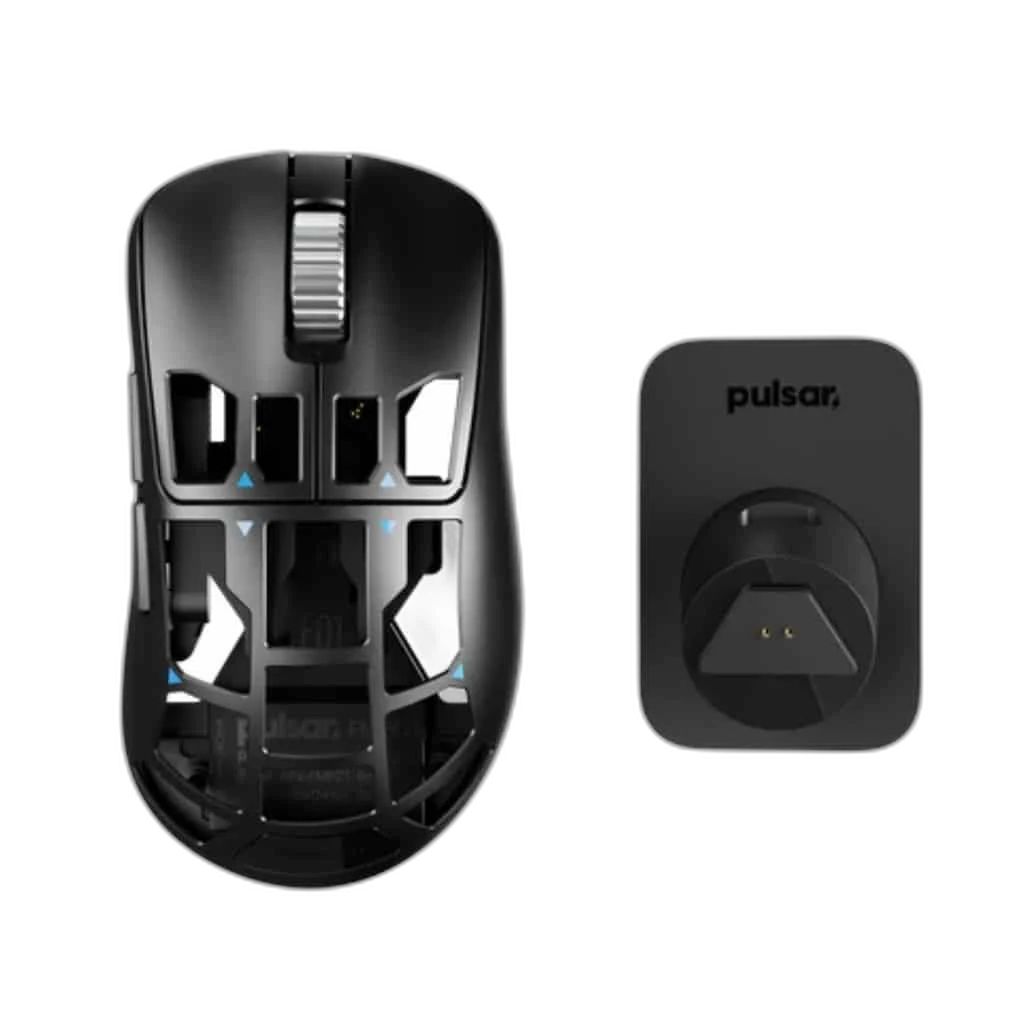
Pulsar Feinmann F01 First Edition Wireless Gaming Mouse, 46 g
The Feinmann F01 First Edition uses a perforated magnesium-alloy shell to achieve a 46 g design. Its XS-1 sensor and included 8K charging dock combine high-rate input with convenient charging.
Regular price
68.000 KWD
or 4 payments of 17.000 KWD with
Pay with card & save


64.900 KWD
Save 3.100 KWD
Overview
PULSAR FEINMANN F01 FIRST EDITION WIRELESS GAMING MOUSE, 46 G
Pulsar Feinmann F01 First Edition
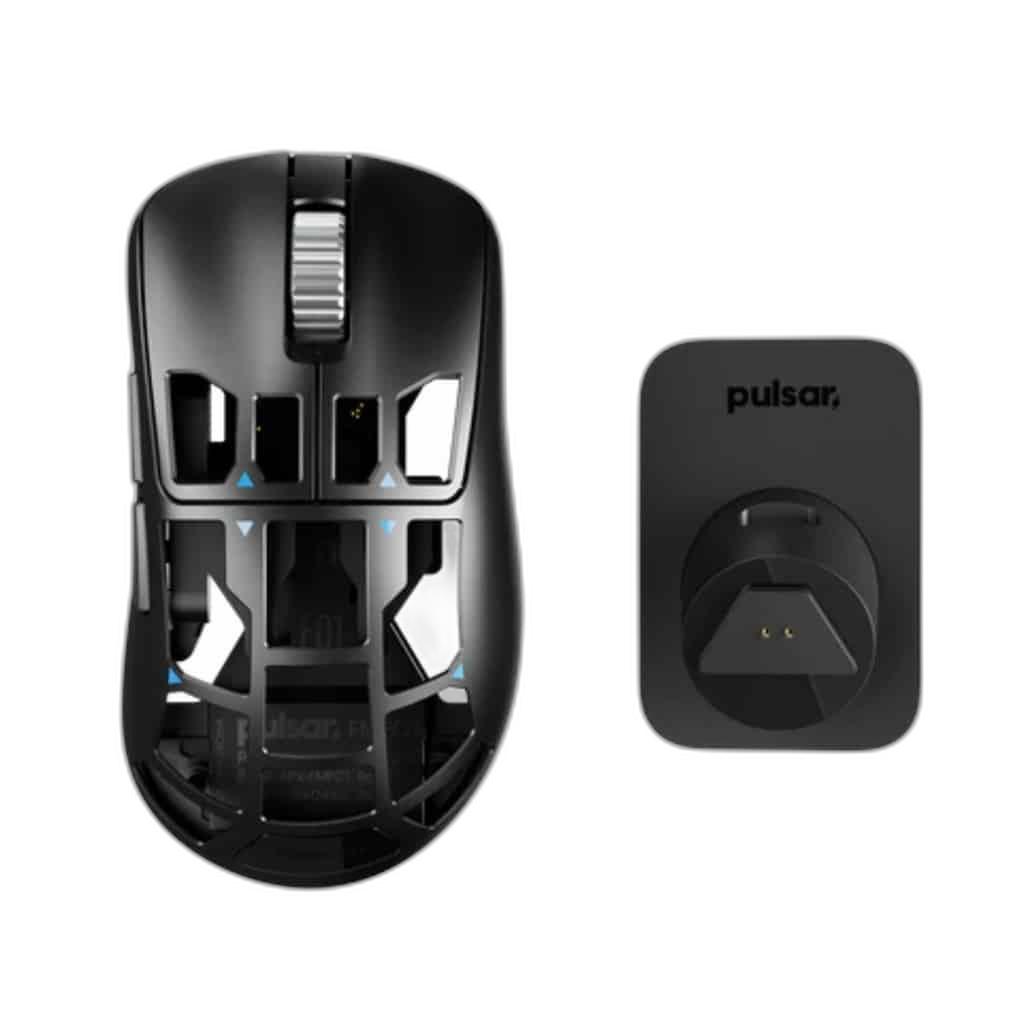
Pulsar Feinmann F01 First Edition: The Feinmann F01 First Edition uses a perforated magnesium-alloy shell to achieve a 46 g design. Its XS-1 sensor and included 8K charging dock combine high-rate input with convenient charging. Explore this model at AX Store in Kuwait.
32,000 DPI
Maximum Sensor Sensitivity
46 g approximate, excluding cable
Listed Mouse Weight
8000 Hz
Highest Supported Polling
XS-1
Optical Sensor
Optical Tracking for Competitive Control
The XS-1 sensor supplies the configuration platform for the original F01, with sensitivity changes in small supported steps. Choose a practical sensitivity for the normal aiming area, then check tracking and lift-off behaviour on the actual mousepad. The sensor specification and a player’s chosen sensitivity are different settings to compare.
A High-Rate Receiver Configuration
The included charging dock also contains the high-rate receiver, supporting the model’s up-to-eight-kilohertz reporting setup. Connect and position that dock for the supported computer workflow, then select a report rate the system and game handle well. A polling interval is not the complete end-to-end latency of the setup.
Choose the Shape and Size That Fit
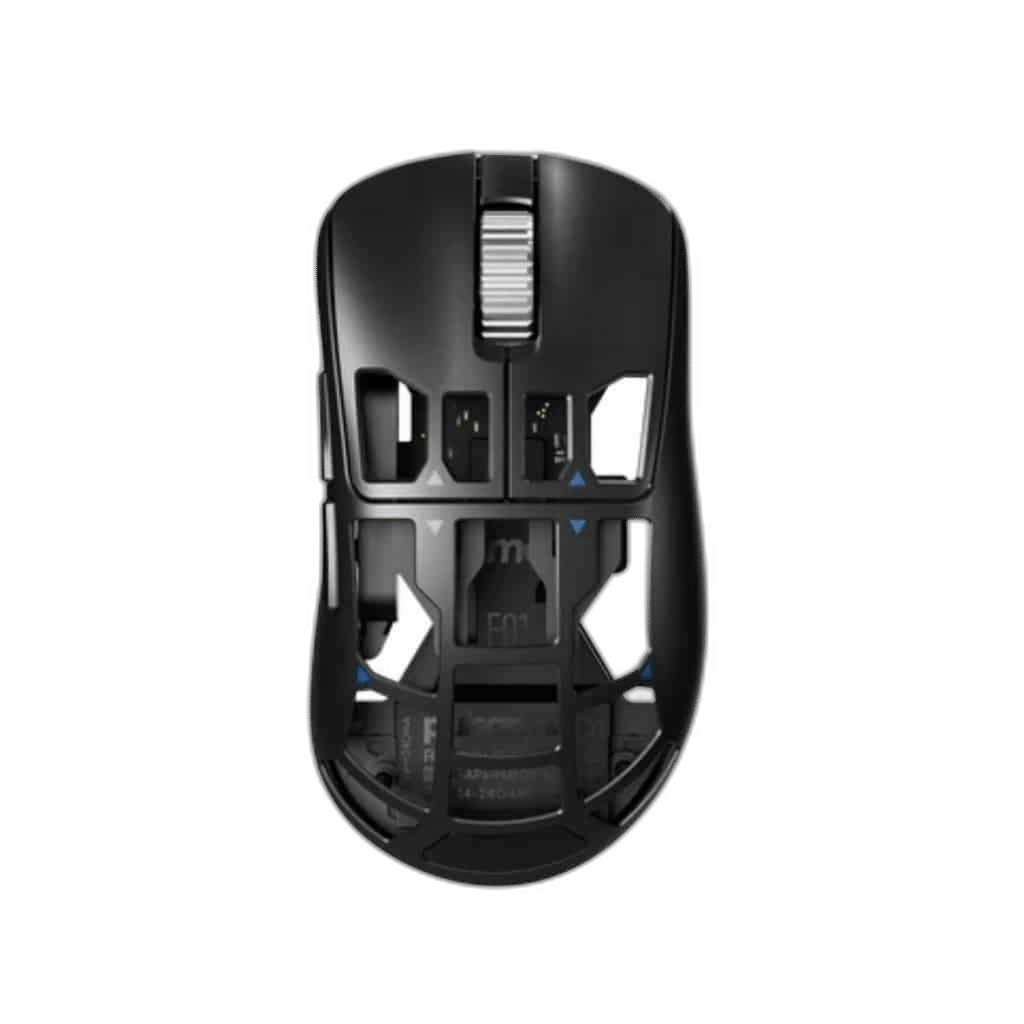
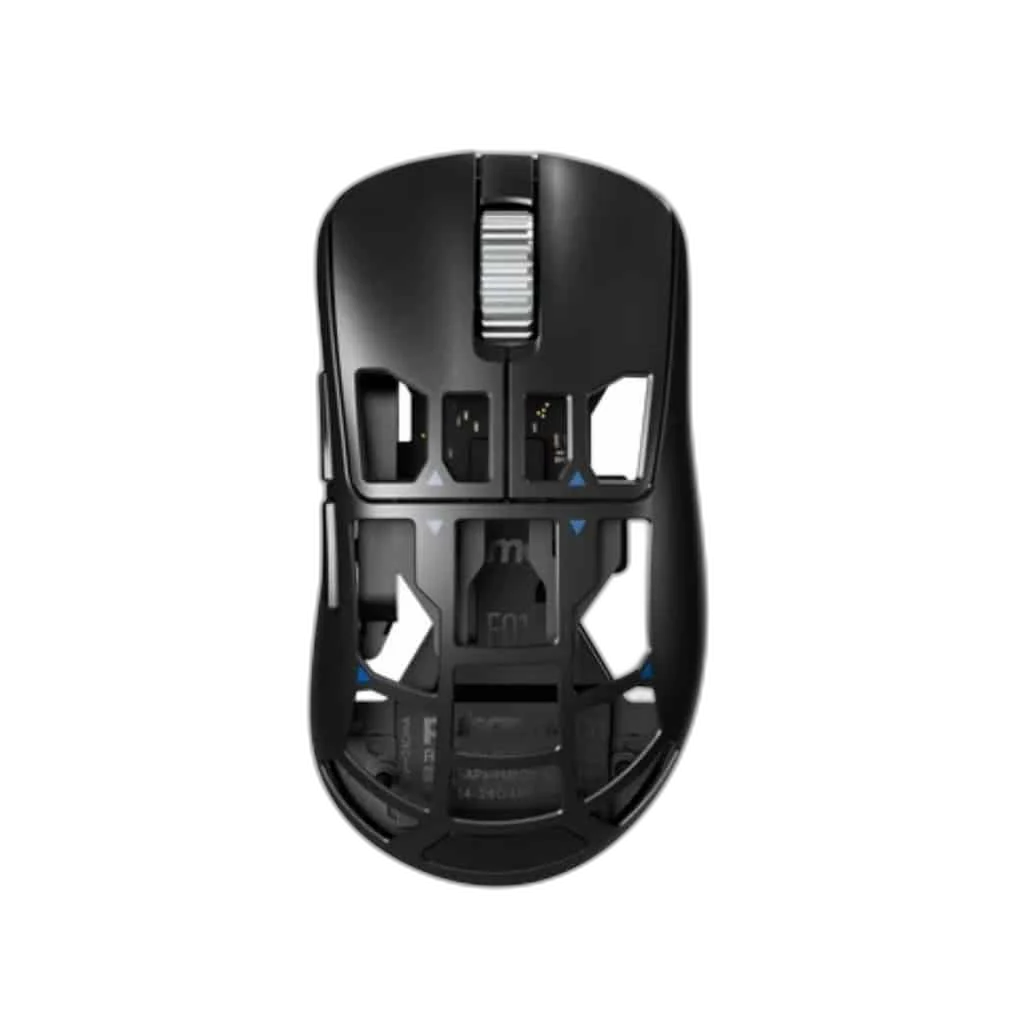
The perforated magnesium-alloy body uses a right-handed ergonomic shape aimed at palm grip. Its intermediate footprint differs from the symmetrical X2 family, even where the sensor platform is similar. Compare the physical shape with the way the hand rests on the mouse rather than selecting on weight alone.
Switches and Scrolling for Your Inputs
The specified switch setup is Kailh optical; 80 million clicks. The switches are part of the mouse’s control hardware, alongside its scrolling and available button inputs. Treat any durability figure as the manufacturer’s switch rating, while configuring the supported commands and settings around the games you play.
Configure the Supported Mouse Settings
Software: Pulsar software; Windows 7 or later. Basic OS support: Windows / macOS / Linux. Before configuring Pulsar Feinmann F01 First Edition Wireless Gaming Mouse, 46 g, check the compatible host, connection and available control software. The complete requirements below distinguish basic mouse operation from any software or high-rate setup requirements.
Keep the Edition and Package Together
This First Edition lists the mouse, its charging dock with built-in receiver, USB-C cable, Supergrip and the UHMW-PE dot set. Place the mouse on the dock for the specified charging arrangement. The USB cable belongs to that dock workflow; do not transfer the newer Noctua edition’s connection hardware to the original model.
Match the Mouse to Your Grip and Desk
Compare shell size, grip and connection before choosing a mouse. Check the receiver or cable arrangement for the exact model and leave enough mousepad area for your normal movement. Compare related options such as Logitech G PRO Wireless LIGHTSPEED Gaming Mouse - Black or Ninjutso Sora Wireless Gaming Mouse, 43 g, keeping the exact model and configuration in the decision. For the wider setup, explore Razer Gigantus V2 Gaming Mouse Pad – XXL / 3XL and check the connection, size or mounting requirements before pairing accessories. Browse the Pulsar range at AX for more choices.
Pulsar Feinmann F01 First Edition Setup Choices
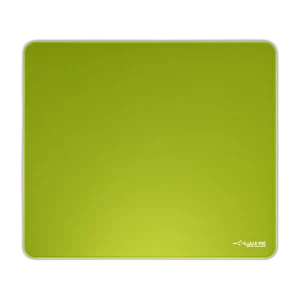
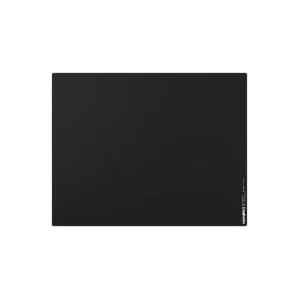
Compare shell size, grip and connection before choosing a mouse. Check the receiver or cable arrangement for the exact model and leave enough mousepad area for your normal movement. Explore ARTISAN NINJA FX ZERO Gaming Mousepad – SOFT/XSOFT, XL/XXL, ARTISAN NINJA FX TYPE-99 SOFT XL Mousepad – Matcha, Pulsar Superglide V3 Glass Mousepad - Type S.
Frequently Asked Questions
What receiver or high-rate configuration is listed?
Up to 8,000 Hz; high-rate dongle/dock included.
Which shape and size details should be checked?
Shape: Ergonomic right-handed magnesium-alloy shell. Weight: 46 g approximate, excluding cable.
Which switches are specified?
Kailh optical; 80 million clicks.
What is included with this edition?
a high-rate dongle/dock, as stated in the polling configuration.
What does the included dock do?
It charges the mouse and contains the high-rate receiver. The supplied USB-C cable connects the dock in the documented computer setup.
Is this the Noctua edition with its newer connection hardware?
No. This is the original magnesium First Edition. Its listed sensor, shell, charging dock and accessories stay with this exact model.
Build Your Setup with AX Store
Explore computers, displays and accessories for your workspace at AX Store. For help choosing the right model or checking an accessory, contact AX Store.
Complete Your Setup
Explore equipment for your workspace: Wooting 60HE v2 60% Gaming Keyboard, Aluminium, ARTISAN NINJA FX HIEN SOFT XL Gaming Mouse Pad, beyerdynamic DT 990 PRO 80 Ohm Open-Back Studio Headphones.
THE DETAILS
Technical specifications
Product specifications
Pulsar
Pulsar Feinmann F01 First Edition
XS-1
32,000 DPI
750 IPS; 50 G
Up to 8000 Hz with the included charging dock with built-in receiver
Wireless through the included 8K charging dock/receiver; the supplied USB-C cable connects the dock to the computer
Ergonomic right-handed magnesium-alloy shell
Palm
Kailh optical; 80 million clicks
118.6 × 65.3 × 41.7 mm
46 g approximate, excluding cable
Pulsar software; Windows 7 or later
Windows / macOS / Linux
Setup and model details
Place the mouse on the included charging dock; the dock also contains the 8K receiver
Feinmann F01 wireless mouse; 8K charging dock; USB-C cable; Supergrip; 16 UHMW-PE dot skates
Product identification
Pulsar
FMF01
COMPLETE YOUR SETUP
Pairs well with