Pulsar
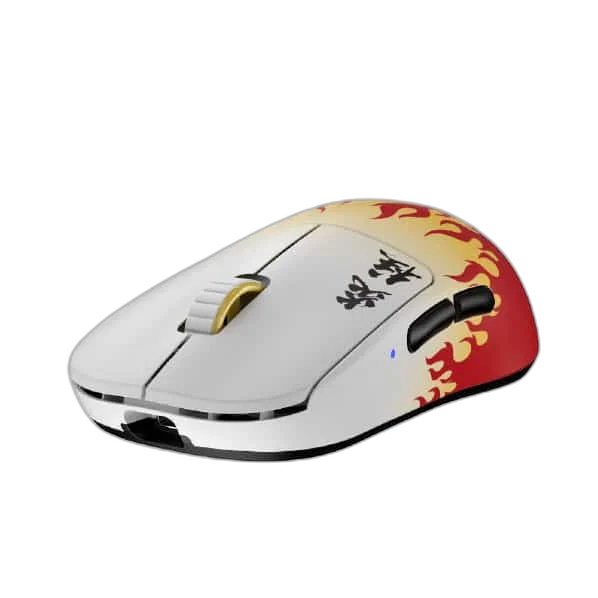
Pulsar X2H Kyojuro Edition Wireless Gaming Mouse, 55 g
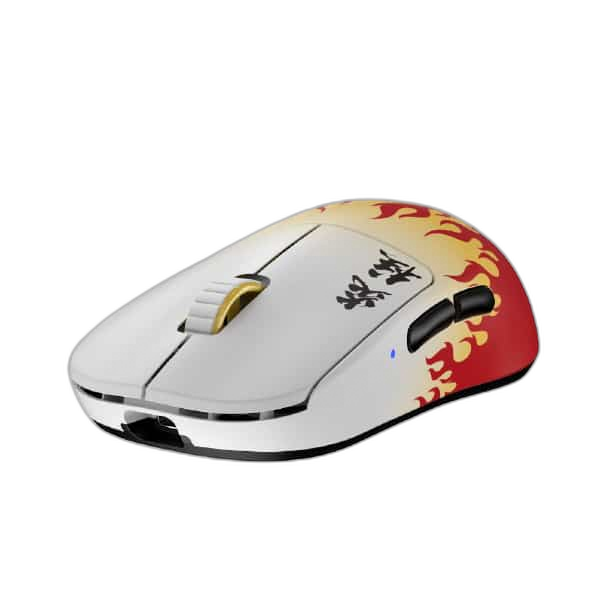
The Pulsar X2H Kyojuro Edition brings Demon Slayer styling to a 55 g wireless gaming mouse. Its 26,000 DPI PAW3395 sensor and higher rear hump support claw and palm-claw grips.
Regular price
42.000 KWD
or 4 payments of 10.500 KWD with
Pay with card & save


39.900 KWD
Save 2.100 KWD
Overview
PULSAR X2H KYOJURO EDITION WIRELESS GAMING MOUSE, 55 G
Pulsar X2H Kyojuro
The Pulsar X2H Kyojuro Edition brings Demon Slayer styling to a 55 g wireless gaming mouse. Its 26,000 DPI PAW3395 sensor and higher rear hump support claw and palm-claw grips. Explore this model at AX Store in Kuwait.
26,000 DPI
Maximum Sensitivity
55 g (±1 g), excluding cable
Listed Mouse Weight
4000 Hz
Highest Supported Polling
PAW3395
Optical Sensor
Optical Tracking for Your Sensitivity
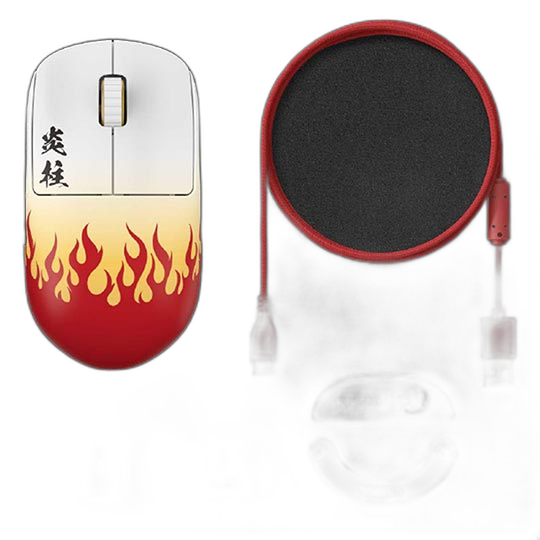
Pulsar X2H Kyojuro Edition Wireless Gaming Mouse, 55 g uses the PAW3395 optical sensor with a listed resolution of 26,000 DPI. The tracking reference is 650 IPS; 50 G. Choose a sensitivity that matches your normal mouse movement and display, keeping your own settings separate from the maximum sensor figures when comparing different models.
Keep the Report Rate and Receiver Together
The listed polling setup is 1,000 Hz included; up to 4,000 Hz with separately purchased compatible dongle. This distinction matters because an included receiver and an optional high-rate receiver are different package configurations. Choose a supported rate with the correct connection, receiver and host setup, using the complete requirements below when planning your desk.
Compare the Exact Shape and Size
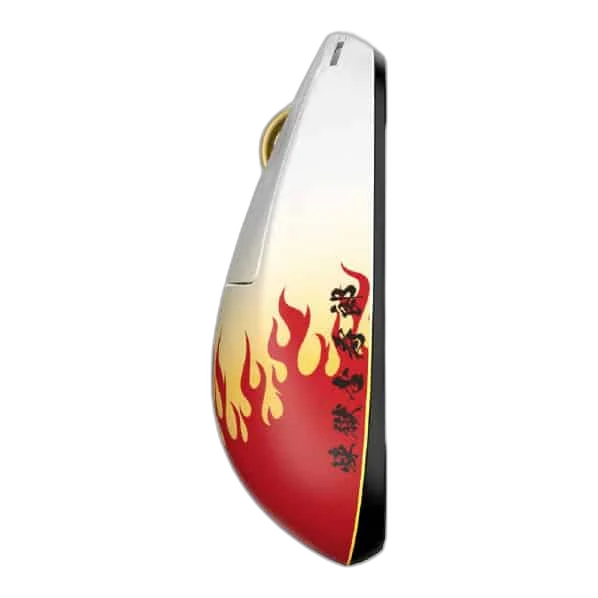
The shape is described as symmetrical; narrow waist; high hump. Weight: 55 g (±1 g), excluding cable. Dimensions: 120.4 × 65 × 39 mm. Compare those measurements with your grip and the exact option you select. Different sizes or skate arrangements can have different weights, so keep the corresponding measurement attached to its configuration.
Optical Switches and Scrolling Controls
The specified main switches are optical. The scrolling hardware uses the Pulsar Blue Encoder. Configure the supported commands around the games and tools you use, and treat any stated durability number as the manufacturer’s switch rating.
Check Software and Host Support
Software requirement: Windows 7 or later. Basic OS support: Windows / macOS / Linux. Use those requirements when configuring Pulsar X2H Kyojuro Edition Wireless Gaming Mouse, 55 g. Basic mouse operation and advanced configuration software can have different system requirements, so check the available software and supported operating system for the functions you intend to use.
Plan the Correct Receiver Package
The highest listed report rate requires a compatible high-rate dongle purchased separately. The standard included configuration is listed at 1000Hz. Keep that optional receiver separate from the base mouse package when comparing editions, and check the supported receiver and host requirements before selecting the maximum report rate.
Match the Mouse to Your Grip and Desk
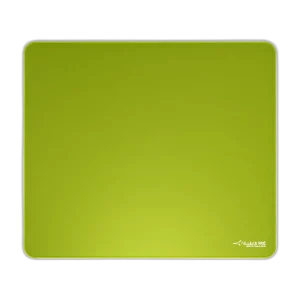
Compare shell size, grip and connection before choosing a mouse. Check the receiver or cable arrangement for the exact model and leave enough mousepad area for your normal movement. Compare related options such as Pulsar Pro Series Susanto-X Wireless Gaming Mouse Size 2, 50g or Logitech G PRO X Superlight Wireless Gaming Mouse, Ultra-light, keeping the exact model and configuration in the decision. For the wider setup, explore Pulsar Superglide V3 Glass Mousepad - Type S and check the connection, size or mounting requirements before pairing accessories. Browse the Pulsar range at AX for more choices.
Pulsar X2H Kyojuro Setup Choices
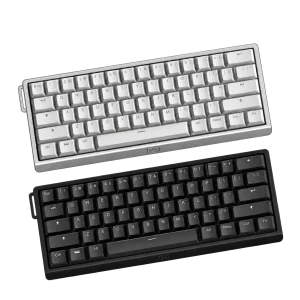
Compare shell size, grip and connection before choosing a mouse. Check the receiver or cable arrangement for the exact model and leave enough mousepad area for your normal movement. Explore ARTISAN NINJA FX ZERO Gaming Mousepad – SOFT/XSOFT, XL/XXL, ARTISAN NINJA FX TYPE-99 SOFT XL Mousepad – Matcha, Wooting 60HE v2 60% Gaming Keyboard, Aluminium.
Frequently Asked Questions
Which receiver configuration is required?
1,000 Hz included; up to 4,000 Hz with separately purchased compatible dongle.
Which shape and weight qualifications apply?
Shape: Symmetrical; narrow waist; high hump. Weight: 55 g (±1 g), excluding cable.
Which switches are specified?
Optical.
Which software and systems are listed?
Software requirement: Windows 7 or later. Basic OS support: Windows / macOS / Linux.
Are Pulsar 4K and 8K receivers interchangeable?
This PAW3395 generation belongs to Pulsar’s 4K receiver family. The later general 8K Dongle is not an upgrade receiver for it.
How does the shape affect the recommended alternatives?
Symmetrical; narrow waist; high hump. Compare the actual size, hump and grip support of an alternative mouse before choosing. A higher sensor figure or price does not make every shell shape the same fit.
Does the rated battery life apply at the maximum polling rate?
The stated battery reference is up to 100 hours at 1,000 Hz, with use and settings affecting runtime. It is not a 100-hour promise at the highest supported report rate.
Build Your Setup with AX Store
Explore computers, displays and accessories for your workspace at AX Store. For help choosing the right model or checking an accessory, contact AX Store.
Compare Pulsar X2H Giyu Edition Wireless Gaming Mouse, 55 g. Match the exact model, connection and configuration to your setup.
Complete Your Setup
Explore equipment for your workspace: ARTISAN NINJA FX HIEN SOFT XL Gaming Mouse Pad, beyerdynamic DT 990 PRO 80 Ohm Open-Back Studio Headphones, FiiO K7 Desktop DAC and Headphone Amplifier, Dual AK4493SEQ.
THE DETAILS
Technical specifications
Product specifications
Pulsar
Pulsar X2H Kyojuro Edition
Demon Slayer – Kyojuro
Medium
Symmetrical; narrow waist; high hump
Claw / palm-claw
PAW3395
26,000 DPI
650 IPS; 50 G
1,000 Hz included; up to 4,000 Hz with separately purchased compatible dongle
2.4 GHz wireless; USB-C wired
Optical
Pulsar Blue Encoder
Superflex Paracord USB-C
Up to 100 h at 1,000 Hz (±10%; depends on use)
120.4 × 65 × 39 mm
55 g (±1 g), excluding cable
Windows 7 or later
Windows / macOS / Linux
Product identification
Pulsar
PX2H2KJ
COMPLETE YOUR SETUP
Pairs well with