RAZER
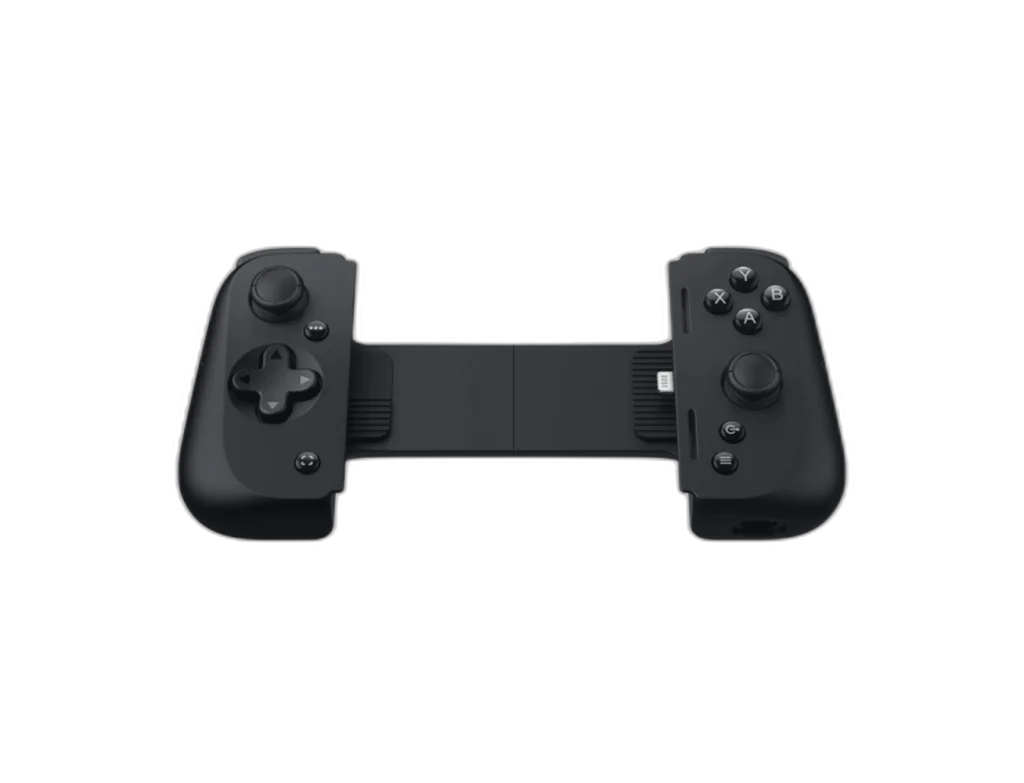
Razer Kishi V2 Universal Mobile Gaming Controller for iPhone
Attach this Lightning-connected Kishi V2 to a compatible iPhone for physical thumbsticks, triggers and buttons. The extendable bridge holds the phone between the controls.
Regular price
21.000 KWD
or 4 payments of 5.250 KWD with
Pay with card & save


19.900 KWD
Save 1.100 KWD
Overview
RAZER KISHI V2 UNIVERSAL MOBILE GAMING CONTROLLER FOR IPHONE
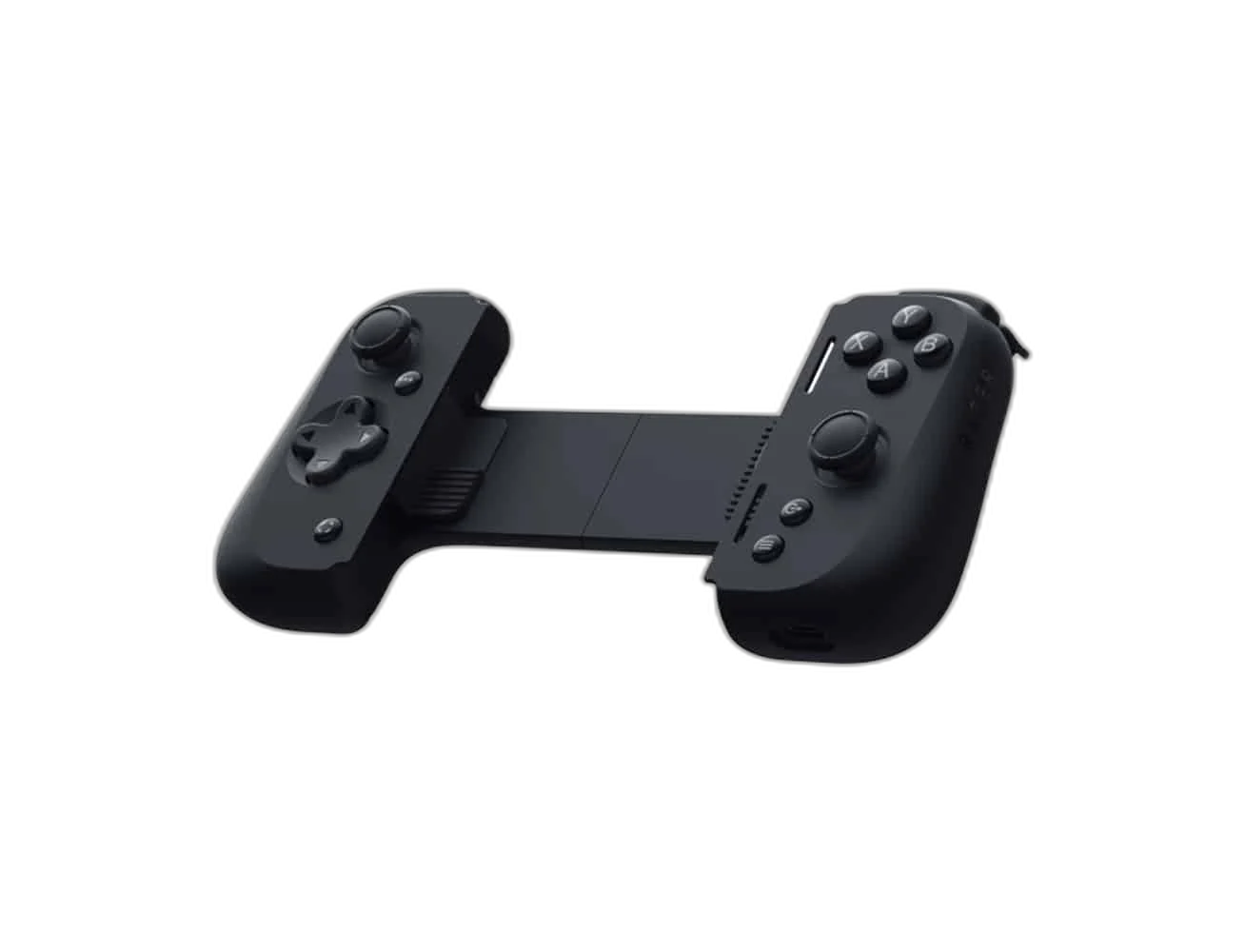
Give your iPhone dedicated game controls.
Attach this Lightning-connected Kishi V2 to a compatible iPhone for physical thumbsticks, triggers and buttons. The extendable bridge holds the phone between the controls.
Lightning
Direct Phone Connector
Extendable
Compatible-Phone Bridge
L4 / R4
Extra Multifunction Buttons
Passthrough
Charging Only
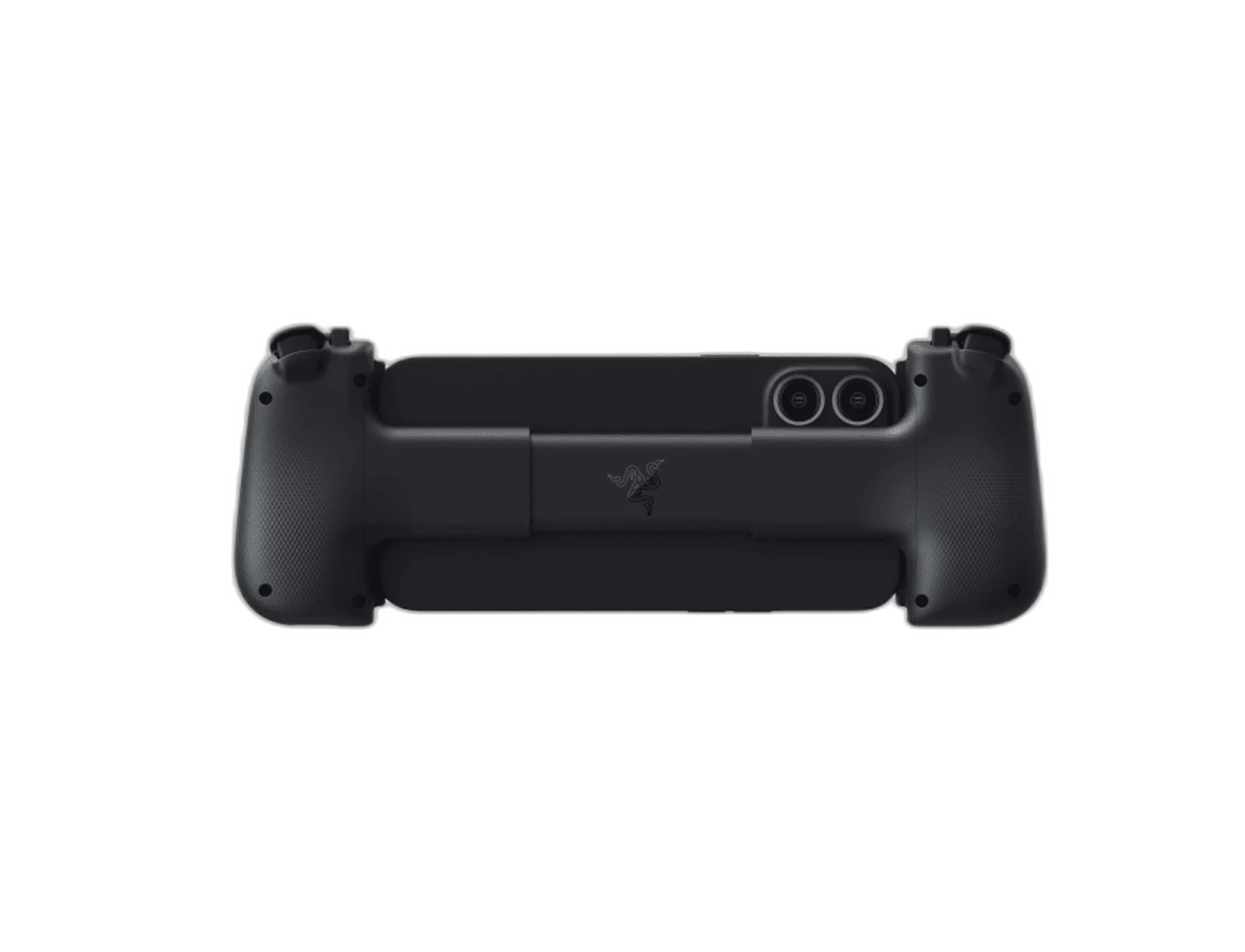
A direct Lightning connection
Connect directly to a supported Lightning iPhone. This version is not the USB-C model for newer iPhones. The controller draws power from the phone. Plan the position and connections around your normal equipment, checking the exact host and application requirements before completing the setup.
Charge as you play
The Lightning passthrough port charges your phone during play. It does not support headphones or other accessories. Razer Nexus provides customization for supported games. Plan the position and connections around your normal equipment, checking the exact host and application requirements before completing the setup.
Match the Direct Phone Connector
Check the connector on the controller and the actual phone before fitting the bridge. The Android USB-C model and the iPhone Lightning model are different products; a similar phone shape does not make the connector interchangeable.
Passthrough Means Charging for This Version
The listed passthrough socket supports charging rather than headphone audio or other USB or Lightning accessories. Plan listening separately through a supported phone audio route instead of expecting the controller’s charging port to act as a hub.
Choose Games with the Required Support
The controller needs the game support listed for the phone platform. Check the game and current Razer Nexus requirements, and configure available controls for the titles you play rather than assuming every touchscreen game works identically.
Fit the Bridge before a Longer Session
Check the phone dimensions, connector position and any fitted case before mounting it between the controls. Use the product’s compatibility guidance, then confirm that the phone is supported securely without forcing the connector.
Complete Your Workspace
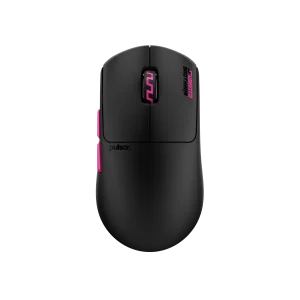
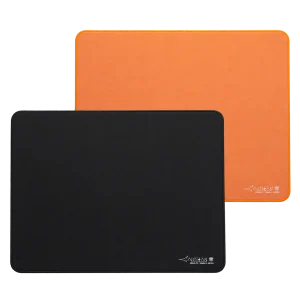
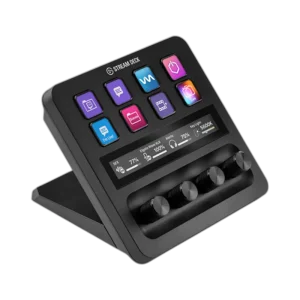
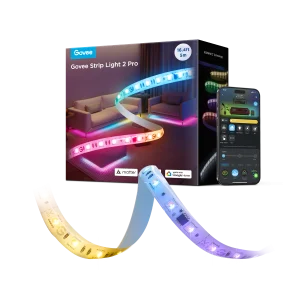
Explore gaming gear for your setup. Suggested equipment is sold separately. Match the exact host, software, game and audio connectors before choosing accessories. Keyboards, mice, pads and control decks are independent gaming or production-desk additions. The suggested Bluetooth earbuds pair with the supported phone independently. This Kishi passthrough port is for charging only; desk USB peripherals and a USB microphone are not presented as controller-port accessories.
Frequently Asked Questions
What connects to the iPhone?
Lightning.
What does the passthrough port support?
Headphones and other accessories not supported.
Does it have its own battery?
Draws power from connected phone.
Which game support is needed?
Compatible MFi/controller support.
Is the phone included, and does every phone fit?
The phone is sold separately. Check the exact model, connector and physical fit; the extendable bridge does not guarantee compatibility with every phone or case.
Build Your Setup with AX Store Kuwait
Explore computers, displays and accessories for your workspace at AX Store Kuwait. For help choosing the right model or checking an accessory, contact AX Store.
THE DETAILS
Technical specifications
Product specifications
Razer
Kishi V2 for iPhone; RZ06-04190
Lightning
Extendable bridge; compatible models only
Clickable analogue sticks, D-pad, face buttons, bumpers and triggers
L4/R4 multifunction buttons
Draws power from connected phone
Lightning passthrough
Headphones and other accessories not supported
Razer Nexus
Compatible MFi/controller support
Sold separately
COMPLETE YOUR SETUP
Pairs well with