RAZER
Razer Seiren V2 Pro USB Microphone, Professional-Grade
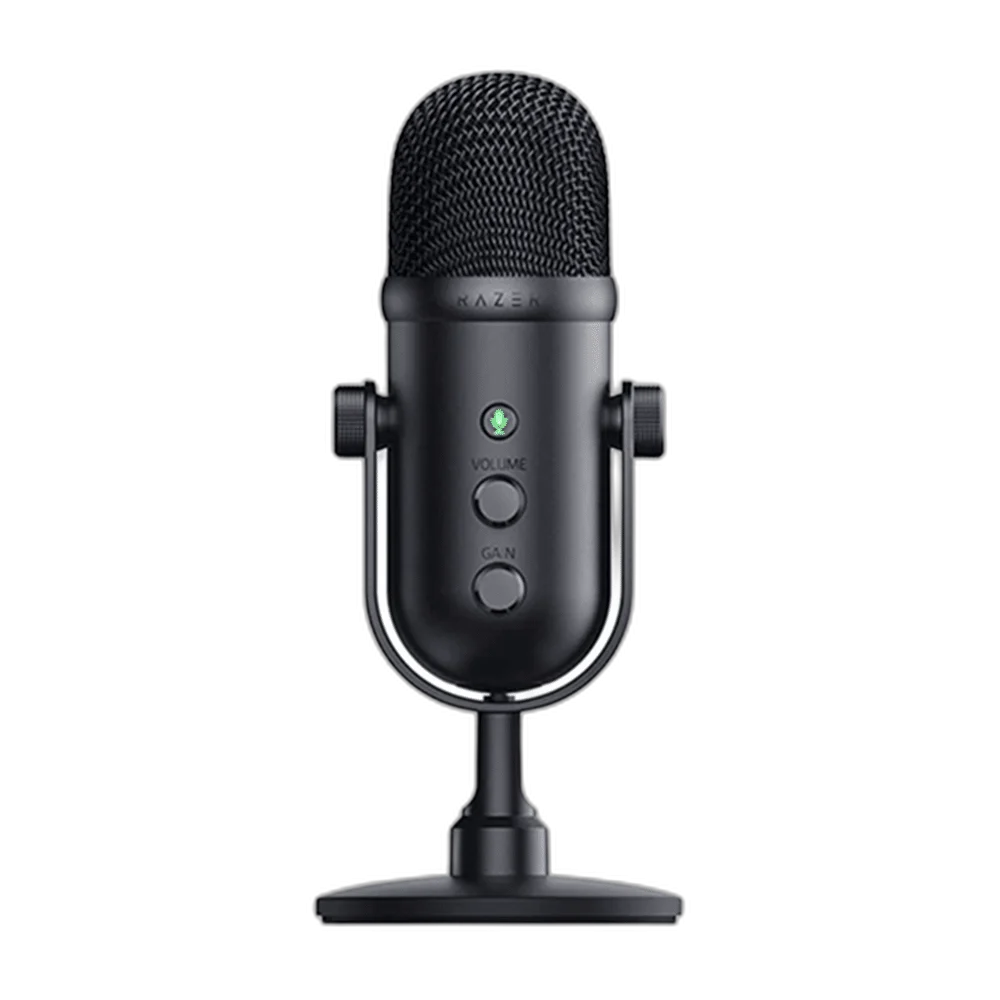
Build a voice-focused recording setup around the Razer Seiren V2 Pro. A 30 mm dynamic capsule, high-resolution USB audio and accessible controls support streaming, commentary and spoken-word content.
Regular price
45.000 KWD
or 4 payments of 11.250 KWD with
Pay with card & save


42.900 KWD
Save 2.100 KWD
Overview
RAZER SEIREN V2 PRO USB MICROPHONE, PROFESSIONAL-GRADE
Razer Seiren V2 Pro
Build a voice-focused recording setup around the Razer Seiren V2 Pro. A 30 mm dynamic capsule, high-resolution USB audio and accessible controls support streaming, commentary and spoken-word content.
Dynamic
Microphone Type
Cardioid
Pickup Pattern Options
Up to 24-bit / 96 kHz
USB Recording Format
USB
Microphone Connection
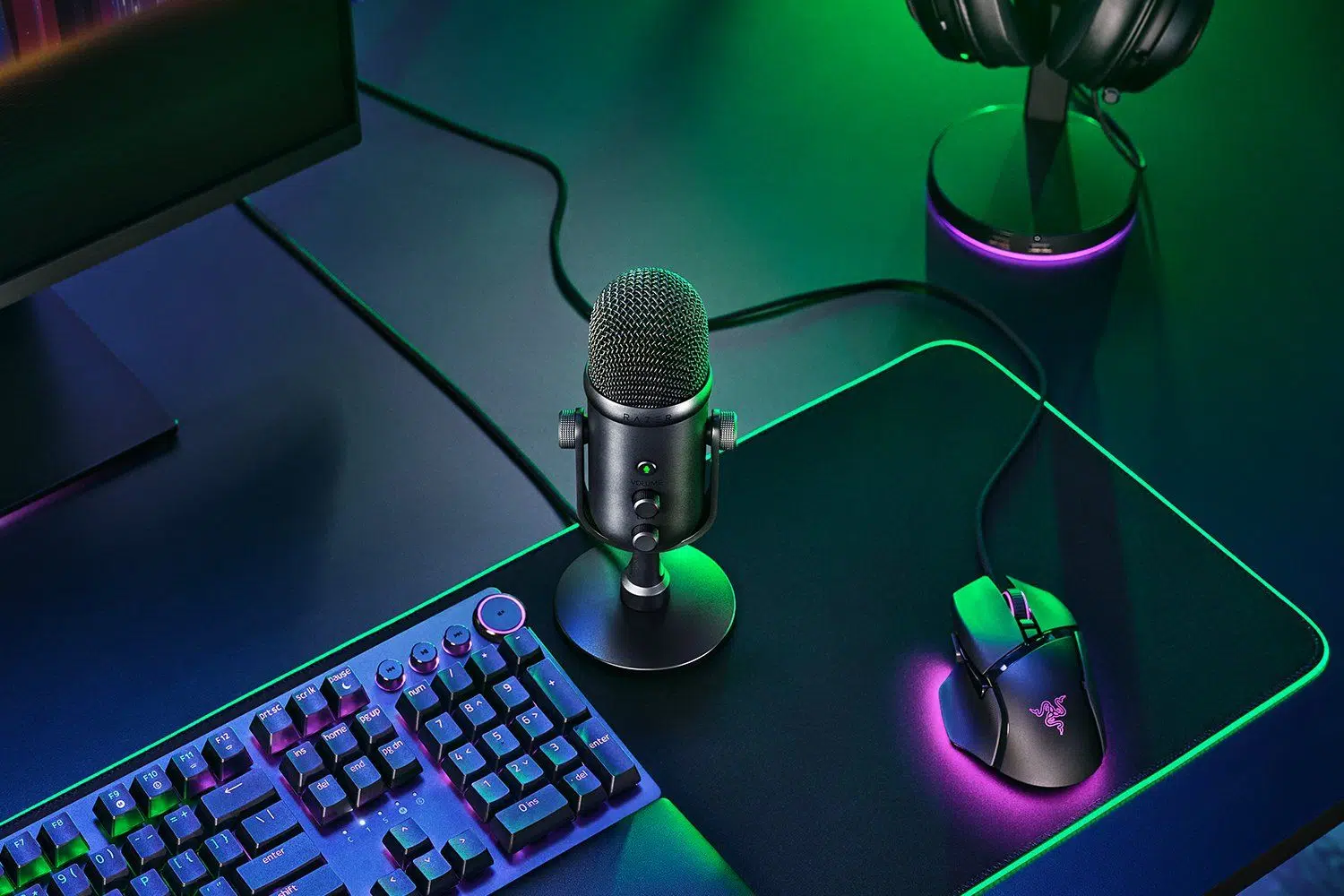
Dynamic cardioid capture
The cardioid capsule focuses pickup in front of the microphone. Position it near your voice and adjust gain to suit your speaking level. Choose a comfortable speaking position, then check the selected input and recording level in the application before beginning the session.
Record at up to 24-bit/96 kHz
The USB connection supports high-resolution audio capture, giving compatible recording software a detailed digital signal to work with. Choose a comfortable speaking position, then check the selected input and recording level in the application before beginning the session.
Control rumble and peaks
Use the high-pass filter through Razer Synapse to reduce low-frequency noise. The analog gain limiter helps manage sudden peaks. Choose a comfortable speaking position, then check the selected input and recording level in the application before beginning the session.
Keep monitoring and control close
Connect headphones for monitoring, adjust microphone gain and headphone volume, and mute directly on the microphone. Choose a comfortable speaking position, then check the selected input and recording level in the application before beginning the session.
Select the Recording Format for Your Session
The USB recording format is Up to 24-bit / 96 kHz. Choose a supported setting in the host and recording application, checking firmware requirements where stated. Leave enough input headroom for changes in speaking level rather than treating format resolution as protection against every overload.
Match the Connection to the Recording Setup
Connect the microphone through its stated USB cable route, then select it as the input in the supported application. Check the computer’s recording device and gain settings before the session so the application captures this microphone rather than another available input.
Complete Your Workspace
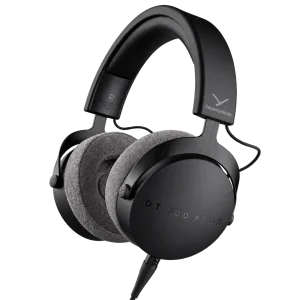
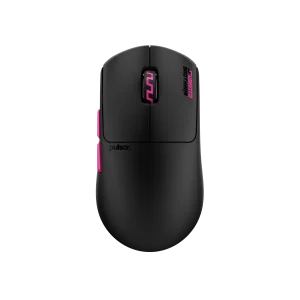
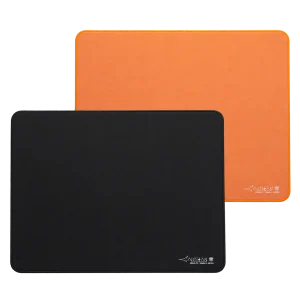
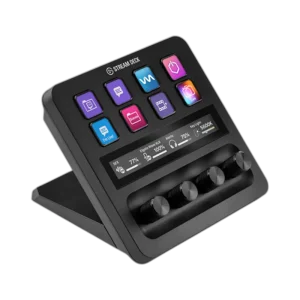
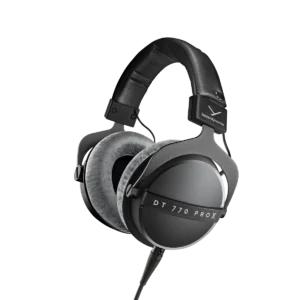
Explore microphones, microphone accessories for your setup. Suggested products are sold separately. Compare each microphone alternative’s capsule, pickup patterns, connection modes, software and included support before choosing; a microphone-only model does not automatically include the arm or stand supplied with a different kit. Beyerdynamic and Audio-Technica headphones are alternative listening choices, with Elgato controls and Pulsar or ARTISAN products for a compatible computer desk. Choose any microphone arm separately for the exact thread and the total microphone-and-mount weight. Use a microphone headphone output only where that model provides one; otherwise choose a suitable computer or interface listening output. USB-only microphones do not plug into an XLR microphone preamp.
Frequently Asked Questions
How does this microphone connect?
Connect the microphone by USB to a supported computer and select it in the recording application. USB provides the microphone’s digital audio route and power; a separate XLR microphone input is not required for that connection.
Which pickup patterns are available?
Cardioid. Choose the pattern and speaking position for the session. Directional pickup does not remove every room sound; distance, gain and placement still matter.
Which recording format should I select?
Up to 24-bit / 96 kHz. Use a supported host, firmware and recording application setting. A maximum USB format does not by itself promise unclippable recording or eliminate the need to set levels.
How can I monitor my recording?
Microphone monitoring through headphones. Use the supported headphone output and controls to check your signal, separately from the microphone input gain.
Build Your Setup with AX Store Kuwait
Explore computers, displays and accessories for your workspace at AX Store Kuwait. For help choosing the right model or checking an accessory, contact AX Store.
THE DETAILS
Technical specifications
Microphone
30 mm dynamic
Cardioid
20 Hz–20 kHz
-34 dB (1 V/Pa at 1 kHz)
120 dB
96 kHz
24-bit
105 dB, A-weighted
Connections and controls
5 V, 350 mA
USB-C; 3.5 mm headphone output
USB-A to USB-C
Microphone gain, headphone volume and mute
Available through Razer Synapse
Analog gain limiter
Microphone monitoring through headphones
Razer Synapse
COMPLETE YOUR SETUP