RAZER
Razer Tartarus Pro Analog Optical Gaming Keypad
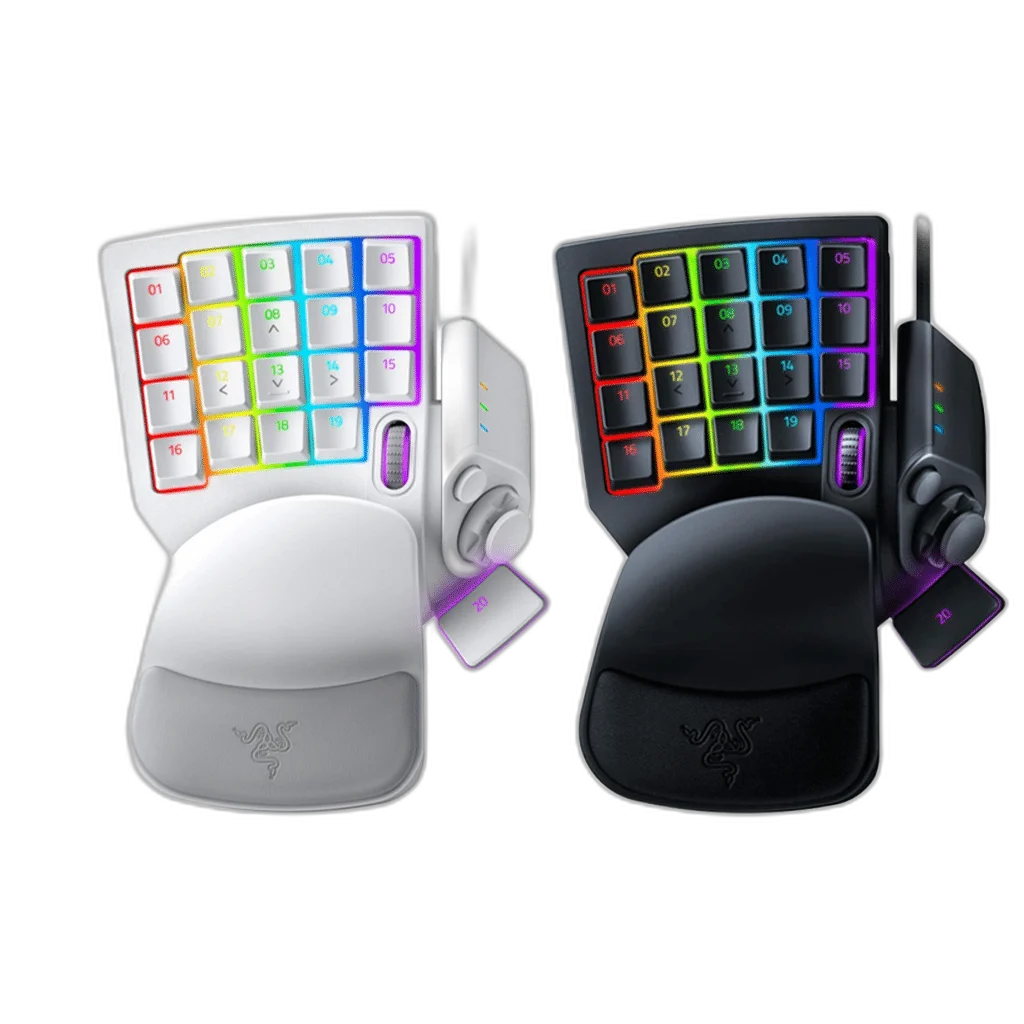
Razer Tartarus Pro combines Analog Optical switches with 32 programmable controls and an eight-way thumbpad. Adjust actuation from 1.5–3.6 mm, assign dual-function keys and configure macros in Razer Synapse. Features wired USB-A, Chroma RGB and a two-position wrist rest; available in Black or White.
Color
Regular price
41.000 KWD
or 4 payments of 10.250 KWD with
Pay with card & save


39.000 KWD
Save 2.000 KWD
Overview
RAZER TARTARUS PRO
Razer Tartarus Pro
Razer Tartarus Pro is a wired gaming keypad with Analog Optical switches, 32 programmable controls and an eight-way directional thumbpad. Adjustable actuation and dual-function inputs let you shape how individual presses behave, while Razer Synapse handles configuration. Choose Classic Black or Mercury White to match your setup. Available from AX Store in Kuwait.
32
Programmable Controls
Analog Optical
Razer Switch Type
1.5–3.6 mm
Adjustable Actuation
8
Quick-Toggle Software Profiles
Control more than an on-or-off input
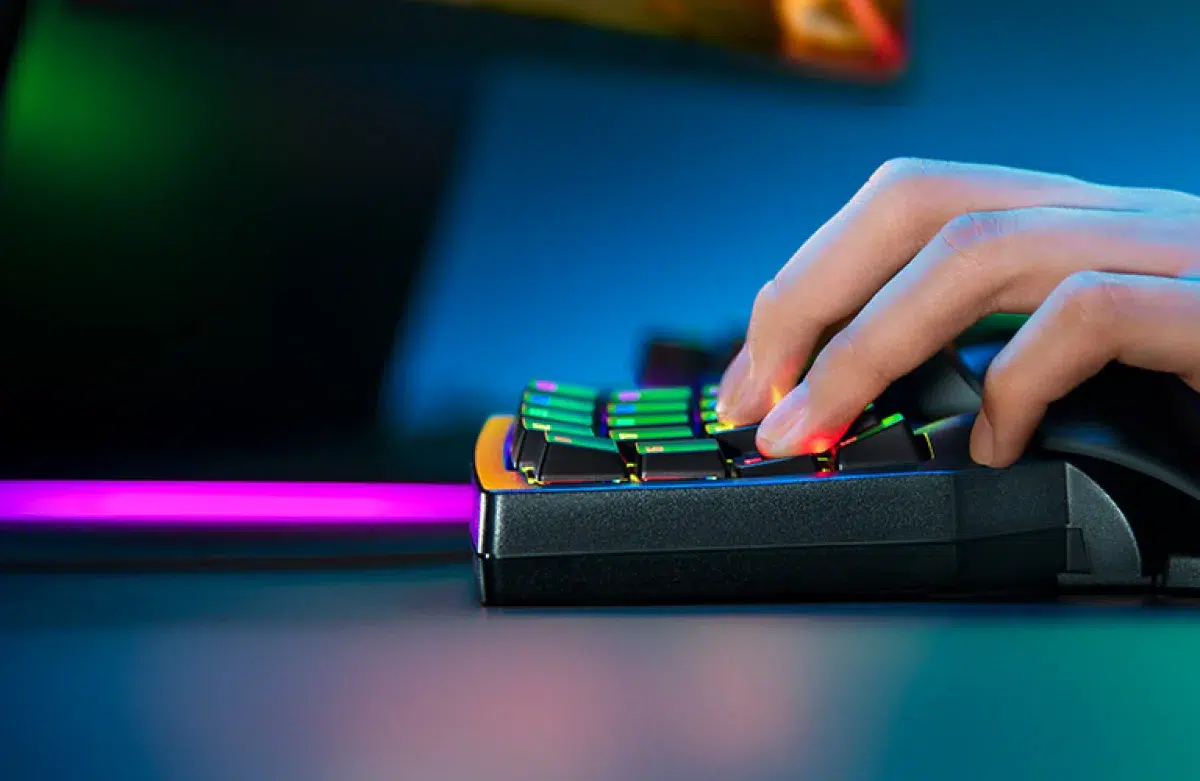
The Analog Optical switches measure how far you press instead of reporting only a pressed or released state. In games that support compatible controller input, this can give movement different levels of intensity—for example, a lighter press for walking and a deeper press for running. The result depends on the game’s input support and the bindings you configure.
Adjust the point where a key responds
Actuation can be adjusted from 1.5 mm to 3.6 mm. Choose a setting that suits the amount of travel you want before an action registers. The linear key feel and configurable actuation give you a different way to tune the keypad from simply changing a digital keyboard’s key assignments.
Give one key two functions
Dual-function keys let you assign one action to a partial press and another to a full press. This can place related commands on a single control while keeping the difference in how far you press. Take time to choose combinations that make sense together and practise the travel required for each function before relying on them during a demanding game.
Keep commands within reach
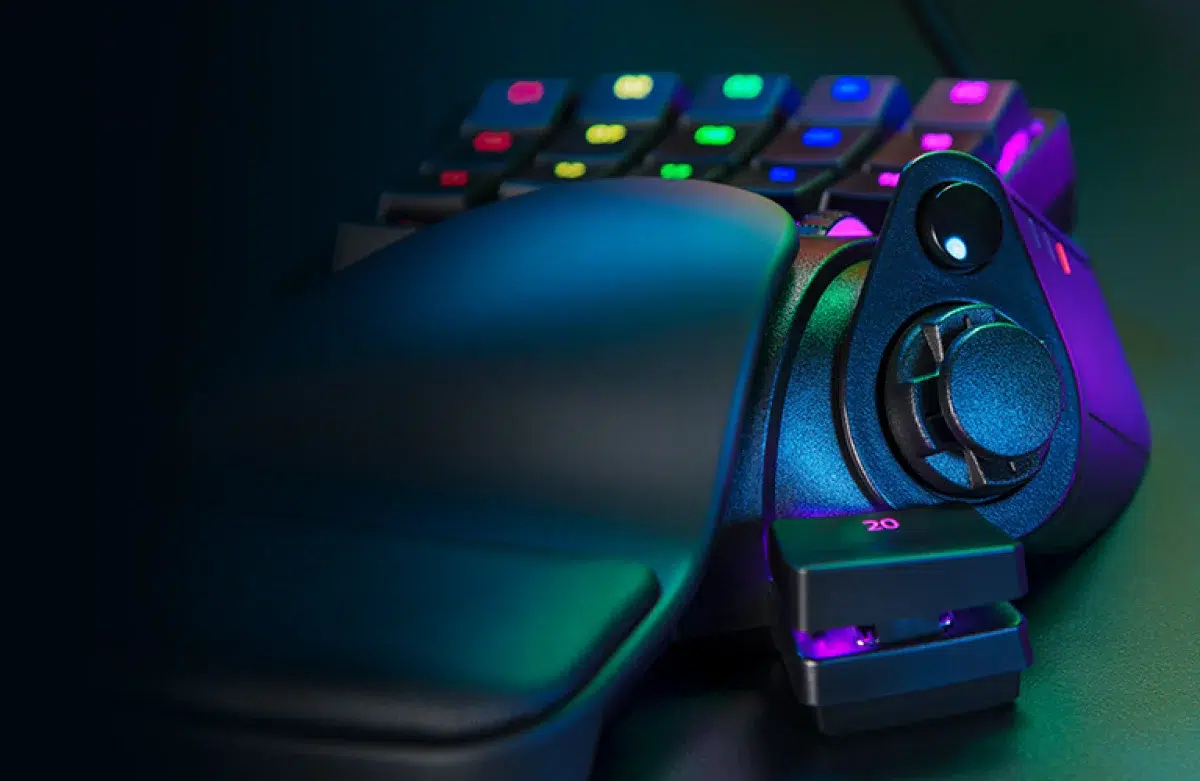
There are 32 programmable controls, including an eight-way directional thumbpad that can handle navigation or additional commands. Assign the actions you use most often around your hand position rather than stretching across a full keyboard. The wrist rest can be set to either of two positions, helping you choose the reach that suits your hand.
Switch between software profiles
Razer Synapse supports macros of unlimited length and eight profiles that can be toggled on the fly with a side button. Use different key maps for separate games or activities instead of rebuilding one layout each time. The technical specification lists no onboard memory, so these configurable profiles should not be confused with standalone profiles stored inside the keypad.
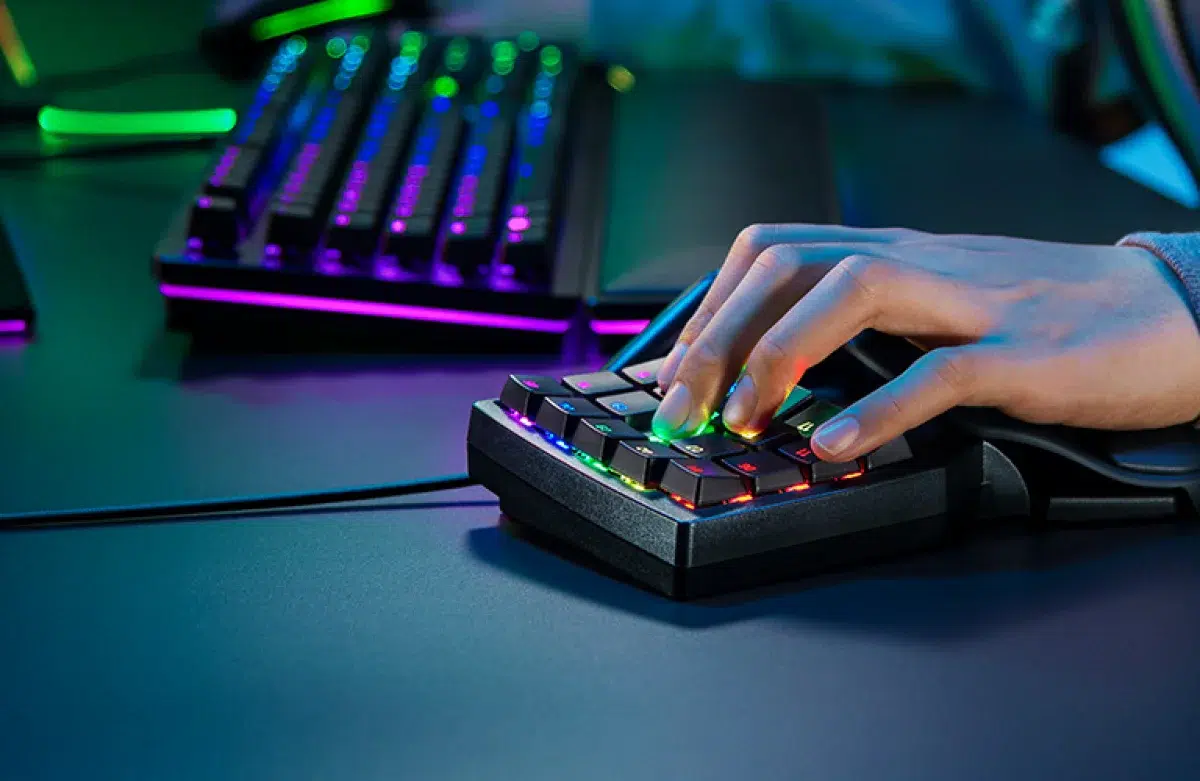
Enable supported Rapid Trigger controls
Razer’s current product page includes Rapid Trigger support through the latest Razer Synapse. Keys can reset with an upward movement as small as 0.1 mm, rather than waiting to cross a fixed reset point. Configure the feature in the Actuation tab and adjust the settings around your play style. A wired USB Type-A connection and Razer Chroma RGB complete the setup.
Choose the Platform and Connection
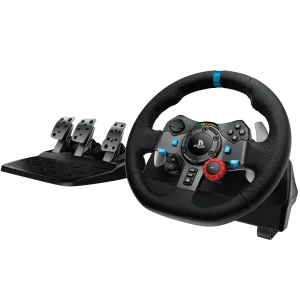
Check the supported console or computer platform, connection mode and required accessories. Keep the exact model and edition together when comparing controls, charging and software features. Compare related options such as Logitech G923 Driving Force Racing Wheel for PS4 & PC or Thrustmaster T150 Force Feedback Racing Wheel - PS4/PS5 & PC, keeping the exact model and configuration in the decision. For the wider setup, explore Razer Kraken V3 Pro Wireless Gaming Headset and check the connection, size or mounting requirements before pairing accessories. Browse the RAZER range at AX for more choices.
Razer Tartarus Pro Setup Choices
Check the supported console or computer platform, connection mode and required accessories. Keep the exact model and edition together when comparing controls, charging and software features.
Frequently Asked Questions
How does this keypad connect?
Wired USB Type-A.
What is required for analog control in a game?
Supported; game/controller-input compatibility required. Analog control depends on the game’s controller-input support.
How are actuation and dual functions configured?
1.5–3.6 mm actuation adjustment. Partial-press and full-press assignments. Configuration uses Razer Synapse.
Does it have onboard profile storage?
Onboard memory: None. Eight software profiles are managed through software.
What is required for Rapid Trigger?
Supported through the latest Razer Synapse; upward movement as low as 0.1 mm.
Build Your Setup with AX Store
Explore computers, displays and accessories for your workspace at AX Store. For help choosing the right model or checking an accessory, contact AX Store.
THE DETAILS
Technical specifications
Switches and controls
Razer Tartarus Pro
Razer Analog Optical Switches
Linear
Gaming keypad
32
Programmable eight-way thumbpad
1.5–3.6 mm
Partial-press and full-press assignments
Supported; game/controller-input compatibility required
Supported through the latest Razer Synapse; upward movement as low as 0.1 mm
Connection and configuration
Wired USB Type-A
Razer Chroma RGB
Razer Synapse
Eight software profiles
Unlimited, configured through software
None
Two adjustable positions
Braided fibre cable
Classic Black and Mercury White
RZ07-03110100-R3M1
RZ07-03110200-R3M1
COMPLETE YOUR SETUP
Pairs well with