Sabrent
Sabrent USB 3.0 Hub, 4-Port
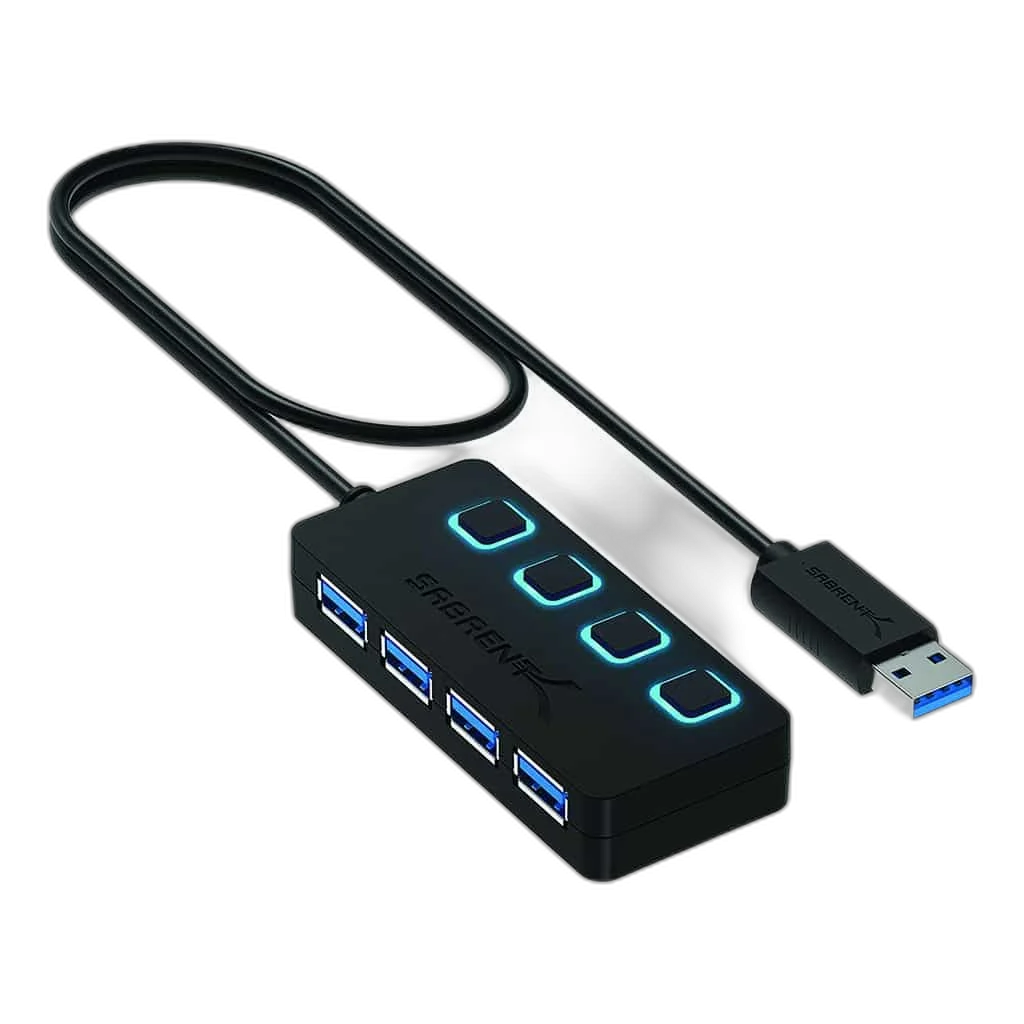
This Sabrent USB hub expands a compatible USB computer connection into four USB-A ports. Its USB 3.0 data link is rated up to 5 Gbps, providing a practical connection point for suitable everyday USB peripherals.
Regular price
7.000 KWD
or 4 payments of 1.750 KWD with
Pay with card & save


6.500 KWD
Save 0.500 KWD
Overview
SABRENT FOUR-PORT USB 3.0 HUB
Sabrent Four-Port USB 3.0 Hub
Sabrent Four-Port USB 3.0 Hub: This Sabrent USB hub expands a compatible USB computer connection into four USB-A ports. Its USB 3.0 data link is rated up to 5 Gbps, providing a practical connection point for suitable everyday USB peripherals. Explore this model at AX Store in Kuwait.
4
USB peripheral ports
USB 3.0
Data interface
5 Gbps
Maximum shared link rate
USB-A
Peripheral sockets
Four USB-A Ports in One Hub
Connect the hub to a compatible USB host and use the four USB-A ports for appropriate peripherals. The hub groups several devices around one computer connection, making a keyboard, mouse or other USB equipment easier to arrange when the computer has limited built-in USB-A ports.
USB 3.0 Data at Up to 5 Gbps
The hub supports a USB 3.0 link rated up to 5 Gbps. That rating applies to the host connection shared by the connected devices, rather than five gigabits of dedicated throughput for every port simultaneously. Storage performance and the host’s USB capability also affect actual transfer speeds.
Use the Supplied Host Connection
Use the hub’s supplied USB host connection with a compatible computer port. Check the actual host plug before arranging any additional adapter. The four peripheral connections provide the USB device side of the setup, with the host operating system and port capability determining how connected equipment can be used.
Keyboard, Mouse and Storage Connections
Choose peripherals that work with the computer’s operating system and fit within the available USB power. A keyboard and mouse typically use modest bandwidth, while storage devices can create a heavier data and power load. Follow a peripheral’s own power requirements when it needs an independent supply.
Arrange the Leads Around the Desk
Place the hub where its USB-A ports are easy to reach, allowing clearance for neighbouring plugs and enough slack in the host lead. Keep the unit supported by the desk. Avoid pulling the computer’s USB port sideways when changing a peripheral or moving the laptop.
Model
Sabrent Four-Port USB 3.0 Hub
Hub type
USB data expansion
Peripheral ports
4 × USB-A
Check the Complete USB Setup
After connecting the hub, confirm that the intended devices are recognised in the operating system and work in their usual applications. Finish transfers and safely remove storage before unplugging it. If several high-demand devices are used together, consider their combined bandwidth and power requirements when planning the connection.
Check the Ports and Signal Before Choosing a Cable
Match both devices, the connector type and the signal or data mode you intend to use. Physical fit alone does not establish supported resolution, charging or data capability. Compare related options such as nonda USB-C to USB Adapter, 2 Pack or Syntech USB C Male to USB 3.0 Adapter, 2 Pack, keeping the exact model and configuration in the decision. For the wider setup, explore Razer Rogue 15 Backpack V3 Chromatic, Tear and Water Resistant and check the connection, size or mounting requirements before pairing accessories.
Sabrent Four-Port USB 3.0 Hub Setup Choices
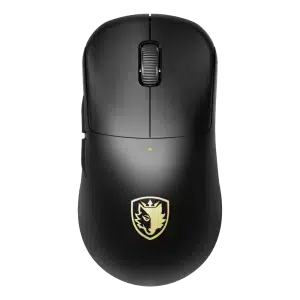
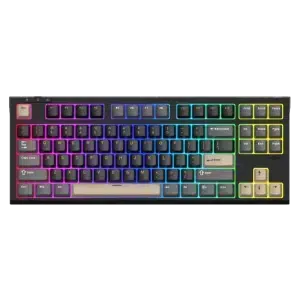
Match both devices, the connector type and the signal or data mode you intend to use. Physical fit alone does not establish supported resolution, charging or data capability. Explore SADES Bate Wolf 87 TKL Tri-Mode Mechanical Gaming Keyboard - Hot-Swappable RGB, SADES Dagger Wireless Gaming Mouse - 48g / 30,000 DPI / 8K Polling.
Frequently Asked Questions
How many USB-A devices can be connected?
Up to four suitable devices.
Does every port have a dedicated 5 Gbps host link?
No. Connected devices share the host connection.
Can this hub add an HDMI output?
No HDMI output is specified.
Does it provide laptop PD charging?
PD passthrough is not specified for this listing.
Can a storage drive need its own power?
Yes. Follow the device’s power requirements and safely remove it before disconnecting.
Build Your Setup with AX Store
Explore computers, displays and accessories for your workspace at AX Store. For help choosing the right model or checking an accessory, contact AX Store.
THE DETAILS
Technical specifications
Product Specifications
Sabrent Four-Port USB 3.0 Hub
USB data expansion
4 × USB-A
USB 3.0
5 Gbps
Supplied USB host connection; match actual plug
Suitable USB 2.0 and USB 1.1 devices
Match connected device requirements to actual hub configuration
COMPLETE YOUR SETUP
Pairs well with