SAMSUNG
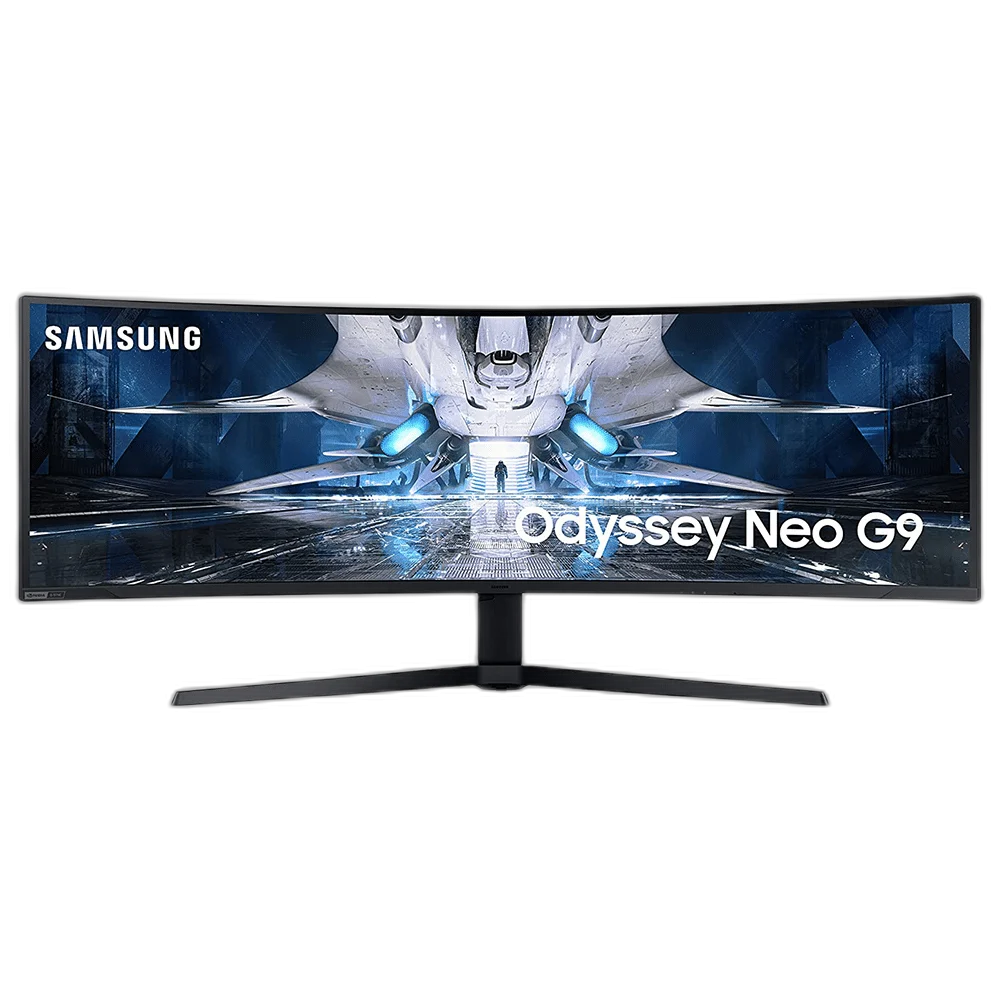
Samsung Odyssey Neo G9 49 inch VA 5K-DQHD 240Hz Curved Monitor
The Samsung Odyssey Neo G9 S49AG950 pairs a 49-inch 1000R curved screen with Dual QHD resolution, Quantum Mini-LED backlighting and up to 240Hz refresh. Its 32:9 format creates a broad view for games and multitasking.
Regular price
524.000 KWD
or 4 payments of 131.000 KWD with
Pay with card & save


499.000 KWD
Save 25.000 KWD
Overview
SAMSUNG ODYSSEY NEO G9 49 INCH VA 5K-DQHD 240HZ CURVED MONITOR
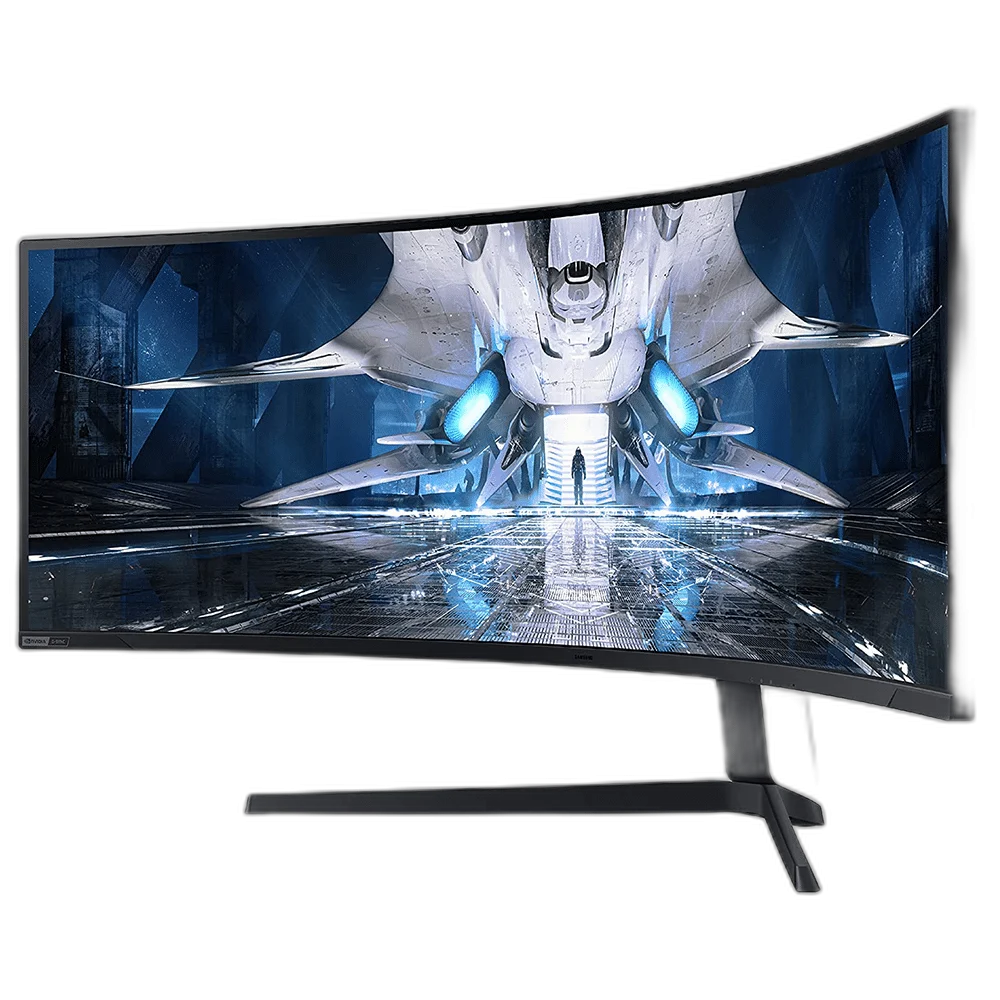
49 inches of Mini-LED immersion.
The Samsung Odyssey Neo G9 S49AG950 pairs a 49-inch 1000R curved screen with Dual QHD resolution, Quantum Mini-LED backlighting and up to 240Hz refresh. Its 32:9 format creates a broad view for games and multitasking.
49 inch
Viewable Display Diagonal
5120 × 1440
Native Resolution
Up to 240Hz
Listed Refresh and Input Conditions
VA
Panel Technology
A panoramic Dual QHD workspace
The 5120 × 1440 screen has the horizontal space of two QHD displays in one continuous 32:9 panel. Its 1000R curve brings the edges around your viewing position.
Mini-LED control for HDR scenes
Quantum Matrix technology uses 2,048 local dimming zones. Quantum HDR 2000 supports peak brightness up to 2,000 nits, with brightness varying by content and settings.
Fast play and multiple sources
Up to 240Hz refresh, 1ms GtG response, G-SYNC Compatible support and FreeSync Premium Pro serve compatible gaming PCs. Picture-by-Picture and Picture-in-Picture let you arrange multiple inputs.
Plan Your Screen Area
The display specification is 49-inch VA; Quantum Mini-LED, with 5120 × 1440 (Dual QHD) resolution. Compare the screen area and aspect ratio with your usual games and desktop work, leaving room on the desk for a comfortable viewing position.
Connect the Devices You Use
Inputs: 1 × DisplayPort 1.4; 2 × HDMI 2.1. USB hub: 2 × USB 3.0 ports. Match the display input to your source device and check any stated USB-C video, data or power-delivery role. Different USB-C ports and cables do not necessarily support the same display functions.
Arrange the Display on Your Desk
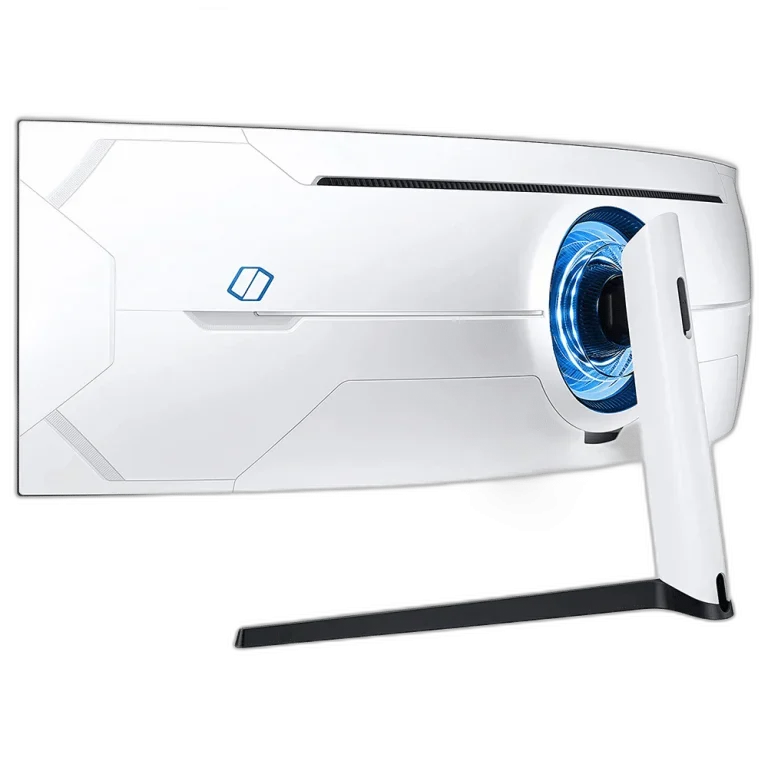
Stand: Height, swivel and tilt adjustment. Use the listed stand adjustments to position the display for your desk and chair. If you choose an arm or wall mount, check the stated VESA pattern and the mounting hardware requirements.
Complete Your Workspace
Explore gaming PCs, gaming monitors for your setup. Choose listening equipment for a compatible output on the source computer or console. When comparing another display, check its exact size, curvature, input and supported refresh mode; a higher listed mode may need different hardware or an overclock setting. The recommended mice, keyboards and controllers are separate setup choices.
Frequently Asked Questions
What size, panel and resolution does this display use?
49-inch VA; Quantum Mini-LED. VA panel technology. Native resolution: 5120 × 1440 (Dual QHD).
What refresh modes and input limits apply?
Refresh rate: Up to 240Hz. Available modes also depend on your source, input, cable and supported settings.
Which video and USB connections are listed?
Inputs: 1 × DisplayPort 1.4; 2 × HDMI 2.1. USB hub: 2 × USB 3.0 ports.
What stand adjustment and mounting options are specified?
Stand: Height, swivel and tilt adjustment.
How is response time specified?
1ms GtG.
What HDR support is listed?
Quantum HDR 2000; HDR10+.
Build Your Setup with AX Store Kuwait
Explore computers, displays and accessories for your workspace at AX Store Kuwait. For help choosing the right model or checking an accessory, contact AX Store.
THE DETAILS
Technical specifications
Display specifications
Samsung
Odyssey Neo G9 LS49AG950NMXUE
49-inch VA; Quantum Mini-LED
1000R / 32:9
5120 × 1440 (Dual QHD)
Up to 240Hz
1ms GtG
2,048 zones
420cd/m² typical; up to 2000cd/m² peak
1,000,000:1 manufacturer specification
Quantum HDR 2000; HDR10+
95% DCI-P3; 125% sRGB typical
Up to 1.07 billion
G-SYNC Compatible; FreeSync Premium Pro
1 × DisplayPort 1.4; 2 × HDMI 2.1
2 × USB 3.0 ports
Headphone output; no speakers
Picture-in-Picture; Picture-by-Picture
Height, swivel and tilt adjustment
COMPLETE YOUR SETUP
Pairs well with