SAMSUNG
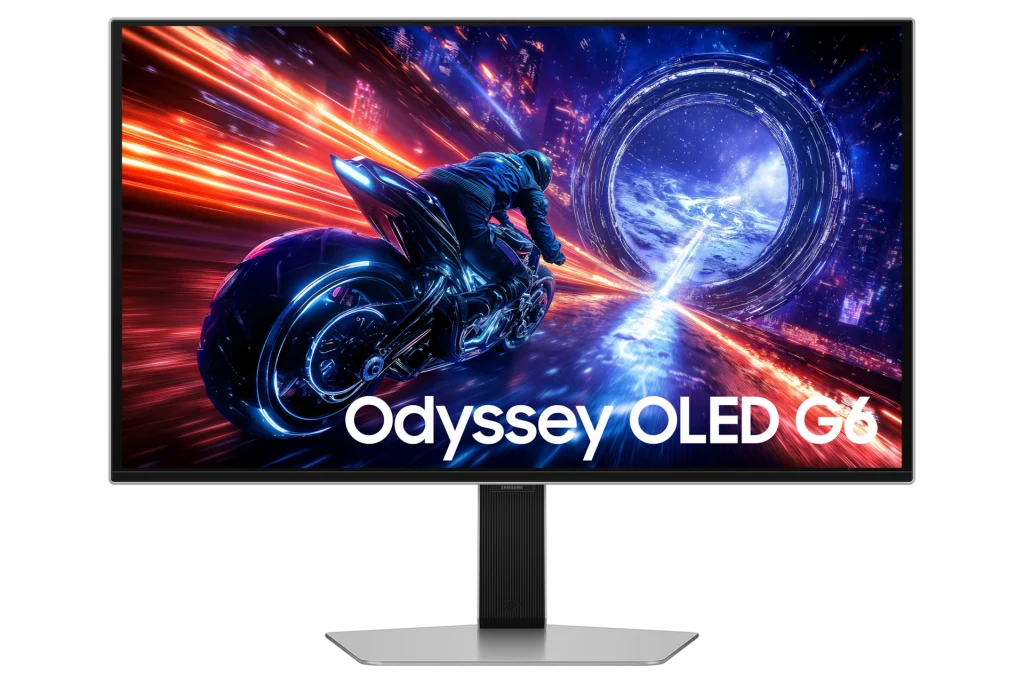
Samsung Odyssey OLED G6 27 inch QD-OLED 500Hz Gaming Monitor
Samsung Odyssey OLED G6 G60SF features a 27-inch QHD OLED display with 500Hz refresh and a rated 0.03ms GtG response. DisplayHDR True Black 500, G-SYNC compatibility and FreeSync Premium Pro support a fast, vivid gaming setup.
Regular price
299.500 KWD
or 4 payments of 74.875 KWD with
Pay with card & save


285.000 KWD
Save 14.500 KWD
Overview
SAMSUNG ODYSSEY OLED G6 27 INCH QD-OLED 500HZ GAMING MONITOR
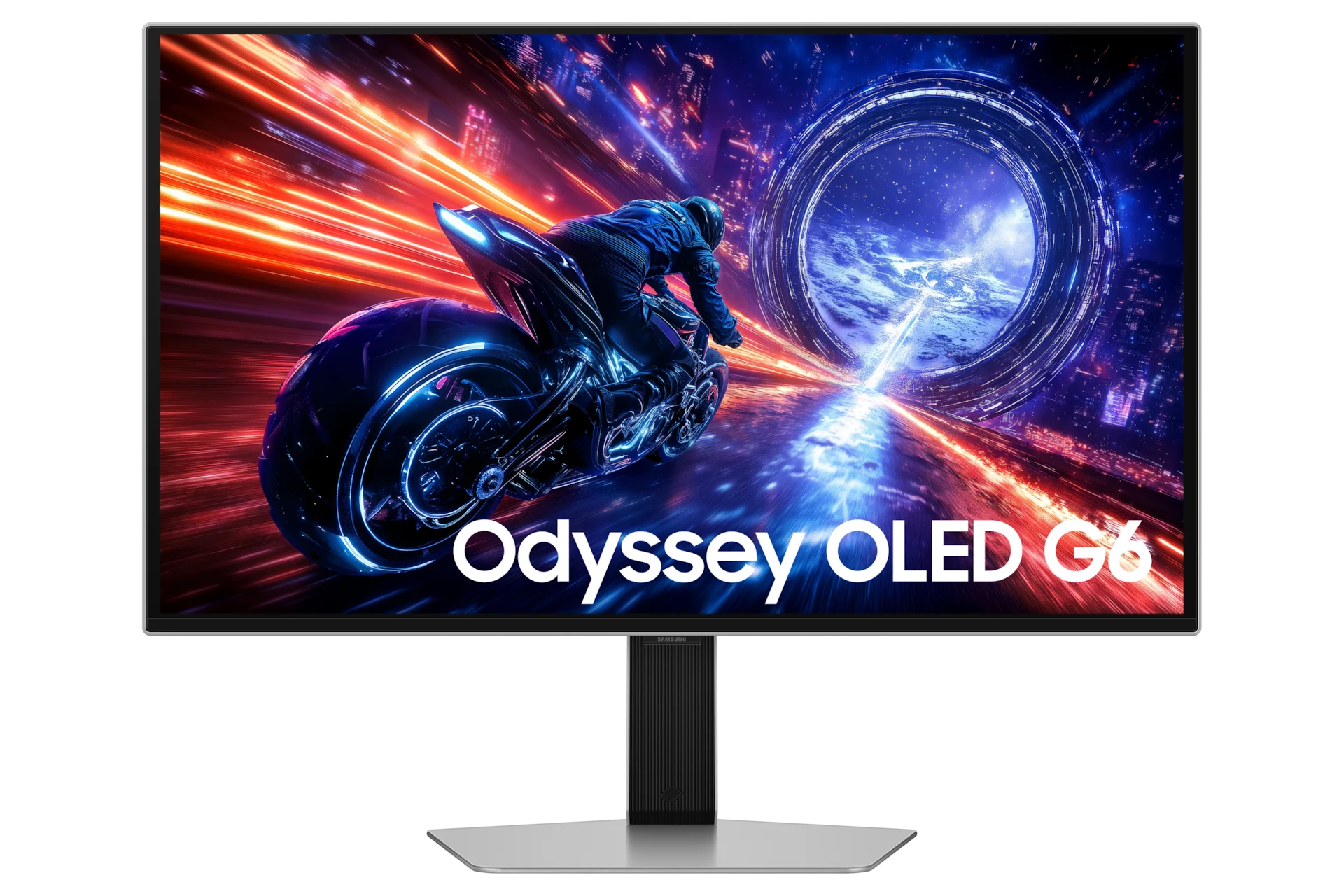
samsung odyssey oled g6 g60sf
samsung odyssey oled g6 g60sf: A 27-inch 2560 × 1440 QD-OLED panel combines 500Hz refresh with a rated 0.03ms GtG response. The G60SF is designed for players building a system around very high frame rates. Available from AX Store in Kuwait.
27-inch Class
Display Size
QHD (2,560 x 1,440)
Native Resolution
Max 500Hz
Maximum Supported Refresh
OLED
Panel Technology
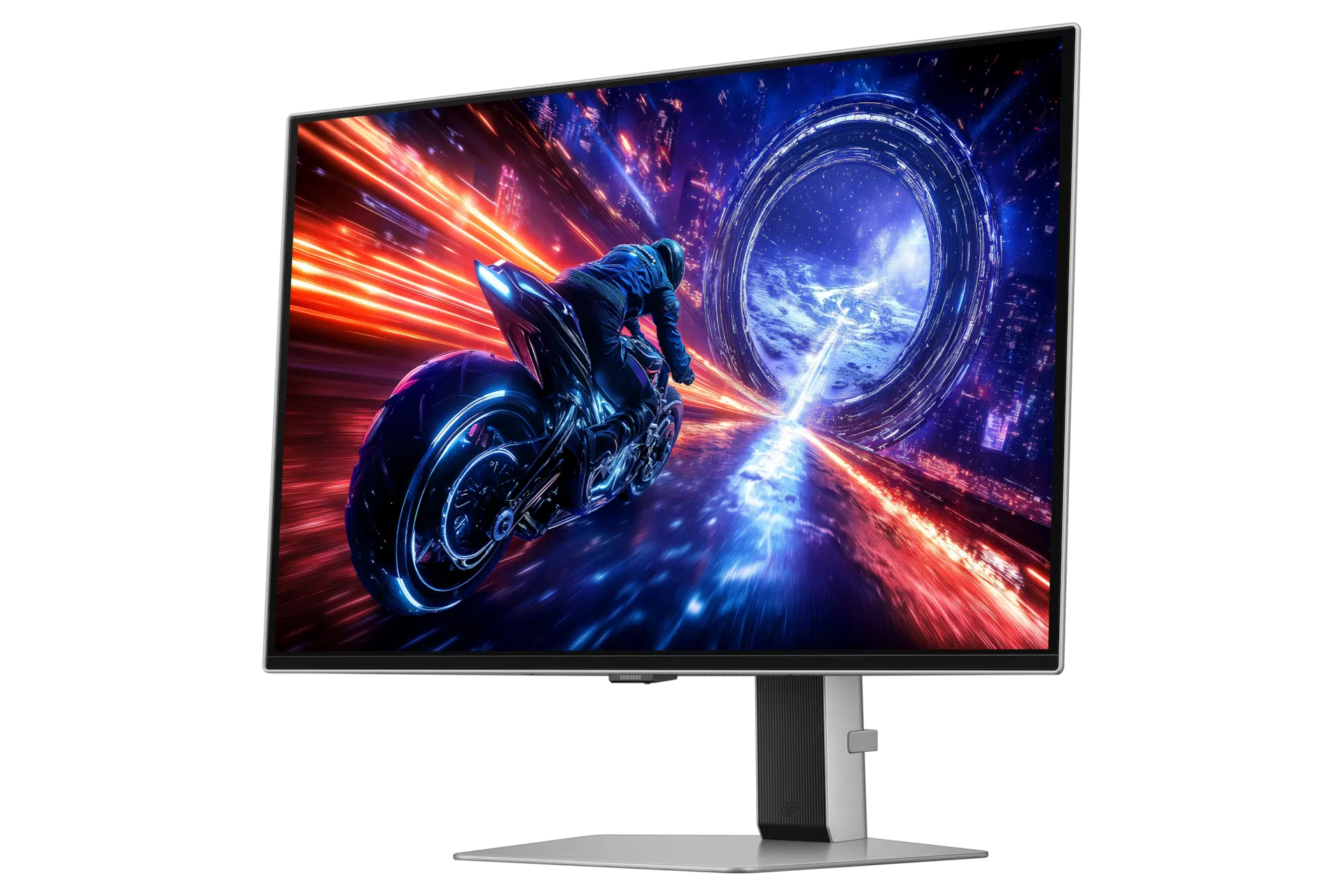
Focus on motion
500Hz refresh can display rapid frame updates when your PC and game deliver them. G-SYNC compatibility and FreeSync Premium Pro support variable refresh. Choose the target resolution and refresh setting on a compatible computer and monitor input before beginning the session.
HDR with OLED contrast
DisplayHDR True Black 500, 99% DCI coverage (CIE1976) and OLED Glare Free combine rich colour with reduced reflections. Check both the selected video input and the source output when setting up the desired display mode.
Fit your setup
Height, pivot, swivel and tilt adjustments position the display. DisplayPort 1.4, two HDMI 2.1 ports and a USB hub connect your devices. Keep the required source connection and supported display settings in place for normal use.
Choose the Mode for the Actual Source
The maximum 500 Hz refresh requires a compatible source and display configuration, while actual game frames depend on the computer and settings. Use the monitor’s supported variable-refresh arrangement where appropriate, without treating the panel maximum as a promised frame rate in every game.
Connect Each Port for Its Intended Role
The connection details are HDMI: 2 EA; USB-C: No. Match the video output, cable and selected monitor input before choosing the target resolution and refresh rate. A USB data or charging connection should be used only for its stated role.
Plan the Viewing Position and Mount
Use the supplied stand’s supported adjustments for the desk and seating position. A separate monitor arm must match the actual VESA pattern, screen size and load, with enough room for the screen and its connected cables.
Plan the Display and the Rest of Your Desk
Compare resolution, refresh rate, screen size and the input you will actually use. Match the computer or console output to the chosen display mode, and leave room for the monitor stand and mouse movement. Compare related options such as ASUS ROG Swift OLED PG27AQWP-W 27 inch 540Hz Gaming Monitor or Samsung Odyssey OLED G8 G85SD 34 inch UWQHD 175Hz Gaming Monitor, keeping the exact model and configuration in the decision. For the wider setup, explore Razer Viper Ultimate Wireless Gaming Mouse, Lightest and check the connection, size or mounting requirements before pairing accessories. Browse the SAMSUNG range at AX for more choices.
samsung odyssey oled g6 g60sf Setup Choices
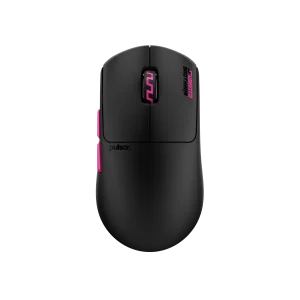
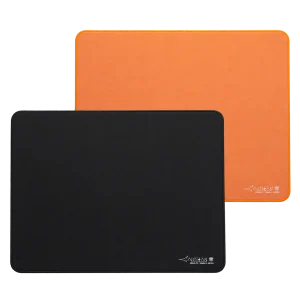
Compare resolution, refresh rate, screen size and the input you will actually use. Match the computer or console output to the chosen display mode, and leave room for the monitor stand and mouse movement. Explore Wooting 60HE v2 60% Gaming Keyboard, Aluminium, Pulsar Pro Series Susanto-X Wireless Gaming Mouse Size 2, 50g, ARTISAN NINJA FX ZERO Gaming Mousepad – SOFT/XSOFT, XL/XXL.
Frequently Asked Questions
What native resolution is specified?
QHD (2,560 x 1,440).
What should I check for the highest refresh rate?
The maximum 500 Hz refresh requires a compatible source and display configuration, while actual game frames depend on the computer and settings. Use the monitor’s supported variable-refresh arrangement where appropriate, without treating the panel maximum as a promised frame rate in every game.
Which connection details should I check?
HDMI: 2 EA; USB-C: No.
What mounting pattern should an arm match?
100 x 100. Match the arm’s supported screen size and load to the actual monitor, including the required clearance and any mounting hardware.
Build Your Setup with AX Store
Explore computers, displays and accessories for your workspace at AX Store. For help choosing the right model or checking an accessory, contact AX Store.
THE DETAILS
Technical specifications
Display and gaming
QHD (2,560 x 1,440)
16:9
300 cd/㎡
1,000,000:1
0.03ms(GTG)
Max 500Hz
178/178
27
Flat
590.42 x 333.72 mm
OLED
200 cd/㎡
VESA DisplayHDR True Black 500
HDR10+ Gaming
Max 1B
99% (CIE1976)
Yes
FreeSync Premium Pro
G-Sync Compatible
2.2
Connections and audio
1 EA
1.4
2 EA
2.1
2.2
Yes
No
1
2
3.2 Gen1
No
Stand, power and dimensions
HAS PIVOT
120.0 mm (±5.0 mm)
-2.0 (±2.0) - 25.0˚ (±2.0˚)
-30.0 (±3.0) - 30.0˚ (±3.0˚)
-92.0 (±2.0) - 92.0˚ (±2.0˚)
100 x 100
AC 100 - 240 V
140 W
611.7 x 554.2 x 263.5 mm
611.7 x 353.8 x 49.2 mm
6.9 kg
3.8 kg
COMPLETE YOUR SETUP
Pairs well with