SanDisk
SanDisk 1TB Portable SSD USB Storage Device
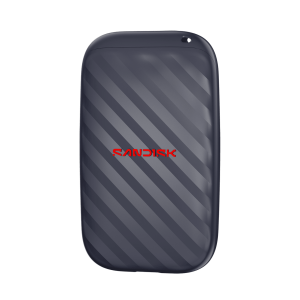
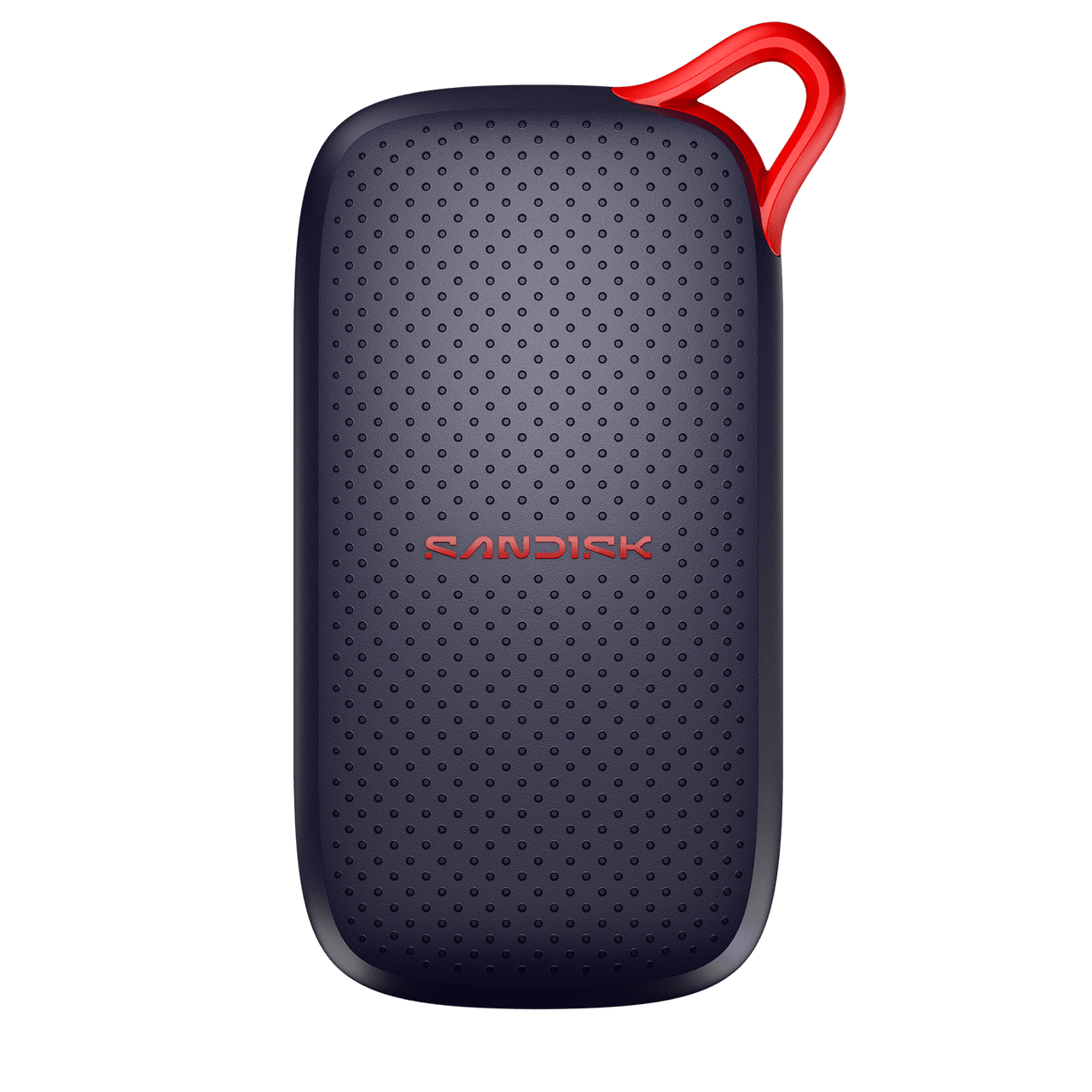
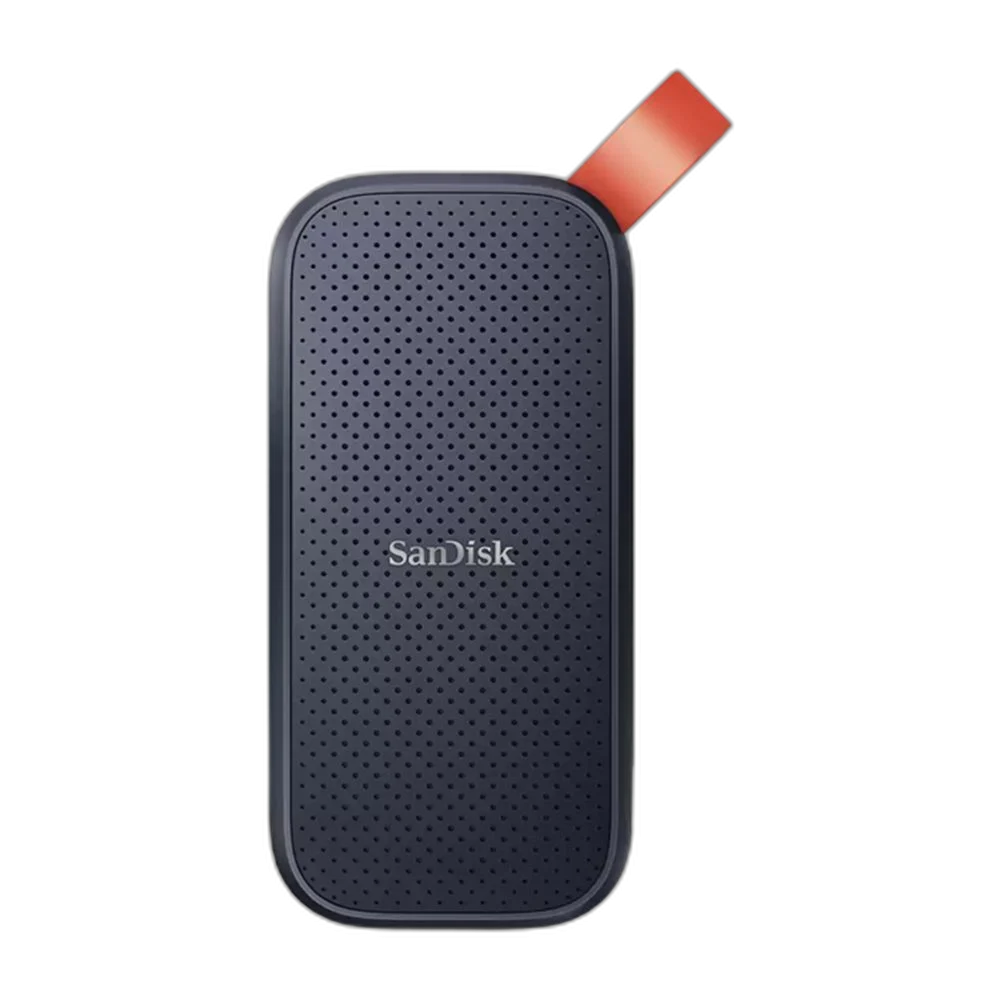
Keep a separate 1 TB file library on this SanDisk Portable SSD. The compact solid-state drive connects over USB for moving projects, photos and documents between compatible computers, with a rubber attachment loop for carrying it alongside your daily equipment.
Regular price
30.500 KWD
or 4 payments of 7.625 KWD with
Pay with card & save


29.000 KWD
Save 1.500 KWD
Overview
SANDISK 1 TB PORTABLE SSD
1 TB of USB Storage for Files Beyond the Laptop
Keep a separate 1 TB file library on this SanDisk Portable SSD. The compact solid-state drive connects over USB for moving projects, photos and documents between compatible computers, with a rubber attachment loop for carrying it alongside your daily equipment.
1 TB
Storage capacity
SSD
Solid-state storage
USB-C
Drive connection
Portable
External format
Solid-State Storage You Can Carry
The drive provides 1 TB of nominal storage in a compact external format. It keeps a larger working library outside the computer’s internal drive, useful for project folders, media collections or a separate copy of finished work. Available formatted capacity is lower than the nominal figure.
Connect Through USB
The SanDisk Portable SSD family uses a USB-C drive connection and USB 3.2 Gen 2 interface. Match the lead and computer port to the drive’s connection requirements. The interface name describes the USB link; it does not mean the drive reaches the link’s theoretical rate during every transfer.
A Practical Project Library
Keep related source files and working documents in an organised folder structure on the SSD. An external drive makes that folder set easier to move between compatible computers without installing an internal storage device. Check the software’s file paths when a project depends on linked media.
Compact Shape with an Attachment Loop
The compact body includes a rubber hook that can attach to a suitable bag or belt loop for carrying. Keep the USB connection protected during transport and disconnect the lead before packing the drive. Leave enough room beside the computer for the connected cable to sit comfortably.
Match the File System to Your Computers
The receiving system must support the drive’s file system to read and write the files you need. Before reformatting, copy any existing material and follow the operating system’s storage instructions. A format suitable for one workflow may need different preparation for another computer or recording device.
Brand and family
SanDisk Portable SSD
Capacity
1 TB
Storage technology
External solid-state storage
Make Backups Part of the Routine
The SSD can hold an additional copy of important files, but a file moved to the drive and deleted elsewhere is still only one copy. Verify transfers and keep a separate backup of valuable work. Use the computer’s safe-removal function and allow active transfers to finish before unplugging.
Complete Your Workspace
Explore USB Storage & Memory to compare suitable options and complete your setup.
Frequently Asked Questions
Is this an internal M.2 SSD?
No. It is a portable external USB SSD.
What capacity is provided?
1 TB nominal capacity, with less usable space after formatting.
Does USB 3.2 Gen 2 define the actual file-transfer rate?
No. Actual throughput depends on the drive revision, computer, lead, files and operating conditions.
Can it be used to keep a backup?
Yes. Keep an additional verified copy of important files.
What should be checked when moving it between computers?
The USB connection and file-system support on each host.
Build Your Setup with AX Store Kuwait
Explore computers, displays and accessories for your workspace at AX Store Kuwait. For help choosing the right model or checking an accessory, contact AX Store.
Compare SanDisk 2TB Portable SSD USB Storage Device. Match the exact model, connection and configuration to your setup.
THE DETAILS
Technical specifications
Specifications
SanDisk Portable SSD
1 TB
External solid-state storage
USB-C
USB 3.2 Gen 2
Compact body with rubber attachment loop
Compatible USB connection and supported file system
Less than the nominal capacity after formatting
COMPLETE YOUR SETUP
Pairs well with