SteelSeries
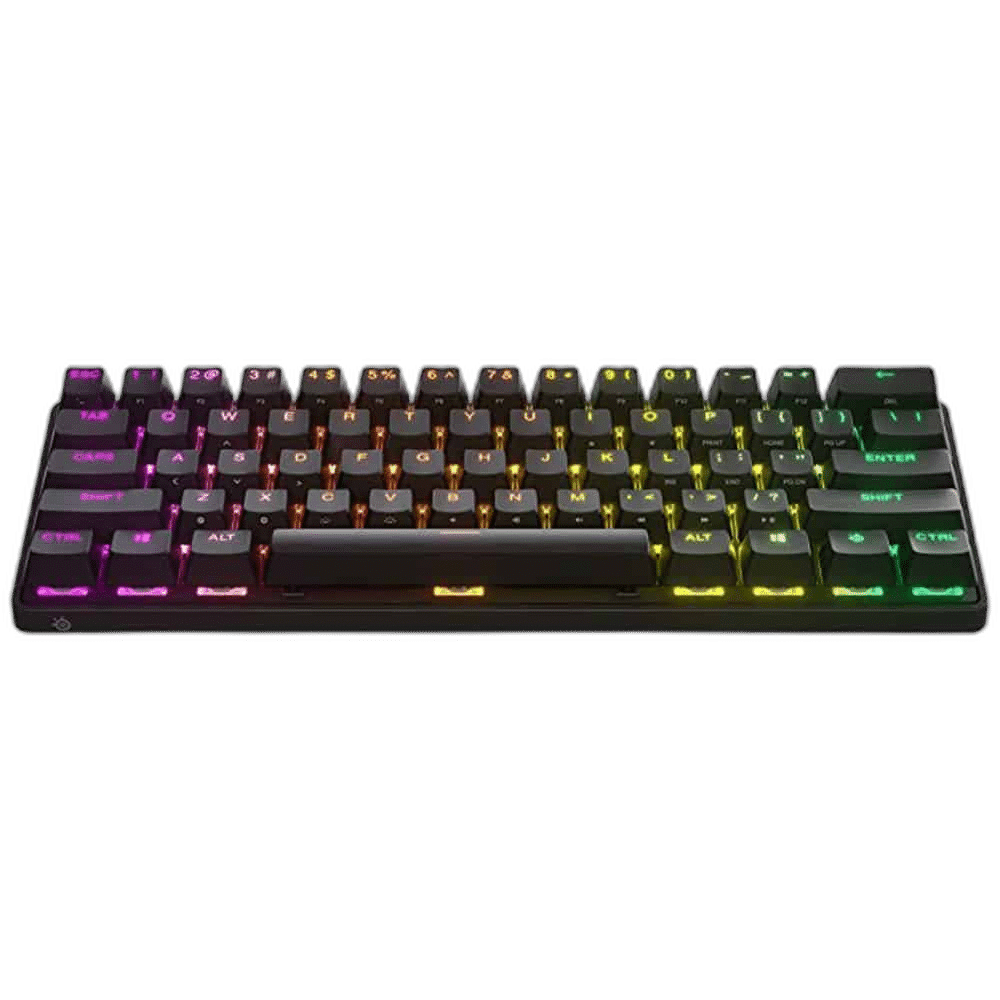
SteelSeries Apex Pro Mini Wireless 60% Mechanical Keyboard, Black
SteelSeries Apex Pro Mini Wireless is a 60% gaming keyboard with OmniPoint 2.0 magnetic switches, adjustable actuation and Rapid Trigger. Double-shot PBT keycaps, per-key RGB and an aluminium top plate complete a compact setup with 2.4 GHz wireless, Bluetooth and USB connectivity.
Regular price
69.900 KWD
or 4 payments of 17.475 KWD with
Overview
STEELSERIES APEX PRO MINI WIRELESS 60% MECHANICAL KEYBOARD, BLACK

SteelSeries Apex Pro Mini Wireless
SteelSeries Apex Pro Mini Wireless brings adjustable magnetic switches to a compact 60% keyboard. Set sensitive inputs for play, then choose a deeper press for typing. Explore this model at AX Store in Kuwait.
60%
Compact Layout
OmniPoint 2.0
Magnetic Switches
0.1–4.0 mm
Firmware-Dependent Actuation Range
5
Onboard Profiles

Tune each key to your play
Adjust actuation from 0.1 to 4.0 mm in SteelSeries Engine. Rapid Trigger responds to key movement, while two actions can share a key at different press depths. Use current firmware to access supported adjustments.
Space for your mouse
The 60% footprint leaves room for sweeping mouse movements. Secondary functions are printed on the keycap sides, keeping familiar commands accessible through the function layer. Accessories shown in the setup image are illustrative and are not included.
Choose your connection
Use 2.4 GHz wireless at your desk, Bluetooth for another compatible device, or connect by USB. SteelSeries rates battery life at 30 hours over wireless or 40 hours over Bluetooth with default lighting; actual runtime varies with settings.
A rigid aluminium foundation
A Series 5000 aluminium top plate supports the compact chassis. Three foot positions let you choose a flat, half-raised or fully raised typing angle. Keep the selected keyboard configuration and supported connections together when arranging your everyday desk setup.
PBT keycaps and individual lighting
Double-shot PBT keycaps provide textured surfaces for everyday typing and play. Configure per-key RGB, key assignments and actuation in SteelSeries Engine. Keep the selected keyboard configuration and supported connections together when arranging your everyday desk setup.

Keep Switches and Compatibility Together
The listed switch configuration is OmniPoint 2.0 adjustable magnetic switches. Keep the exact switch option with your comparison. Actuation, travel and sound can differ between switch versions, so judge the supplied configuration as the model described here.
Choose Your Keyboard and Mouse Arrangement
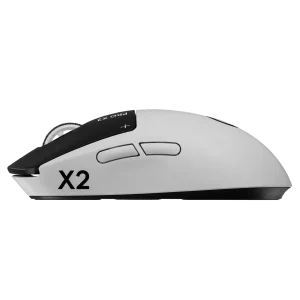
Choose the layout, switch type, key language and connection that suit your work and games. Measure the space left for mouse movement; a different keyboard format changes the desk arrangement as well as the keys available. Compare related options such as SteelSeries Apex 9 TKL Wired Mechanical Gaming Keyboard, Black or SteelSeries Apex Pro TKL Gen 3 Wireless Keyboard, Black, keeping the exact model and configuration in the decision. For the wider setup, explore Pulsar Pro Series Susanto-X Wireless Gaming Mouse Size 2, 50g and check the connection, size or mounting requirements before pairing accessories. Browse the SteelSeries range at AX for more choices.
SteelSeries Apex Pro Mini Wireless Setup Choices
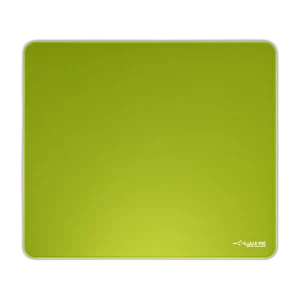
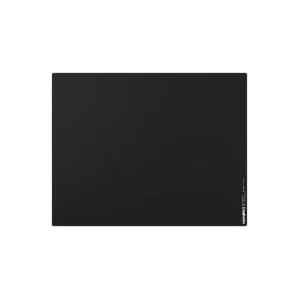
Choose the layout, switch type, key language and connection that suit your work and games. Measure the space left for mouse movement; a different keyboard format changes the desk arrangement as well as the keys available. Explore ARTISAN NINJA FX ZERO Gaming Mousepad – SOFT/XSOFT, XL/XXL, ARTISAN NINJA FX TYPE-99 SOFT XL Mousepad – Matcha, Pulsar Superglide V3 Glass Mousepad - Type S.
Frequently Asked Questions
What keyboard arrangement or key layout is listed?
Compact 60%.
How does it connect?
USB / 2.4 GHz wireless / Bluetooth.
Which switches and swap support are listed?
OmniPoint 2.0 adjustable magnetic switches.
Which software or operating systems are listed?
Configuration: SteelSeries Engine in GG; feature support varies by operating system. System support: Windows, Xbox, PlayStation and macOS; USB port required for wired connection. Not all software features are supported on macOS..
What runtime conditions are specified?
30 hours wireless / 40 hours Bluetooth with default lighting; varies by usage and settings.
Which accessories are included?
Keyboard, USB-C to USB-A cable, USB-C wireless dongle, wireless extension adapter, keycap puller, product information guide.
Build Your Setup with AX Store
Explore computers, displays and accessories for your workspace at AX Store. For help choosing the right model or checking an accessory, contact AX Store.
THE DETAILS
Technical specifications
Keyboard specifications
SteelSeries
SteelSeries Apex Pro Mini Wireless
64842
Compact 60%
OmniPoint 2.0 adjustable magnetic switches
0.1–4.0 mm, adjustable in 0.1 mm increments with supported firmware
Supported
Two actions at different press depths
Up to 100 million keystrokes
USB / 2.4 GHz wireless / Bluetooth
Double-shot PBT
Series 5000 aluminium
Per-key RGB
5
32-bit ARM
293 × 103 × 40.3 mm
543 g
Three positions: flat, half and full extension
SteelSeries Engine in GG; feature support varies by operating system
Windows, Xbox, PlayStation and macOS; USB port required for wired connection. Not all software features are supported on macOS.
Keyboard, USB-C to USB-A cable, USB-C wireless dongle, wireless extension adapter, keycap puller, product information guide
30 hours wireless / 40 hours Bluetooth with default lighting; varies by usage and settings
COMPLETE YOUR SETUP
Pairs well with