SteelSeries
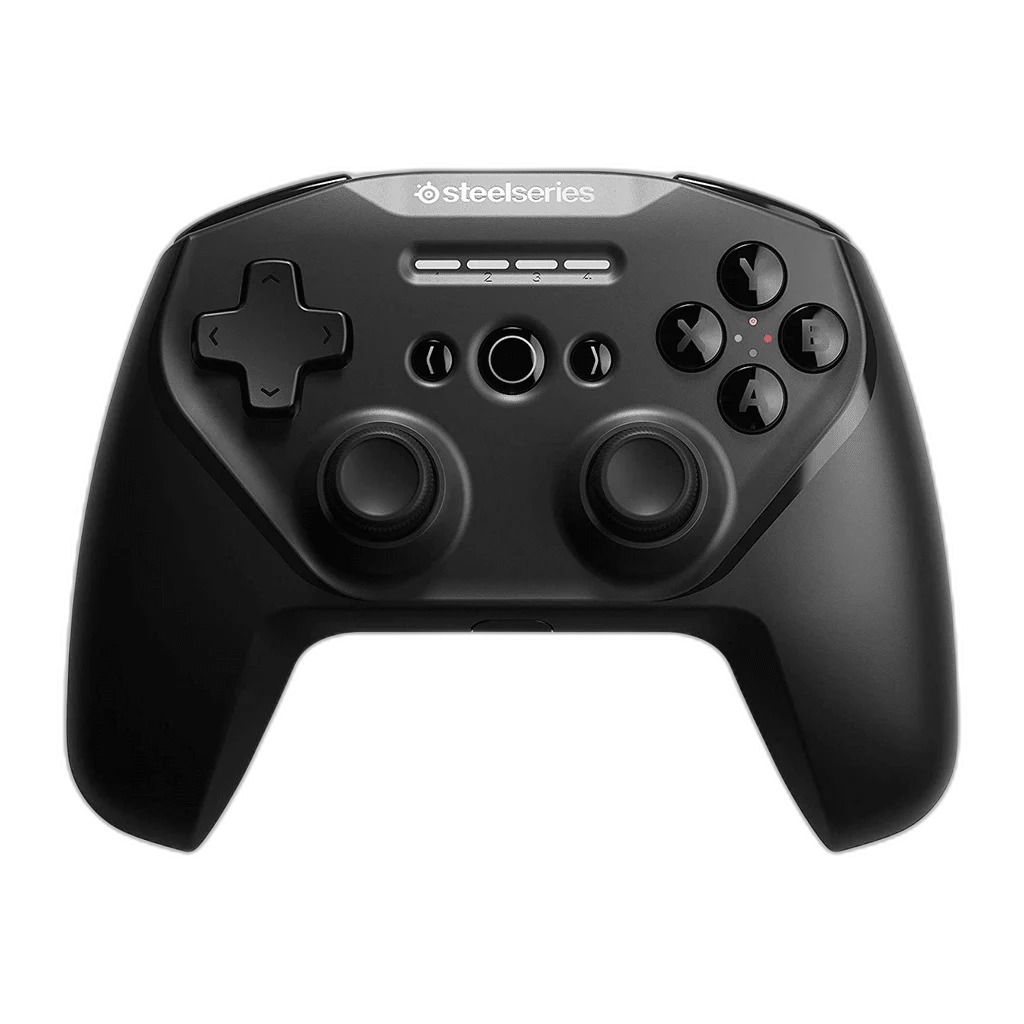
SteelSeries Stratus Duo Wireless Gaming Controller for Android
Use one wireless controller across compatible Android devices and Windows PCs. Stratus Duo combines Bluetooth with a 2.4GHz USB wireless connection and a rechargeable battery.
Regular price
26.000 KWD
or 4 payments of 6.500 KWD with
Pay with card & save


24.900 KWD
Save 1.100 KWD
Overview
STEELSERIES STRATUS DUO WIRELESS GAMING CONTROLLER FOR ANDROID
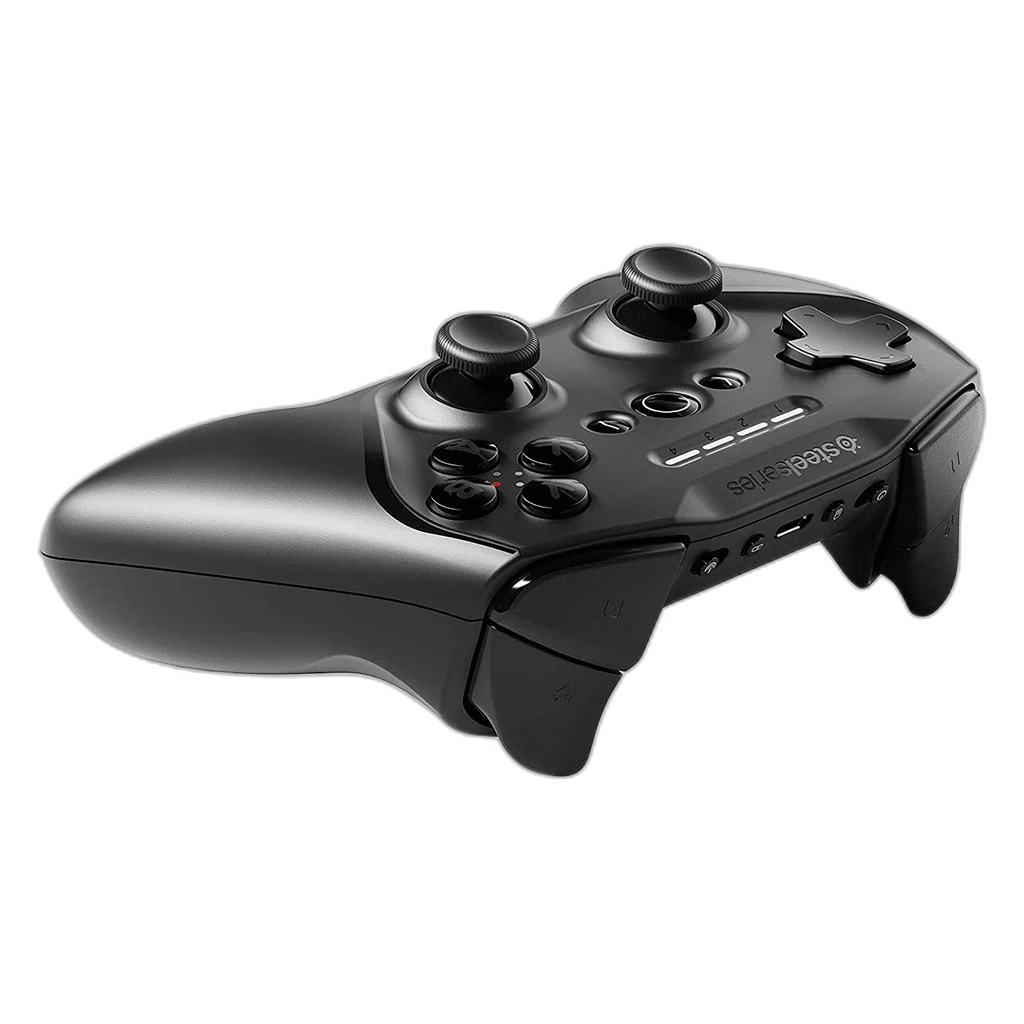
SteelSeries Stratus Duo
SteelSeries Stratus Duo: Use one wireless controller across compatible Android devices and Windows PCs. Stratus Duo combines Bluetooth with a 2.4GHz USB wireless connection and a rechargeable battery. Explore this model at AX Store in Kuwait.
2.4 GHz
PC USB Receiver Mode
Bluetooth
Mobile Wireless Mode
20+ h
Usage-Dependent Battery
Micro USB
Charging Connection
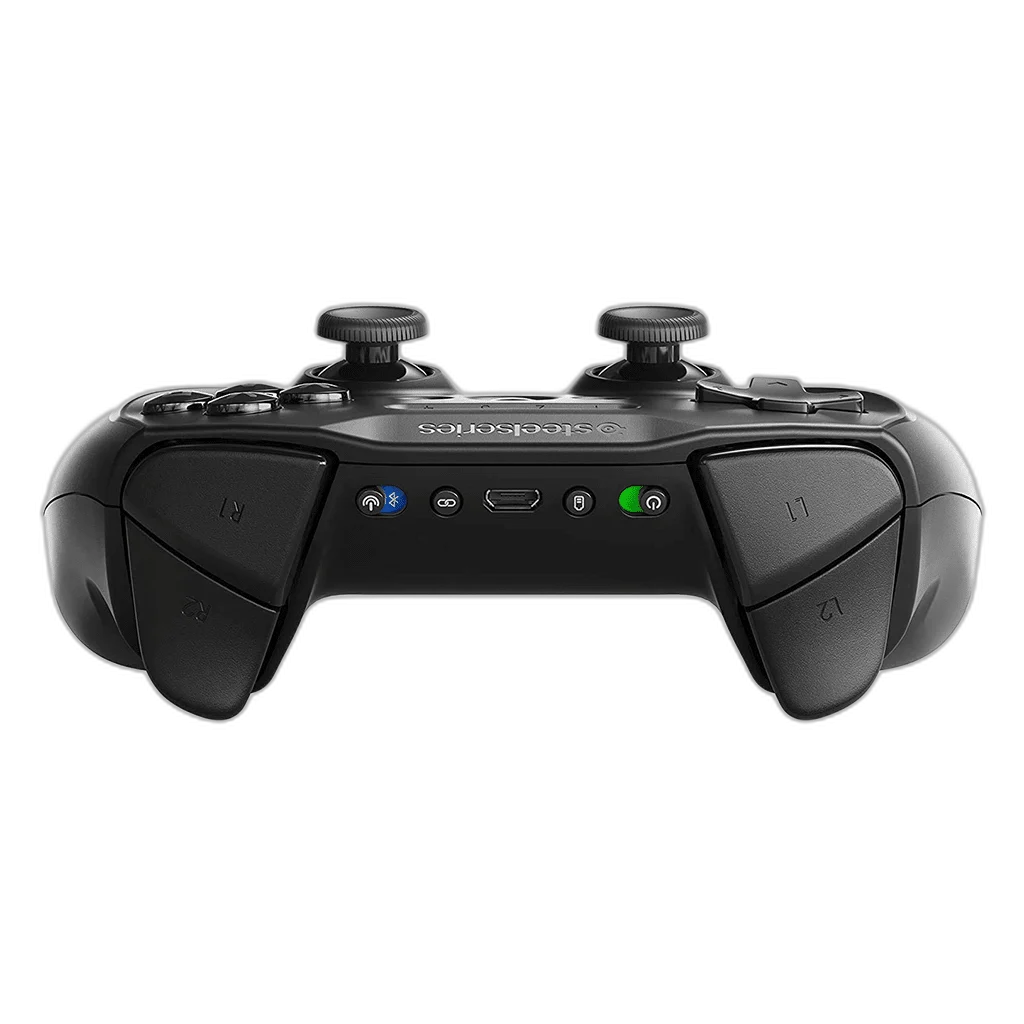
Two wireless connections
Pair over Bluetooth for supported mobile devices, or use the USB wireless adapter with a compatible PC. Choose the connection that fits your gaming setup.
Keep playing while charging
The lithium-ion battery delivers more than 20 hours of play per charge under manufacturer conditions. Connect the charging cable to keep playing when the battery runs low.
Choose the Wireless Mode for the Host
The controller offers Bluetooth and a separate 2.4 GHz USB receiver route. Use the receiver for the listed Windows PC connection and check the supported mode for mobile devices, rather than assuming every host uses Bluetooth identically.
Charge the Controller for the Session
The rechargeable battery lists more than twenty hours of use, depending on conditions. The Micro USB connection supports charging and play while charging, so plan a suitable cable route if the session continues while connected.
Check Controller Support in the Game
Choose games and host devices with compatible controller input. The controller’s platform list does not independently guarantee that every application, cloud service or VR title recognises the same commands and button layout.
Position the Mobile Setup Separately
Plan how the phone or other mobile screen will be supported during play. The controller is a separate gamepad; check any mounting accessory and charging arrangement required for the complete setup rather than assuming every accessory is included.
Choose the Platform and Connection
Check the supported console or computer platform, connection mode and required accessories. Keep the exact model and edition together when comparing controls, charging and software features. Compare related options such as Logitech G923 Driving Force Racing Wheel for PS4 & PC or Thrustmaster T150 Force Feedback Racing Wheel - PS4/PS5 & PC, keeping the exact model and configuration in the decision. For the wider setup, explore SteelSeries Arctis Nova Elite Hi-Res Wireless Gaming Headset and check the connection, size or mounting requirements before pairing accessories. Browse the SteelSeries range at AX for more choices.
SteelSeries Stratus Duo Setup Choices
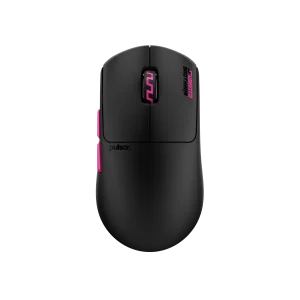
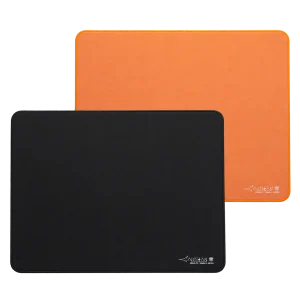
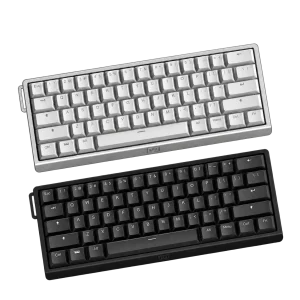
Check the supported console or computer platform, connection mode and required accessories. Keep the exact model and edition together when comparing controls, charging and software features. Explore Wooting 60HE v2 60% Gaming Keyboard, Aluminium, Pulsar Pro Series Susanto-X Wireless Gaming Mouse Size 2, 50g, ARTISAN NINJA FX ZERO Gaming Mousepad – SOFT/XSOFT, XL/XXL.
Frequently Asked Questions
Which wireless modes are supplied?
Bluetooth and 2.4GHz.
How does a Windows PC connect?
USB wireless adapter.
Which platforms are listed?
Compatible Windows, Chromebook, Android and supported VR devices.
Can it be used while charging?
Supported.
Build Your Setup with AX Store
Explore computers, displays and accessories for your workspace at AX Store. For help choosing the right model or checking an accessory, contact AX Store.
THE DETAILS
Technical specifications
Product specifications
SteelSeries
Stratus Duo
Bluetooth and 2.4GHz
USB wireless adapter
Compatible Windows, Chromebook, Android and supported VR devices
Rechargeable lithium-ion
20+ hours; usage dependent
Micro USB; 1.8m
Supported
Games with compatible controller support required
COMPLETE YOUR SETUP
Pairs well with