WACOM
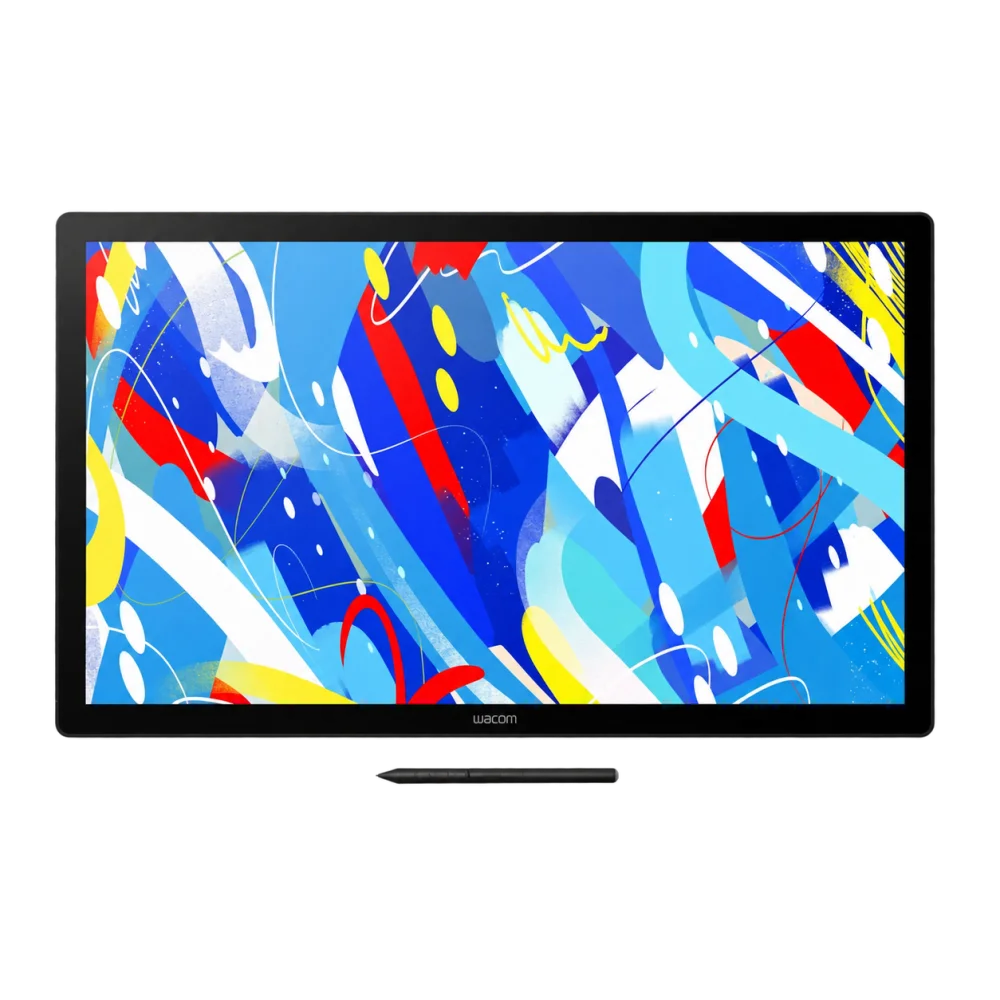
Wacom Cintiq 24 Touch QHD Pen Display with Stand - Black
Work on a 23.8-inch QHD IPS canvas with 10-finger touch and 100% sRGB coverage. Wacom Cintiq 24 Touch includes the 8192-level Pro Pen 3 and an adjustable stand for a comfortable computer-based drawing setup.
Overview
WACOM CINTIQ 24 TOUCH QHD PEN DISPLAY
A larger drawing surface with pen and touch control.
Wacom Cintiq 24 Touch gives desktop creators a 23.8-inch QHD IPS canvas with 10-finger multi-touch. Work directly on the screen using Pro Pen 3, then navigate with supported touch gestures. The black display includes an adjustable stand, combines direct bonding with anti-glare glass and covers 100% of the sRGB color space.
23.8-inch
IPS drawing canvas
2560 × 1440
QHD resolution
8192
Pen pressure levels
10 fingers
Multi-touch input
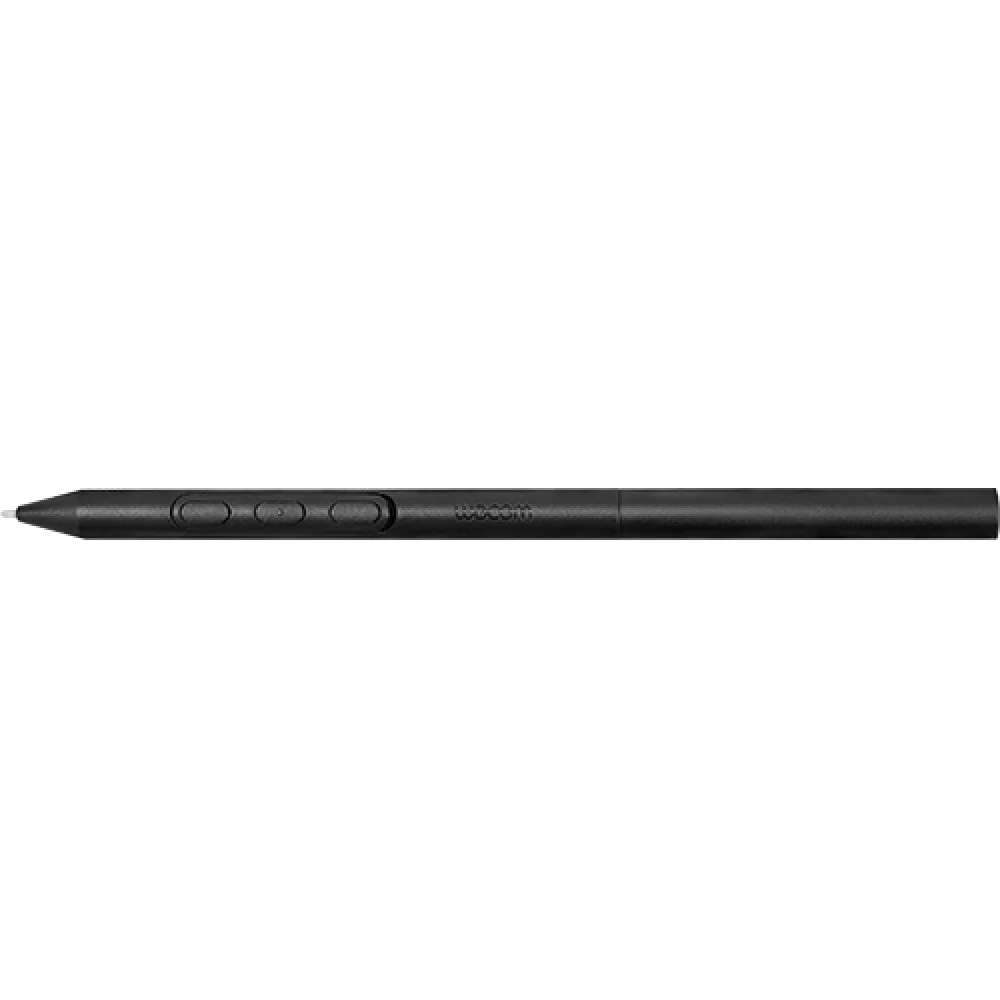
Wacom Cintiq 24 Touch puts precise input within reach.
Pro Pen 3 combines 8192 pressure levels with 60° tilt and a battery-free EMR design. Three side switches let you keep useful commands near your drawing hand. The included Vari-angle Pen Stand can attach to either side of the display, supporting left- or right-handed placement. With a 527 × 296 mm active area, the screen leaves space for both artwork and the tools in your computer's creative applications.
QHD detail and sRGB coverage
The IPS panel displays 16.7 million colors with 100% sRGB coverage and 8-bit color per channel. Its 2560 × 1440 resolution runs at 60 Hz from a compatible host, with a typical brightness of 350 cd/m².
Adjust the screen to your posture
The supplied Wacom Adjustable Stand changes the working angle for seated drawing and editing. A fanless design avoids fan noise from the display, and the 75 × 75 mm VESA pattern supports suitable alternative mounting arrangements.
Choose your computer connection
Connect through USB-C with DisplayPort Alt Mode or Thunderbolt 3 or later, or use HDMI for video together with USB for input data. The display provides a mini HDMI port and USB-C port; an AC power adapter is supplied.
In the box
Cintiq 24 touch display, Wacom Adjustable Stand, Pro Pen 3, Vari-angle Pen Stand with one standard and one felt nib, nib remover, 1.8 m USB-C to USB-C cable, AC power adapter, 1 m power cable, Quick Start Guide and IPI sheet.
Complete Your Desk Setup
Add the Logitech MX KEYS S Combo to your host computer for keyboard shortcuts, and the Logitech MX Brio 4K Webcam for calls and remote creative reviews. Browse tablets and the Wacom products range.
Frequently Asked Questions
Does Wacom Cintiq 24 Touch include an adjustable stand?
Yes. This configuration includes Wacom Adjustable Stand. The display also supports a 75 × 75 mm VESA mount and weighs 5 kg without its stand.
What resolution and refresh rate does it use?
The 23.8-inch panel has 2560 × 1440 QHD resolution at 60 Hz. The host computer must support that video output to use the maximum display setting.
Can I use both the pen and my fingers?
Yes. Pro Pen 3 supports 8192 pressure levels and 60° tilt, while projected-capacitive multi-touch recognizes up to 10 fingers. Available gestures and functions depend on the operating system and software.
Which systems and connections are supported?
Windows 10 or later and macOS 13 or later are supported. Android 8.0 or later requires manufacturer-supported display mode, and some functions are limited on ChromeOS. Connect through video-capable USB-C, or HDMI plus USB, and use the supplied AC adapter.
Build Your Setup with AX Store Kuwait
Need help choosing the right model or a compatible accessory? Contact AX Store and our team will help you build the right setup.
THE DETAILS
Technical specifications
Product Information
Wacom
Cintiq 24 touch
DTH246K0B
DTH246
Touch-enabled creative pen display; requires a compatible host
Black
568 × 340 × 21 mm
5 kg without stand
Wacom Adjustable Stand included
2 buttons for power, on-screen menu and touch on/off functions
Fanless
Yes
75 × 75 mm
Pan, scroll, zoom, brush-size adjustment, Precision Mode, Radial Menu, Display Toggle, on-screen controls and pen gestures
DC 20 V, 1.8 A
-10 to 60 °C; 30–90% RH, non-condensing
5 to 40 °C; 30–80% RH, non-condensing
Display, Touch and Pen Technology
23.8 inch (60.4 cm)
527 × 296 mm
IPS
Anti-glare glass
Projected capacitive
10-finger multi-touch
2560 × 1440 pixels
60 Hz; compatible host output required
0.2058 × 0.2058 mm
16.7 million
8-bit per RGB channel (24-bit total)
100% sRGB (CIE 1931), typical
5000 K / 5700 K / 6500 K / 7500 K / 9300 K; custom color
16:9
178° horizontal / 178° vertical, typical
1000:1, typical
350 cd/m², typical
12 ms, typical
Native; sRGB
Wacom excludes permanently white or black pixels; a small number of pixels may display an incorrect color in parts of the color spectrum.
Wacom Pro Pen 3
Electromagnetic resonance (EMR)
8192
60°
5080 LPI
Pressure-sensitive, cordless and battery-free
3 side switches
No
Compatibility and Connectivity
Windows 10 or later, latest build; macOS 13 or later; Android 8.0 or later with manufacturer-supported display mode; latest ChromeOS
Display mode requires support from the host device manufacturer
Some pen and tablet functions may be unavailable; ChromeOS regional availability applies
USB-C with DisplayPort Alt Mode or Thunderbolt 3 or later, or HDMI plus USB; internet access for driver download
2560 × 1440 at 60 Hz
1 × mini HDMI (HDMI Type-C); 1 × USB-C
DisplayPort; HDMI
Kensington Security Slot
1.8 m, DisplayPort Alt Mode
1.0 m
In the Box
Cintiq 24 touch display; Wacom Adjustable Stand; 1.8 m USB-C to USB-C cable; Pro Pen 3; Vari-angle Pen Stand with 1 standard nib and 1 felt nib; nib remover; AC power adapter; 1 m power cable; Quick Start Guide; IPI sheet
Optional Accessories
Pro Pen 3 ACP50000DZ; customization kit ACK45601Z; Pro Pen 3E ACP501E00DZ; Art Pen 2 ACP70000DZ; straight grip ACK34801Z; flare grip ACK34802Z; wood grip ACK35304Z; Pro Pen 3E tether ACK42007K
Standard nibs ACK24801Z; felt nibs ACK24819Z; rubber nibs ACK253010Z; Vari-angle Pen Stand ACK45120Z; Adjustable Stand ACK651KZ
USB-C to C ACK4490601Z; HDMI to mini HDMI ACK45106Z; USB-C to A ACK4480601Z; ExpressKey Remote ACK411050; power adapter ACK4481401Z; 1 m C7 power cable ACK4480601
Pro Pen 2 KP-504E; Pro Pen slim KP-301E; Pro Pen 3D KP505; Pro Pen KP-503E; Grip Pen KP-501E; Classic Pen KP-300E; Art Pen KP-701E; accessory pen KP302E
Firmware update and rotation-compatible software required; side-switch support depends on model/software; 60° tilt support, up to 45° during rotation.
COMPLETE YOUR SETUP
Pairs well with