WACOM
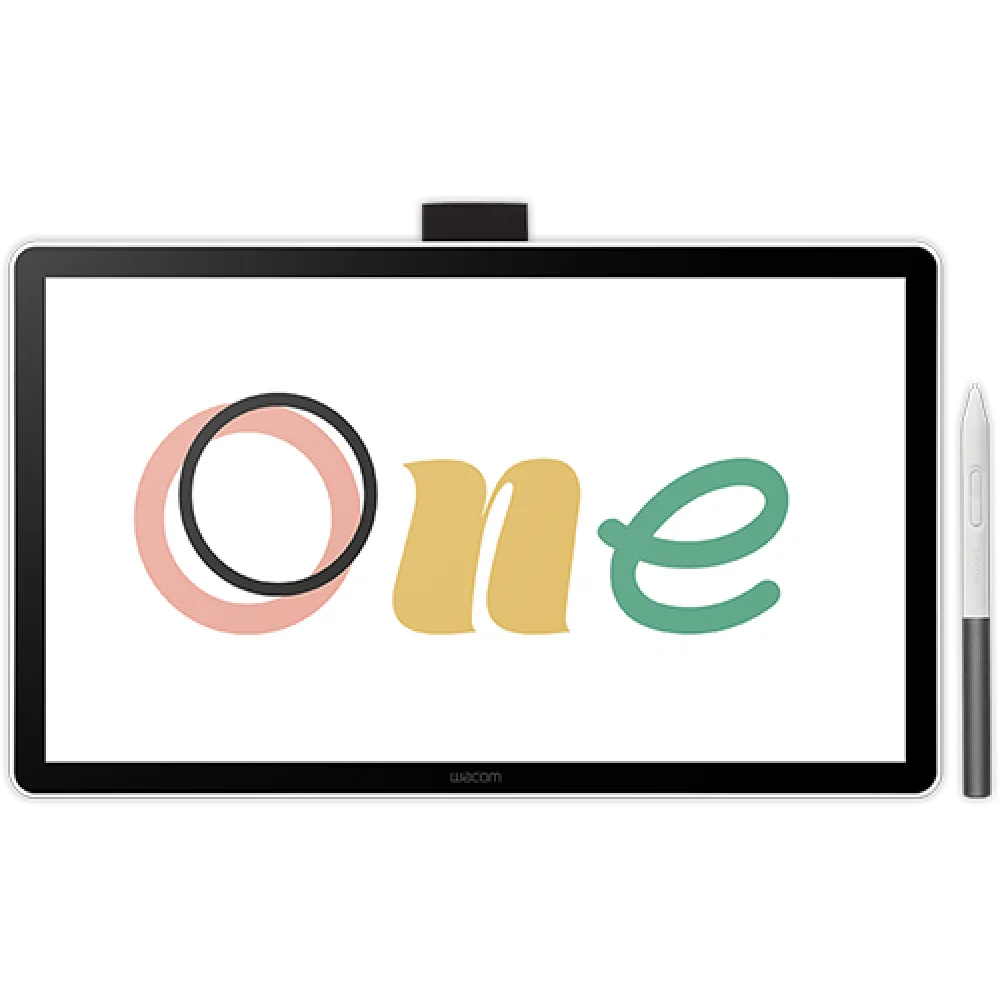
Wacom One 14 Full HD IPS Drawing Pen Display - White
Wacom One 14 brings drawing directly onto a fully laminated 14-inch Full HD IPS screen. Its battery-free pen offers 4096 pressure levels and 60° tilt, with a USB-C connection for compatible Windows, Mac and ChromeOS computers.
Overview
WACOM ONE 14 FULL HD PEN DISPLAY
Draw directly where your ideas appear.
Wacom One 14 puts a fully laminated 14-inch Full HD IPS drawing surface beside your computer. The battery-free pen responds to pressure and tilt, making it useful for illustration, photo editing, handwriting and annotation. A white enclosure, slim 10 mm profile and single compatible USB-C connection keep the display easy to fit into a desk setup.
14-inch
Full HD IPS display
4096
Pen pressure levels
98% sRGB
Typical color coverage
750 g
Display weight

Wacom One 14 brings the pen tip closer to your work.
Direct bonding reduces the gap between the glass surface and the displayed image, helping you place lines and selections accurately. The anti-glare, anti-fingerprint glass provides a textured drawing surface without an additional screen film. Its 309 × 174 mm active area gives your artwork room across a 16:9 canvas. A 1920 × 1080 resolution, 98% sRGB coverage and 16.7 million colors support drawings, photographs and classroom material.
A pen that responds to your hand
The Wacom One Standard Pen provides 4096 pressure levels and 60° tilt support. Two side switches offer convenient controls, while battery-free EMR operation means the pen needs neither a charging cable nor a separate battery.
One compatible cable to your computer
The supplied USB-C cable can carry video, power and pen data from a suitable host. Check for DisplayPort Alt Mode or Thunderbolt 3 or later; a USB-C connector alone does not guarantee video support.
Works with your desktop environment
Use the display with supported Windows, macOS or ChromeOS computers. Install the appropriate driver where required and draw within compatible software on the host. This is a computer-connected pen display, so its screen does not run Android apps independently.
In the box
Wacom One 14 display, Wacom One Pen, USB-C to USB-C cable, three replacement nibs, nib remover, Quick Start Guide and regulation sheet.
Complete Your Desk Setup
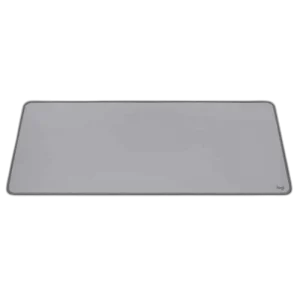
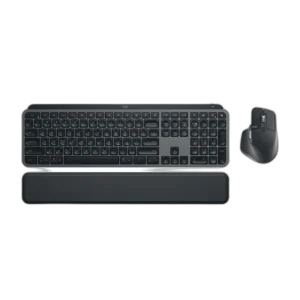
Build the surrounding computer workspace with the Logitech MX KEYS S Combo and Logitech Extended Studio Series Mousepad. Browse tablets and the Wacom products range.
Frequently Asked Questions
Does Wacom One 14 work without a computer?
No. It is a pen display that connects to a compatible Windows, Mac or ChromeOS computer. Applications and processing run on the connected computer.
Does it support finger touch?
No. This model supports pen input but does not include multi-touch. Use the pen or your computer's normal input devices for navigation.
Which USB-C connection does it need?
The computer must support DisplayPort Alt Mode or Thunderbolt 3 or later, with 1920 × 1080 video at 60 Hz. Computers using HDMI require a suitable Wacom Converter, cables and power adapter, sold separately.
What pen is included?
A battery-free Wacom One Standard Pen with 4096 pressure levels, 60° tilt and two side switches is included, together with three replacement nibs and a nib remover.
Build Your Setup with AX Store Kuwait
Need help choosing the right model or a compatible accessory? Contact AX Store and our team will help you build the right setup.
THE DETAILS
Technical specifications
Product Information
Wacom
One 14
DTC141W0
DTC141
Creative pen display; requires a compatible computer
White
336 × 201 × 10 mm
750 g
-10 to 60 °C; 30–90% RH, non-condensing
5 to 40 °C; 30–80% RH, non-condensing
Display and Pen Technology
14.0 inch (35.6 cm)
1920 × 1080 pixels
60 Hz maximum; requires compatible host output
IPS
Anti-glare and anti-fingerprint glass
Yes; fully laminated display
16.7 million
8-bit per RGB channel (24-bit total)
16:9
178° horizontal / 178° vertical, typical
1000:1, typical
No
0.1611 × 0.1611 mm
285 cd/m², typical
16 ms, typical
309 × 174 mm
98% sRGB (CIE 1931), typical
Wacom One Standard Pen
2 side switches
4096
60°
2540 LPI
Pressure-sensitive, cordless and battery-free
Electromagnetic resonance (EMR)
8 mm
360 reports/second
149.9 × 9.8 mm
9.9 g
No
Keep away from strong magnets and motors that may affect pen accuracy.
Compatibility and Connectivity
Windows 10 or later; macOS 13 or later; latest ChromeOS
USB-C with DisplayPort Alt Mode or Thunderbolt 3 or later; internet access for driver and eligible software downloads
1920 × 1080 at 60 Hz
1 × USB-C
DisplayPort through USB-C
Compatible USB-C connection carries video, pen data and power
Requires Wacom Converter and appropriate cables/power adapter, sold separately
Creative software trials and training offers require Wacom ID, product registration and any applicable publisher registration; offer terms vary.
In the Box
Wacom One 14 display; Wacom One Pen; USB-C to USB-C cable; 3 replacement nibs; nib remover; Quick Start Guide; regulation sheet
COMPLETE YOUR SETUP
Pairs well with