Skip to content

Category

Monitors

313 PRODUCTS

High-refresh gaming monitors with OLED, IPS and curved panels from 24 to 32 inch. ASUS ROG, Samsung Odyssey, LG UltraGear and more in Kuwait.

Monitors
Load More Products

Showing 108 of 313 products

GAMING MONITORS AT AX

The frames your GPU is already making.

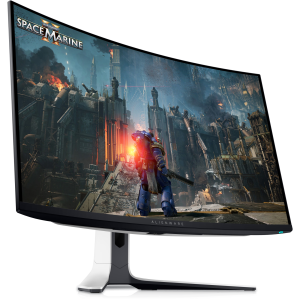
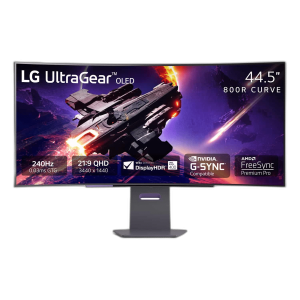
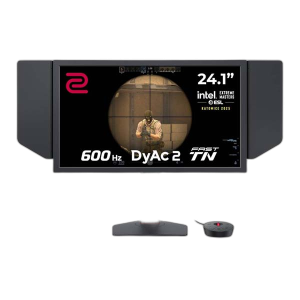
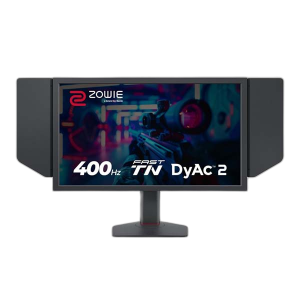
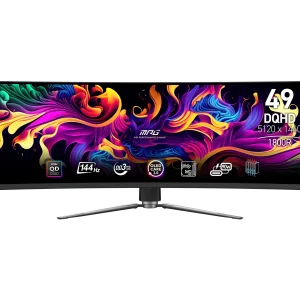
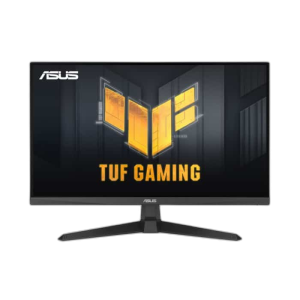
AX Store stocks gaming monitors from ASUS ROG, Samsung Odyssey, LG UltraGear, BenQ ZOWIE, MSI, Gigabyte, AOC and Twisted Minds: 144Hz to 240Hz and beyond, QD-OLED, IPS and curved panels, 1080p to 4K.

Match the panel to your GPU: 1080p at 240Hz+ for esports, 1440p at 165 to 240Hz as the all-round sweet spot, 4K or OLED for single-player and creative work. Monitor arms and mounts are in stock too.

144 to 360Hz

high-refresh panels

QD-OLED · IPS

fast response, true blacks

1080p to 4K

24 to 49 inch sizes

MONITOR FAQ

Before you buy.

Straight answers to the questions we hear most about gaming monitors.

OLED or IPS: which gaming monitor should I choose?

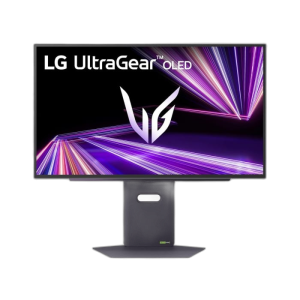
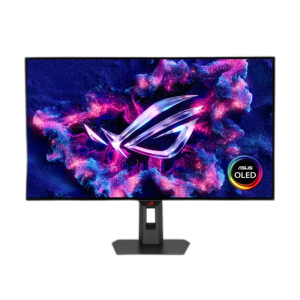
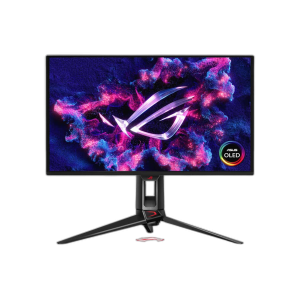
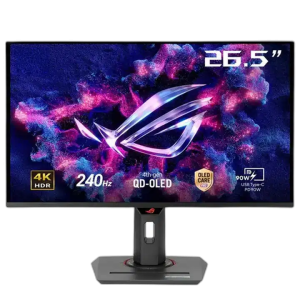
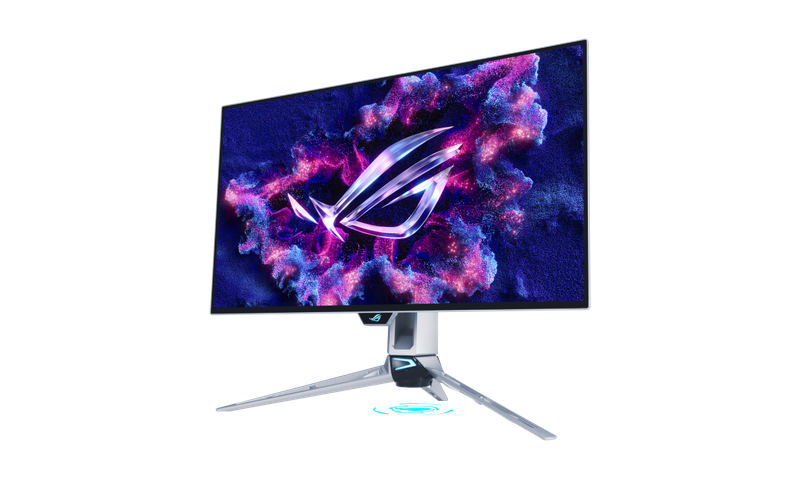
OLED panels like the ASUS ROG Strix OLED XG27AQDPG, ROG Swift OLED PG27AQWP-W and LG UltraGear 27GS95QE give true blacks and near-instant response, ideal for dark rooms and fast games. IPS monitors are brighter, cost less for the size and suit long sessions, work and mixed use.

What refresh rate do I need?

144 to 180Hz is a clear step up from 60Hz for any gamer. 240Hz and above, like the 280Hz ASUS ROG Strix XG27ACDMS or the 360Hz Alienware AW2725DF, pays off in competitive shooters, as long as your graphics card can push frame rates that high.

Is 1440p or 4K better for gaming?

A 27 inch 1440p (QHD) monitor is the sweet spot for most players: sharp, and easy to run at high frame rates on cards like the RTX 5070. 4K looks sharper on larger screens but needs a much stronger graphics card to hold high refresh rates.

Which cable should I use for high refresh rates?

Use DisplayPort or HDMI 2.1, ideally with the cable that comes with the monitor. Older HDMI ports and cables can cap the refresh rate below what the monitor supports.

Do I need a monitor arm?

It is not required, but an arm frees desk space and lets you set height and angle precisely. Check that your monitor has VESA mounting holes and that its size and weight are within the arm's limit, such as the SADES Cobra arms rated up to 40 inch and 12 kg.

Added to cart

View cart

Subscribed

We'll email you as soon as it's back in stock.

Saved to wishlist

View wishlist