
AOC
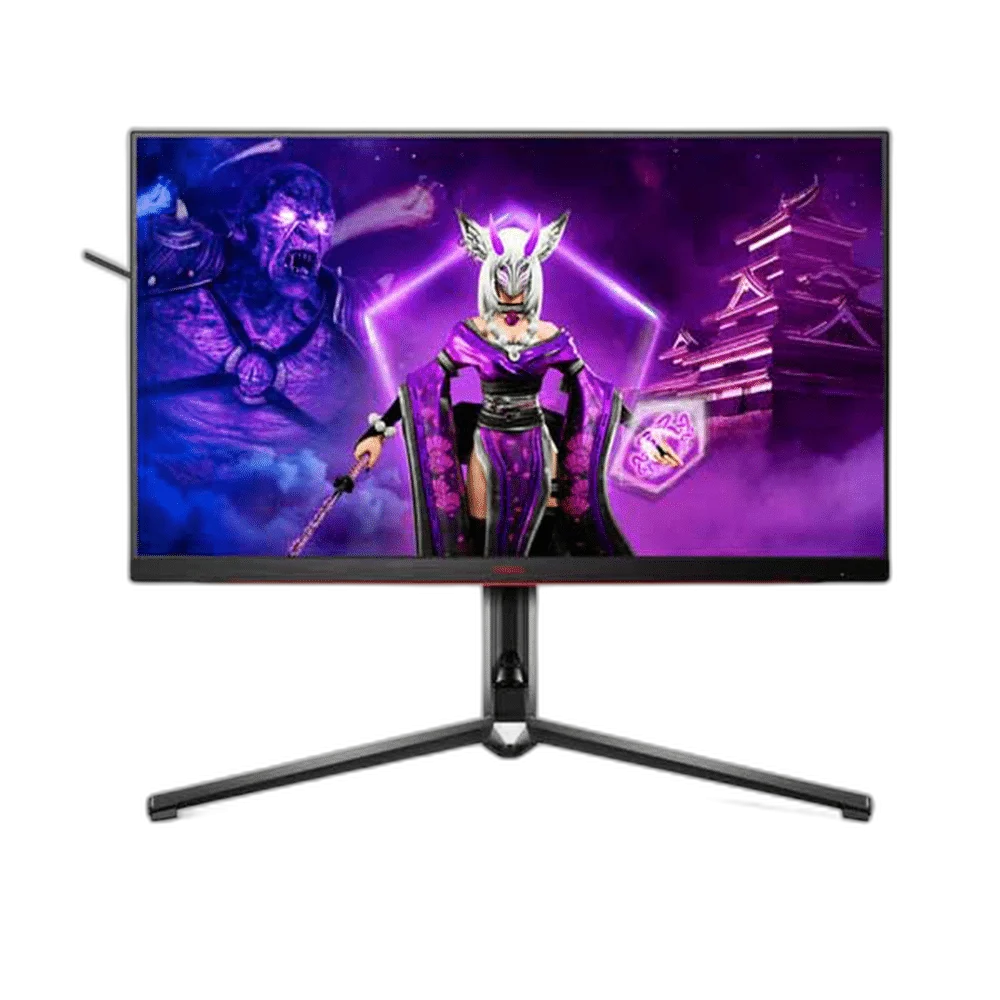
AOC AG324UX 32 inch 4K UHD 144Hz IPS Gaming Monitor
The AOC AGON PRO AG324UX combines a 31.5-inch 4K IPS panel with up to 144Hz refresh and HDMI 2.1. USB-C with up to 90W charging, KVM, built-in stereo speakers and a fully adjustable stand make it suitable for gaming and a shared laptop workspace.
Regular price
236.500 KWD
or 4 payments of 59.125 KWD with
Pay with card & save


225.000 KWD
Save 11.500 KWD
Overview
AOC AG324UX 32 INCH 4K UHD 144HZ IPS GAMING MONITOR
AOC AG324UX
AOC AG324UX: The AOC AGON PRO AG324UX pairs a 31.5-inch IPS panel with 4K resolution and up to 144Hz refresh. HDMI 2.1, DisplayPort and USB-C give it the flexibility to serve a gaming PC, a compatible console and a laptop from the same desk. Available from AX Store in Kuwait.
32-inch Class
Display Size
3840 x 2160 / 16:9
Native Resolution
144 Hz
Supported Refresh Mode
IPS; WLED; flat; antiglare
Panel Technology
Choose the right mode for each system
Use up to 4K 144Hz with supported PC hardware or 4K 120Hz with a compatible console and game. The monitor's maximum refresh rate is 144Hz; the source and connection determine available modes.
Simplify laptop connections
USB-C carries DisplayPort video, data and up to 90W power delivery for compatible laptops. Built-in KVM support lets you share a keyboard and mouse between connected computers.
Adjust the display to your workspace
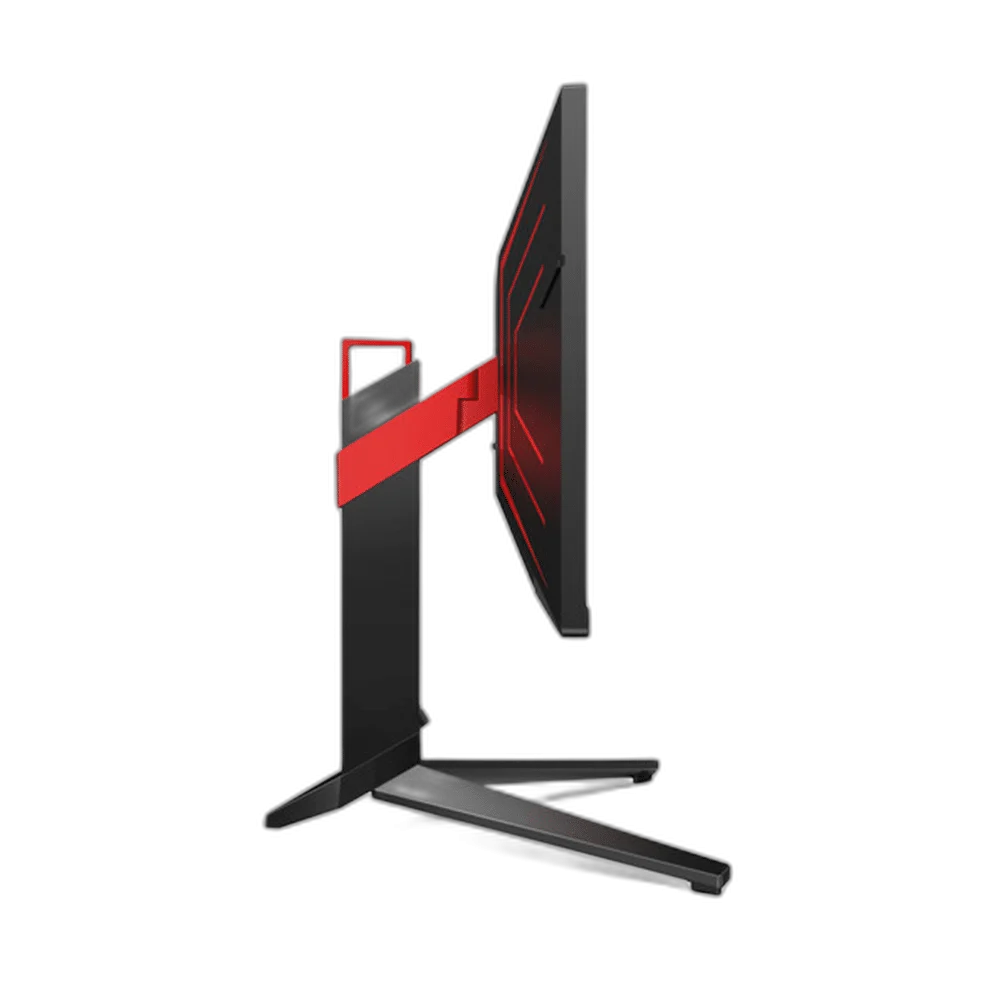
The stand offers 130 mm of height adjustment, tilt, swivel and pivot. Picture-by-Picture and Picture-in-Picture help arrange sources, while integrated 8W stereo speakers cover everyday audio.
Add colour without extra desk accessories
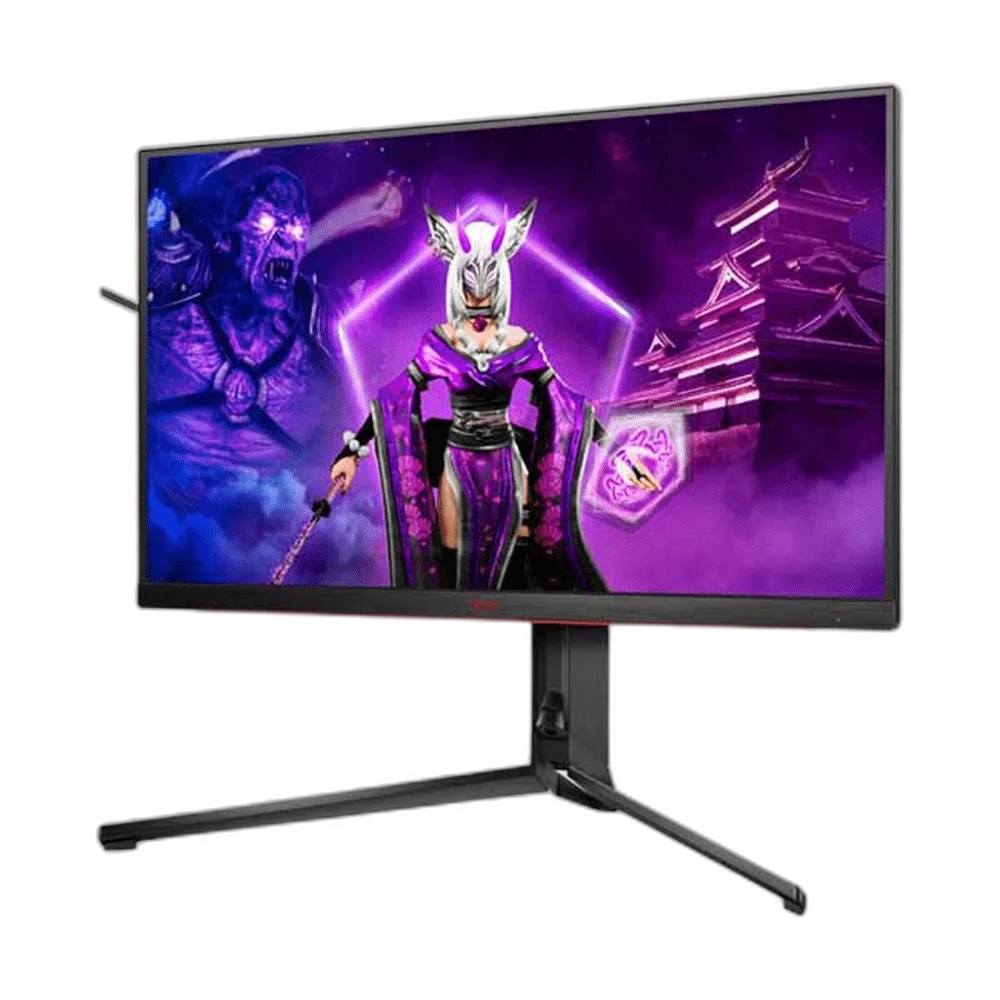
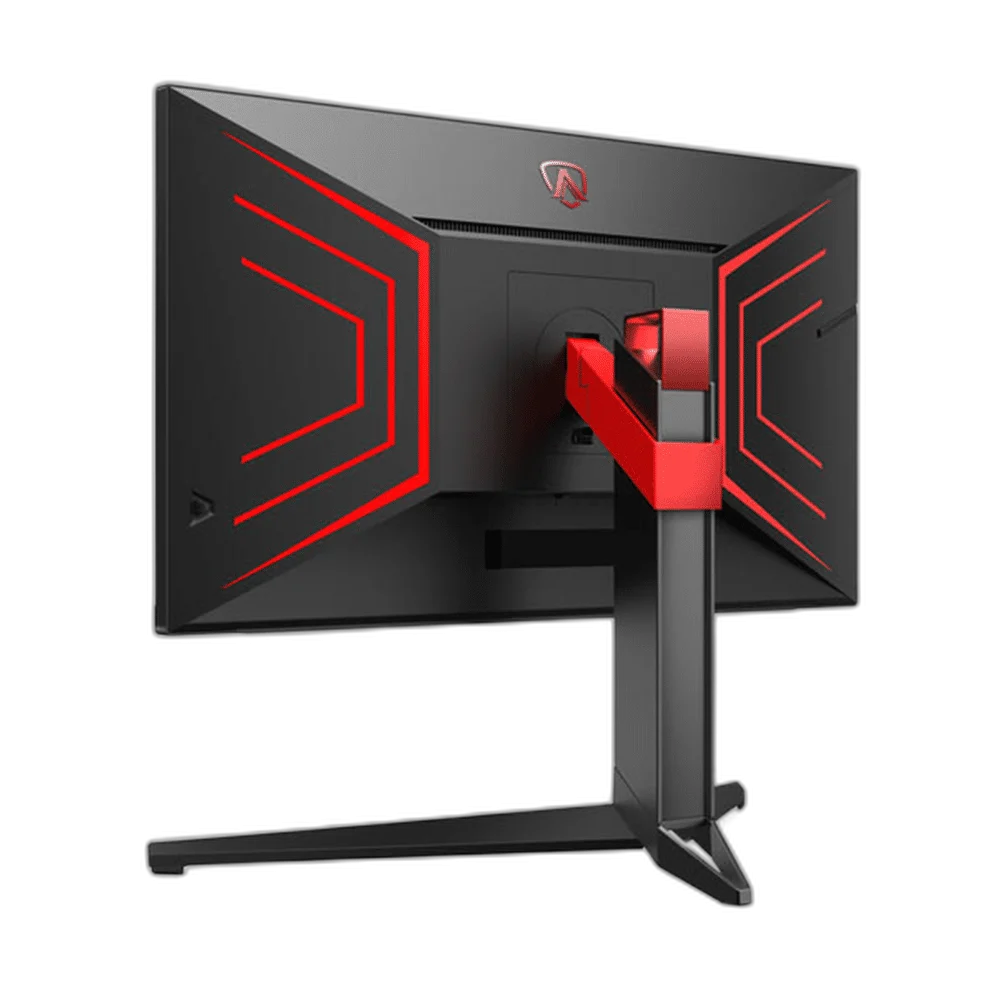
IPS viewing angles, DisplayHDR 400 support and Light FX illumination complement the 4K panel. An included OSD controller offers convenient access to monitor settings. Check the available space and choose the viewing or storage position that suits the actual desk.
Choose the Mode for the Actual Setup
The maximum monitor mode is 4K at 144 Hz with suitable PC hardware, while a compatible console and game can use 4K at 120 Hz. USB-C supports video, data and up to 90 W charging; KVM operation depends on the correct connected computer and USB routes.
Connect the Ports for Their Stated Roles
The connection arrangement includes HDMI: 2 x HDMI 2.1; DisplayPort: 1 x DisplayPort 1.4 with DSC; USB-C: 1 x USB-C with DisplayPort Alt Mode, upstream data and up to 90W power delivery. Select the correct video input and source output for the intended mode, keeping USB data, charging and display functions tied to the actual port specification.
Plan the Display and the Rest of Your Desk
Compare resolution, refresh rate, screen size and the input you will actually use. Match the computer or console output to the chosen display mode, and leave room for the monitor stand and mouse movement. Compare related options such as ASUS ROG Strix XG27ACDNG 27 inch QD-OLED 360Hz Gaming Monitor or ASUS ProArt PA328QV 31.5 Inch 75Hz WQHD IPS Monitor, keeping the exact model and configuration in the decision. For the wider setup, explore Logitech G PRO X3 SUPERSTRIKE Wireless Mouse and check the connection, size or mounting requirements before pairing accessories. Browse the AOC range at AX for more choices.
AOC AG324UX Setup Choices
Compare resolution, refresh rate, screen size and the input you will actually use. Match the computer or console output to the chosen display mode, and leave room for the monitor stand and mouse movement. Explore Wooting 60HE v2 60% Gaming Keyboard, Aluminium, Pulsar Pro Series Susanto-X Wireless Gaming Mouse Size 2, 50g, ARTISAN NINJA FX ZERO Gaming Mousepad – SOFT/XSOFT, XL/XXL.
Frequently Asked Questions
What native resolution is specified?
3840 x 2160 / 16:9.
What should I check for the refresh mode and connection?
The maximum monitor mode is 4K at 144 Hz with suitable PC hardware, while a compatible console and game can use 4K at 120 Hz. USB-C supports video, data and up to 90 W charging; KVM operation depends on the correct connected computer and USB routes.
Which video and port details are listed?
HDMI: 2 x HDMI 2.1; DisplayPort: 1 x DisplayPort 1.4 with DSC; USB-C: 1 x USB-C with DisplayPort Alt Mode, upstream data and up to 90W power delivery.
What mounting pattern should an arm match?
100 x 100 mm. Match the actual screen size, weight and clearance as well as the hole pattern.
Build Your Setup with AX Store
Explore computers, displays and accessories for your workspace at AX Store. For help choosing the right model or checking an accessory, contact AX Store.
THE DETAILS
Technical specifications
Monitor specifications
AG324UX
31.5 inches (32-inch class)
IPS; WLED; flat; antiglare
3840 x 2160 / 16:9
144 Hz
1 ms GtG; 1 ms MPRT
350 cd/m²
1000:1
178° horizontal / 178° vertical
1.07 billion
VESA DisplayHDR 400
16 zones
Adaptive Sync; FreeSync Premium; G-SYNC Compatible
2 x HDMI 2.1
1 x DisplayPort 1.4 with DSC
1 x USB-C with DisplayPort Alt Mode, upstream data and up to 90W power delivery
4 downstream USB 3.2 ports
USB-C and USB-B upstream switching
3.5 mm headphone output; microphone input
2 x 8W with DTS
Picture-by-Picture; Picture-in-Picture
130 mm
-3° to +21° (±2°)
-20° to +20° (±2°)
Supported
100 x 100 mm
714.07 x 499.57–629.57 x 400.13 mm
714.07 x 425.08 x 65.5 mm
10 kg
57 W
Light FX RGB; LED logo projection
HDMI; DisplayPort; USB-C to C/A; power adaptor; OSD pad
COMPLETE YOUR SETUP
Pairs well with




