AORUS
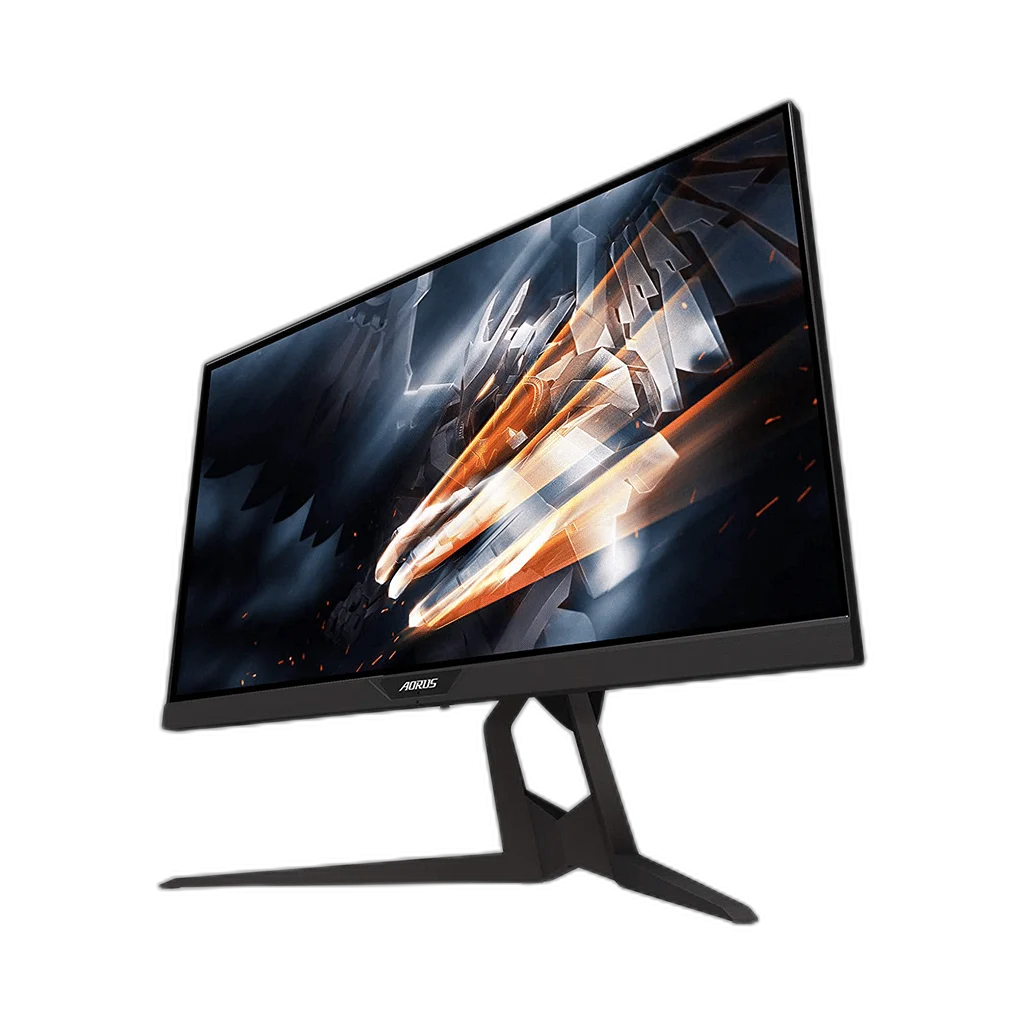
AORUS KD25F 25 Inch FHD 240Hz TN Gaming Monitor
AORUS KD25F combines a 24.5-inch Full HD TN panel with a 240Hz refresh rate. Its compact display and adjustable stand help you build a focused gaming position.
Regular price
192.000 KWD
or 4 payments of 48.000 KWD with
Pay with card & save


183.000 KWD
Save 9.000 KWD
Overview
AORUS KD25F 25 INCH FHD 240HZ TN GAMING MONITOR
A 240Hz view built around competitive play
AORUS KD25F combines a 24.5-inch Full HD TN panel with a 240Hz refresh rate. Its compact display and adjustable stand help you build a focused gaming position.
24.5 inch
Viewable Display Diagonal
1920 × 1080
Native Resolution
240Hz maximum
Listed Refresh and Input Conditions
TN
Panel Technology
Prioritize fast motion
The display carries a 0.5ms MPRT rating for its motion-blur mode. Full HD resolution and 240Hz refresh offer a straightforward target for a high-frame-rate gaming system.
Position and connect your screen
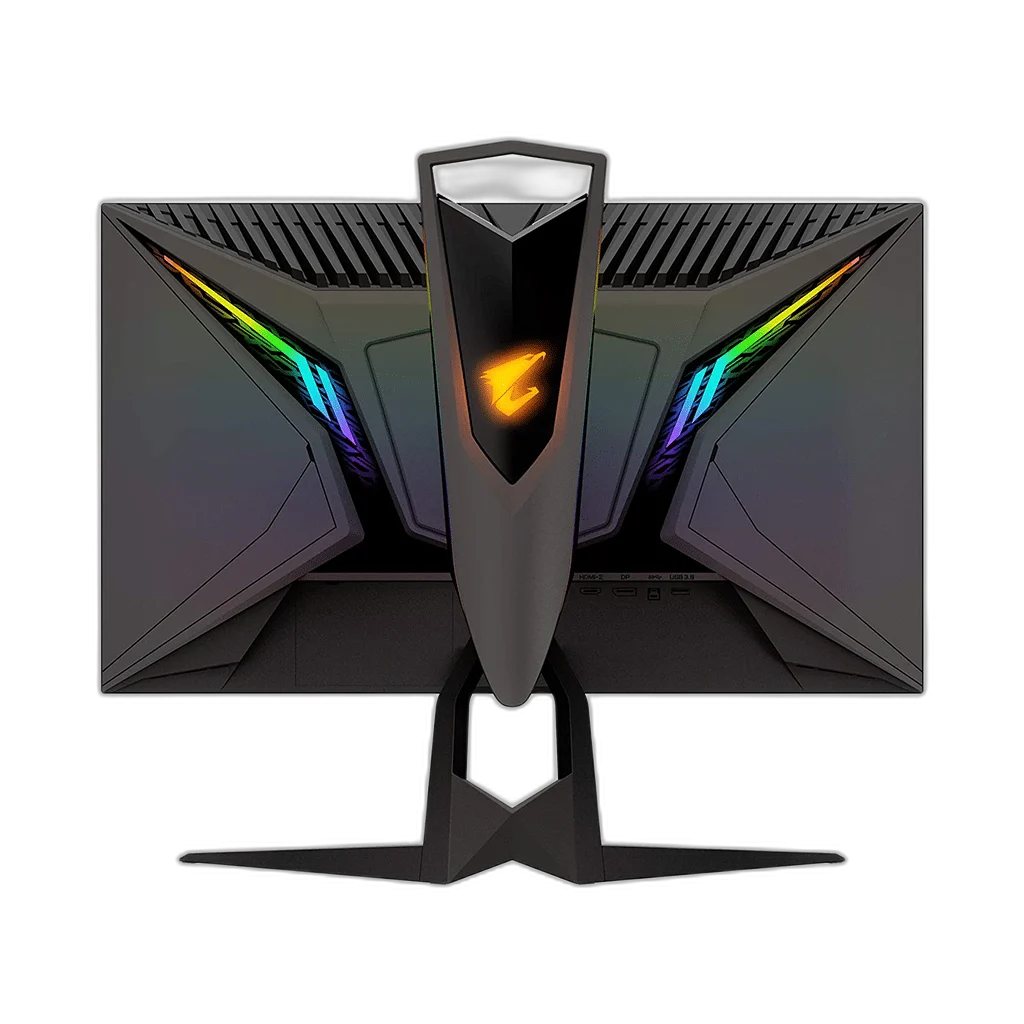
Height, tilt, swivel and pivot adjustments help fit the display to your desk. Two HDMI 2.0 ports, DisplayPort 1.2 and a USB hub keep source and peripheral connections within reach.
Colour and HDR with Clear Qualifications
Colour coverage: 100% sRGB. Keep the stated colour space, HDR format and brightness conditions with this model when comparing display performance. Content, input settings and the selected picture mode also affect the image you see.
Check the Audio Arrangement
The listed audio arrangement is Headphone output. Plan speakers or headphones around those connections and the audio path of your source device, keeping the monitor’s built-in playback capabilities separate from any external sound equipment you add.
Plan Your Screen Area
The display specification is 24.5-inch TN, with 1920 × 1080 resolution. Compare the screen area and aspect ratio with your usual games and desktop work, leaving room on the desk for a comfortable viewing position.
Match the Refresh Mode to Your Setup
Refresh rate: 240Hz maximum. The available refresh mode depends on the resolution, input, source device and supported settings. Check those conditions together before choosing a cable or expecting the highest listed refresh mode from your system.
Complete Your Workspace
Explore gaming PCs, gaming monitors for your setup. Choose listening equipment for a compatible output on the source computer or console. When comparing another display, check its exact size, curvature, input and supported refresh mode; a higher listed mode may need different hardware or an overclock setting. The recommended mice, keyboards and controllers are separate setup choices.
Frequently Asked Questions
What size, panel and resolution does this display use?
24.5-inch TN. TN panel technology. Native resolution: 1920 × 1080.
What refresh modes and input limits apply?
Refresh rate: 240Hz maximum. Available modes also depend on your source, input, cable and supported settings.
Which video and USB connections are listed?
Inputs: 1 × DisplayPort 1.2; 2 × HDMI 2.0. USB hub: 2 × USB 3.0.
What stand adjustment and mounting options are specified?
Stand: 130 mm height; -5° to 21° tilt; ±20° swivel; 90° pivot. VESA mount: 100 × 100 mm.
How is response time specified?
0.5ms MPRT.
Build Your Setup with AX Store Kuwait
Explore computers, displays and accessories for your workspace at AX Store Kuwait. For help choosing the right model or checking an accessory, contact AX Store.
THE DETAILS
Technical specifications
Display specifications
GIGABYTE AORUS
KD25F
24.5-inch TN
1920 × 1080
240Hz maximum
0.5ms MPRT
400 cd/m² typical
1000:1 typical
100% sRGB
16.7 million
170° horizontal / 160° vertical
1 × DisplayPort 1.2; 2 × HDMI 2.0
2 × USB 3.0
Headphone output
130 mm height; -5° to 21° tilt; ±20° swivel; 90° pivot
100 × 100 mm
6.8 kg
COMPLETE YOUR SETUP
Pairs well with