ASUS
ASUS ROG Balteus RGB Gaming Mouse Pad with Aura Sync
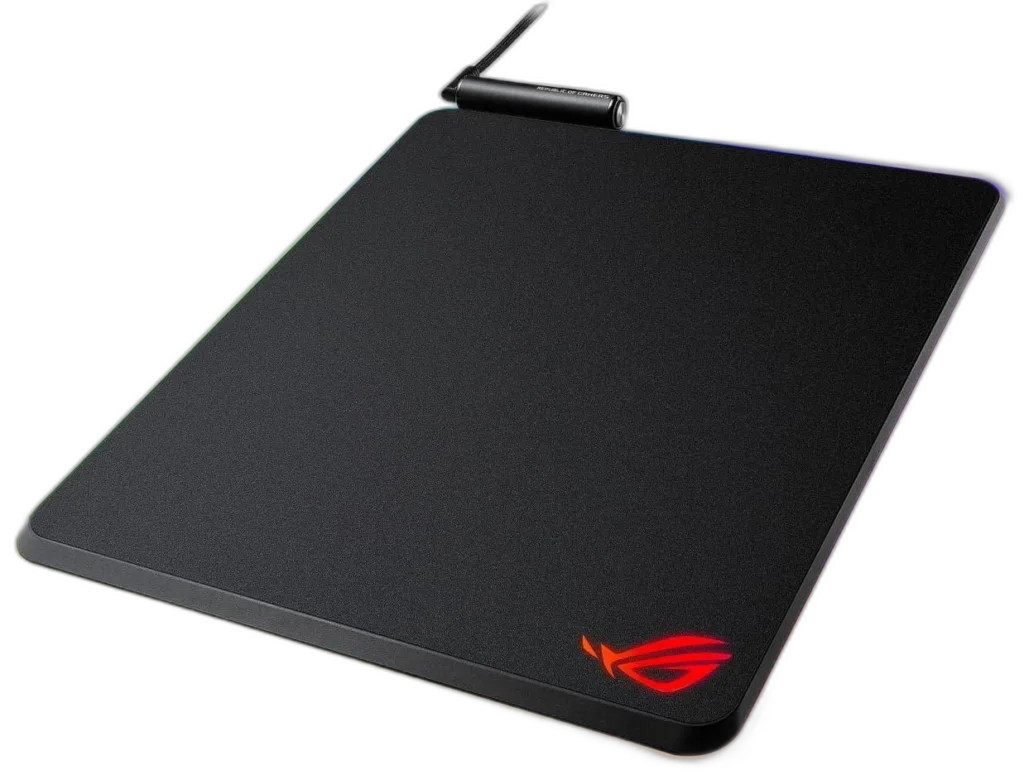
The portrait-format ROG Balteus pairs a 320 × 370 mm micro-textured surface with Aura Sync lighting and USB 2.0 passthrough.
Overview
ASUS ROG BALTEUS RGB GAMING MOUSE PAD WITH AURA SYNC
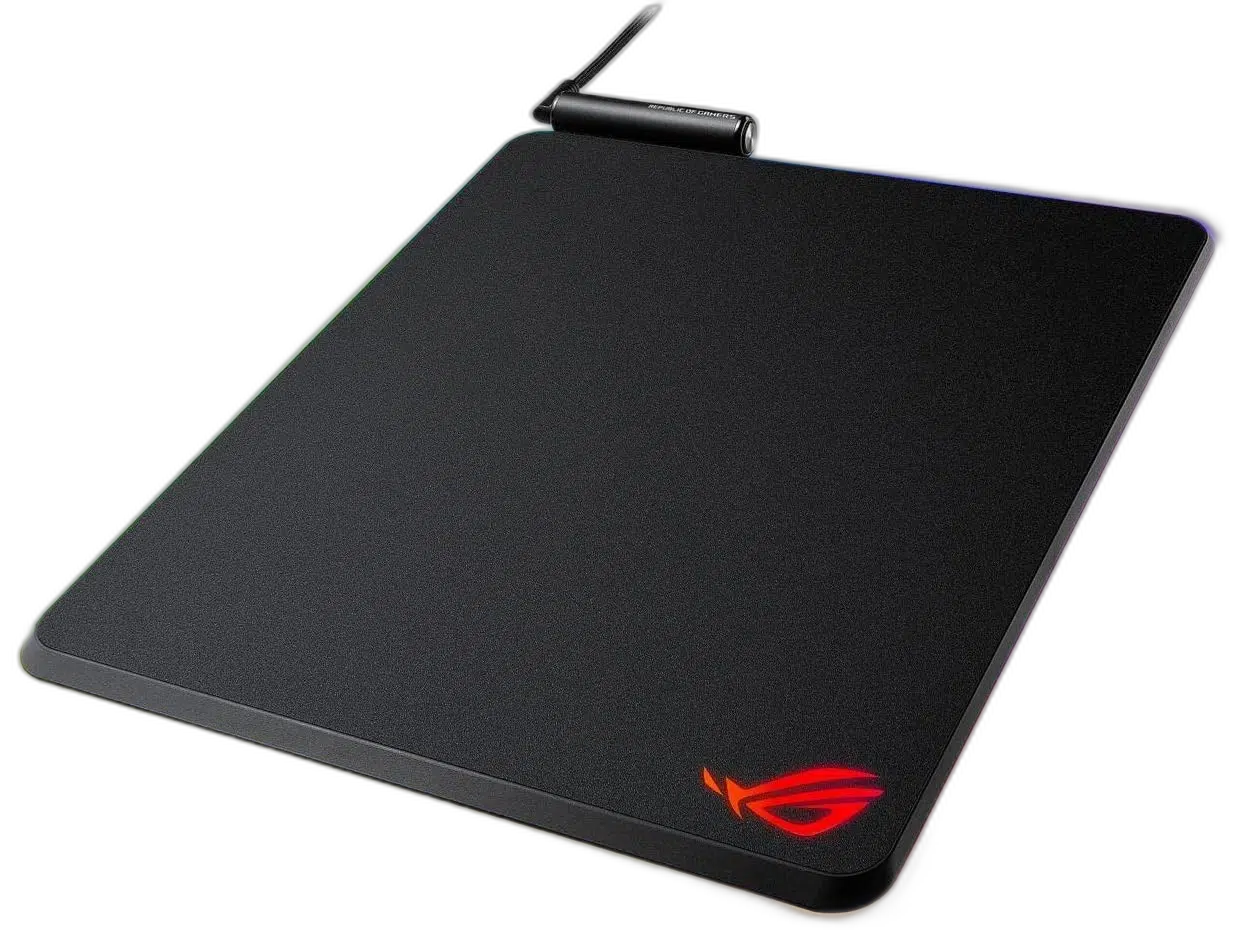
ROG Balteus
The portrait-format ROG Balteus pairs a 320 × 370 mm micro-textured surface with Aura Sync lighting and USB 2.0 passthrough. Available from AX Store in Kuwait.
320 × 370 mm
Portrait Playing Area
15
Aura Sync RGB Zones
USB 2.0
Passthrough Port
No Qi
Standard Balteus Model
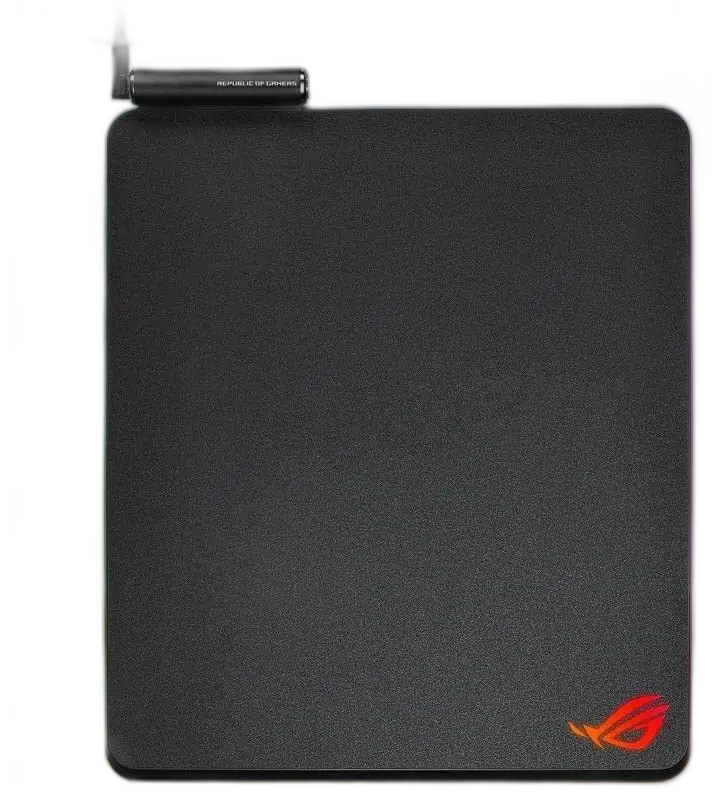
Customize the edge lighting
Fifteen lighting zones support a coordinated Aura Sync setup. An on-pad button provides convenient adjustment of effects or brightness. Compare the stated construction with your normal desk layout and the equipment you plan to use alongside it.
Keep a USB connection within reach
The passthrough port connects a mouse or another USB device. A non-slip rubber base keeps the hard mat anchored; this standard Balteus model does not include Qi charging.
Plan the Mouse Area
The listed physical reference is 320 × 370 mm in portrait orientation. Measure the available desk area before choosing your final position, leaving enough clear space for the mouse movements you normally make.
Choose the Surface Construction
The surface is specified as Micro-textured hard surface. Match that construction to the feel you prefer for aiming and everyday movement, taking your mouse feet and sensitivity settings into account.
Support across the Working Area
The listed base is Non-slip rubber. Place the pad on a suitable clean, level desk so the base rests evenly underneath the surface while you arrange the nearby keyboard and mouse.
Keep the Exact Configuration in Mind
Compare the published footprint and construction for this exact listing when replacing another mousepad. Size labels and lighting or charging features can differ between models, so check the selected version before ordering.
ROG Balteus Setup Choices
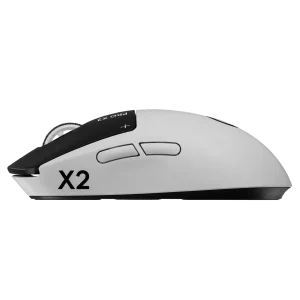
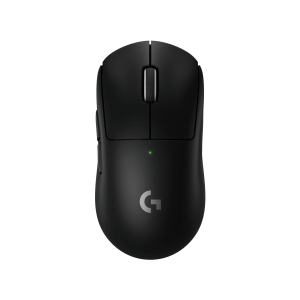
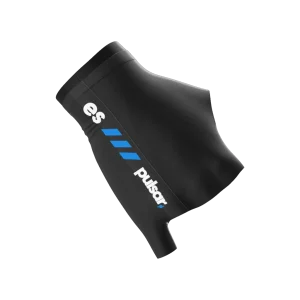
Compare surface material, pad size and base feel with the mouse feet and hand pressure you use. Measure the usable desk area, including the space taken by the keyboard, before choosing a size. Explore Wooting 60HE v2 60% Gaming Keyboard, Aluminium, Logitech G PRO X2 SUPERSTRIKE Wireless Gaming Mouse, Pulsar Pro Series Susanto-X Wireless Gaming Mouse Size 2, 50g.
Frequently Asked Questions
What space should I allow?
320 × 370 mm in portrait orientation. Compare the selected size with your desk.
Which surface is specified?
Micro-textured hard surface.
What base supports the pad?
Non-slip rubber.
Does it provide lighting?
15-zone Aura Sync RGB.
Is this the Qi version?
No. This is the standard ROG Balteus, with no Qi charging.
Build Your Setup with AX Store
Explore computers, displays and accessories for your workspace at AX Store. For help choosing the right model or checking an accessory, contact AX Store.
THE DETAILS
Technical specifications
Product specifications
ASUS ROG
ROG Balteus
Micro-textured hard surface
320 × 370 mm
Portrait
Non-slip rubber
15-zone Aura Sync RGB
1 × USB 2.0
Lighting button
No
COMPLETE YOUR SETUP
Pairs well with