ASUS
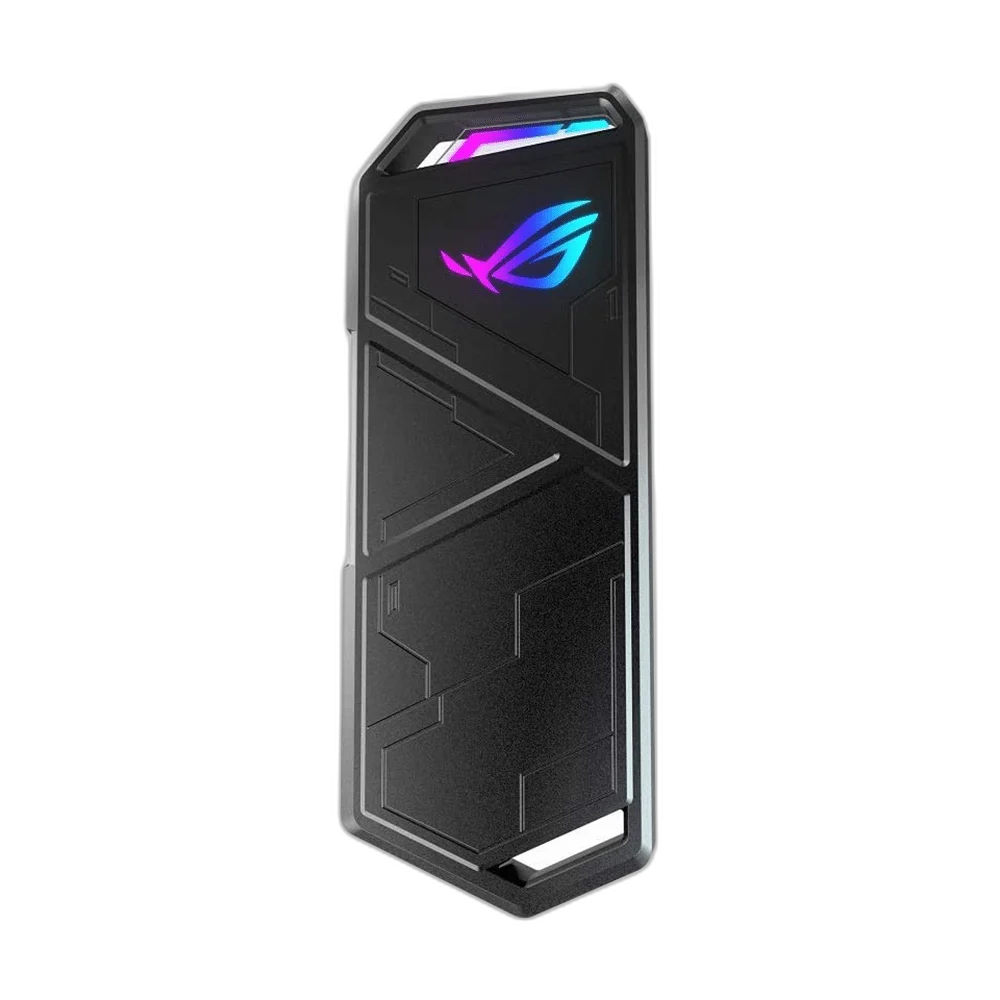
ASUS ROG Strix Arion Lite M.2 SSD Enclosure - Black
ASUS ROG Strix Arion Lite black M.2 NVMe SSD enclosure with USB-C up to 10 Gbps, aluminum cooling, tool-free installation and Aura Sync. SSD not included.
Regular price
17.000 KWD
or 4 payments of 4.250 KWD with
Pay with card & save


16.000 KWD
Save 1.000 KWD
Overview
ASUS ROG STRIX ARION LITE
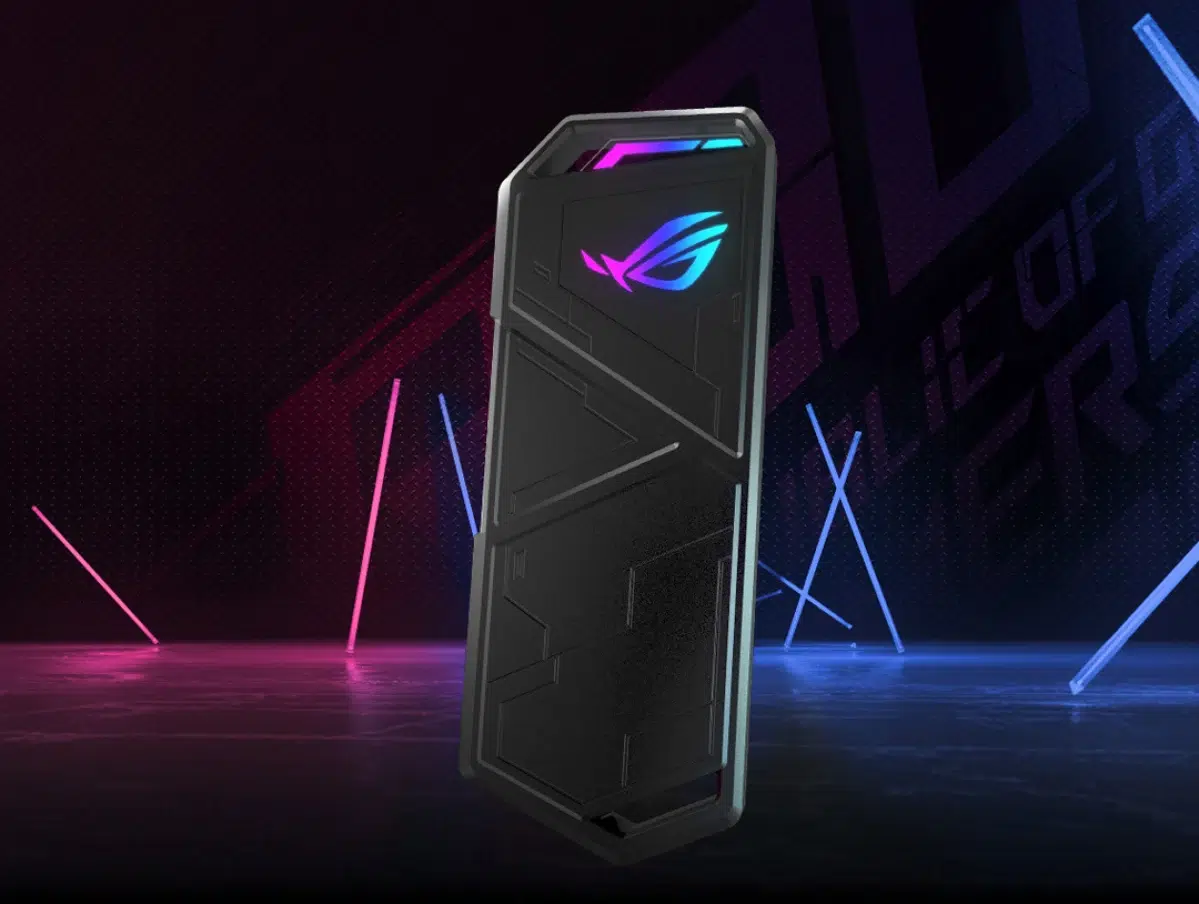
ASUS ROG Strix Arion Lite
Build a portable drive around a compatible SSD with the ASUS ROG Strix Arion Lite. This black aluminum enclosure uses USB-C 3.2 Gen 2x1 connectivity, supports several M.2 NVMe sizes and includes thermal pads to help move heat into the case. The enclosure is supplied without an SSD, giving you control over the drive you install. Explore this model at AX Store in Kuwait.
PCIe NVMe
SSD Protocol
10 Gbps
Maximum Interface Rate
2230–2280
Supported M.2 Sizes
Tool-Free
Pin / Thumbscrew Installation
USB-C at Up to 10 Gbps
A USB 3.2 Gen 2x1 interface supports transfer rates of up to 10 Gbps when connected to suitable equipment. It gives your compatible NVMe drive an external connection for moving files between systems. Actual transfer performance depends on the installed SSD, host connection, workload and other operating conditions.
Four Supported M.2 Sizes
The enclosure accepts 2230, 2242, 2260 and 2280 M.2 PCIe NVMe SSDs with supported M-key or B+M-key designs, up to 2 TB. It does not support SATA-based SSDs or PCIe AHCI drives. Check both the drive’s interface and its physical size before installing it inside the enclosure.
Aluminum Case and Thermal Pads
The aluminum-alloy housing works with the included thermal pads to conduct heat away from the SSD. This passive design brings the drive into contact with the enclosure’s cooling structure. Fit the drive and pads according to the installation instructions so the thermal materials can do their job during file transfers.
Installation Without a Screwdriver
A pin-opening design and thumbscrew mounting system make it possible to fit the SSD without a separate screwdriver. This is useful when building a portable drive from an existing compatible M.2 SSD. Once installed, the enclosure gives the bare drive a protective housing and a USB-C connection for use with suitable devices.
Aura Sync Lighting
ASUS Aura Sync adds addressable RGB lighting to the enclosure, allowing it to complement a compatible ROG setup. Aura control requires Windows 10 RS3 or later. The enclosure also supports Windows 7, 8, 8.1, 10 and 11, plus Mac OS X 10.6 or later, for its listed operating-system compatibility.
Plan Your Drive Compatibility
The case measures 124.5 × 47.7 × 10.9 mm and weighs 98 g, making it easy to account for in a portable setup. Micron Crucial P5 and SSDs using Realtek RTS5765DL or RTS5766DL controllers are excluded from compatibility. Confirm your SSD model before purchase, and remember that a drive must be installed separately.
Choose Storage Around the Actual Port
Check the supported interface, connector and the files or devices you plan to use. Match the cable and host port to the drive, and keep a separate backup for important files. Compare related options such as SanDisk Extreme 128 GB microSDXC Memory Card + SD Adapter or SanDisk Ultra 64GB SDXC Memory Card, keeping the exact model and configuration in the decision. For the wider setup, explore Samsung 980 PRO PCIe 4.0 NVMe M.2 SSD and check the connection, size or mounting requirements before pairing accessories. Browse the ASUS range at AX for more choices.
ASUS ROG Strix Arion Lite Setup Choices
Check the supported interface, connector and the files or devices you plan to use. Match the cable and host port to the drive, and keep a separate backup for important files.
Frequently Asked Questions
Which M.2 protocols, keying and sizes are supported?
Protocol: PCIe NVMe. M.2 Sizes: 2230, 2242, 2260, 2280. SSD Keying: Compatible M-key / B+M-key NVMe designs. Unsupported Interfaces: SATA-based B-key/B+M-key; PCIe AHCI M-key.
Is an SSD included?
Product Type: M.2 SSD enclosure; SSD not included.
Which specific SSDs or controllers are excluded?
Excluded SSDs / Controllers: Micron Crucial P5; Realtek RTS5765DL / RTS5766DL, including ADATA SWORDFISH and XPG SPECTRIX S20G.
How is it installed and cooled?
Housing: Aluminum alloy with thermal pads. Installation: Pin opening and thumbscrew; screwdriver not required.
What interface and maximum rate are listed?
Interface: USB-C, USB 3.2 Gen 2x1. Maximum Interface Rate: 10 Gbps.
Build Your Setup with AX Store
Explore computers, displays and accessories for your workspace at AX Store. For help choosing the right model or checking an accessory, contact AX Store.
Compare Sabrent USB 3.0 Tool-Free Enclosure, 2.5” and 3.5” SATA. Match the exact model, connection and configuration to your setup.
THE DETAILS
Technical specifications
Product and Connectivity
ROG Strix Arion Lite
90DD02H0-M09010
Black
M.2 SSD enclosure; SSD not included
USB-C, USB 3.2 Gen 2x1
10 Gbps
Up to 2 TB
5 V
SSD Compatibility
PCIe NVMe
2230, 2242, 2260, 2280
Compatible M-key / B+M-key NVMe designs
SATA-based B-key/B+M-key; PCIe AHCI M-key
Micron Crucial P5; Realtek RTS5765DL / RTS5766DL, including ADATA SWORDFISH and XPG SPECTRIX S20G
Construction and System Requirements
Aluminum alloy with thermal pads
Pin opening and thumbscrew; screwdriver not required
ASUS Aura Sync ARGB
Windows 10 RS3 or later
Windows 7 / 8 / 8.1 / 10 / 11; Mac OS X 10.6 or later
124.5 × 47.7 × 10.9 mm
98 g
0–40°C
−20–60°C
COMPLETE YOUR SETUP
Pairs well with