ASUS
ASUS ROG Strix Helios Mid Tower Case
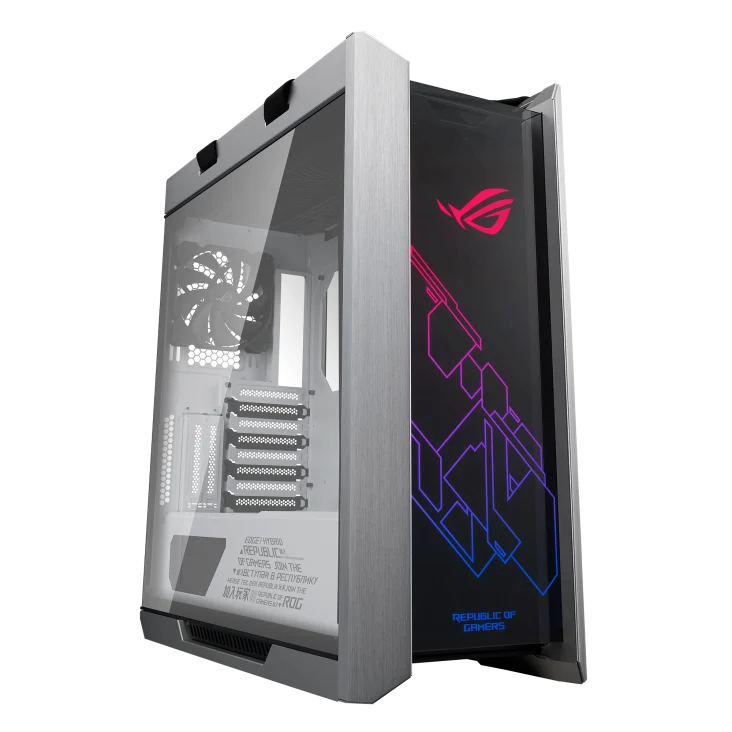
Showcase your PC with the ASUS ROG Strix Helios, available in Black or White. This mid-tower case combines glass panels with E-ATX support, four installed 140 mm fans, room for a 450 mm graphics card and front radiator support up to 420 mm.
Color
Overview
ASUS ROG STRIX HELIOS MID TOWER CASE
ASUS ROG Strix Helios
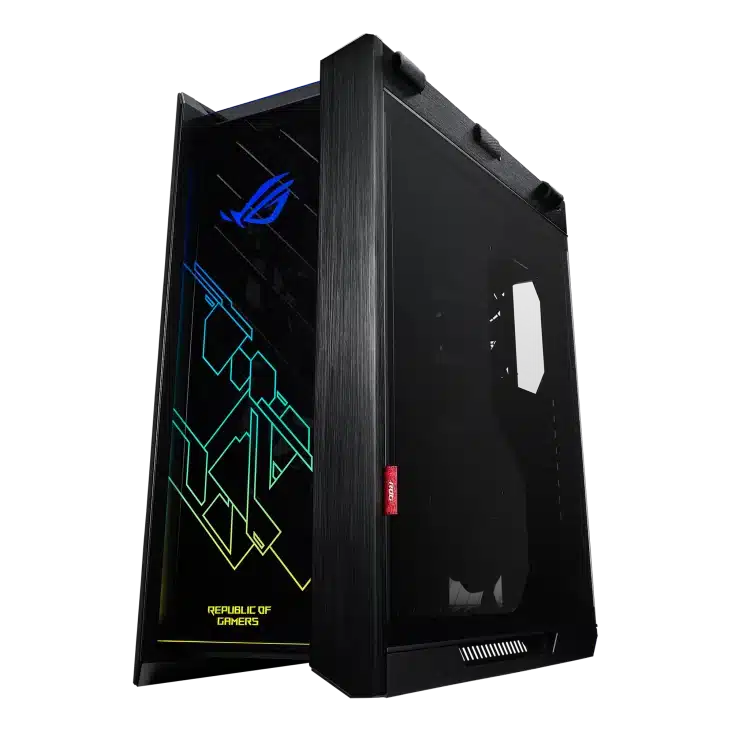
The ASUS ROG Strix Helios combines an aluminium frame with glass front and side panels for a build you can display from multiple angles. Choose Black or White, with dedicated product images for each finish and the same roomy E-ATX-compatible interior. Available from AX Store in Kuwait.
Mid Tower
Case Format
450 mm
Maximum GPU Length
420 / 360 mm
Front / Top Radiator Support
4 × 140 mm
Included Fans
Plan a complete cooling layout
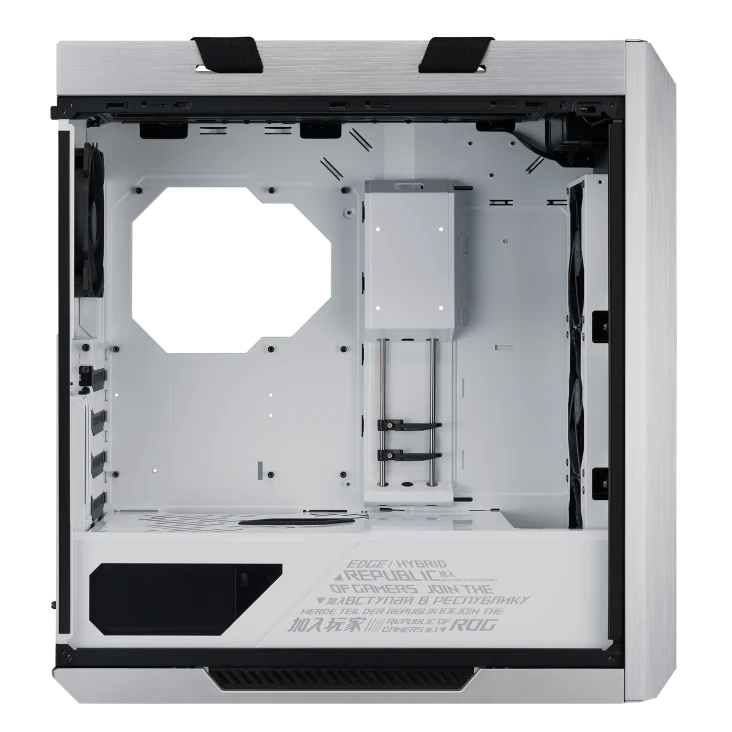
Four installed 140 mm fans provide a starting point. The front supports a radiator up to 420 mm and the top up to 360 mm; allow for the radiator and fan thickness as well as component length.
Keep the interior organised
A cable-management area up to 33 mm deep helps route wiring out of the main chamber. Removable front, top and bottom filters give you access for routine cleaning.
Showcase a horizontal or vertical GPU
The case provides eight standard expansion slots and two additional vertical slots, with room for a graphics card up to 450 mm long. A vertical installation requires a suitable riser cable longer than 200 mm; check the full mounting setup before ordering.
Connections where you can reach them
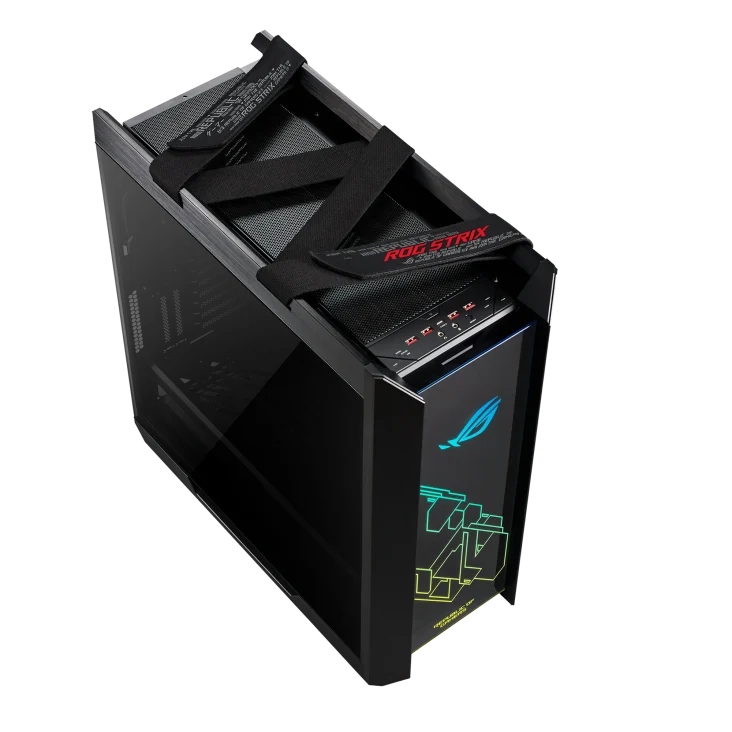
Four front USB-A ports, a USB-C port and separate headphone and microphone connections cover everyday desk use. Lighting and fan controls sit on the case, while Aura Sync supports coordinated ARGB lighting.
Match the Board and Edition
Helios supports E-ATX up to 12 × 10.9 inches, ATX, Micro-ATX and Mini-ITX. Allow up to 90 mm combined radiator/fan thickness at the front or 60 mm at the top. A vertical graphics-card installation requires a compatible riser cable longer than 200 mm, purchased separately as required.
Budget Space for Every Component
A graphics-card limit of 450 mm, CPU cooler limit of 190 mm and PSU limit of 220 mm provide useful planning dimensions. A front radiator or a power connector can affect the usable space, so check the complete arrangement.
Plan the Component Clearances
Check motherboard format, graphics-card length, cooler height and radiator positions together. Allow space for the power supply and cable routing before selecting the rest of the build. Compare related options such as Xigmatek Aquarius II Mini Tower Case - Black or LIAN LI Lancool III RGB Mid Tower Case, Tempered Glass, White, keeping the exact model and configuration in the decision. For the wider setup, explore Corsair iCUE SP120 RGB ELITE Performance 120mm Triple Fan Pack and check the connection, size or mounting requirements before pairing accessories.
ASUS ROG Strix Helios Setup Choices
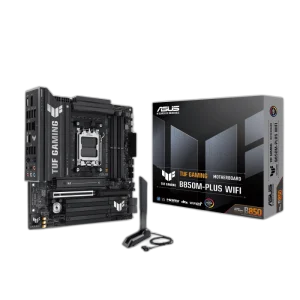
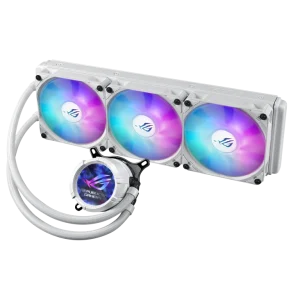
Check motherboard format, graphics-card length, cooler height and radiator positions together. Allow space for the power supply and cable routing before selecting the rest of the build. Explore ASUS ROG STRIX LC III 360 ARGB LCD Liquid Cooler, ASUS TUF GAMING B850M-PLUS WIFI DDR5 Micro-ATX Motherboard, ASUS ROG Thor 1200W Platinum III Power Supply Unit.
Frequently Asked Questions
What should I check for this exact model?
Helios supports E-ATX up to 12 × 10.9 inches, ATX, Micro-ATX and Mini-ITX. Allow up to 90 mm combined radiator/fan thickness at the front or 60 mm at the top. A vertical graphics-card installation requires a compatible riser cable longer than 200 mm, purchased separately as required.
Are other computer components included?
The sale covers the stated case, cooler or power supply and its listed included accessories. Motherboard, processor, graphics card, memory and display-build components are separate purchases unless the listing explicitly includes them.
Does matching a headline size guarantee a complete build fit?
Check the exact board dimensions, radiator and fan stack, graphics-card length and power-cable bend space, PSU depth and cable routing. Consider components together rather than relying on one maximum clearance.
Can I reuse any modular PSU cable?
Use the cables specified for the exact power supply. Modular PSU pinouts are not universal, even when the equipment-side connector looks the same; verify an approved cable before connecting power.
Build Your Setup with AX Store
Explore computers, displays and accessories for your workspace at AX Store. For help choosing the right model or checking an accessory, contact AX Store.
THE DETAILS
Technical specifications
Case specifications
ROG Strix Helios / ROG Strix Helios White Edition
Mid Tower
Black / White
E-ATX up to 12 x 10.9 inches; ATX; Micro-ATX; Mini-ITX
4 x 2.5-inch; 2 x 2.5/3.5-inch combo
8 horizontal; 2 additional vertical
4 x USB 3.1 Gen 1
1 x USB 3.1 Gen 2 Type-C
Separate headphone and microphone ports
LED; fan; reset
Front; left; right
120 / 140 / 240 / 280 / 360 / 420 mm
120 / 140 / 240 / 280 / 360 mm
120 / 140 mm
3 x 120 mm or 3 x 140 mm
3 x 120 mm or 2 x 140 mm
1 x 120 mm or 1 x 140 mm
Up to 90 mm combined
Up to 60 mm combined
3 x 140 mm
1 x 140 mm
190 mm
450 mm
Riser cable longer than 200 mm
220 mm
Front; top; bottom
Up to 33 mm
250 x 565 x 591 mm
18 kg
ARGB
COMPLETE YOUR SETUP
Pairs well with