
ASUS
ASUS ROG Strix XG27JCG 27" 5K Dual-Mode Gaming Monitor - QHD 330Hz / 0.3ms
The ROG Strix XG27JCG combines a detailed 27-inch 5K Fast IPS display with a QHD performance mode.
Regular price
243.500 KWD
or 4 payments of 60.875 KWD with
Pay with card & save


232.000 KWD
Save 11.500 KWD
Overview
ASUS ROG STRIX XG27JCG 27" 5K DUAL-MODE GAMING MONITOR - QHD 330HZ / 0.3MS
ASUS XG27JCG
ASUS XG27JCG: The ROG Strix XG27JCG combines a detailed 27-inch 5K Fast IPS display with a QHD performance mode. Available from AX Store in Kuwait.
5K
5120 × 2880 Native Resolution
Up to 180 Hz OC
5K Mode
Up to 330 Hz
QHD Mode
Fast IPS
27-inch Display
Pick the mode for the moment
Choose 5K at up to 180Hz with overclocking, or QHD at up to 330Hz. Maximum 5K refresh requires a supported graphics card. Choose the target resolution and refresh setting on a compatible computer and monitor input before beginning the session.
More detail on your desk
5120 × 2880 resolution gives fine text and images room to shine. 97% DCI-P3 coverage and DisplayHDR 600 add colour and HDR capability. Check both the selected video input and the source output when setting up the desired display mode.
Choose the Mode for the Actual Source
The dual modes are 5120 × 2880 at up to 180 Hz with overclocking, or QHD at up to 330 Hz. They are separate resolution and refresh combinations; a 5K image at 330 Hz is not the stated mode. Maximum 5K refresh also requires a supported graphics card.
Connect Each Port for Its Intended Role
The connection details are USB Type-C: 1 (DP Alt Mode); HDMI: 2 (FRL) × HDMI2.1; DisplayPort: 1 × DisplayPort 1.4 DSC. Match the video output, cable and selected monitor input before choosing the target resolution and refresh rate. A USB data or charging connection should be used only for its stated role.
Plan the Viewing Position and Mount
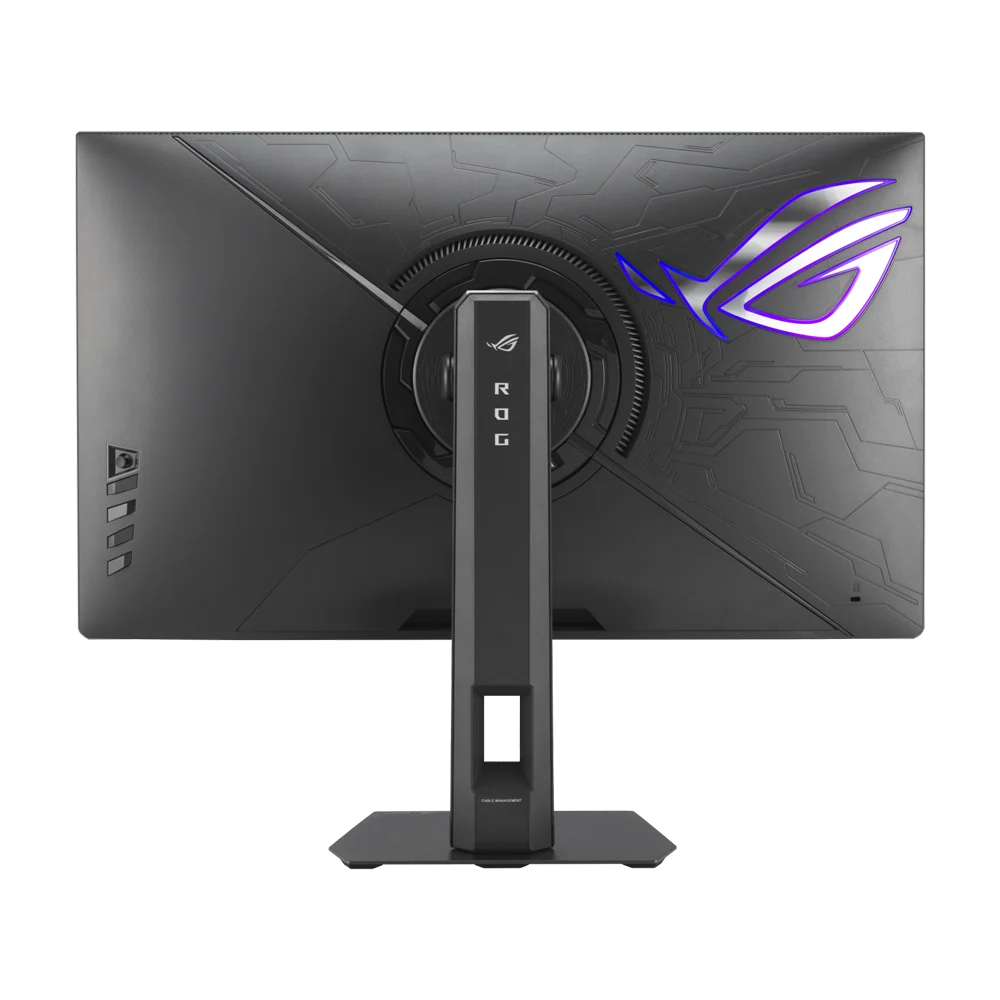
Use the supplied stand’s supported adjustments for the desk and seating position. A separate monitor arm must match the actual VESA pattern, screen size and load, with enough room for the screen and its connected cables.
Balance Game Settings with the Display Mode
The monitor’s maximum refresh rate describes a supported display mode, while the computer must produce the game frames. Choose the appropriate resolution, graphics settings and supported adaptive-sync configuration for the source, rather than assuming one maximum applies to every game or console.
Plan the Display and the Rest of Your Desk
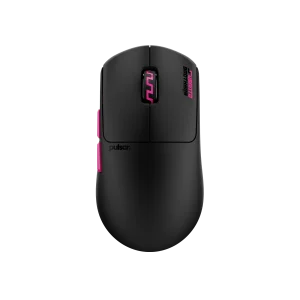
Compare resolution, refresh rate, screen size and the input you will actually use. Match the computer or console output to the chosen display mode, and leave room for the monitor stand and mouse movement. Compare related options such as ASUS ROG Strix OLED XG27AQDNG 27" QHD QD-OLED Gaming Monitor - 360Hz / 0.03ms or ASUS ROG Strix OLED XG27AQDMGR 27 inch QHD OLED 240Hz Gaming Monitor, keeping the exact model and configuration in the decision. For the wider setup, explore ASUS ROG Strix Impact III Wireless Gaming Mouse, 57g and check the connection, size or mounting requirements before pairing accessories. Browse the ASUS range at AX for more choices.
ASUS XG27JCG Setup Choices
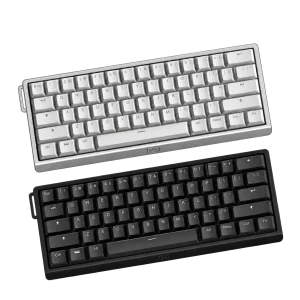
Compare resolution, refresh rate, screen size and the input you will actually use. Match the computer or console output to the chosen display mode, and leave room for the monitor stand and mouse movement. Explore Wooting 60HE v2 60% Gaming Keyboard, Aluminium, Pulsar Pro Series Susanto-X Wireless Gaming Mouse Size 2, 50g, ARTISAN NINJA FX ZERO Gaming Mousepad – SOFT/XSOFT, XL/XXL.
Frequently Asked Questions
What native resolution is specified?
5120 × 2880.
What should I check for the highest refresh rate?
The dual modes are 5120 × 2880 at up to 180 Hz with overclocking, or QHD at up to 330 Hz. They are separate resolution and refresh combinations; a 5K image at 330 Hz is not the stated mode. Maximum 5K refresh also requires a supported graphics card.
Which connection details should I check?
USB Type-C: 1 (DP Alt Mode); HDMI: 2 (FRL) × HDMI2.1; DisplayPort: 1 × DisplayPort 1.4 DSC.
What mounting pattern should an arm match?
100x100mm. Match the arm’s supported screen size and load to the actual monitor, including the required clearance and any mounting hardware.
Build Your Setup with AX Store
Explore computers, displays and accessories for your workspace at AX Store. For help choosing the right model or checking an accessory, contact AX Store.
THE DETAILS
Technical specifications
ASUS
ROG Strix
XG27JCG
90LM0CE0-B01371
Gaming Monitor
27 inches
Flat
Fast IPS
Up to 5K / QHD
Yes
5K: up to 180Hz (OC); QHD: up to 330Hz
0.3ms(GTG)
Extreme Low Motion Blur Sync
Yes
1 (DP Alt Mode)
2 (FRL) × HDMI2.1
1 × DisplayPort 1.4 DSC
No
5120 × 2880
16:9
Anti-Glare
97%
0~110mm
100x100mm
Connections
15W
3 × USB 3.2 Gen 1 Type-A
COMPLETE YOUR SETUP
Pairs well with