ASUS
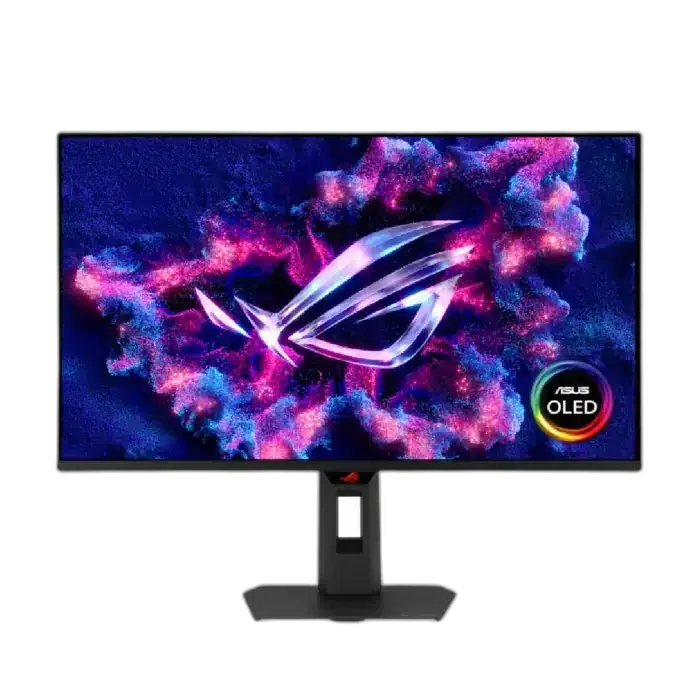
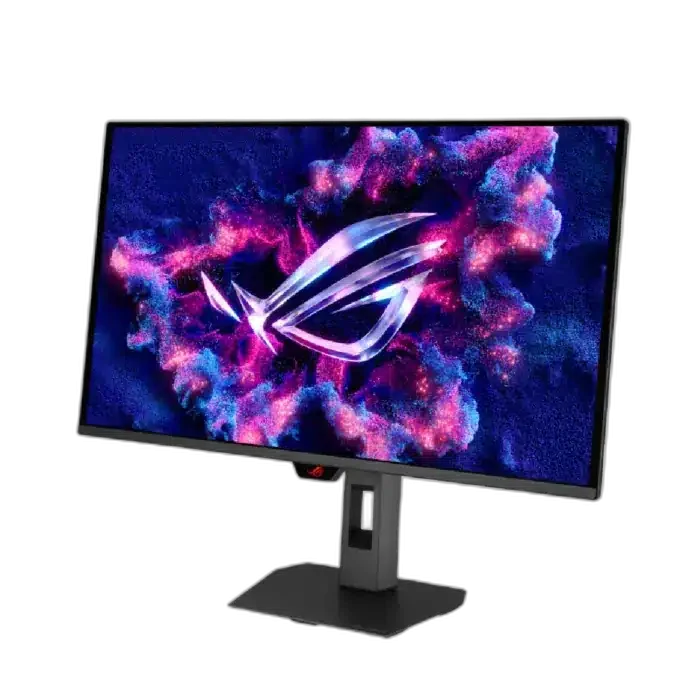
ASUS ROG Strix XG27UQDMS 27 inch OLED 240Hz Gaming Monitor
The XG27UQDMS brings fine 4K detail and fast refresh together in a 27-inch class Tandem QD-OLED display.
Overview
ASUS ROG STRIX XG27UQDMS 27 INCH OLED 240HZ GAMING MONITOR
ASUS XG27UQDMS
ASUS XG27UQDMS: The XG27UQDMS brings fine 4K detail and fast refresh together in a 27-inch class Tandem QD-OLED display.
27-inch Class
Display Size
3840 × 2160
Native Resolution
Up to 240Hz
Maximum Supported Refresh
QD-OLED
Panel Technology
Detail without a slow panel
A 3840 × 2160 image and up to 240Hz refresh suit a powerful PC built for high-resolution gaming. Choose the target resolution and refresh setting on a compatible computer and monitor input before beginning the session.
Rich colour, rapid response
99% DCI-P3 coverage and deep OLED blacks bring visual depth. A 0.03ms gray-to-gray response supports clean pixel transitions. Check both the selected video input and the source output when setting up the desired display mode.
Choose the Mode for the Actual Source
The QD-OLED panel combines native 3840 × 2160 resolution with up to 240 Hz refresh. Select a compatible video source, cable and configuration; demanding games may need adjusted graphics settings to produce the desired frame rate at that resolution.
Connect Each Port for Its Intended Role
The connection details are DisplayPort 1.4 DSC: x 1; HDMI (v2.1): x 2 (FRL). Match the video output, cable and selected monitor input before choosing the target resolution and refresh rate. A USB data or charging connection should be used only for its stated role.
Plan the Viewing Position and Mount
Use the supplied stand’s supported adjustments for the desk and seating position. A separate monitor arm must match the actual VESA pattern, screen size and load, with enough room for the screen and its connected cables.
Balance Game Settings with the Display Mode
The monitor’s maximum refresh rate describes a supported display mode, while the computer must produce the game frames. Choose the appropriate resolution, graphics settings and supported adaptive-sync configuration for the source, rather than assuming one maximum applies to every game or console.
Complete Your Workspace
Explore Monitors at AX Store and choose the configuration or accessories that fit your setup. Suggested products are sold separately. Wooting keyboards, Pulsar mice, ARTISAN pads and Elgato controls complement a compatible computer desk. The separate RØDE USB microphone and PSA1+ arm are an optional computer voice setup, using the microphone’s appropriate supplied mount. Connect these devices to their supported host; the microphone arm is for the microphone. Select a monitor arm separately for the actual screen size, VESA pattern and load. Compare each display alternative’s native resolution, refresh mode, input limits, curvature, physical size and charging power before choosing. Smart applications, cameras and services are model-specific.
Frequently Asked Questions
What native resolution is specified?
3840 × 2160.
What should I check for the highest refresh rate?
The QD-OLED panel combines native 3840 × 2160 resolution with up to 240 Hz refresh. Select a compatible video source, cable and configuration; demanding games may need adjusted graphics settings to produce the desired frame rate at that resolution.
Which connection details should I check?
DisplayPort 1.4 DSC: x 1; HDMI (v2.1): x 2 (FRL).
What mounting pattern should an arm match?
100x100mm. Match the arm’s supported screen size and load to the actual monitor, including the required clearance and any mounting hardware.
Build Your Setup with AX Store Kuwait
Explore computers, displays and accessories for your workspace at AX Store the store. For help choosing the right model or checking an accessory, contact AX Store.
Complete Your Setup
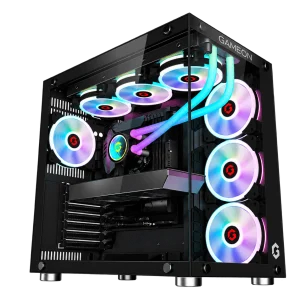
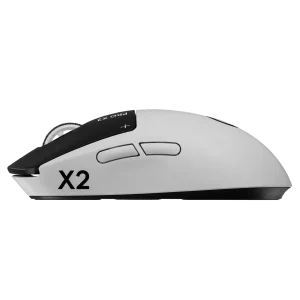
Explore equipment for your workspace: RX 9060 XT 16GB Gaming PC – Ryzen 7 9700X – Emperor Arctic II Black, Wooting 60HE v2 60% Gaming Keyboard, Aluminium, Logitech G PRO X2 SUPERSTRIKE Wireless Gaming Mouse.
Explore the ASUS range at AX Store.
THE DETAILS
Technical specifications
Display
26.5 inches
QD-OLED
3840 × 2160
16:9
Up to 240Hz
0.03ms(GTG)
Anti-Reflection
99%
Connections
x 1
x 2 (FRL)
Ergonomics
0~110mm
100x100mm
Product identification
ASUS
90LM0CW0-B01971
COMPLETE YOUR SETUP
Pairs well with