AUDIO-TECHNICA
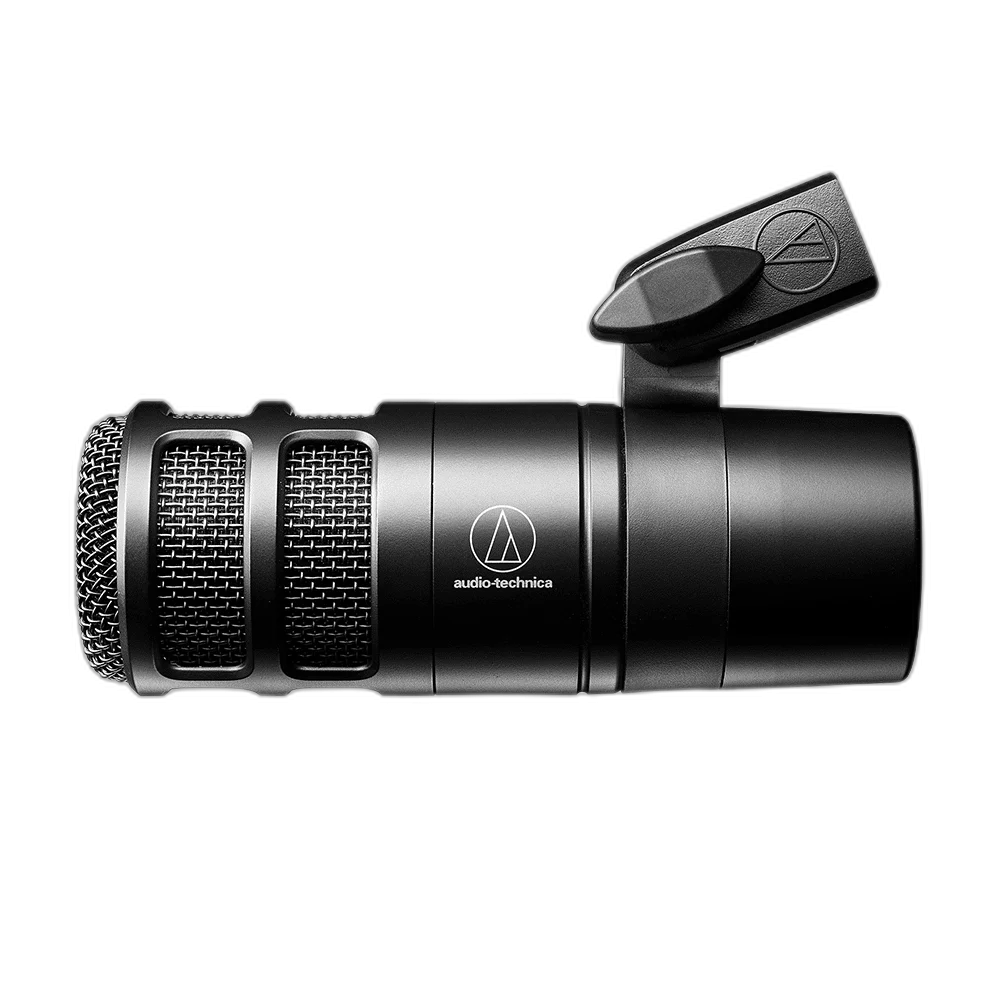
Audio-Technica AT2040 Hypercardioid Podcast Microphone
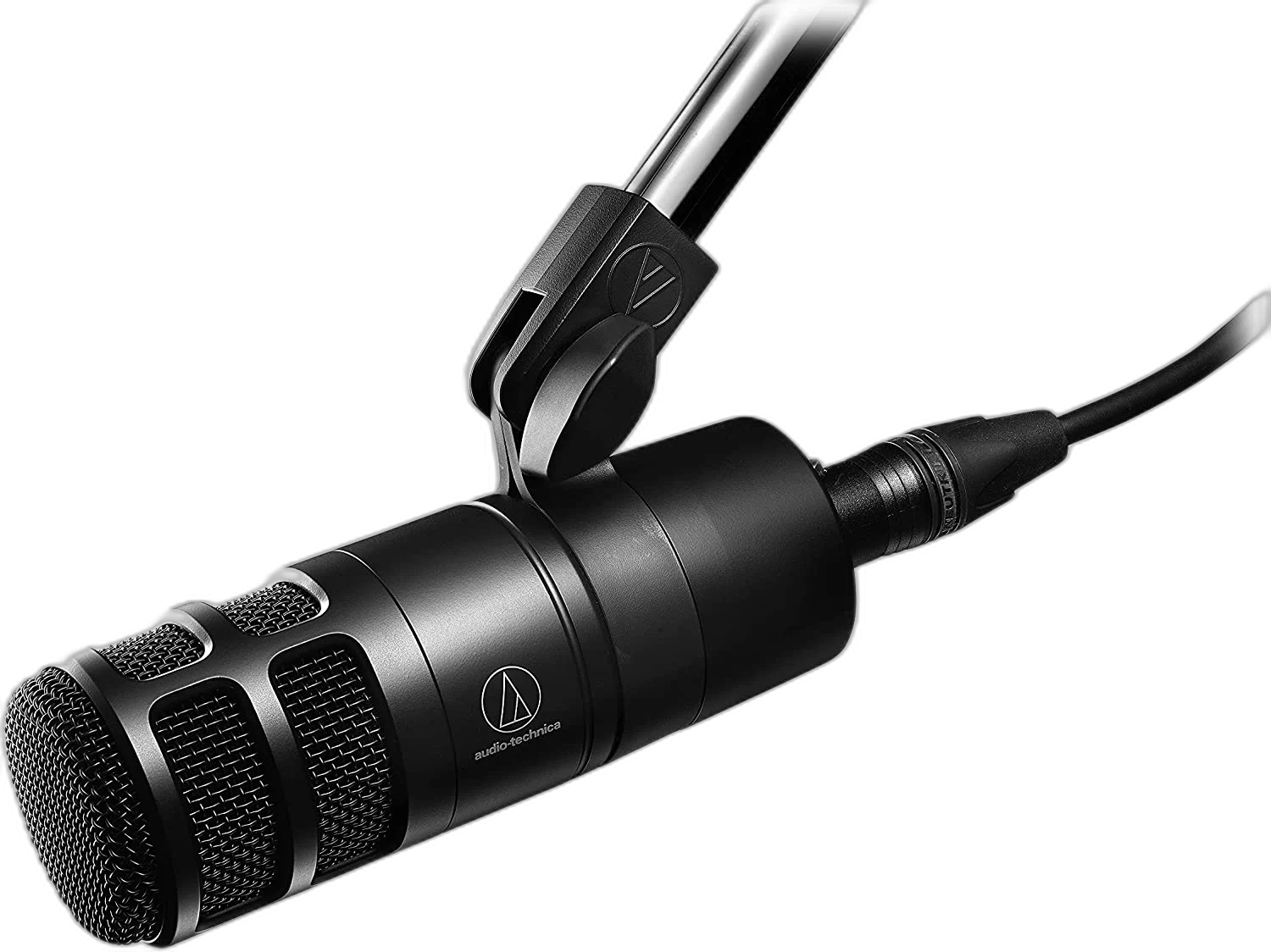
Audio-Technica AT2040 Hypercardioid Podcast Microphone. Keep your podcast or voice recording centered on the speaker. The Audio-Technica AT2040 is a dynamic XLR microphone with a hypercardioid pickup pattern, built-in pop filtering and internal shock isolation.
Regular price
46.000 KWD
or 4 payments of 11.500 KWD with
Pay with card & save


44.000 KWD
Save 2.000 KWD
Overview
AUDIO-TECHNICA AT2040 HYPERCARDIOID PODCAST MICROPHONE
Audio-Technica AT2040
Keep your podcast or voice recording centered on the speaker. The Audio-Technica AT2040 is a dynamic XLR microphone with a hypercardioid pickup pattern, built-in pop filtering and internal shock isolation. Explore this model at AX Store in Kuwait.
Dynamic
Transducer
Hypercardioid
Polar pattern
80 Hz–16 kHz
Published frequency response
615 g
Microphone weight
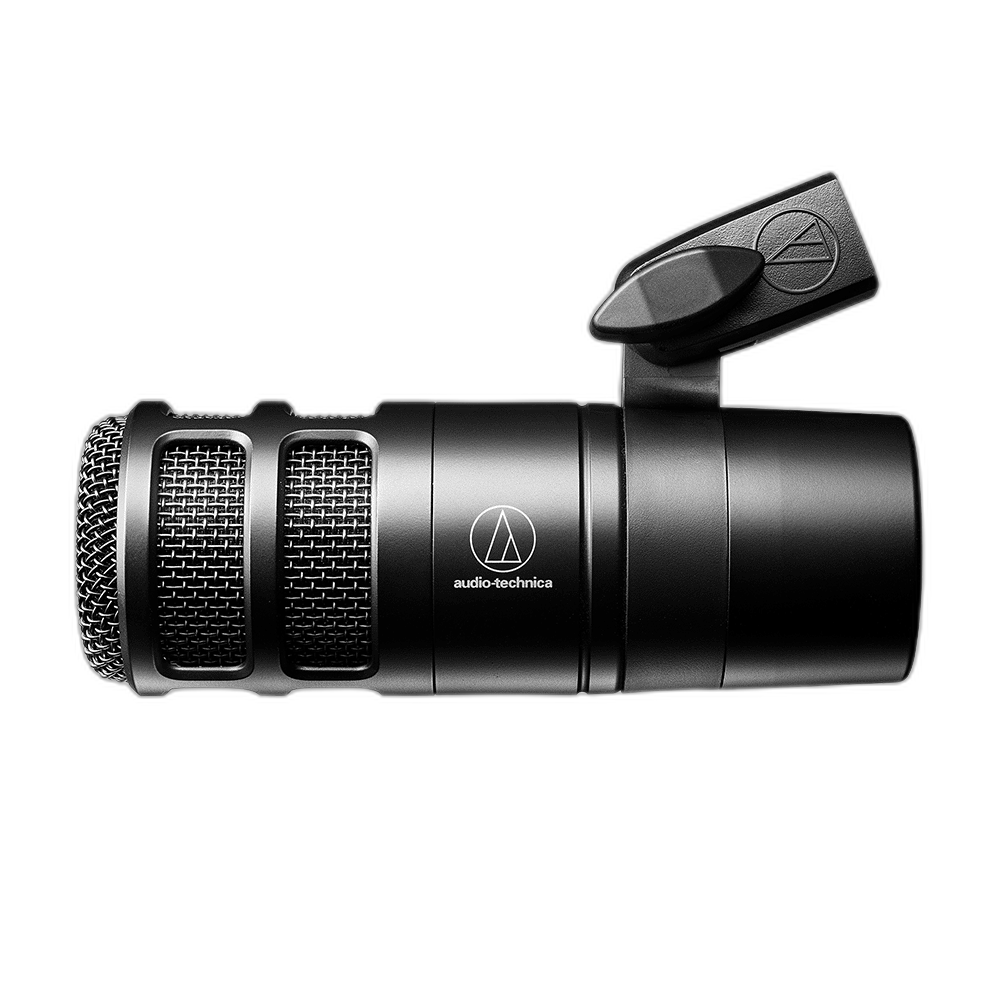
A focused pickup for speech
The hypercardioid pattern limits pickup from the sides and rear, helping separate your voice from surrounding sound when positioned correctly. Keep the microphone position consistent, use a stable supporting surface and check your recording level.
Manage plosives inside the microphone
A multistage windscreen combines nonwoven filtering and foam mesh to soften breath blasts during close vocal recording. Keep the microphone position consistent, use a stable supporting surface and check your recording level.
Reduce stand-borne vibration
The integrated shock mount attenuates noise and vibration passed through a microphone stand or boom arm. Keep the microphone position consistent, use a stable supporting surface and check your recording level.
Fit your recording setup
Connect to an XLR microphone input and position the microphone with the included pivoting mount. A thread adapter and soft pouch are supplied. Set the earcups into a comfortable position before bringing the volume to your usual listening level.
Work with the Hypercardioid Pickup
The hypercardioid pattern concentrates the main pickup toward the speaking side and has a smaller rear pickup region. Aim the microphone at the voice and consider sound behind it when arranging the desk. Consistent distance, microphone angle and sensible gain help create repeatable speech recordings.
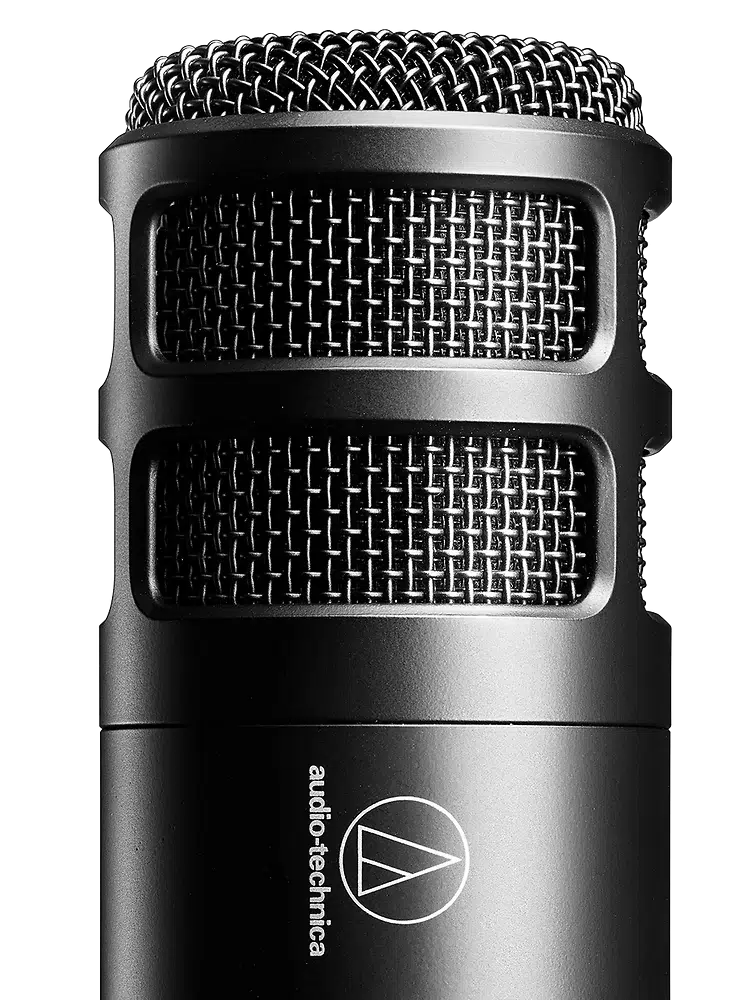
Build the Correct XLR Signal Path
The microphone uses Integral 3-pin XLRM. Connect it through an appropriate XLR microphone cable to a microphone preamp, interface or mixer, then set input gain around the actual performance. A headphone output is a playback connection and does not replace a microphone input.
Plan the Recording Path for This Microphone
Use the output and power requirements of this exact microphone to choose the recording route. Match the microphone input, monitoring arrangement and mount before selecting an interface or mixer; accessories are separate choices. Compare related options such as RØDE PodMic USB Dynamic Microphone – USB-C & XLR – Black / White or Shure SM7dB Dynamic Vocal Microphone with Built-in Preamp, keeping the exact model and configuration in the decision. For the wider setup, explore RØDE AI-1 USB-C Audio Interface and check the connection, size or mounting requirements before pairing accessories. Browse the AUDIO-TECHNICA range at AX for more choices.
Audio-Technica AT2040 Setup Choices
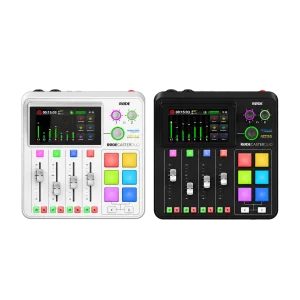
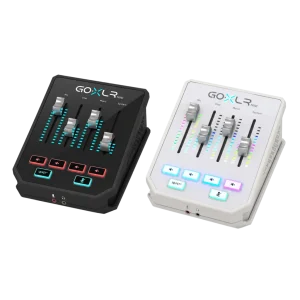
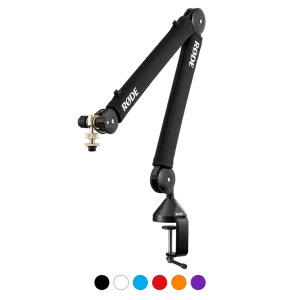
Use the output and power requirements of this exact microphone to choose the recording route. Match the microphone input, monitoring arrangement and mount before selecting an interface or mixer; accessories are separate choices. Explore RODE RODECaster Duo Integrated Audio Production Studio, TC-Helicon GoXLR Mini USB Mixer & Audio Interface – 4 Faders, MIDAS Preamp, RØDE PSA1+ Professional Studio Microphone Boom Arm.
Frequently Asked Questions
Which microphone connection does this use?
Integral 3-pin XLRM. Use a suitable XLR microphone input and cable. This listing is the analogue XLR model.
Which pickup pattern is available?
Hypercardioid. Choose the microphone position and, where available, pattern around the source and room.
What equipment should I connect it to?
Use a microphone preamp, audio interface or mixer with the appropriate XLR microphone input. Set the preamp gain around the actual voice level and working distance.
What is included?
AT8487 mounting clamp, 5/8-inch-27 to 3/8-inch-16 threaded adapter and protective pouch. Any interface, stand, arm or cable is a separate choice unless expressly listed as included.
How heavy is the microphone?
615 g. Include the weight of the mounting accessories when choosing the supporting arm or stand.
How do I set the recording level?
Connect to the microphone input, position the microphone and check the loudest expected part of the performance. Adjust gain while monitoring so normal variations in voice or instrument level do not clip the input.
Does the integrated shock mount include a desktop stand?
The listed package includes the AT8487 mounting clamp, thread adapter and protective pouch. A supporting arm or stand is a separate item; the integrated shock mount is part of the microphone design.
Build Your Setup with AX Store
Explore computers, displays and accessories for your workspace at AX Store. For help choosing the right model or checking an accessory, contact AX Store.
Compare Audio-Technica AT2050 Large-Diaphragm Microphone, XLR. Match the exact model, connection and configuration to your setup.
THE DETAILS
Technical specifications
Microphone
Dynamic
Hypercardioid
80 Hz–16 kHz
-53 dB (2.2 mV), 0 dB = 1 V/Pa at 1 kHz
600 ohms
Integral 3-pin XLRM
Construction and package
Internal multistage foam mesh windscreen
Integrated
145.3 mm
52 mm
615 g
AT8487 mounting clamp, 5/8-inch-27 to 3/8-inch-16 threaded adapter and protective pouch
COMPLETE YOUR SETUP
Pairs well with
Beyerdynamic
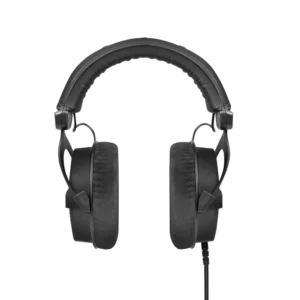
beyerdynamic DT 990 PRO Black Edition – 80 Ohm
Beyerdynamic