AUDIO-TECHNICA
Audio-Technica AT2050 Large-Diaphragm Microphone, XLR
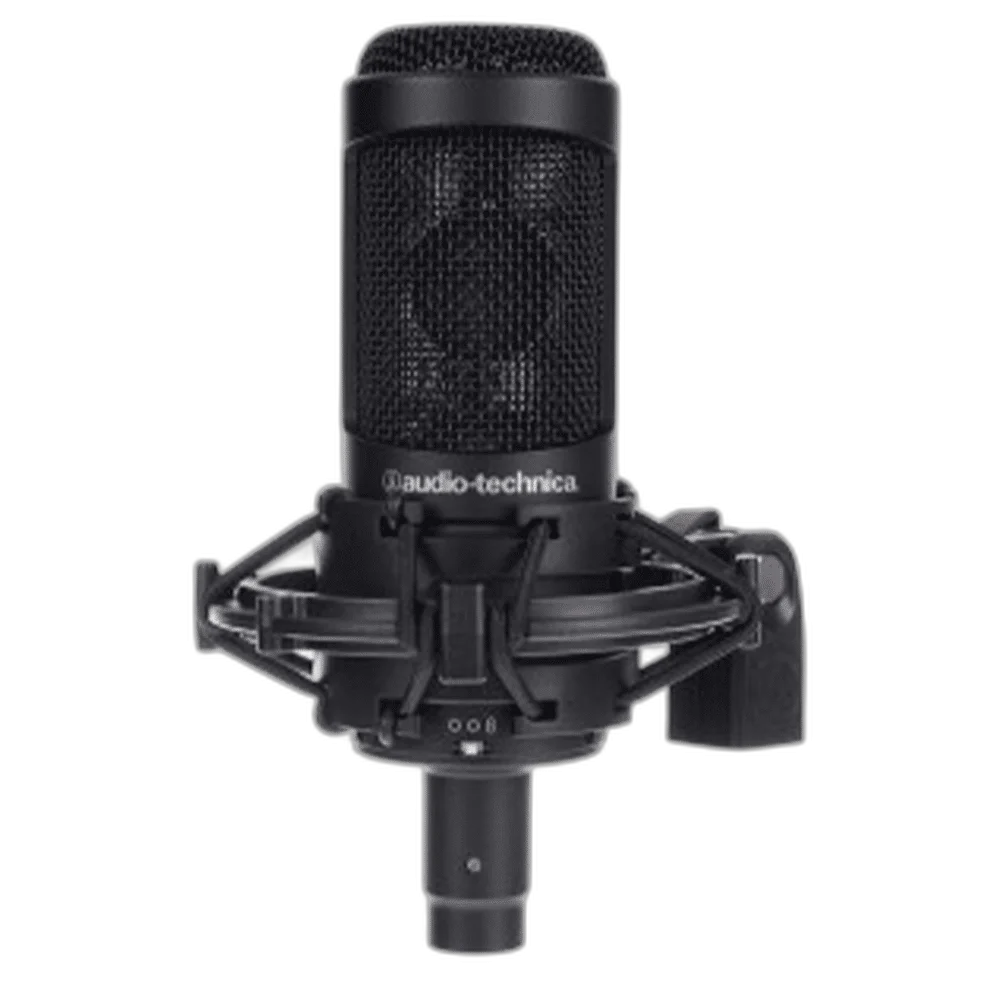
Audio-Technica AT2050. Give your recording setup more ways to capture a performance. The Audio-Technica AT2050 is a large-diaphragm condenser microphone with three selectable pickup patterns, a high-pass filter and a pad for louder sources.
Regular price
100.000 KWD
or 4 payments of 25.000 KWD with
Pay with card & save


95.000 KWD
Save 5.000 KWD
Overview
AUDIO-TECHNICA AT2050
Audio-Technica AT2050
Give your recording setup more ways to capture a performance. The Audio-Technica AT2050 is a large-diaphragm condenser microphone with three selectable pickup patterns, a high-pass filter and a pad for louder sources. Explore this model at AX Store in Kuwait.
3 patterns
Cardioid / Omni / Figure-eight
−10 dB
Switchable pad
80 Hz
High-pass filter
11–52 V
Phantom-power requirement
Choose the pickup pattern
Select cardioid, omnidirectional or figure-eight capture to suit the performer, room and recording technique. Aim the microphone toward the performer and listen to the actual recording while adjusting distance and angle for the voice, instrument and room.
Control low-frequency buildup
The switchable 80 Hz high-pass filter helps reduce unwanted low-frequency energy before it enters your recording chain. Choose the microphone position and recording input around the actual session, then check the level with the loudest expected voice or instrument passage.
Record louder sources
Engage the 10 dB pad when working with high sound levels. The microphone supports up to 159 dB SPL with the pad enabled under the specified test conditions.
Complete the XLR setup
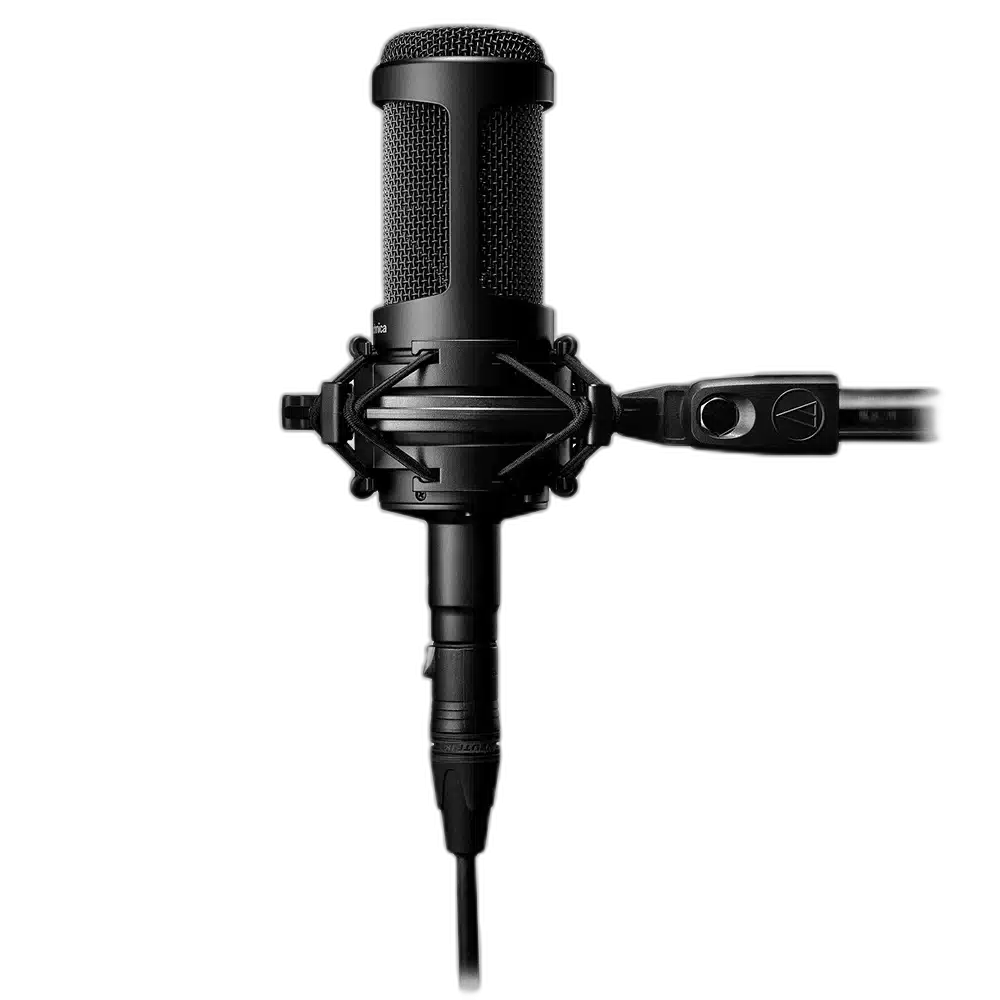
Use an audio interface or preamp that supplies the required phantom power. The included shock mount helps isolate the microphone from stand vibration. Choose the microphone position and recording input around the actual session, then check the level with the loudest expected voice or instrument passage.
Place the Studio Microphone Around the Source
Use the selectable pickup pattern with the actual voice or instrument position and the room. Check the sound through your recording system while adjusting placement. The shock mount supports the microphone mechanically and helps limit vibration transmitted from its supporting stand.
Keep the Mount and Power Requirements Together
The AT2050 includes the AT8458 shock mount, thread adapter and protective pouch. Use a supporting stand that carries the microphone and mount, then connect its XLR output to an input supplying the specified 11–52 V phantom power. Keep the cable clear of the mount’s movement.
Plan the Recording Path for This Microphone
Use the output and power requirements of this exact microphone to choose the recording route. Match the microphone input, monitoring arrangement and mount before selecting an interface or mixer; accessories are separate choices. Compare related options such as RØDE PodMic Dynamic XLR Broadcast Microphone, White or SHURE MV7X Dynamic Broadcast Microphone (XLR Only), keeping the exact model and configuration in the decision. For the wider setup, explore Behringer U-PHORIA UMC22 USB Audio Interface and check the connection, size or mounting requirements before pairing accessories. Browse the AUDIO-TECHNICA range at AX for more choices.
Audio-Technica AT2050 Setup Choices
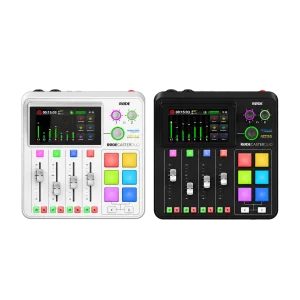
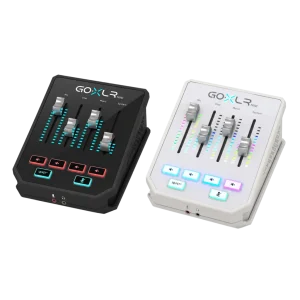
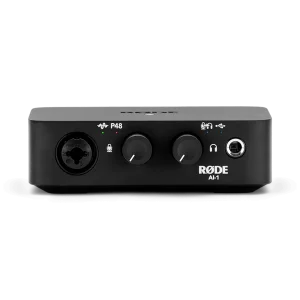
Use the output and power requirements of this exact microphone to choose the recording route. Match the microphone input, monitoring arrangement and mount before selecting an interface or mixer; accessories are separate choices. Explore RODE RODECaster Duo Integrated Audio Production Studio, TC-Helicon GoXLR Mini USB Mixer & Audio Interface – 4 Faders, MIDAS Preamp, RODE AI-1 USB-C Audio Interface.
Frequently Asked Questions
How does this exact microphone connect?
The microphone connects through its analogue XLR output to a suitable external microphone input.
Which pickup pattern does it offer?
Cardioid, omnidirectional and figure-eight are selectable.
What recording equipment is required?
For XLR recording, use a suitable external microphone preamp, interface or mixer and the correct microphone cable.
Where should I address the microphone?
Use the front side of the grille for this side-address condenser. Keep the selected pattern and recording position in view.
What frequency range is specified?
20 Hz–20 kHz.
Are all recommended products required?
The recommendations are alternative recording and monitoring setups. Choose the supporting arm, headphone output and recording connection for the actual session rather than buying every listed interface or headphone model.
What power arrangement is specified?
11–52 V DC; 4.7 mA typical. Use the connection and microphone input appropriate for this model.
When does the 159 dB SPL maximum apply?
The specified 159 dB SPL maximum input applies with the nominal 10 dB pad engaged, at the stated test conditions. Without the pad, the specified maximum is 149 dB SPL at 1 kHz and 1% THD.
Build Your Setup with AX Store
Explore computers, displays and accessories for your workspace at AX Store. For help choosing the right model or checking an accessory, contact AX Store.
Compare Audio-Technica AT2040 Hypercardioid Podcast Microphone. Match the exact model, connection and configuration to your setup.
Complete Your Setup
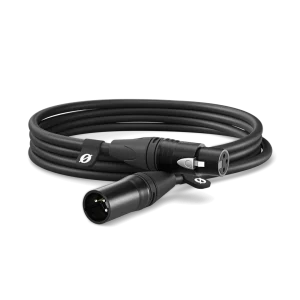
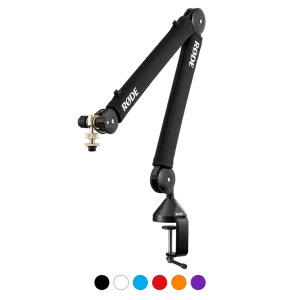
Explore equipment for your workspace: RØDE PSA1+ Professional Studio Microphone Boom Arm, RØDE XLR3M Premium XLR Cable, 3M Length, TC-Helicon GoXLR 4-Channel USB Streaming Mixer.
THE DETAILS
Technical specifications
Capsule and performance
Externally polarized (DC bias) condenser
Cardioid, omnidirectional and figure-eight
20 Hz–20 kHz
80 Hz, 12 dB/octave
-42 dB (7.9 mV), reference 1 V at 1 Pa
149 dB SPL at 1 kHz, 1% THD
159 dB SPL, nominal 10 dB pad
17 dB SPL
132 dB at 1 kHz, maximum SPL
77 dB at 1 kHz, 1 Pa
Power and controls
11–52 V DC; 4.7 mA typical
Polar pattern, flat/roll-off and 10 dB pad
Integral 3-pin XLRM
Physical and package
170 mm
52 mm
412 g
AT8458 shock mount, 5/8-inch-27 to 3/8-inch-16 adapter and soft protective pouch
Product identification
AUDIO-TECHNICA
AT2050
COMPLETE YOUR SETUP
Pairs well with
Beyerdynamic
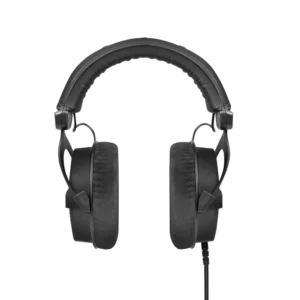
beyerdynamic DT 990 PRO Black Edition – 80 Ohm
Beyerdynamic
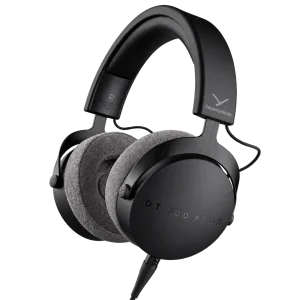
beyerdynamic DT 700 Pro X Studio Headphones