TC-Helicon
TC-Helicon GoXLR Mini USB Mixer & Audio Interface – 4 Faders, MIDAS Preamp
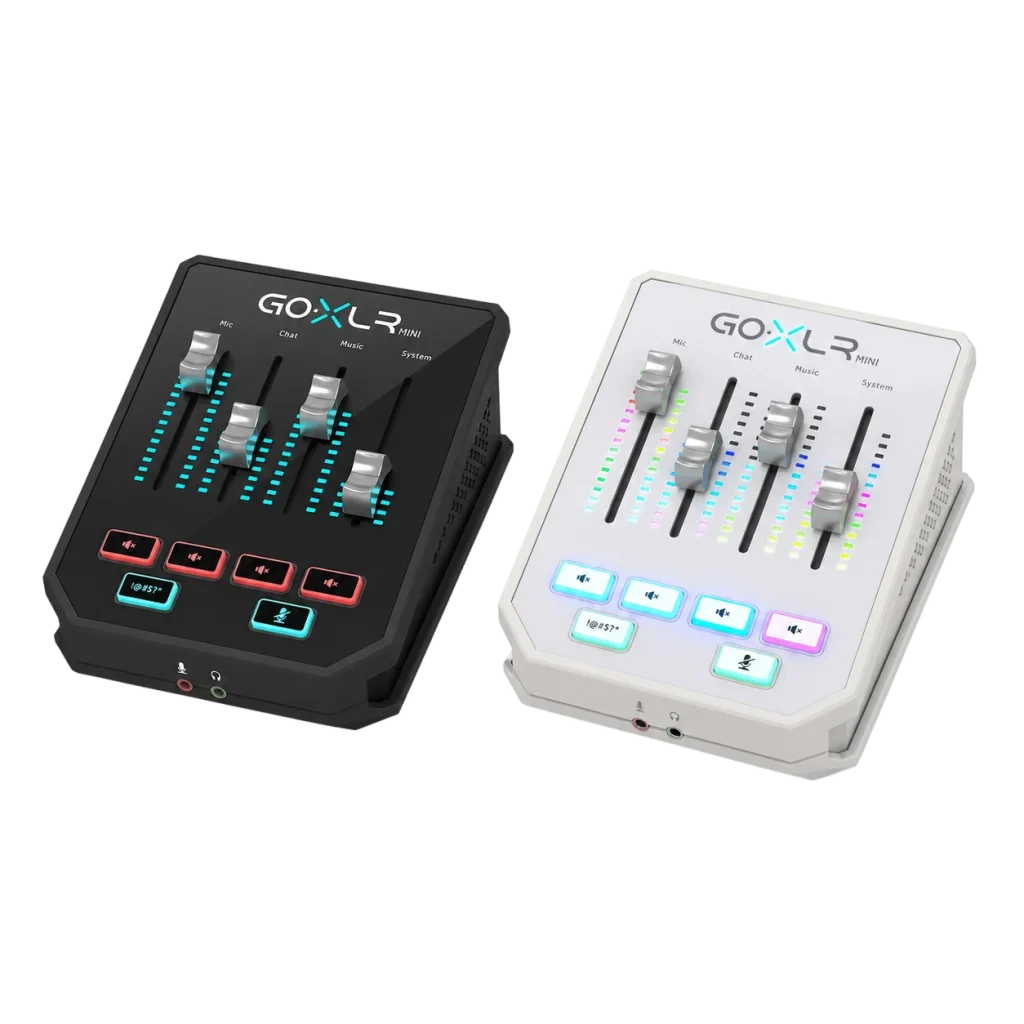
The TC-Helicon GoXLR Mini combines four physical faders, a MIDAS microphone preamp and hardware EQ, compression and gating. Control microphone, game, chat and music levels through the GoXLR app for Windows, with flexible audio routing and dedicated mute controls. USB-powered and offered in Black or White.
Color
Overview
TC-HELICON / STREAMING AUDIO
TC-Helicon GoXLR Mini for Your Streaming Mix
The TC-Helicon GoXLR Mini separates game, chat, music and microphone levels with four physical faders. It combines a microphone input with onboard voice processing for a Windows streaming desk, without the sampler and voice-effects controls of the full-size GoXLR. Available from AX Store in Kuwait.
Bring your streaming audio onto four physical faders. GoXLR Mini combines a USB audio interface, a MIDAS microphone preamp and hardware voice processing in one compact desktop mixer. Use the GoXLR app for Windows to assign audio sources, configure routing and set up controls around the way you stream.
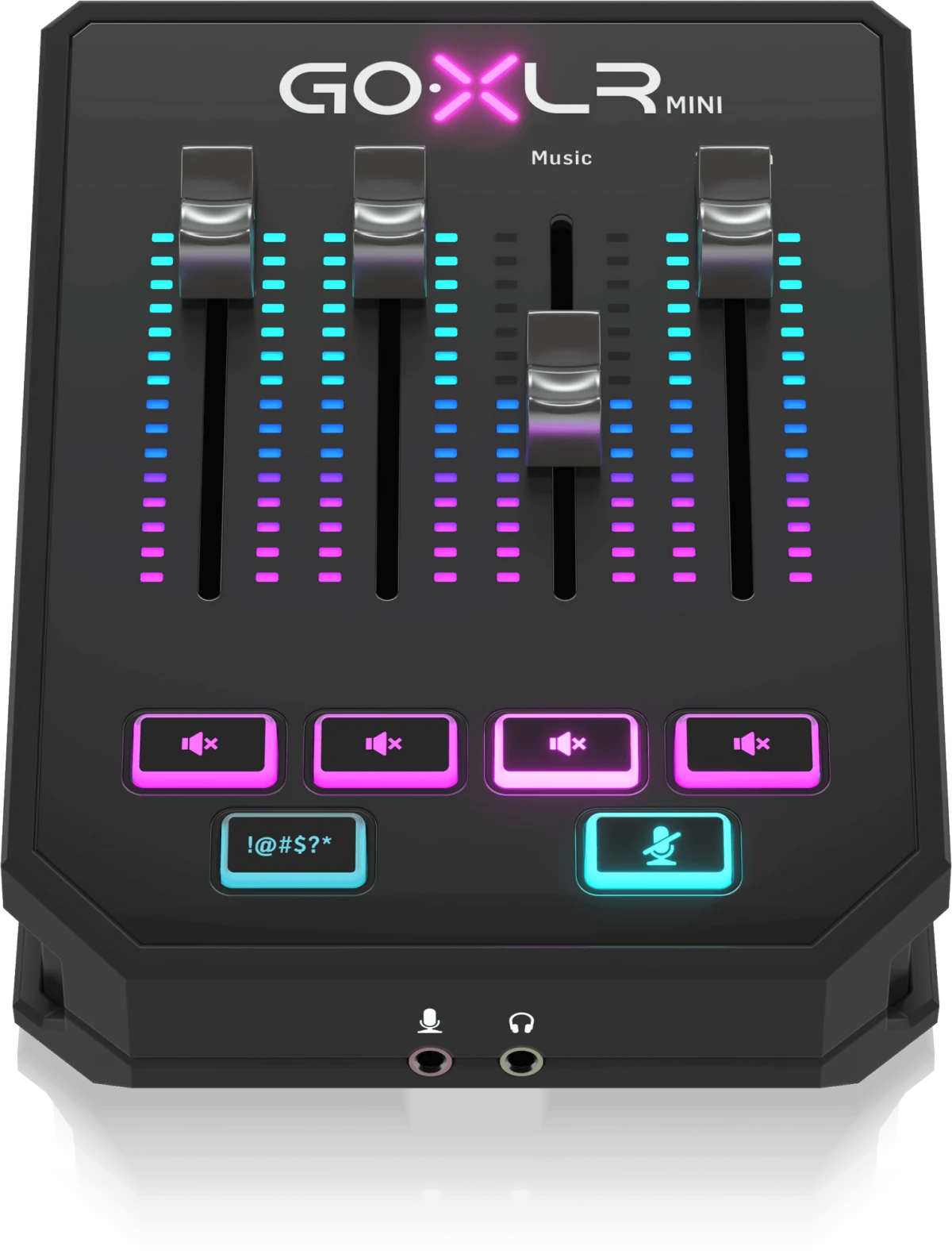
4 Faders
Direct control over assigned audio sources
MIDAS
Microphone preamp
24-bit / 48 kHz
Audio conversion
USB Powered
Audio and power through USB
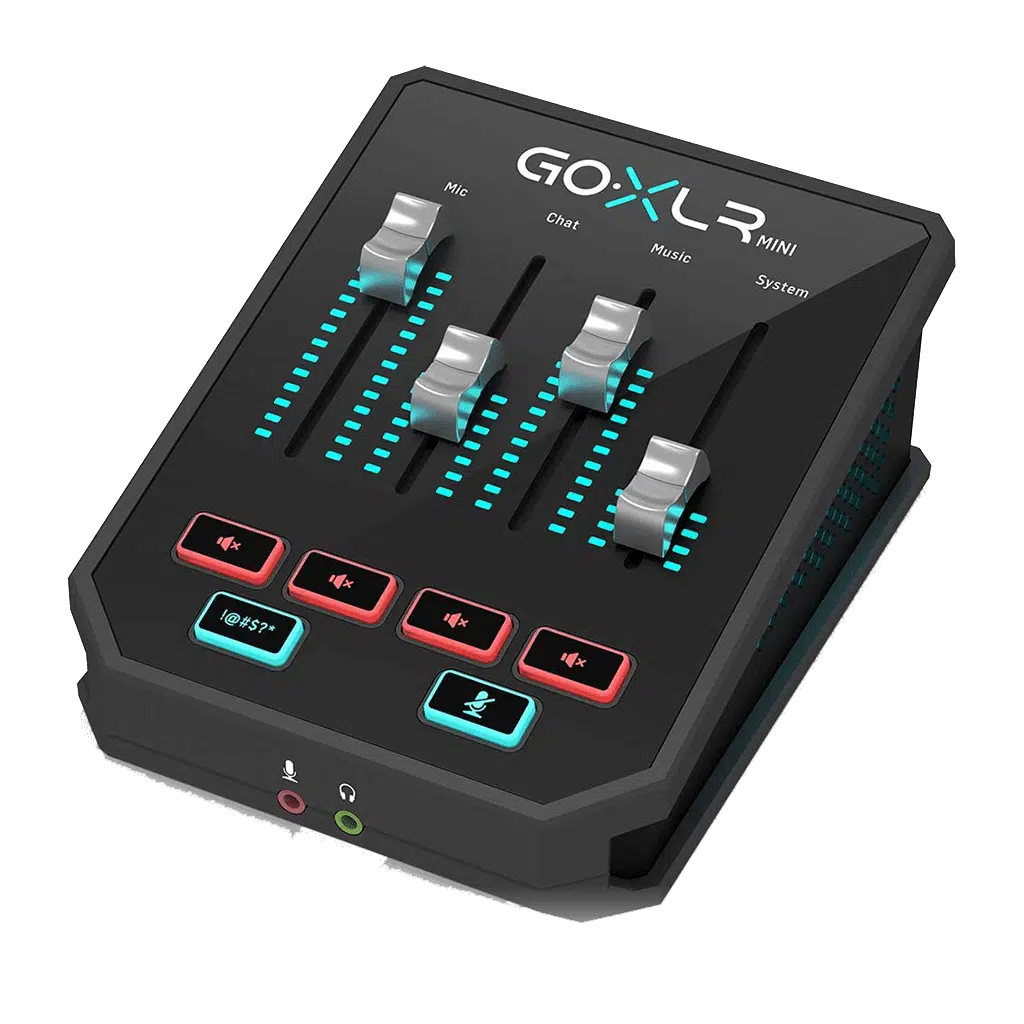
FOUR-FADER CONTROL
Balance your audio without leaving the action
GoXLR Mini creates separate audio devices in Windows so compatible applications can use different audio routes. Assign your microphone, chat, game or music sources to the four faders and adjust their levels directly from the desk.
Channel mute buttons provide quick access to individual sources. Hold the cough button to mute your microphone temporarily, or use the dedicated censor button during a live broadcast.
MIDAS MICROPHONE PREAMP
Build your voice setup around the right input
Connect an XLR microphone to the MIDAS preamp, or use the alternative 3.5 mm headset-microphone input. These connections share the microphone path: plugging a microphone into the 3.5 mm input disables the XLR input.
Switchable +24 V phantom power is available through the GoXLR app. Check that your microphone supports this supply voltage before enabling the condenser-microphone setting.
HARDWARE VOICE PROCESSING
Shape your voice before it reaches the stream
EQ shapes the tone of your microphone, compression manages changes in level, and gating can reduce low-level sound between phrases. Configure these settings in the GoXLR app, with the processing handled by the mixer hardware.
Set microphone gain first, then adjust the processing while speaking at your normal distance and volume. The interface uses 24-bit / 48 kHz audio conversion.
ANALOG AND OPTICAL CONNECTIONS
Connect the rest of your audio setup
A stereo 3.5 mm line input accepts audio from a compatible external device, while the headphone output provides a connection for wired headphones. A Toslink optical input adds another route for equipment with a compatible optical audio output.
The stereo 3.5 mm line output carries a copy of the broadcast stream mix. Connect it to a compatible input on a second computer when building a two-PC streaming setup.
WINDOWS APP AND USB POWER
Save the setup that works for you
The GoXLR app is required for operation and configuration. Use it to set routing, fader assignments, mute behavior and RGB lighting, then save profiles for different activities. Official support covers Windows 7, 8, 10 and 11.
USB 2.0 Type-B connects the mixer to your computer and supplies its power. A USB cable is included, and no separate power adapter is needed.
BLACK AND WHITE
Match the mixer to your desk
Choose the Black finish for a darker setup or the GoXLR Mini-WH in White for a lighter desk theme. Both provide the Mini's four-fader layout, MIDAS microphone preamp and Windows audio workflow.
The compact enclosure keeps the controls within reach beside your keyboard. Select your preferred finish from the product options.
BEFORE YOU CHOOSE
A few useful answers
Can I use the XLR and 3.5 mm microphone inputs together?
No. Connecting a microphone to the 3.5 mm input disables the XLR input. GoXLR Mini provides one microphone path with two alternative connections.
Does GoXLR Mini provide phantom power?
Yes. It provides switchable +24 V phantom power through the GoXLR app. Check that your microphone supports this voltage before enabling it.
Does the official GoXLR app support macOS or Linux?
The official GoXLR app supports Windows 7, 8, 10 and 11. TC-Helicon does not provide official macOS or Linux support.
Does Mini include the full-size GoXLR sampler and voice effects?
No. Mini provides EQ, compression and gating, but does not include the full-size GoXLR's sampler or creative voice-effects section.
Can I use GoXLR Mini in a two-PC streaming setup?
Yes. The 3.5 mm line output can send a copy of the broadcast mix to a compatible audio input on a second computer. Configure routing and levels for your setup.
Does it need a separate power adapter?
No separate power adapter is needed. GoXLR Mini receives power through its USB connection, and a USB cable is included.
EXPLORE THE SETUP
TC-Helicon GoXLR Mini Setup Choices
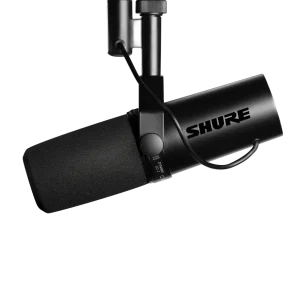
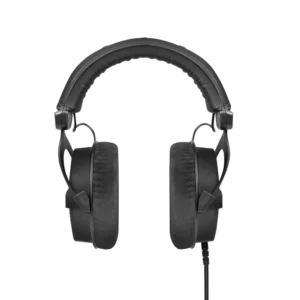
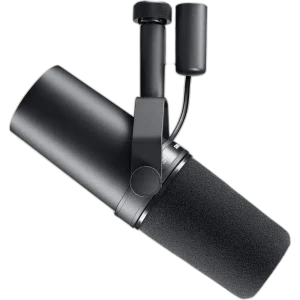
Put microphone and application audio on separate channels, then select one broadcast mix in your streaming software. Explore Shure SM7dB Dynamic Vocal Microphone with Built-in Preamp, beyerdynamic DT 990 PRO 80 Ohm Open-Back Studio Headphones, Klotz Greyhound XLR Microphone Cable, 3 Meter.
THE DETAILS
Technical specifications
Analog Connections
1 × balanced XLR OR 1 × unbalanced 3.5 mm TS
3.5 mm microphone connection disables the XLR input
+24 V; switchable through the control app
1 × 3.5 mm TRS stereo
1 × 3.5 mm TRS stereo; broadcast stream mix copy
1 × 3.5 mm TRS stereo
Digital Connections and Controls
USB 2.0 Type-B
Toslink
4
6
RGB
GoXLR app required
Windows 7, 8, 10, 11 — current manufacturer page
Audio Processing
24-bit / 48 kHz
EQ; compression; gating
10 Hz–20 kHz, +0/−2 dB
>110 dB
>101 dB
Power and Physical Specifications
USB, 5 V DC / 0.5 A
2.5 W
70 × 132 × 168 mm
0.68 kg
Included
Product identification
TC-Helicon
TC-HELICON-GOXLR-MINI
COMPLETE YOUR SETUP