Behringer
Behringer U-PHORIA UMC22 USB Audio Interface
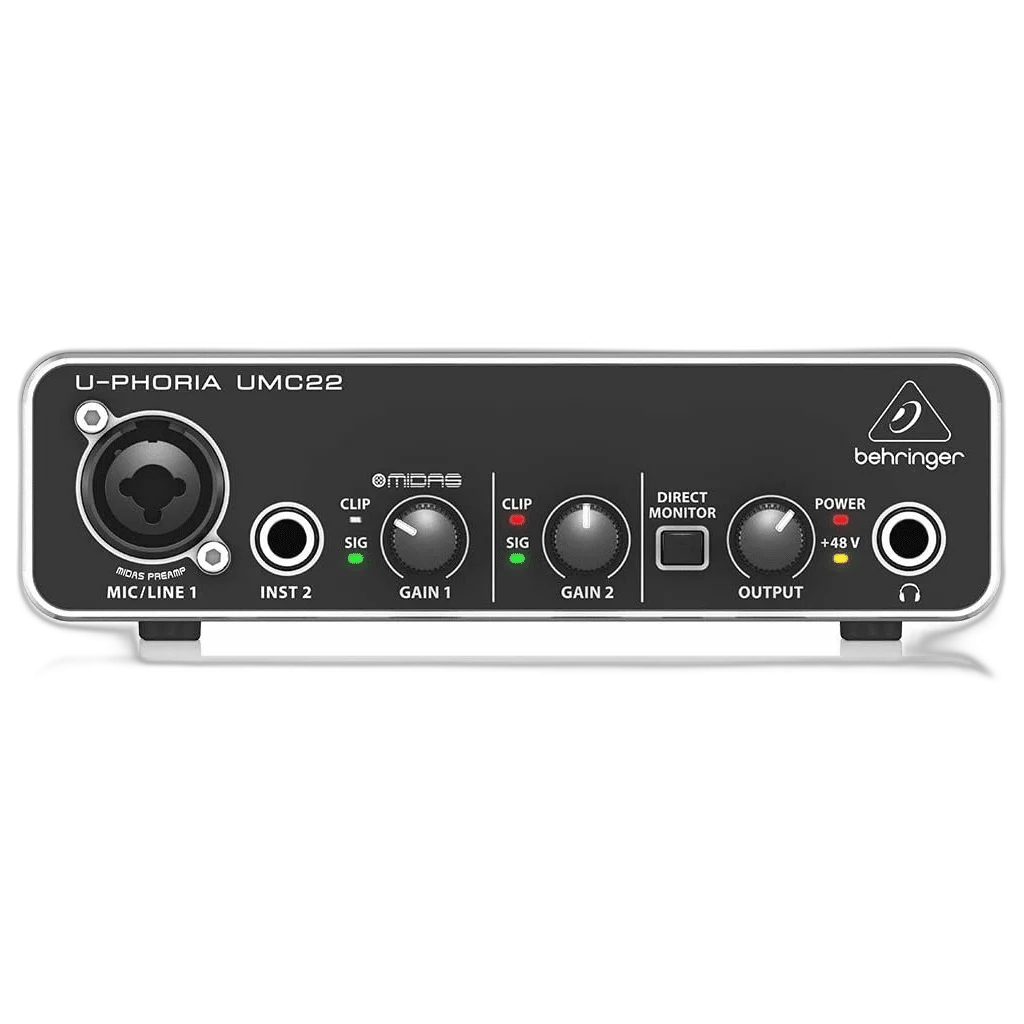
Start recording vocals and instruments with the Behringer UMC22. This compact 2-in/2-out USB interface combines a Midas-designed mic preamp, a dedicated instrument input and direct monitoring.
Regular price
31.500 KWD
or 4 payments of 7.875 KWD with
Pay with card & save


29.900 KWD
Save 1.600 KWD
Overview
BEHRINGER U-PHORIA UMC22 USB AUDIO INTERFACE
Behringer UMC22
Start recording vocals and instruments with the Behringer UMC22. This compact 2-in/2-out USB interface combines a Midas-designed mic preamp, a dedicated instrument input and direct monitoring. Available from AX Store in Kuwait.
2
Analogue Recording Channels
1
Microphone Preamps
Up to 48 kHz
Maximum Recording Format
USB
Interface USB Connector
A simple start for your home studio
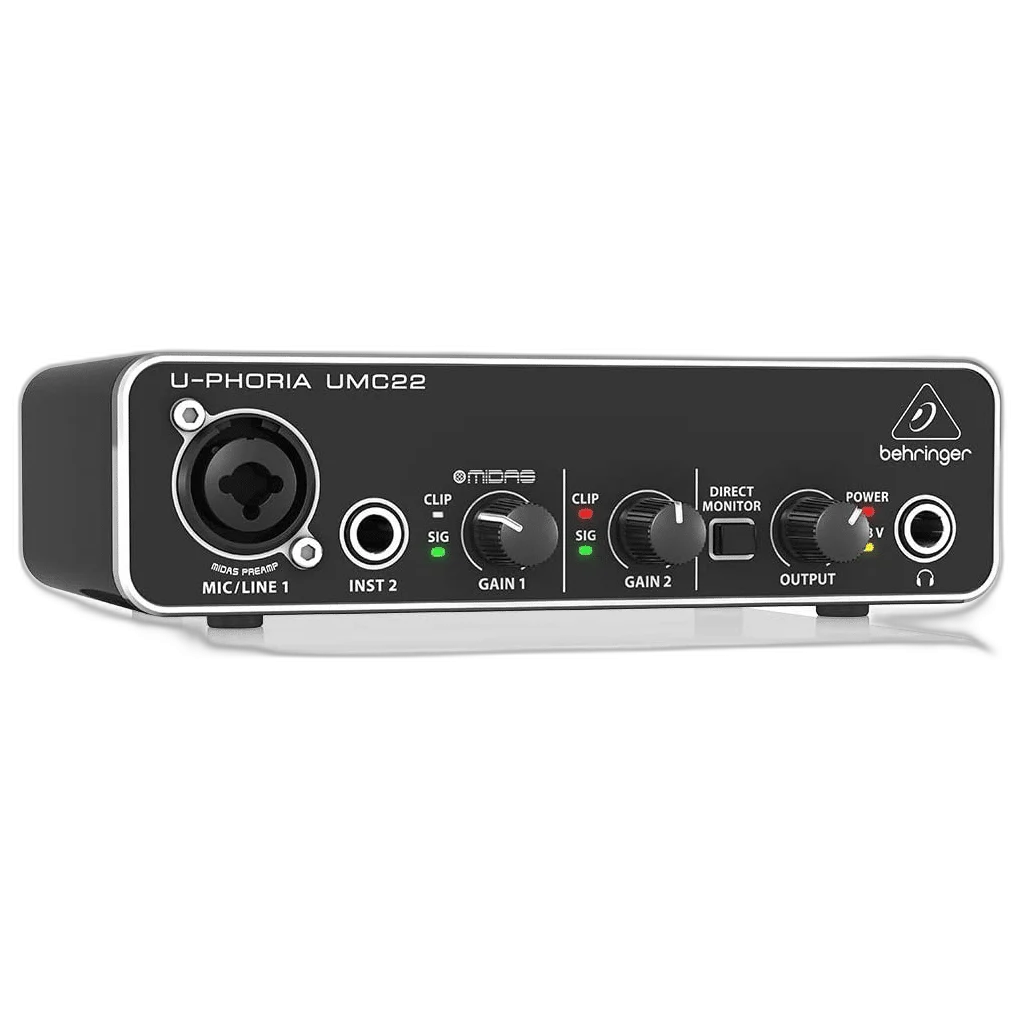
Connect a microphone or line source to the combo input and a guitar or bass to the separate instrument input. Switchable 48V phantom power supports condenser microphones.
Hear your performance as you record
Direct monitoring routes your input to the headphone output without a round trip through your recording software. Signal and clip indicators help you set your recording levels.
Powered by your computer
USB provides both power and the connection to your Windows or Mac computer. Record at up to 48kHz and connect your speakers using the two quarter-inch main outputs.
Plan the Session Around the Actual Inputs
One microphone/line combo input and one separate instrument input provide two recording channels. The interface has one microphone preamp rather than two XLR microphone inputs. Assign the live sources before recording and choose the appropriate microphone, instrument or line setting for the connection you use.
Supply the Host Power the Interface Needs
The power arrangement is USB-Powered. Use the specified cable and adequate host or external power. Check a mobile setup separately, as a matching USB connector does not guarantee the connected device supplies the required current.
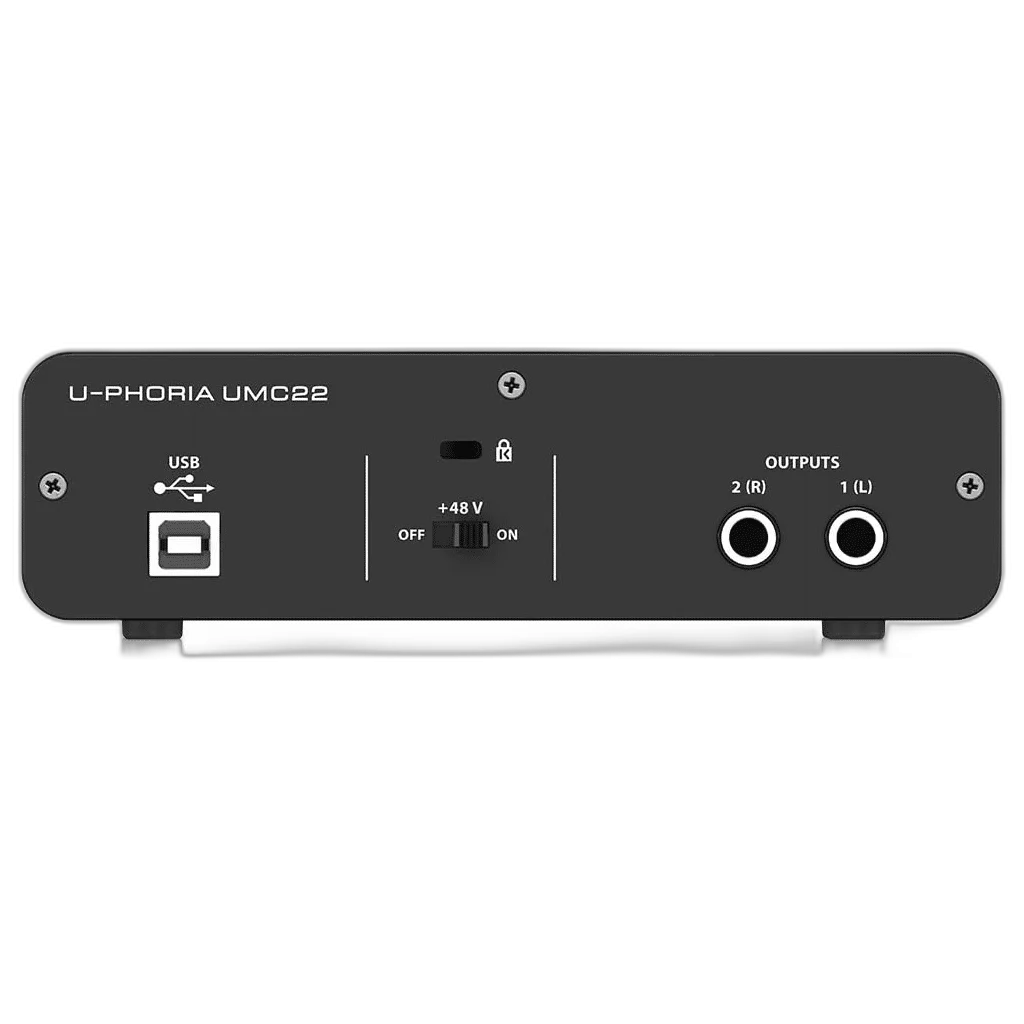
Connect a Microphone for the Analogue Signal Path
Use a suitable XLR microphone and cable for the interface’s analogue microphone input. Check whether the microphone requires 48 V phantom power, set the gain for the actual performance and keep USB microphone connections on their supported host route.
Choose Inputs and Monitoring Around the Session
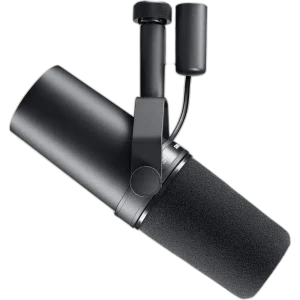
Count the microphone and instrument inputs you need, then plan headphone monitoring, computer connections and any recording destination. Choose one deliberate audio route so playback and commentary reach the intended outputs. Compare related options such as RØDE AI-1 USB-C Audio Interface or Focusrite Scarlett 2i2 4th Gen USB Audio Interface, 120dB Dynamic Range, keeping the exact model and configuration in the decision. For the wider setup, explore Shure SM7B Dynamic Microphone, XLR and check the connection, size or mounting requirements before pairing accessories.
Behringer UMC22 Setup Choices
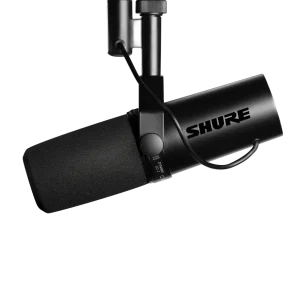
Count the microphone and instrument inputs you need, then plan headphone monitoring, computer connections and any recording destination. Choose one deliberate audio route so playback and commentary reach the intended outputs. Explore Shure SM7dB Dynamic Vocal Microphone with Built-in Preamp, RØDE PodMic USB Dynamic Microphone – USB-C & XLR – Black / White, beyerdynamic DT 990 PRO 80 Ohm Open-Back Studio Headphones.
Frequently Asked Questions
How many physical recording channels does it provide?
One microphone/line combo input and one separate instrument input provide two recording channels. The interface has one microphone preamp rather than two XLR microphone inputs.
Which USB format and power should I plan for?
USB is the stated connection family. USB-Powered. Check the required cable, host power and current driver support.
Which microphone connection should I use?
Connect an analogue XLR microphone to the supported microphone input. Use switchable 48 V phantom power only for a microphone or active accessory that requires it. USB microphones connect to their supported host separately.
Which recording format is supported?
Up to 48 kHz. Select a compatible sample rate and bit depth in the application; the stated maximum does not replace input-gain setup or guarantee an unclippable recording.
Build Your Setup with AX Store
Explore computers, displays and accessories for your workspace at AX Store. For help choosing the right model or checking an accessory, contact AX Store.
THE DETAILS
Technical specifications
Behringer
U-PHORIA
UMC22
USB Audio Interface
2 Inputs / 2 Outputs
48kHz
Midas-Designed Microphone Preamplifier
+48V
Combination XLR / 1/4-inch mic and line input
Additional 1/4-inch Instrument Input
Phones Output with Level Control
Yes
2 × 1/4-inch main outputs
USB 2.0
USB-Powered
Status / Signal / Clip
Windows and macOS; check current driver and recording software requirements
Avid Pro Tools / Ableton Live / Steinberg Cubase / Other Compatible Recording Software
Vocal Recording / Instrument Recording / Music Production / Podcasting / Home Recording
COMPLETE YOUR SETUP
Pairs well with

Beyerdynamic
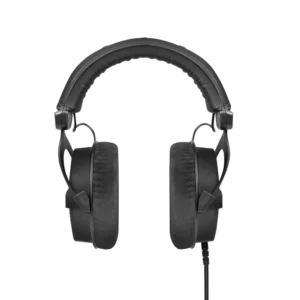
beyerdynamic DT 990 PRO Black Edition – 80 Ohm

AUDIO-TECHNICA
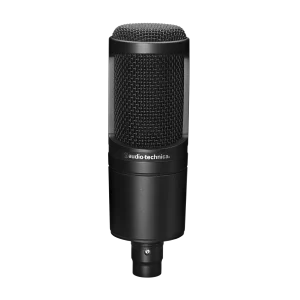
Audio-Technica AT2020 XLR Cardioid Condenser Microphone