BenQ
BenQ GW2785TC 27 Inch FHD IPS 75Hz Eye-Care Monitor
The BenQ GW2785TC is a 27-inch Full HD 75Hz IPS monitor with USB-C DisplayPort Alt Mode, up to 60W power delivery and a noise-cancelling microphone. DisplayPort MST output, built-in speakers, eye-care features and a fully adjustable stand support work, study and online meetings.
Regular price
93.500 KWD
or 4 payments of 23.375 KWD with
Pay with card & save


89.000 KWD
Save 4.500 KWD
Overview
BENQ GW2785TC 27 INCH FHD IPS 75HZ EYE-CARE MONITOR
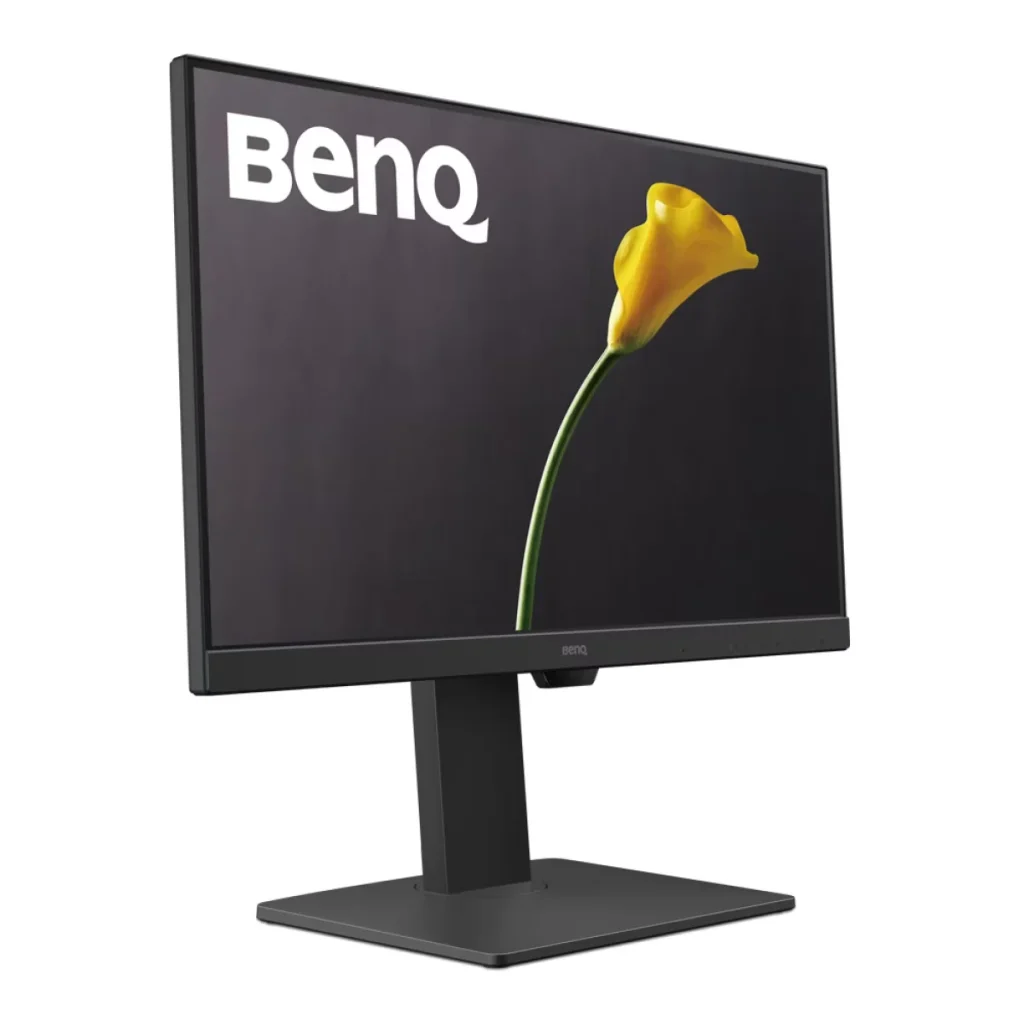
One screen for a more connected working day.
The BenQ GW2785TC combines a 27-inch Full HD IPS display with USB-C video, up to 60W power delivery and a noise-cancelling microphone. Designed around everyday work, study and online communication, it adds a 75Hz refresh rate, DisplayPort daisy-chain output and a fully adjustable stand to a practical eye-care monitor.
27 inch
Viewable Display Diagonal
1920 × 1080
Native Resolution
75 Hz
Listed Refresh and Input Conditions
IPS
Panel Technology
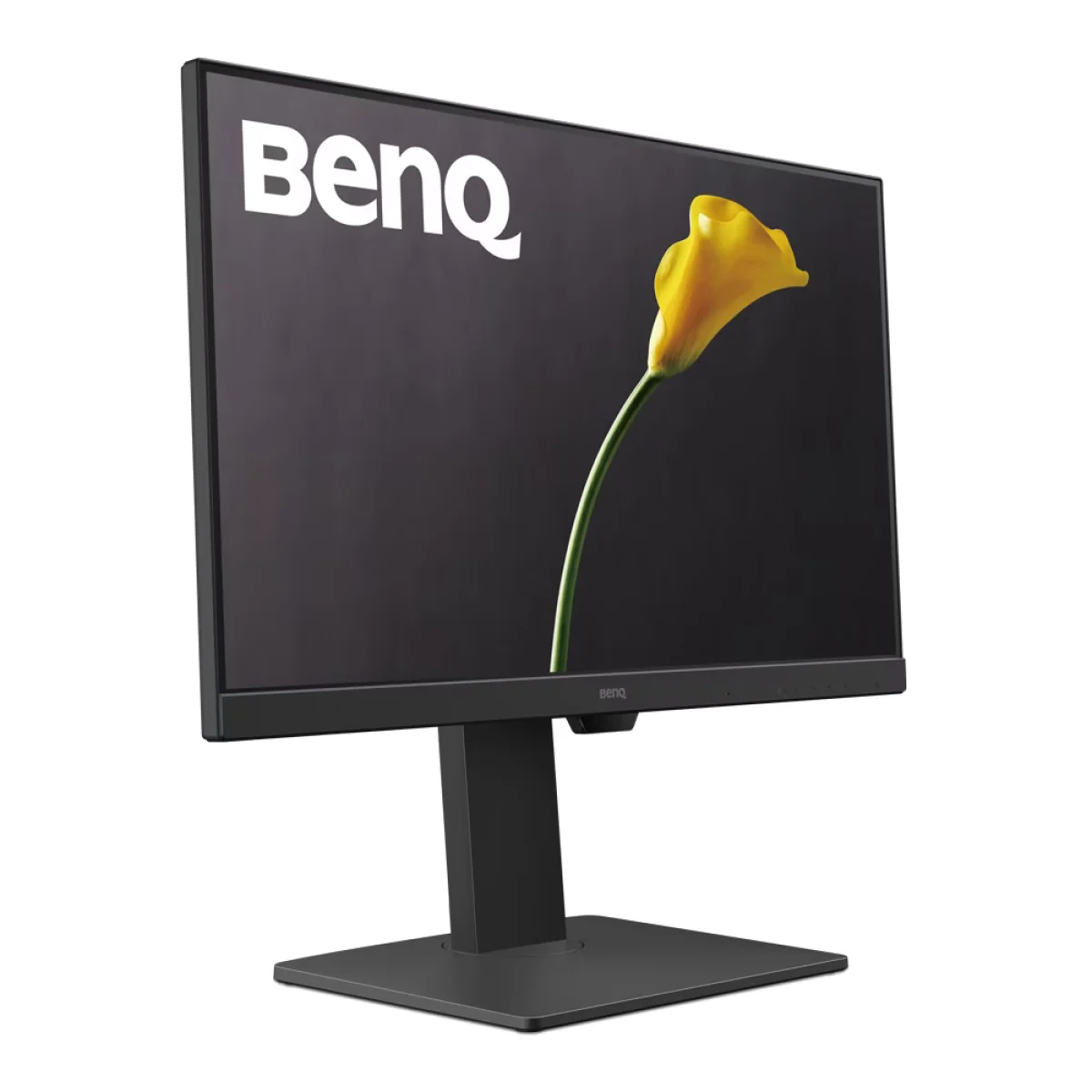
27-inch Full HD IPS workspace
The 1920 × 1080 IPS panel offers a familiar 16:9 desktop for documents, browsers and video calls. Wide 178-degree viewing angles help the image remain consistent when you change position, while an anti-glare coating manages reflections. BenQ specifies 250-nit typical brightness, a 1000:1 native contrast ratio, 16.7 million display colours and a 75Hz maximum refresh rate.
USB-C video and up to 60W charging
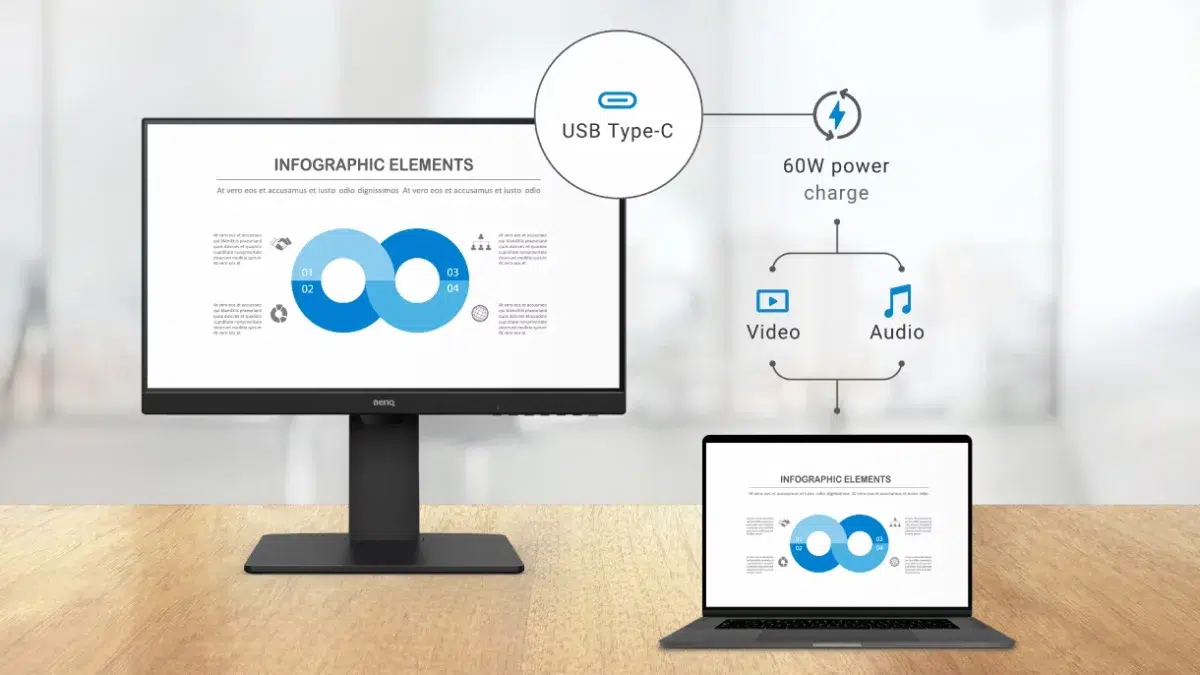
A USB-C connection supports DisplayPort Alt Mode, data and up to 60W Power Delivery for a compatible laptop. This lets one suitable cable carry the display signal and supply power, reducing the number of separate connections around the desk. Check your laptop's USB-C display support and charging requirements; devices needing more than 60W may still require their own charger.
Built-in microphone and speakers
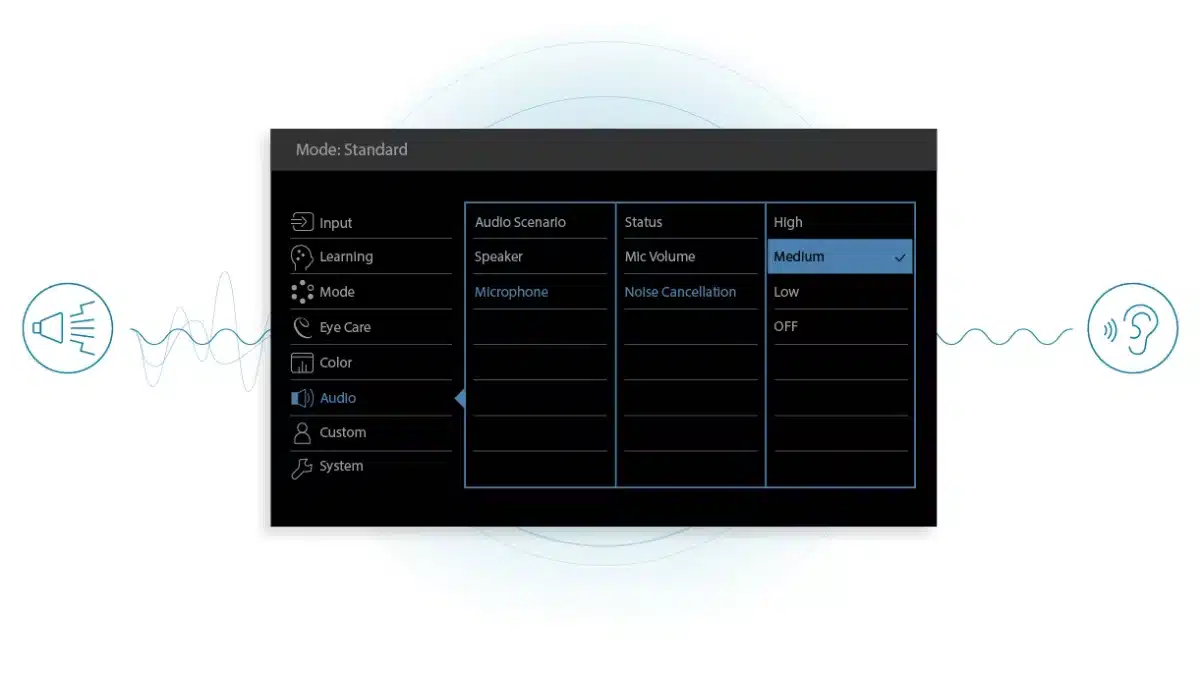
A noise-cancelling microphone helps support online meetings and remote communication, while two built-in 2W speakers handle voices, videos and everyday audio. A headphone connection gives you another listening option when privacy matters. Bringing these functions into the display can simplify a work or study desk without assuming that a separate speaker system is always needed.
DisplayPort output for a multi-screen desk
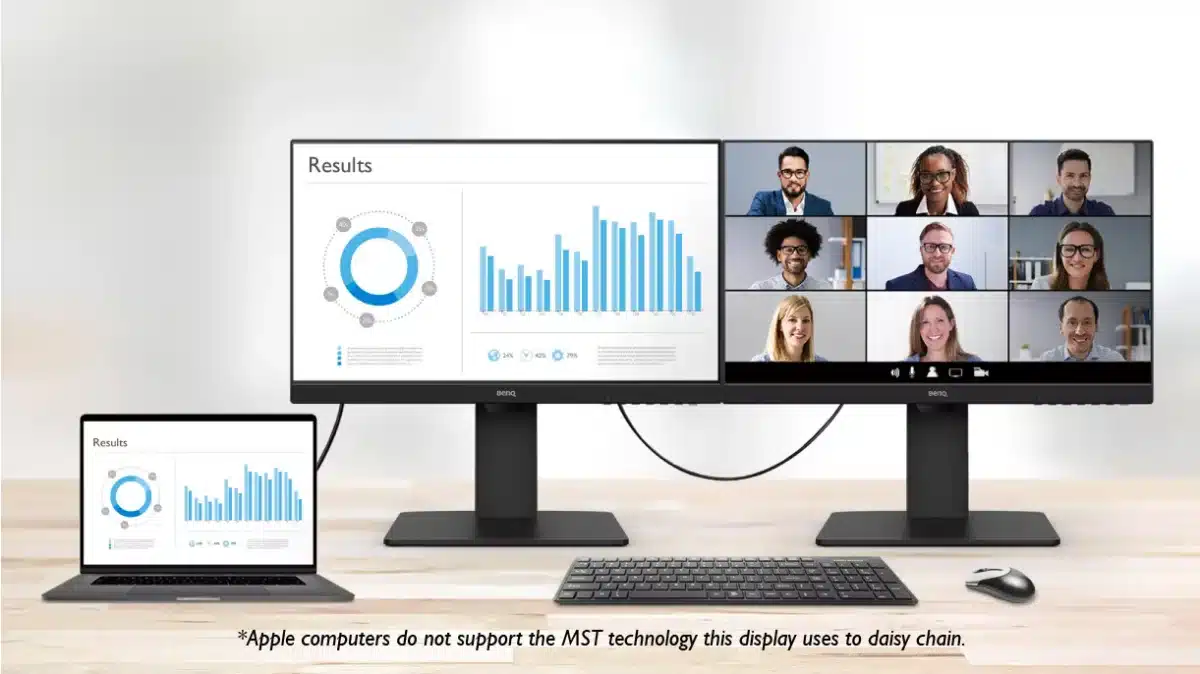
DisplayPort MST output allows a compatible source and operating system to drive a daisy-chain setup. This can help extend your workspace across supported displays while keeping the connection route organised. The monitor also includes a DisplayPort 1.2 input and an HDMI 1.4 input. Daisy-chain behaviour depends on the source, operating system, selected modes and connected displays.
Viewing modes for reading and coding
Coding, ePaper, Low Blue Light, Care and colour-weakness modes provide choices for different tasks. Brightness Intelligence responds to surrounding light, while Low Blue Light Plus and flicker-free technology add viewing controls for longer sessions. Eye-CareU software is supported, and the official certification list includes TÜV EyeSafe, Flicker-free and Low Blue Light credentials.
Adjust the screen around your working position
The stand provides 130mm height adjustment, −5° to +20° tilt, 45-degree swivel in either direction and 90-degree pivot. A 100 × 100mm VESA mounting pattern supports a compatible arm. With the base, the monitor is 612.3mm wide and 234.9mm deep, with height adjustable from 405.4 to 535.4mm. Its listed weight is 7.8kg with the base.


Complete Your Workspace
Explore monitors for your setup. Choose listening equipment for a compatible output on the source computer or console. When comparing another display, check its size, curvature, input-specific refresh mode and any overclock requirement; an alternative model does not automatically retain USB-C charging, microphone or stand features. The recommended USB-C office displays are alternatives for supported video, data and laptop-power workflows. Check their larger or higher-resolution panels and exact built-in audio features before changing your desk setup.
Frequently Asked Questions
What size, panel and resolution does this display use?
27 inches. IPS panel technology. Native resolution: 1920 × 1080.
What refresh modes and input limits apply?
Refresh rate: 75 Hz. Available modes also depend on your source, input, cable and supported settings.
Which video and USB connections are listed?
HDMI: 1 × HDMI 1.4. DisplayPort input: 1 × DisplayPort 1.2. DisplayPort output: MST daisy chain. USB-C: 1; up to 60 W Power Delivery, DisplayPort Alt Mode and data. USB-C power delivery: 60 W.
What stand adjustment and mounting options are specified?
Tilt: −5° to +20°. Swivel: 45° left / 45° right. Pivot: 90°. Height adjustment: 130 mm. VESA mounting: 100 × 100 mm.
How is response time specified?
5 ms GTG.
Build Your Setup with AX Store Kuwait
Explore computers, displays and accessories for your workspace at AX Store Kuwait. For help choosing the right model or checking an accessory, contact AX Store.
Compare BenQ PD3220U 32 Inch 4K IPS Monitor with Thunderbolt 3. Match the exact model, connection and configuration to your setup.
THE DETAILS
Technical specifications
Display
BenQ
GW2785TC
27 inches
IPS
LED
1920 × 1080
250 nits
178° horizontal / 178° vertical
5 ms GTG
75 Hz
1000:1
72% NTSC
16:9
16.7 million
82 PPI
Anti-glare
Picture and eye care
Care; Coding; Color Weakness; Custom 1; Custom 2; ECO; ePaper; Game; Low Blue Light; Movie; Standard; User
Bluish; Normal; Reddish; User Define
1.8–2.6
1.4
Supported
Flicker-free; Brightness Intelligence; Low Blue Light Plus; Color Weakness; ePaper
Eye-CareU
Via USB
Connections and audio
1 × HDMI 1.4
1 × DisplayPort 1.2
MST daisy chain
1; up to 60 W Power Delivery, DisplayPort Alt Mode and data
2 × 2 W
Yes
Noise cancellation
Stand and dimensions
−5° to +20°
45° left / 45° right
90°
130 mm
612.3 × 405.4–535.4 × 234.9 mm
612.3 × 535.4 × 234.9 mm
371.8 × 666.2 × 234.9 mm
612.3 × 371.8 × 56.1 mm
7.8 kg
4.9 kg
100 × 100 mm
Power and certifications
100–240 V
Built-in
20.9 W
110 W
Less than 0.3 W
60 W
Quick-start guide; warranty card; safety instructions
Energy Star 8.0; TCO Certified 9.0; EPEAT Bronze
EyeSafe; Flicker-free; Low Blue Light
COMPLETE YOUR SETUP
Pairs well with