Corsair
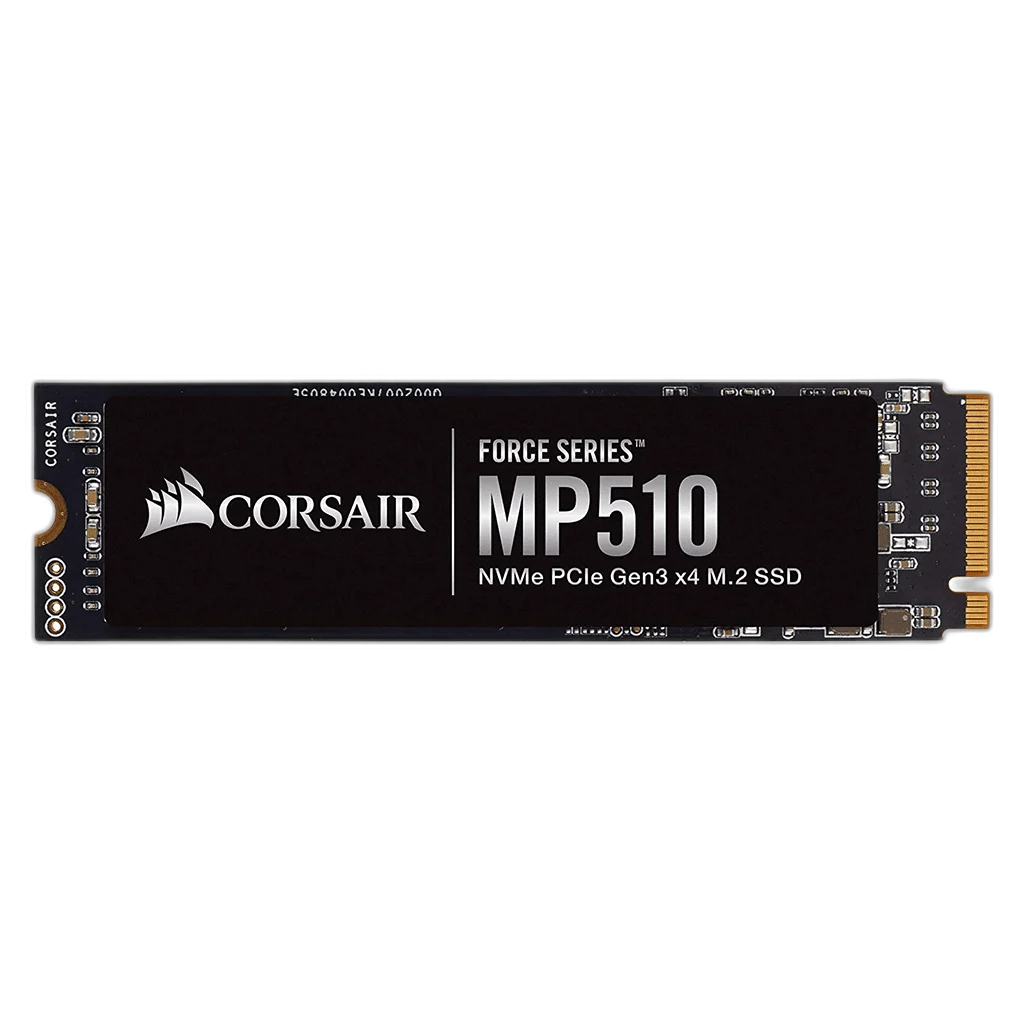
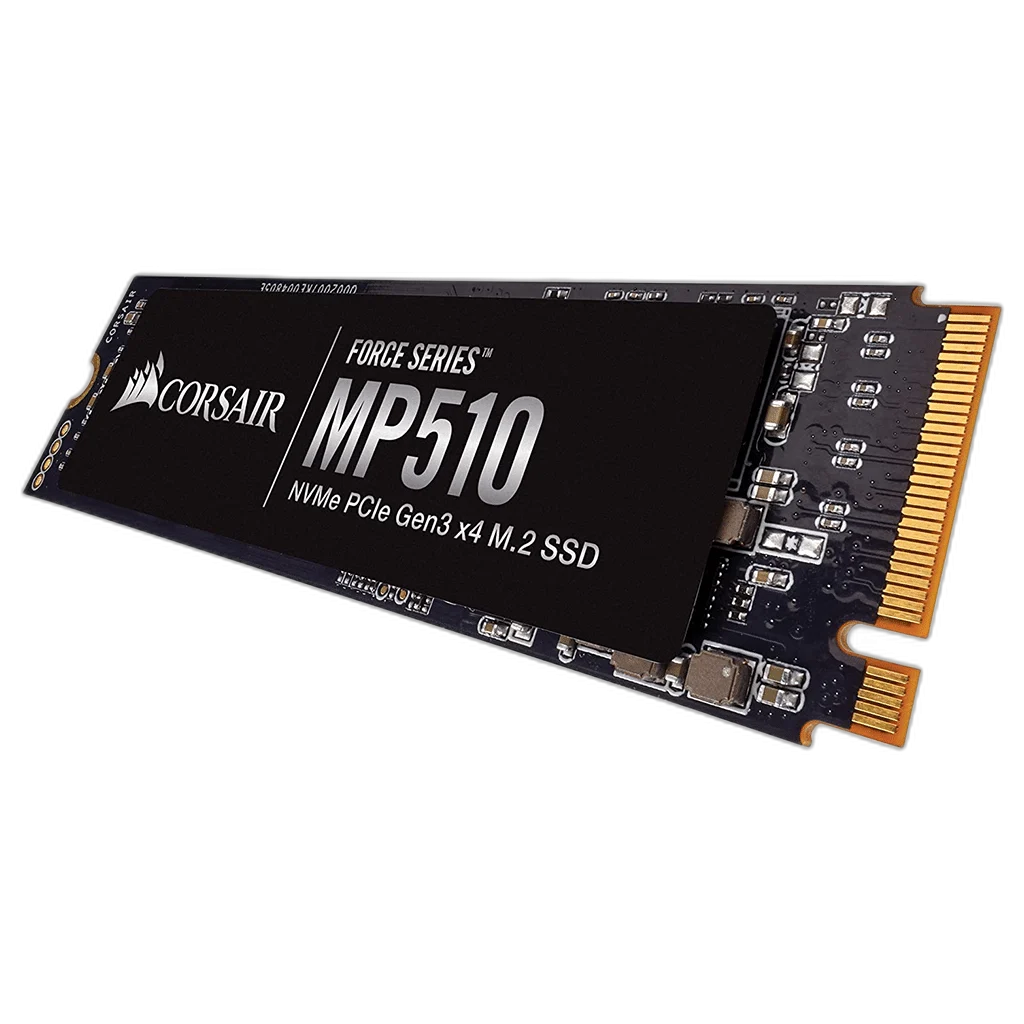
Corsair Force Series MP510 NVMe M.2 SSD
The Corsair Force Series MP510 brings PCIe 3.0 x4 NVMe storage to a compact M.2 2280 slot. Choose 480GB or 960GB for your system, applications and files, with capacity-specific performance shown in the specifications below.
Capacity
Regular price
30.500 KWD
or 4 payments of 7.625 KWD with
Pay with card & save


29.000 KWD
Save 1.500 KWD
Overview
CORSAIR FORCE SERIES MP510 NVME M.2 SSD
Corsair MP510
Corsair MP510: The Corsair Force Series MP510 brings PCIe 3.0 x4 NVMe storage to a compact M.2 2280 slot. Choose 480GB or 960GB for your system, applications and files, with capacity-specific performance shown in the specifications below. Explore this model at AX Store in Kuwait.
480 GB / 960 GB
Advertised Capacity Options
PCIe 3.0 x4 NVMe
Storage Interface
M.2 2280
Module Form Factor
480 GB / 960 GB: up to 3,480 MB/s
Capacity-Dependent Sequential Read
A direct motherboard connection
The M.2 module fits a compatible PCIe NVMe slot without separate data or power cables. Confirm that your system supports PCIe NVMe storage and the 2280 module length before installation.
Choose the capacity for your workload
Both listed models reach up to 3,480MB/s sequential reads. The 480GB model writes at up to 2,000MB/s, while the 960GB model reaches up to 3,000MB/s under Corsair's test conditions.
Monitor the drive over time
3D TLC flash and S.M.A.R.T. support provide the foundation for this drive family. Corsair SSD Toolbox offers drive information and maintenance features; real-world speeds depend on your host system and workload.
Plan a compatible storage upgrade
Compare SSD and storage options, or explore motherboards with the M.2 connectivity your build needs. Check the slot interface, module length and cooling clearance before choosing. Other components shown in installation photos are sold separately.
Match Endurance to the Chosen Model
The endurance rating is 480 GB: 800 TBW; 960 GB: 1,700 TBW. Keep the selected model and capacity tied to its own rating, and maintain backups of important files alongside normal drive-health monitoring.
Plan Bandwidth for the Actual Slot
The interface is PCIe 3.0 x4 NVMe. Check the motherboard’s M.2 slot mode and any shared-lane restrictions before installation. A higher drive rating does not increase the bandwidth of a slower host slot, and practical transfer speed depends on workload and cooling.
Check the Drive Interface and Physical Fit
Match the drive interface, form factor and supported slot or bay to the system. Plan capacity, cooling and a backup routine alongside the headline speed specification. Compare related options such as Corsair MP700 PRO NVMe M.2 SSD with Air Cooler or Corsair MP700 PRO 4TB SSD with Air Cooler, keeping the exact model and configuration in the decision. For the wider setup, explore SanDisk Ultra 64GB SDXC Memory Card and check the connection, size or mounting requirements before pairing accessories. Browse the Corsair range at AX for more choices.
Corsair MP510 Setup Choices
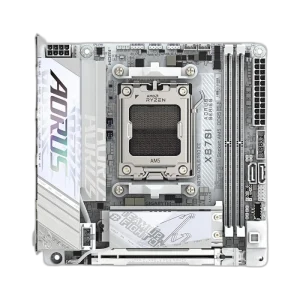
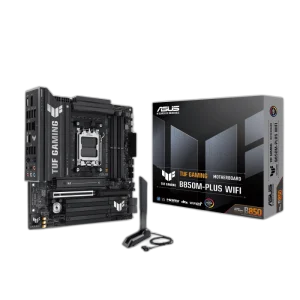
Match the drive interface, form factor and supported slot or bay to the system. Plan capacity, cooling and a backup routine alongside the headline speed specification. Explore ASUS TUF GAMING B850M-PLUS WIFI DDR5 Micro-ATX Motherboard, GigaByte X870I Aorus Pro Ice Wifi7 Mini-ITX Motherboard, GIGABYTE B850I AORUS PRO Mini-ITX Motherboard, Black.
Frequently Asked Questions
Which capacity will I receive?
Choose the required capacity before ordering: 480 GB / 960 GB. Speed, endurance and usable formatted capacity depend on the selected model; photos illustrate the family rather than changing the selected capacity.
What motherboard slot is required?
Use a compatible PCIe NVMe M.2 slot that accepts a 2280 module. Check the board’s storage support and slot bandwidth; an M.2 connector intended only for SATA does not establish NVMe compatibility.
Are the advertised transfer speeds guaranteed for every file?
The sequential figures are up-to ratings for their stated capacity and test conditions. Real transfers depend on the host interface, workload, firmware, available cache and thermal conditions.
What cooling should I plan for?
Check the host system’s M.2 installation and cooling requirements, keeping the module clear of other components and following the motherboard instructions.
Are the capacity filter names exact drive sizes?
The filter groups 480 GB under 500 GB and 960 GB under 1 TB. The actual selectable MP510 models remain 480 GB and 960 GB; use the selected model and advertised capacity when ordering.
Build Your Setup with AX Store
Explore computers, displays and accessories for your workspace at AX Store. For help choosing the right model or checking an accessory, contact AX Store.
THE DETAILS
Technical specifications
Drive specifications
Force Series MP510
480 GB / 960 GB
CSSD-F480GBMP510
CSSD-F960GBMP510
M.2 2280
PCIe 3.0 x4 NVMe
3D TLC
480 GB / 960 GB: up to 3,480 MB/s
480 GB: up to 2,000 MB/s; 960 GB: up to 3,000 MB/s
480 GB: up to 360K IOPS; 960 GB: up to 610K IOPS
480 GB: up to 440K IOPS; 960 GB: up to 570K IOPS
480 GB: 800 TBW; 960 GB: 1,700 TBW
Supported
3.3 V ±5%
0°C to 65°C
−40°C to 85°C
1,500 G
MP510 M.2 SSD and quick-start guide
COMPLETE YOUR SETUP
Pairs well with