
Corsair
Corsair iCUE Link H150i RGB 360MM Liquid Cooler
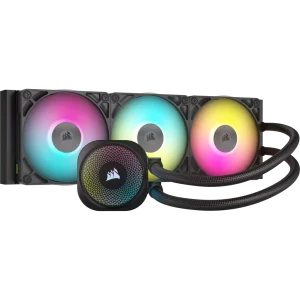
CORSAIR iCUE LINK H150i RGB White pairs a 360 mm radiator with 3 120 mm fans for all-in-one liquid CPU cooling. The cooler uses an RGB pump head and QX RGB fans; this is the RGB model without the separate LCD display option. The included iCUE LINK System Hub connects compatible LINK components through the LINK cable system. CORSAIR iCUE adjusts supported fan speeds, pump settings, lighting and temperature monitoring.
Regular price
95.500 KWD
or 4 payments of 23.875 KWD with
Pay with card & save


91.000 KWD
Save 4.500 KWD
Overview
CORSAIR ICUE LINK H150I RGB WHITE
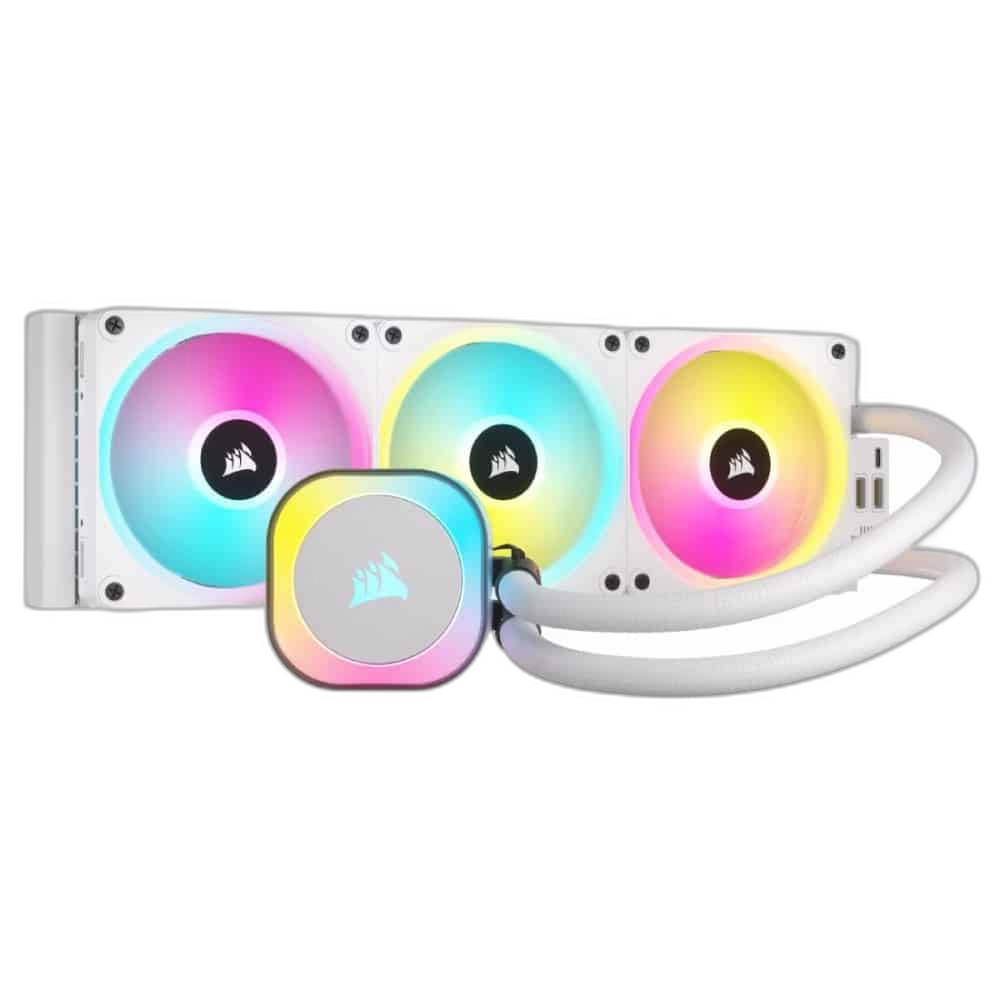
360 mm Liquid Cooling for the Build
CORSAIR iCUE LINK H150i RGB White pairs a 360 mm radiator with 3 120 mm fans for all-in-one liquid CPU cooling. The cooler uses an RGB pump head and QX RGB fans; this is the RGB model without the separate LCD display option. The included iCUE LINK System Hub connects compatible LINK components through the LINK cable system. CORSAIR iCUE adjusts supported fan speeds, pump settings, lighting and temperature monitoring.
360 mm
Radiator
3 × 120 mm
QX120 RGB fans
34
RGB LEDs per fan
LINK
Included System Hub
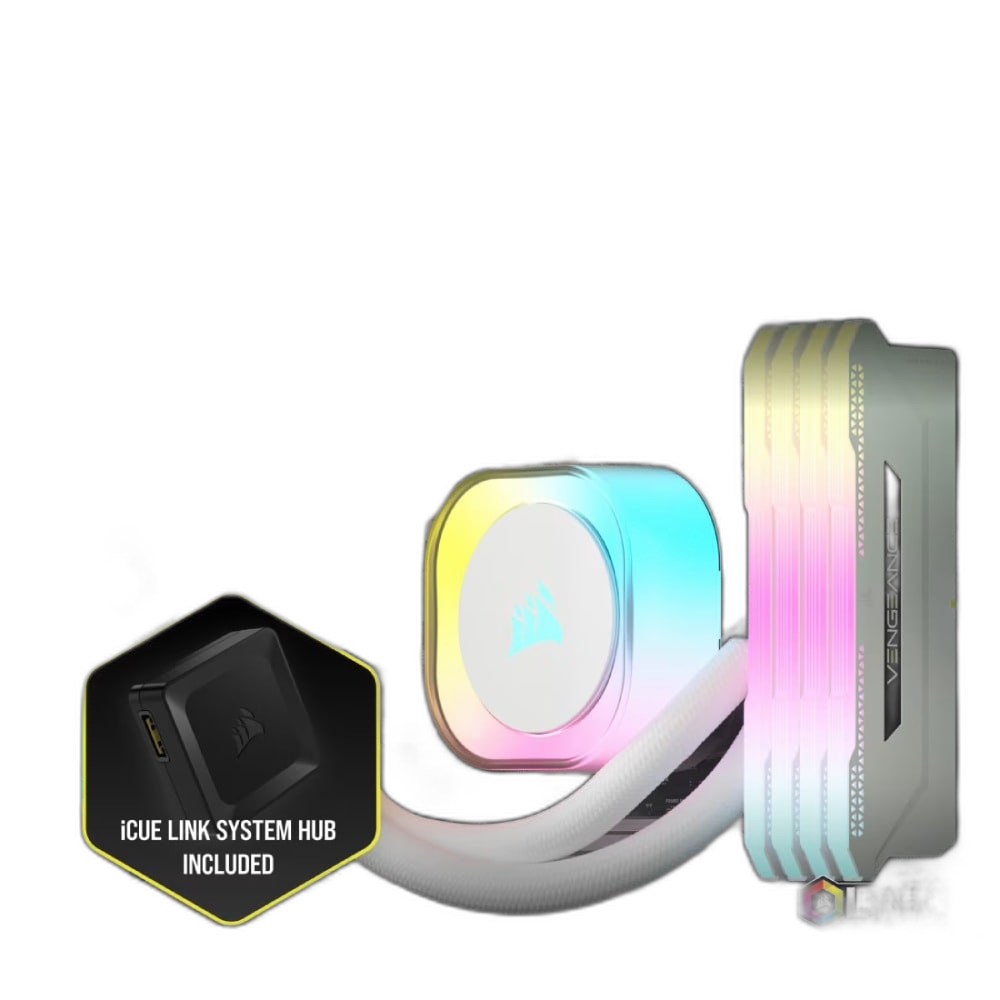
360 mm Radiator Layout
The 360 mm radiator works with 3 120 mm fans to move heat into the case airflow path. Check the case’s radiator mounting support and the total radiator-plus-fan clearance, including any nearby memory modules, motherboard heatsinks, graphics hardware and cable routes.
Fans Chosen for This Cooler
Three iCUE LINK QX120 RGB fans provide AirGuide-directed airflow and thirty-four RGB LEDs per fan. 480–2,400 RPM ± 10% is the specified fan operating speed. Use the appropriate fan-control connection to match cooling to the system’s needs. Secure the fans with the correct radiator screws, and route their leads so they remain clear of the rotating blades after the cooler is fitted.
A Visible CPU-Cooling Focal Point
The cooler uses an RGB pump head and QX RGB fans; this is the RGB model without the separate LCD display option. The pump position becomes part of the visible build around the processor socket, particularly behind a case window. Configure the supported lighting or display controls to suit the setup, using the exact connections and software intended for this cooler model.
Control Matched to the Hardware
The included iCUE LINK System Hub connects compatible LINK components through the LINK cable system. CORSAIR iCUE adjusts supported fan speeds, pump settings, lighting and temperature monitoring. Plan those control and power connections before the radiator and pump are secured in place. Choose operating settings according to the workload and the surrounding case airflow, then check that pump communication and all fitted fans respond correctly during setup.
Heat Transfer through the Cooling Circuit
The processor contact assembly transfers heat into the liquid-cooling circuit, and the radiator fans release that heat through the fin stack. Keep the tubing clear of sharp bends and obstructions when arranging the pump and radiator positions. Follow the installation guidance for the supplied contact assembly and thermal compound.
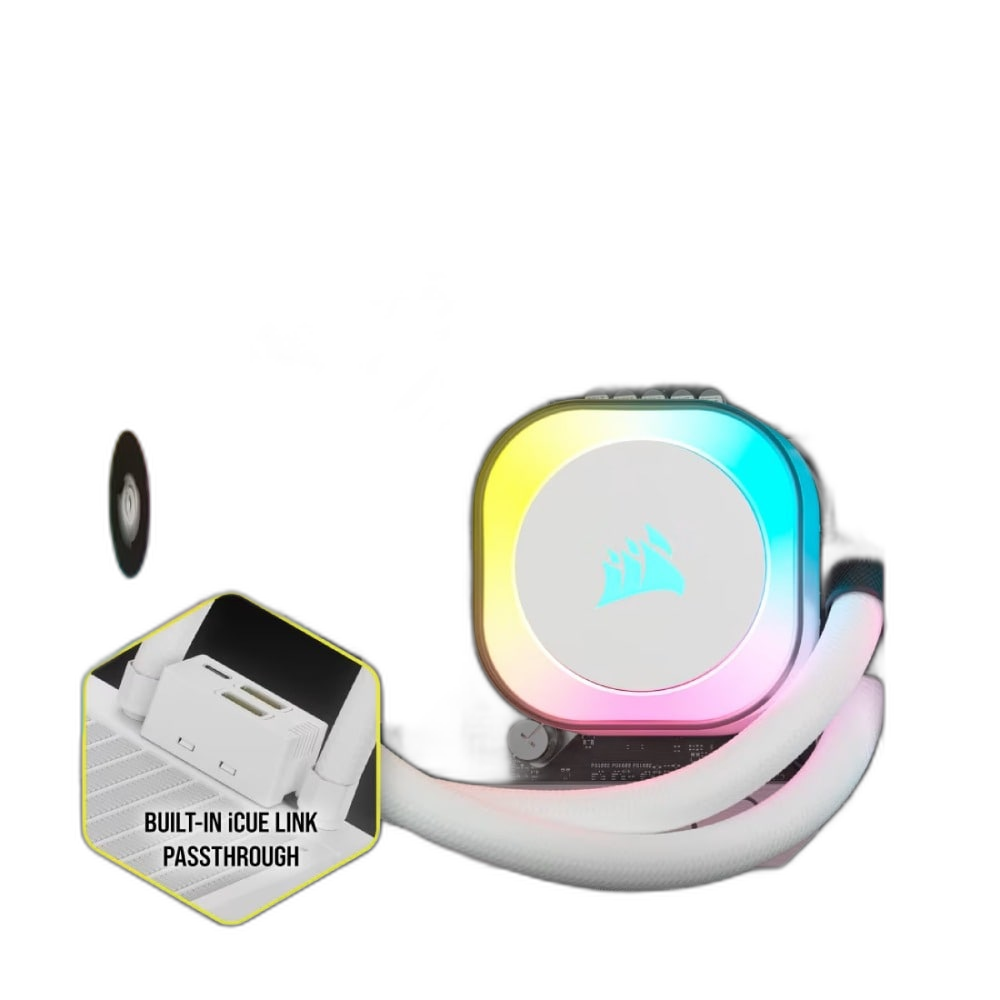
Included fans
3 × 120 mm
Fan speed
480–2,400 RPM ± 10%
Control arrangement
The included iCUE LINK System Hub connects compatible LINK components through the LINK cable system. CORSAIR iCUE adjusts supported fan speeds, pump settings, lighting and temperature monitoring.
Confirm the Socket and Complete Clearance
Compatible AMD AM4/AM5 and Intel LGA 115x/1200/1700 systems use the corresponding supplied or separately required mounting hardware. Confirm the exact socket kit and production revision before installation. Check both the mounting kit for the actual unit and the radiator position before completing installation. Leave suitable clearance for the tubes, fan leads and power connections, then follow the model’s mounting and connection sequence to secure the cooling assembly.
Complete Your Workspace
Explore CPU Coolers to compare suitable options and complete your setup.
Frequently Asked Questions
Which radiator size does it use?
360 mm with 3 120 mm fans.
Which fans are supplied?
Three iCUE LINK QX120 RGB fans provide AirGuide-directed airflow and thirty-four RGB LEDs per fan.
How is it controlled?
The included iCUE LINK System Hub connects compatible LINK components through the LINK cable system. CORSAIR iCUE adjusts supported fan speeds, pump settings, lighting and temperature monitoring.
What lighting or display does it have?
The cooler uses an RGB pump head and QX RGB fans; this is the RGB model without the separate LCD display option.
Which mounting hardware should I check?
Compatible AMD AM4/AM5 and Intel LGA 115x/1200/1700 systems use the corresponding supplied or separately required mounting hardware. Confirm the exact socket kit and production revision before installation.
Build Your Setup with AX Store Kuwait
Explore computers, displays and accessories for your workspace at AX Store Kuwait. For help choosing the right model or checking an accessory, contact AX Store.
THE DETAILS
Technical specifications
Cooling Hardware
CORSAIR iCUE LINK H150i RGB White
All-in-one liquid CPU cooler
360 mm
Aluminium
3 × 120 mm
Three iCUE LINK QX120 RGB fans provide AirGuide-directed airflow and thirty-four RGB LEDs per fan.
480–2,400 RPM ± 10%
The cooler uses an RGB pump head and QX RGB fans; this is the RGB model without the separate LCD display option.
The included iCUE LINK System Hub connects compatible LINK components through the LINK cable system. CORSAIR iCUE adjusts supported fan speeds, pump settings, lighting and temperature monitoring.
CW-9061006-WW
Copper; split-flow design
CORSAIR XTM70, pre-applied
450 mm
iCUE LINK System Hub
34 per fan
16.44–63.1 CFM
0.17–3.8 mm H₂O
Zero RPM through iCUE
Mounting
Compatible AMD AM4/AM5 and Intel LGA 115x/1200/1700 systems use the corresponding supplied or separately required mounting hardware. Confirm the exact socket kit and production revision before installation.
COMPLETE YOUR SETUP
Pairs well with