Corsair
Corsair MM1000 Qi Wireless Charging Mouse Pad
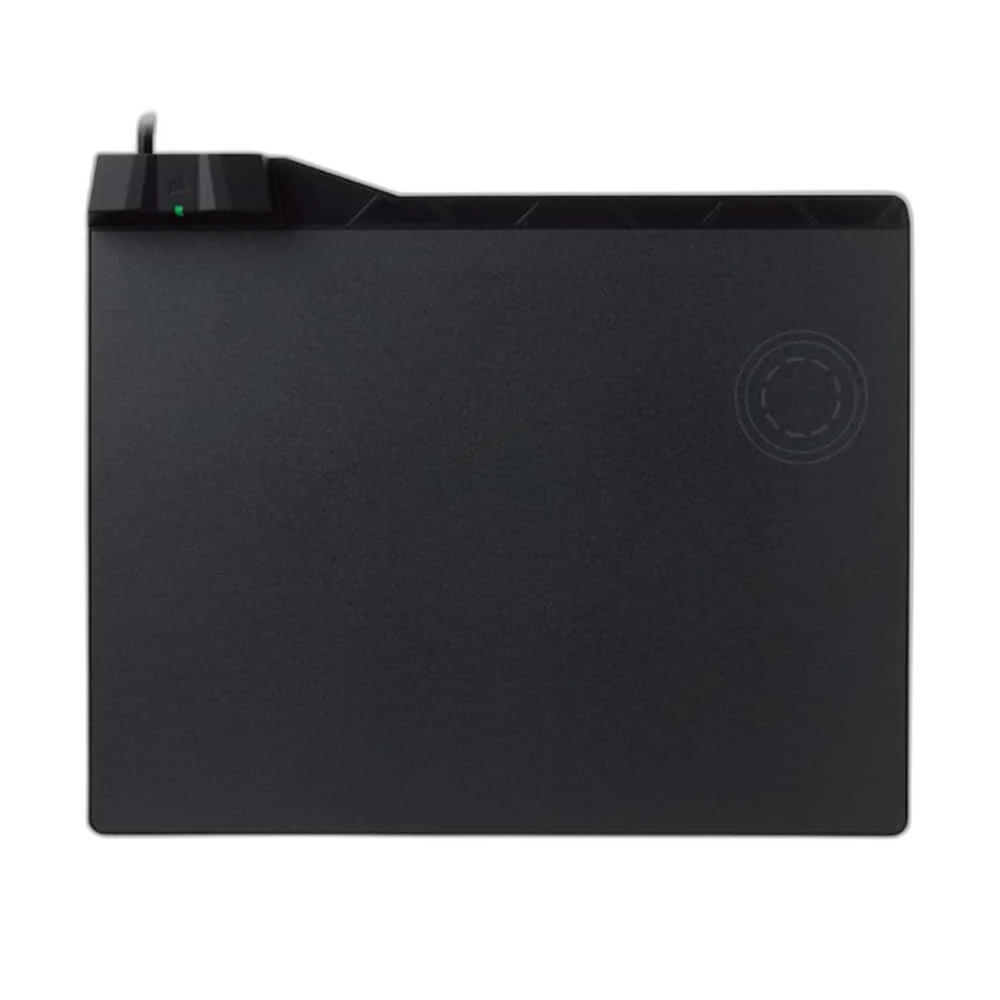
The CORSAIR MM1000 combines a 350 × 260 mm micro-textured hard tracking surface with a dedicated Qi wireless charging spot, USB 3.0 pass-through and included charging adapters.
Regular price
31.500 KWD
or 4 payments of 7.875 KWD with
Pay with card & save


29.900 KWD
Save 1.600 KWD
Overview
CORSAIR MM1000 QI WIRELESS CHARGING MOUSE PAD
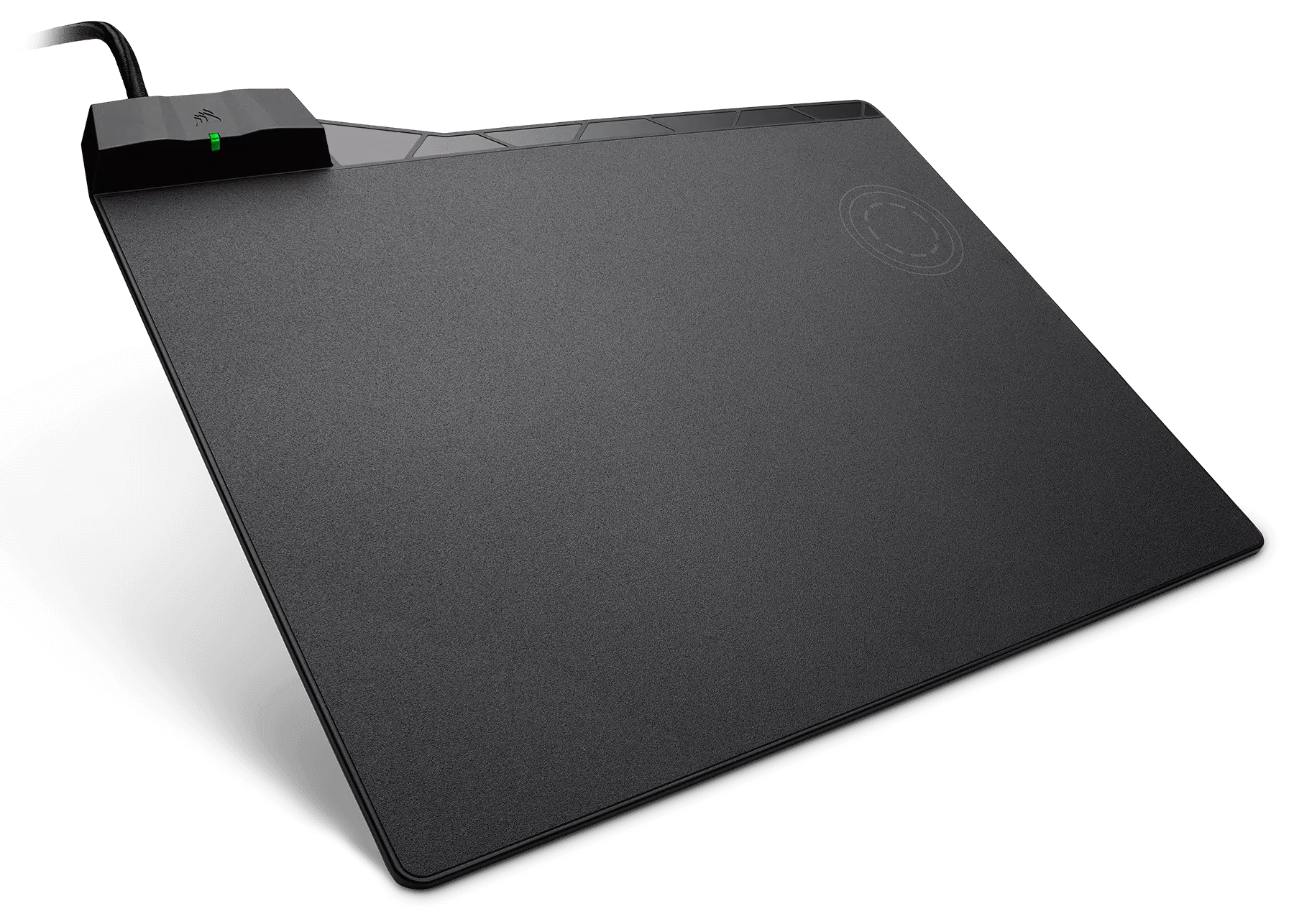
Corsair MM1000 Qi mouse pad
Corsair MM1000 Qi mouse pad: Keep a compatible device charging beside your mouse with the CORSAIR MM1000. Its hard tracking surface is tuned for optical and laser mice, with a non-slip rubber base to help keep it stable on your desk. Available from AX Store in Kuwait.
350 × 260 mm
Tracking Surface
Qi Spot
Dedicated Charging Area
USB 3.0
Passthrough Port
Adapters
Included Qi and Connector Accessories
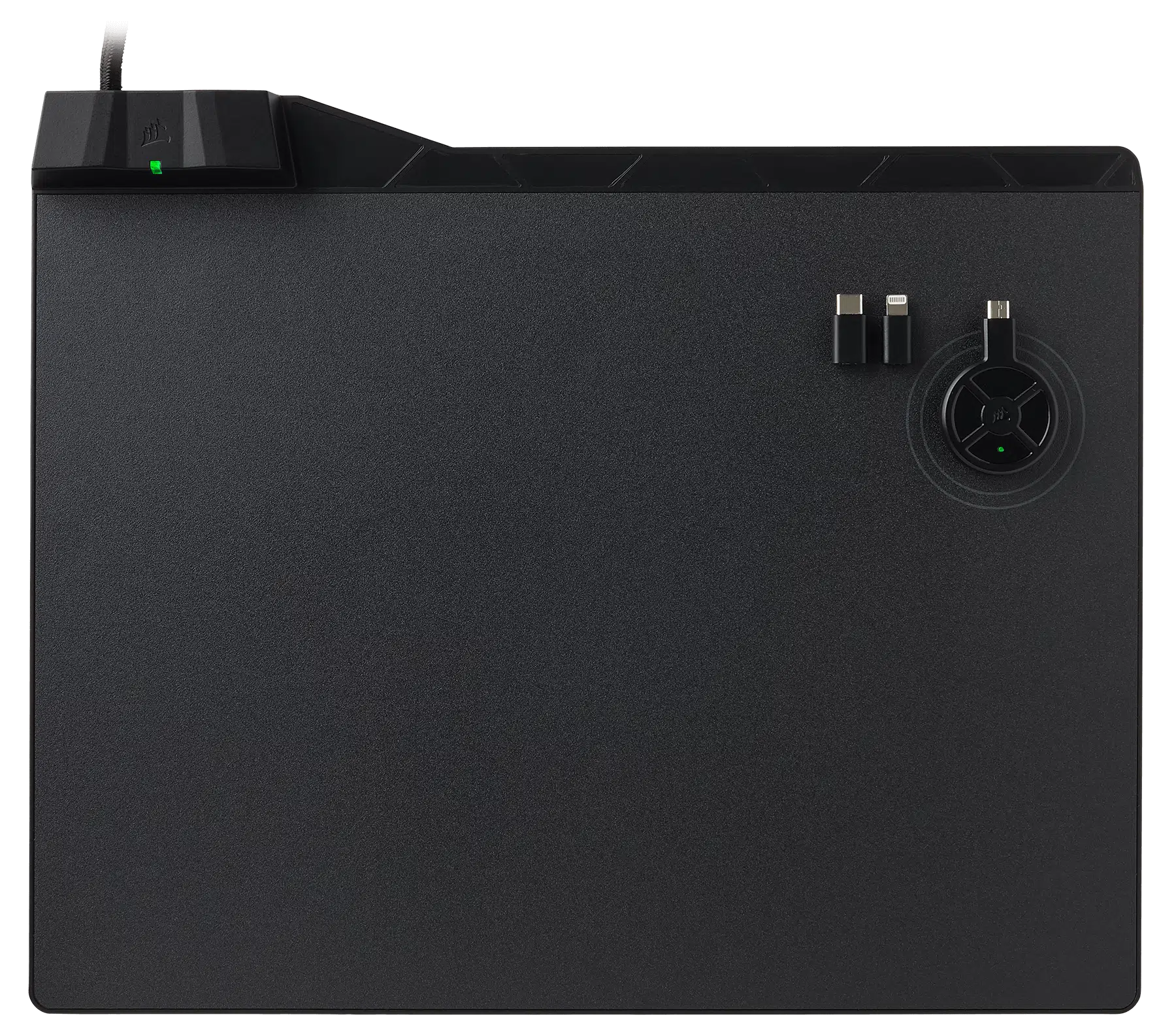
A dedicated Qi charging spot
Place a compatible Qi device on the charging spot and check its status using the built-in LED. Charging takes place at the designated spot, rather than across the whole mouse surface.
Adapters included, connectivity built in
The included Micro-B Qi charging adapter and Micro-B-to-USB-C and Micro-B-to-Lightning adapters extend charging options for compatible devices. USB 3.0 pass-through adds an accessible connection, while the 350 × 260 mm surface leaves room for mouse movement.
Plan the Mouse Area
The listed physical reference is 350 × 260 mm. Measure the available desk area before choosing your final position, leaving enough clear space for the mouse movements you normally make.
Choose the Surface Construction
The surface is specified as Micro-textured hard surface. Match that construction to the feel you prefer for aiming and everyday movement, taking your mouse feet and sensitivity settings into account.
Support across the Working Area
The listed base is Non-slip rubber. Place the pad on a suitable clean, level desk so the base rests evenly underneath the surface while you arrange the nearby keyboard and mouse.
Charging at a Dedicated Qi Spot
Qi charging takes place at the designated spot rather than across the whole tracking area. Use a compatible Qi device or suitable adapter; ordinary wireless gaming mice do not automatically support this charging method.
Corsair MM1000 Qi mouse pad Setup Choices
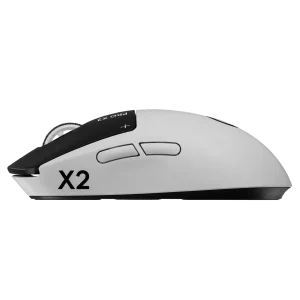
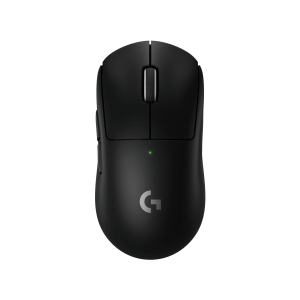
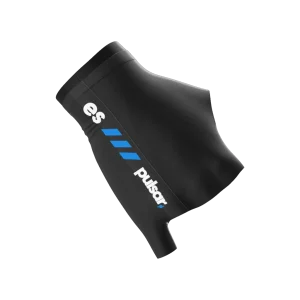
Compare surface material, pad size and base feel with the mouse feet and hand pressure you use. Measure the usable desk area, including the space taken by the keyboard, before choosing a size. Explore Wooting 60HE v2 60% Gaming Keyboard, Aluminium, Logitech G PRO X2 SUPERSTRIKE Wireless Gaming Mouse, Pulsar Pro Series Susanto-X Wireless Gaming Mouse Size 2, 50g.
Frequently Asked Questions
What space should I allow?
350 × 260 mm. Compare the selected size with your desk.
Which surface is specified?
Micro-textured hard surface.
What base supports the pad?
Non-slip rubber.
Will it charge every wireless mouse?
No. Charging uses the dedicated Qi spot and requires Qi support or a suitable compatible charging adapter; a wireless connection alone does not provide Qi charging compatibility.
Build Your Setup with AX Store
Explore computers, displays and accessories for your workspace at AX Store. For help choosing the right model or checking an accessory, contact AX Store.
THE DETAILS
Technical specifications
Product specifications
CORSAIR
MM1000 Qi
CH-9440022-NA
350 × 260 mm
Micro-textured hard surface
Optical and laser mice
Non-slip rubber
Dedicated Qi charging spot
Charging status LED
USB 3.0 pass-through
Micro-B wireless charging Qi adapter
Micro-B to Lightning; Micro-B to USB Type-C
Quick start guide
COMPLETE YOUR SETUP
Pairs well with